
ASUS ROG Ally Z1 vs. Z1 Extreme Differences Performance and Value in 2026
ASUS ROG Ally Z1 delivers surprisingly strong 1080p gaming performance for indie and AAA titles on a budget.
Hardware by Tanvir Kabbo on Mar 18, 2026
The cheapest x86-based gaming handheld on eBay right now may look like a regular ASUS ROG Ally with the Z1 Extreme. Still, it's actually the lower-end Z1 model. There are many refurbished units available, and they usually cost between $180 and $270, making them a good choice for people on a budget in 2026. With rising PC parts and RAM prices, the value proposition of this device deserves a closer look.
Pricing, Variants, and What Sets It Apart
We are dealing with the non-Extreme version here, which originally struggled to justify its existence due to the small price gap with the Z1 Extreme model. However, current market conditions have shifted that perspective. At around 270 for a refurbished unit in good condition, equipped with 512GB storage and 16GB RAM, it starts to look more reasonable.
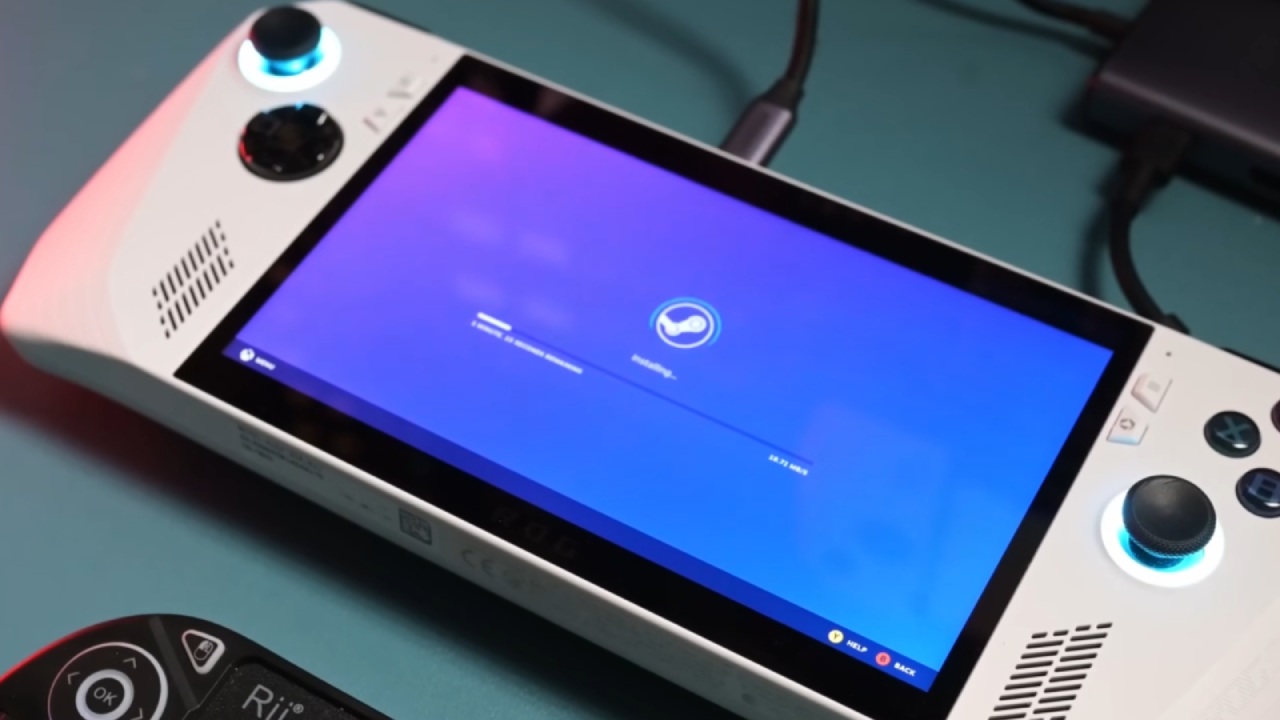
The device features a 7-inch 120Hz display and ships with Windows pre-installed. However, we opted for a lighter experience by installing SteamOS, though alternatives like Bazzite are also viable depending on user preference.
Hardware Differences: Z1 vs Z1 Extreme
The biggest distinction between the Z1 and Z1 Extreme lies in the APU. The Z1 Extreme offers 8cores, 16threads, and a 12 compute unit RDNA3 GPU. In contrast, the Z1 comes with 6cores and 12threads, which remains sufficient for 1080p gaming, especially when paired with SteamOS.
The primary limitation is the GPU. Instead of 12 compute units, we only get 4, based on the Radeon 740M. Still, the performance is surprisingly good for a gadget in this price range.
Software Experience and Customization
We put on official SteamOS, which has a console-style UI that seems more natural for playing games on the go. You can still use Windows or look into other options like Bazzite, but SteamOS makes things easier.
Performance settings include low power, balanced, and performance modes. In performance mode, TDP can be adjusted from 7W to 30W. We typically stick with balanced mode for most gaming scenarios.
The 7-inch 120hz panel supports VRR, and additional features like half-rate shading and manual GPU clock adjustments are available. One limitation is RGB control, which requires third-party plugins like Decky with Huyanc, as native support is missing in SteamOS. Bazzite, however, handles this out of the box.
Real-World Gaming Performance
We tested several games to understand how well the Z1 holds up. Starting with Resident Evil Requiem, the results were better than expected. At 1080p with FSR set to balanced and medium settings, performance mode allowed the system to maintain around 60fps with occasional dips. VRR helps smooth out these fluctuations, making them barely noticeable.
For lighter titles like Hollow Knight: Silksong, the experience is excellent. Running at 1080p in low power mode, the game easily reaches 120fps, making it ideal for indie and 2D games.
More demanding titles like Marvel’s Spider-Man 2 require compromises. At 900p medium settings, frame generation is necessary to push performance beyond 30fps. With it enabled, we can reach around 60fps, though some frames are artificially generated.
In Cyberpunk 2077, performance at 720p using the Steam Deck preset and 18w TDP surpasses the Steam Deck at 15w, albeit with higher power consumption. Enabling frame generation and increasing to 1080p results in mid-60s performance, though the GPU begins to show its limits.
Testing The Witcher 3: Wild Hunt at 1080p and 18w TDP delivers strong results, outperforming expectations given the hardware constraints.
However, Doom: The Dark Ages does not perform as well. Even at 720p with handheld defaults and a high TDP, performance tops out at 51fps, which could mean that optimization isn't working as well as it should.
Battery life and Efficiency
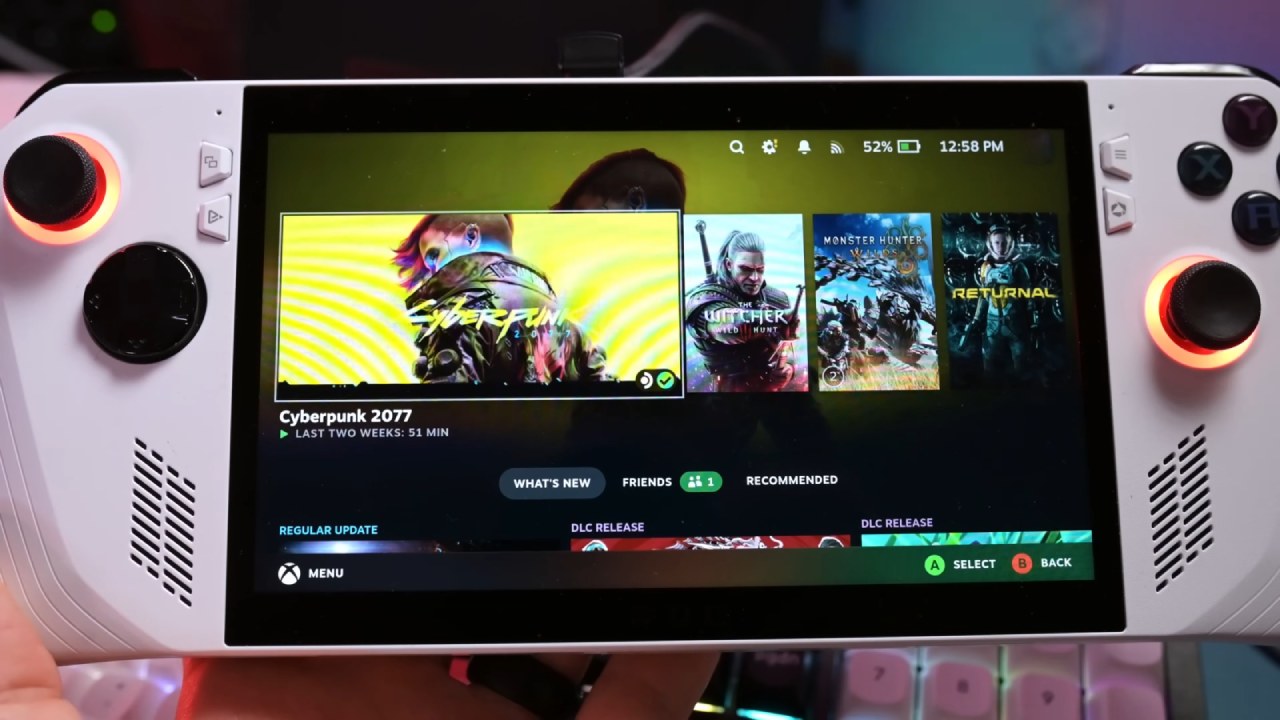
The performance of a battery might change a lot based on how much work it has to do. You may expect to play indie and lighter games for about 4 hours and 30 minutes at 50% brightness.
AAA gaming in performance mode, on the other hand, shortens battery life to about 1 to 1.5 hours because it uses more power, and the battery is not very big.
Final Thoughts
The Z1 works better than expected overall, but it's hardly a high-end device. It works well with small games and games that aren't too hard. For AAA games, it needs to make trade-offs in quality, settings, or frame rate.
If you are on a tight budget, picking up this device for under 250 can make sense. However, if you can stretch your budget, the Z1 Extreme variant remains the better long-term choice. Even so, in 2026, the non-Extreme Z1 version running SteamOS proves to be more capable than its initial reception suggested.
Also, check our other hardware articles:
- AMD Ryzen 9 9950X3D Review: Setting The Standard For 2025 Gaming CPU
- Amazon Luna 2025 Review: Is Prime Gaming's Cloud Service Your Go-To For Casual Fun?
- AMD RX 9070 XT Review: AMD's RDNA 4 Champion for 1440p Gaming
- GeForce Now Ultimate: Ditching Your Gaming PC For Cloud RTX 4080 Power?
- NVIDIA GeForce RTX 5080 Review (2025): Still A 4K Gaming Powerhouse?
- Intel Core Ultra 9 285K Review And Performance Breakdown (2025)
- AMD Ryzen 7 9800X3D Review: 3D V-Cache Goes God Mode with Stunning Gaming Performance
- Intel Core Ultra 9 285K vs AMD Ryzen 7 9800X3D: In-Depth Gaming Performance and Benchmark Comparison
- NVIDIA GeForce RTX 5080 Super Performance In Cyberpunk 2077: Path Tracing & DLSS 4.0 Tested
- AMD Radeon RX 9070 XT In Cyberpunk 2077: Ray Tracing & FSR 4.0 Tested
- Intel Arc B580 Review: The $250 GPU Revolutionizing 1440p Gaming
- Intel Arc B570 Vs. B580: Value, Specs, And Real-World Gaming Performance
- RTX 5090 Laptop Vs. M4 Max MacBook Pro: Ultimate Raw Performance Vs. Battery Endurance
- Intel Arc b580 Vs. RTX 4060: Game Performance And Value Analysis
- RTX5090 Hell Is Us Demo 4K Ultra Benchmark: DLSS Vs. Native Performance Guide
- NVIDIA RTX 5070 Review: Mid-Range Muscle or Marketing Hype?
- Nintendo Switch 2 Review: Handheld Performance, Features & Value Breakdown
- RTX 5070 Ti Review: Performance, Thermals & Power Efficiency Tested
- Samsung Odyssey OLED G81SF Review 2025: Ultimate 32-Inch QD-OLED Gaming Monitor
- AMD RX 9070 Performance Review: Thermals, Clocks, and Real-World FPS
- AMD Ryzen 5 7600 Review: Best Budget Gaming CPU of 2025?
- AMD Radeon RX 7800 XT Review: RDNA 3 Power For Midrange Gaming
- Asus ROG RTX 5090 Astral OC Vs. Founders Edition: The 4K Gaming Benchmark
Senior Editor, NoobFeed
Gaming Hardware Updates
No Data.