

AMD Radeon RX 9060 XT 4K Gaming Test: Budget GPU for Smooth Frame Rates
High-performance 16GB VRAM on the RX 9060 XT enables competitive frame rates across demanding AAA titles at 4K resolution.
Hardware by Katmin on Oct 26, 2025
A lot of people claim that 4K gaming is simply too demanding for most GPUs, but is that really true? RX 9060 XT, one of the more budget-friendly graphics cards available, aims to challenge that perception.
With a solid 16GB of VRAM and impressive price-to-performance value, it offers an interesting opportunity to explore whether 4K gaming is actually achievable without breaking the bank.

Set Up and First Impressions
Running The Finals at 4K with maximum settings, the RX 9060 XT initially manages around 35fps—not great for competitive gaming. At first glance, this GPU might seem underpowered for 4K, but a few adjustments can make a big difference. Dropping settings to medium while keeping textures and view distance at epic nearly doubles the framerate to around 60fps.
For a title that is competitive, 60fps isn't exactly enough yet. For smoother gameplay, we should aim for at least 120 fps or even 144 fps. We went even further by lowering the foliage and global lighting settings to low and turning on FSR 3 Balanced, which has an internal resolution of 2260x1272. That made the game run at roughly 80 fps, and the graphics still looked amazing on a big 4K screen.
Switching to FSR 3 Performance mode, running internally at 1080p and upscaling to 4K, raised the framerate to around 90fps. Finally, dropping all non-essential settings to low while keeping the view distance and textures high pushed us to nearly 100 fps.
However, to reach our target of 144 fps, FSR 3 Ultra Performance was required. That rendered at 1080p, upscaled to 4K, and achieved just over 100 fps. Enabling frame generation brought the game up to around 170fps, though with slightly higher latency—about 10ms more. While not ideal for competitive play, it technically enabled 4K gaming.
Overwatch 2: A More Optimized Experience
Next up was Overwatch 2, and the results were much better. At native 4K ultra settings, the game ran at around 80fps, which is impressive right out of the gate. Lowering the settings to medium brought it to around 100 fps.
Applying FSR 2.2 at 67% resolution scaling (roughly 1440p internal) boosted performance to about 130 fps while maintaining excellent image quality. Dropping to 58% scaling achieved over 144fps, matching the refresh rate of a 165Hz monitor. Even at 50% scaling (essentially 1080p internal resolution), visuals remained sharp and responsive, and the panel reached its maximum performance.
In this title, the RX 9060 XT proved more than capable of delivering high framerates at 4K. The combination of upscaling and smart settings optimization made the game run smoothly and competitively without any visible drops in visual quality.
Borderlands 4: A Tough Test
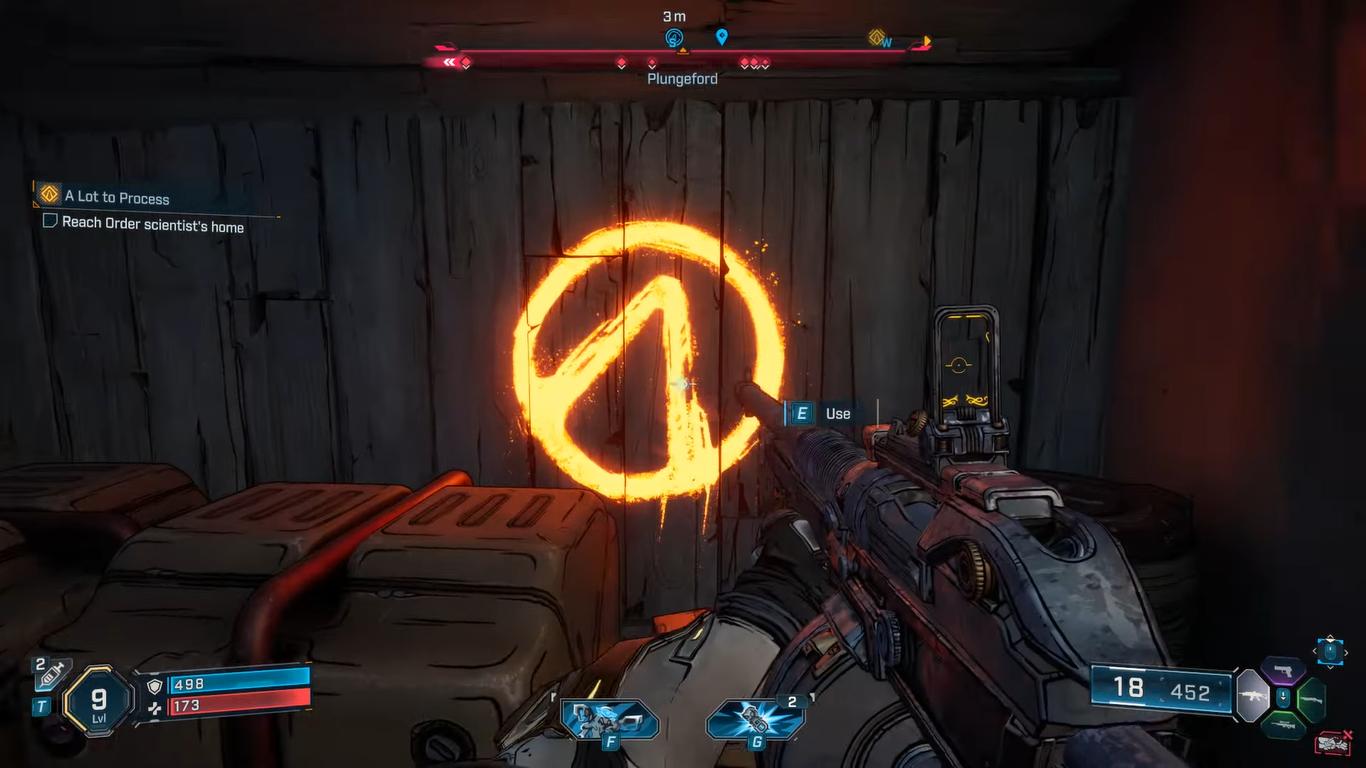
Lastly, we tried out Borderlands 4, which is known for being quite hard and even high-end GPUs have trouble with it. The RX 9060 XT could only get 11 frames per second at ultra settings in native 4K. Dropping to medium doubled that to 23fps, and enabling FSR Balanced improved it further to around 41fps.
Switching to Performance mode raised it to 46fps, and lowering the graphics preset to low while keeping textures and texture streaming on very high (thanks to the 16GB VRAM) brought performance up to 50fps.
The framerate went up to more than 70 fps when I used FSR Ultra Performance, which renders at 1080p or lower and upscales to 4K. The image quality still seemed really nice, maybe even better than 1440p. Turning on frame generation improved speed to 100 fps, however it also made latency worse. Setting the framerate to 100 fps helped a little, but the responsiveness of the input was still clearly hampered.
For a game like Borderlands 4, native 4K isn't realistic on this GPU. However, with upscaling and smart compromises, it's surprisingly playable and visually impressive.
.jpg)
Final Thoughts: Is 4K Gaming Possible on the RX 9060 XT?
After testing across multiple titles, the RX 9060 XT shows that 4K gaming is indeed possible—with some compromises. In The Finals, the results were borderline but achievable with frame generation. In Overwatch 2, performance was excellent, easily surpassing 144 fps at 4 K upscaled. Even Borderlands 4, one of the hardest games to run, became playable with upscaling and careful tweaking.
The RX 9060 XT isn't a full 4K GPU, but it gives great results for the price. Most people still think that 1440p is the best resolution for this card because it strikes a good mix between steady framerates and high-quality images. But if you want 4K, FSR and frame generation technologies can help you get there.
We can confidently say that with the right settings, the RX 9060 XT can run 4K games, even if not flawlessly. It proves that high-resolution gaming no longer requires the most expensive hardware—just smart optimization and a bit of compromise.
Also, check our other Intel articles below:
- Intel Core Ultra 9 285K Review And Performance Breakdown (2025)
- Intel Core Ultra 9 285K vs AMD Ryzen 7 9800X3D: In-Depth Gaming Performance and Benchmark Comparison
- Intel Core i5-13400F Gaming Performance: Still Worth It in 2025?
- Intel Core i9‑14900K vs. AMD Ryzen 7 7800X3D: Power Profiles & Gaming Benchmarks
- Intel Core i9 14900K: Specs, Benchmarks, and Competitor Comparison
- Intel Core Ultra 5 245K Review: Gaming, Productivity & Power Efficiency Tested
- Intel Core Ultra 9 285 K's iGPU Gaming: In-Depth Benchmarks & Analysis
- Intel vs. AMD Gaming Laptop: Performance, Thermals & Battery Life Compared
- AMD Ryzen 7 9800X3D vs.7800X3D vs. Intel Core Ultra 7 265K: Gaming, Thermals & Price Analysis
Senior Editor, NoobFeed
Latest Articles
No Data.