
Top Gaming CPU and GPU Pairings for 1080p, 1440p and 4K Performance
Optimized CPU and GPU pairings deliver stable gaming performance across multiple budgets with scalable results at varied resolutions
Hardware by Shinji Okazaki on Dec 07, 2025
CPU and GPU are the most important components to consider first when building a gaming PC. A good pairing sets the stage for consistent performance, reduces bottlenecks, delivers the most value for money, and raises the frame rates achievable.
These two parts affect most game outcomes because they handle the core rendering and processing.
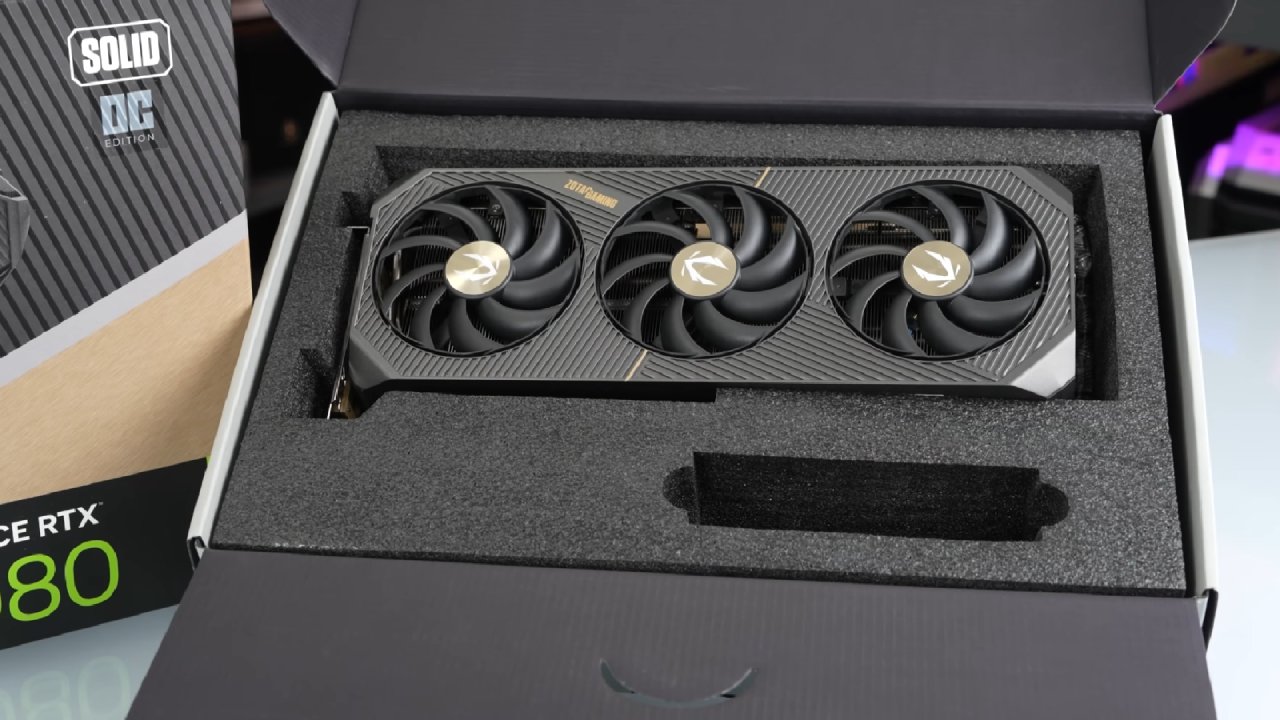
Why it's Important to Pair Your CPU and GPU
For instance, using a powerful RTX 5080 with a cheap Ryzen 5 processor limits performance because the CPU can't execute instructions quickly enough.
The amount of bottlenecking also depends on the resolution and the game. At 1080p, 1440p, and 4K, titles that use a lot of CPU may scale differently. GPU has to do more work at higher resolutions, which relieves some of the stress off the CPU. At lower resolutions, the CPU's restrictions can still be seen even with powerful GPUs.
How to Budget for a CPU and GPU
CPU and GPU often take up a lot of the budget. These parts usually account for about half of the total price of the build. Less expensive constructions might set aside a little less. In contrast, more expensive builds might set aside more because other parts account for a smaller share of the total cost.
Entry-level 1080p alternatives can cost as little as $450, mid-range models usually cost less than $1,000, and high-end 4K setups can cost as much as $1,500.
A combination of a Low-end CPU and GPU
Ryzen 5 7600 with RX 9060 XT 8GB is the first recommended entry-level 1080p gaming pair. This choice costs about $400 to $450 and works well at 1080p and okay at 1440p. The combo gets 134 fps at 1080p high settings in Arc Raiders and more than 90 fps at 1440p.
Battlefield 6 runs at 121 fps at 1080p and around 80 fps at 1440p. COD Black Ops 7 Zombies operates at more than 100 fps, and Hogwarts Legacy runs at an average of 111.8 fps at 1080p and 82 fps at 1440p.
The AM5 platform supports motherboards and storage, including PCIe Gen5. RX 9060 XT's 8GB VRAM is a problem. In 2025, 8GB GPUs from AMD and Nvidia will only support 1440p. However, this card remains superior to the RTX 5050 or Intel Arc B580 at the same price.
Entry Level With More VRAM
The next step is to use the same CPU with RX 9060XT 16GB. The performance differences depend on the game and the resolution. At 1080p high, Battlefield 6 is nine fps faster than the 8GB model. At 1440 p.m., it is around 14 fps faster.
COD Black Ops 7 doesn't exhibit many differences, but Hogwarts Legacy is much better, with 127.4fps at 1080p and 94.7fps at 1440p. These findings show how useful extra VRAM may be in some games.
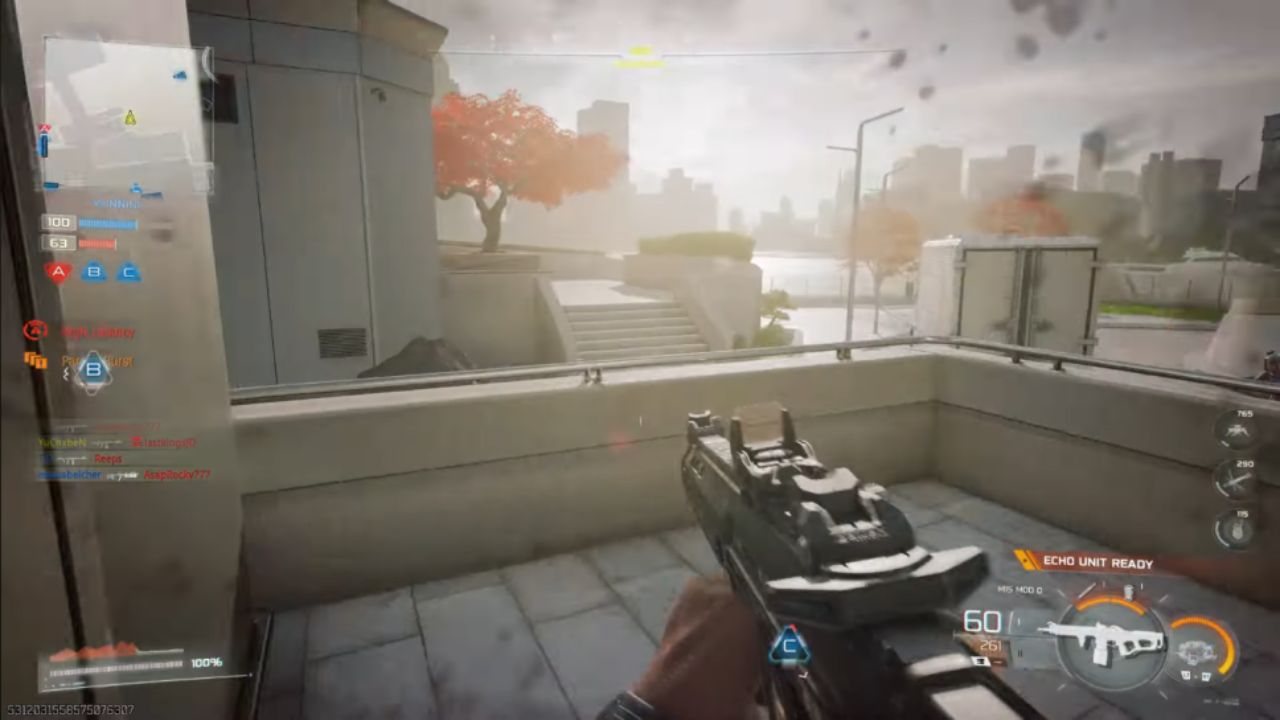
Combination for 1440p Entry-Level
If you have a budget of roughly $700, the best step is to acquire the Ryzen 5 9600X and RTX 5070. This combination is good for gaming at 1440p. 9600X has six cores and 12 threads, and its clock rates are good. When you factor in value, mainstream ray tracing, DLSS, and performance consistency, 5070 is a better choice than AMD's 9070, given its price.
The combo gets more than 200 fps in Arc Raiders at 1080p high. At 1440p, the average is about 150 fps, and at 4K, it's 87 fps. At 1080p, Battlefield 6 runs at 138 fps, at 1440p, it runs at 125 fps, and at 4K, it runs at 71 fps.
At 1080p, COD Black Ops 6 Zombies runs at 143 fps, and at 1440p, it runs at over 100 fps. At both of the main resolutions, Hogwarts Legacy works as expected for this level.
5070 has 12GB of VRAM, which is a good amount for its class. If the pricing is right, the 9070 with 16GB is a good choice because it performs better.
Options for Upper Mid-Range Combinations
AMD GPUs are still good options for anyone who has more money to spend. Here are two combinations that work well with RX 9070 XT-
Performance varies with resolution and game. 7800X3D gets roughly 30 more fps than 9600X in CPU-bound situations like Skyrim at 1080p. There isn't much difference between the two CPUs at 1440p, and the gap gets even smaller at 4K.
Arc Raiders demonstrates that the 9600X variant beats the 7800X3D at both 1080p and 1440p, showing how optimization affects results. Battlefield 6 at 1080p shows off 7800X3D with 207 fps, far better than the 9600X's lower scores. At 1440 p.m., the gap shrinks to 9 fps.
At 1080p, COD Black Ops 7 Zombies shows RX 9070 XT beating RTX 5080 in some cases. At 1440p, the two CPUs perform about the same.
7800X3D is chosen over the 9800X3D since it costs less. 9800X3D is only better in combos with a bigger budget.
RTX 5080 and RTX 5090 are High-end Combinations
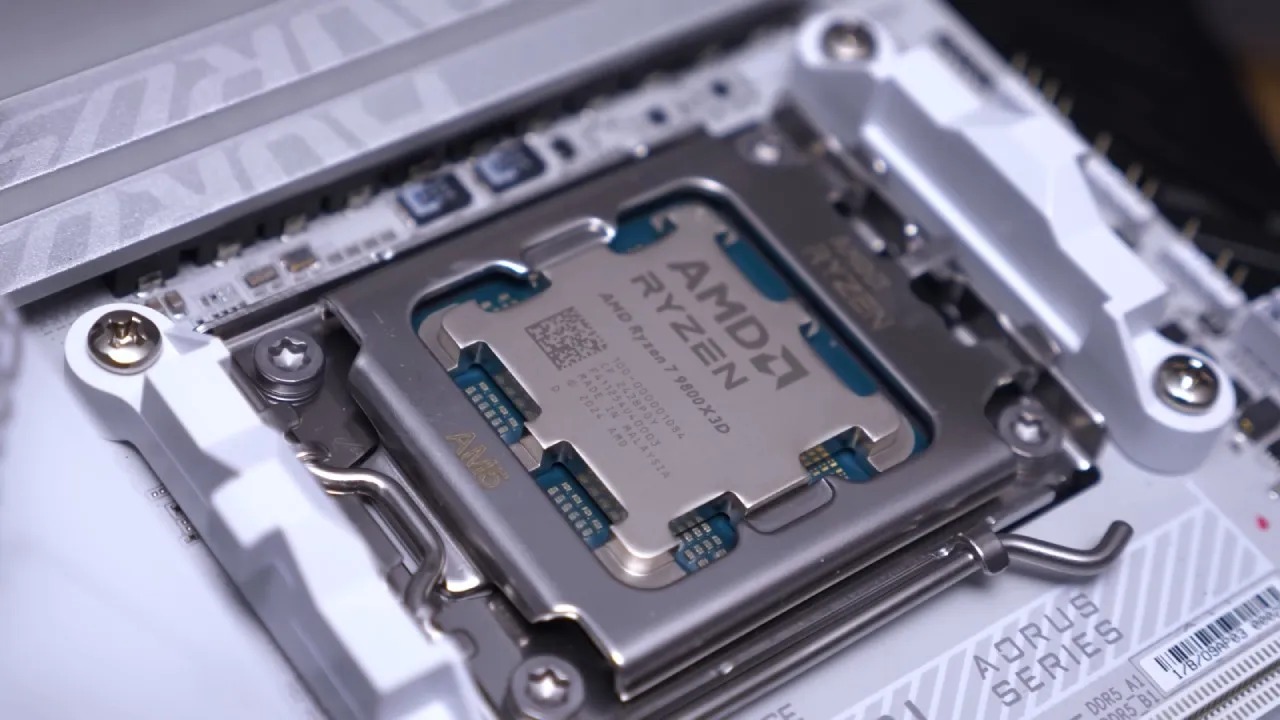
The last high-end choices use AMD Ryzen 9 9800X3D with either the RTX 5080 or RTX 5090. These combinations show how a powerful CPU at the top end can help.
Most people who want good performance without spending too much money will be happy with the 5080 and 9800X3D combination. 5090 and 9800X3D work best together, which is great for people who use the system to generate content or do a lot of work.
Both GPUs are at the top of the list in Arc Raiders at 1080p. 5090 gets a big lead at 1440 p.m. and 4K. 5090 gets more than 170 fps at 4K high, but the 5080 only gets 120. Battlefield 6 runs at 139 fps on 5090 and 111 fps on the 5080.
At 1440p, COD Black Ops 7 Zombies reveals a 60fps difference in favor of the 5090. At 4K, 5090 gets 164fps in Hogwarts Legacy, whereas the 5080 gets 60% less. At 1080p, Marvel's Rivals gets close to 250 fps, while the 5080 gets 200 fps.
Final Thoughts
Any CPU-GPU combination we've discussed can deliver consistent performance in fresh builds. Nvidia stays on top at the high end, and AMD continues to improve RX 9070 XT with driver updates. GPU prices seem cheaper right now than in recent years.
It's unclear whether memory shortages will affect GPU price patterns, and costs may not decline further. If you're going to upgrade your system, now might be the best time to buy.
Also, check our other AMD articles below:
- AMD Ryzen 9 9950X3D Review: Setting The Standard For 2025 Gaming CPU
- AMD Ryzen 7 9800X3D Review: 3D V-Cache Goes God Mode with Stunning Gaming Performance
- AMD RX 9070 Performance Review: Thermals, Clocks, and Real-World FPS
- AMD Ryzen 5 7600 Review: Best Budget Gaming CPU of 2025?
- AMD Radeon RX 7800 XT Review: RDNA 3 Power For Midrange Gaming
- Sapphire NITRO+ AMD Radeon RX 9070 XT Review: The Ultimate 4K Gaming GPU
- AMD Ryzen 7 7800X3D: Delivers Gaming Performance Far Beyond Expectations
- AMD Ryzen 9 7900X Review: Powering the AM5 Era with DDR5 & PCIe 5.0
- Intel Core i9‑14900K vs. AMD Ryzen 7 7800X3D: Power Profiles & Gaming Benchmarks
Editor, NoobFeed
Gaming Hardware Updates
No Data.