
AMD Radeon RX 6600 Review 2025: Cheap GPU That Still Runs Modern Games
A detailed look at RX 6600 performance across modern 2025 games using realistic hardware and budget-focused settings
Hardware by Tasnim Yoshi on Dec 17, 2025
When you have a limited budget, it can be hard to choose which graphics card to buy. If you want to play every modern game in 2025, this card isn't the only one you can get for around $150. There are many used options out there. AMD Radeon RX 6600, on the other hand, is still a good choice that deserves a closer look.
RX 6600 Overview and Driver Support
AMD Radeon RX 6600 has 8GB of VRAM, supports ray tracing, is very power-efficient, and at the time of testing, it was still getting driver updates. Several months ago, there was some confusion about whether the RX 5000 and RX 6000 series would still get driver support.
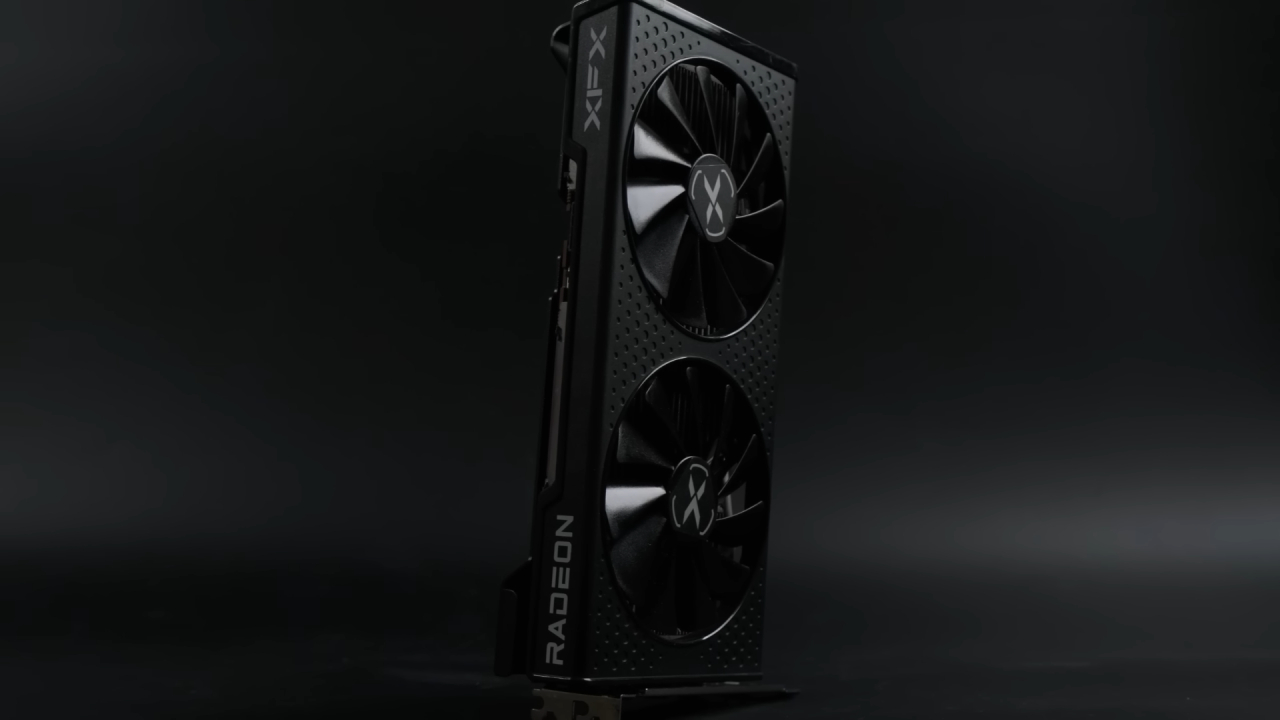
However, AMD has confirmed that these cards still receive game support for new releases, stability improvements, optimizations, and security and bug fixes through a separate driver branch. It's not clear how long this support will last. Still, the most recent driver that was available during testing was Adrenalin 25.12.1.
Before we start testing performance, it's important to note that the RX 6600 XT is usually the better choice if you can find it for about the same price or a little more. This is because it has a 10%–20% performance boost. RTX 3060 Ti, RTX 2070 Super, or Intel Arc A770 are other options, depending on the market.
If the CPU doesn't support Resizable BAR, the Arc option is not recommended. You can also get older options like RX 5700 XT or some GTX cards. However, these don't support hardware ray tracing and won't run every new game.
Test System and Power Consumption
RX 6600 was used with an i5 12400F, which is a modern but not very powerful CPU with 6 cores and 12 threads. The system also had 32GB of DDR4 memory running at 3200 MHz. The GPU's settings weren't changed, but it still used about 100W of power at its peak. This setup is a realistic and easy-to-use configuration, not a high-end test bench.
ARC Raiders Performance
The first test was ARC Raiders. RX 6600 averaged about 90 fps on the medium preset with FSR 3 set to Native AA. The lowest percentiles were also pretty good. Compared to lower-end hardware that often struggles to hit 30–40 fps and suffers from slow texture loading, this one worked smoothly and consistently, making a great first impression.
Battlefield 6 Performance
The system achieved at least 90 frames per second in Battlefield 6 with the medium preset and Native AA enabled. It makes sense that high-definition textures weren't added since the VRAM is only 8GB. The VRAM usage got close to the card's limit, but the performance didn't change.
In online multiplayer games, this consistency is very important because frame rate drops can make the game less fun. The i5 12400F and RX 6600 worked well together, which made the game run smoothly.
Counter-Strike 2 Performance
The way Counter-Strike 2 worked changed depending on the map and mode. The system averaged 182 frames per second, though, when playing an online deathmatch on a single map with the high preset and MSAA turned off. The 1% low was 97 fps, and the 0.1% low was 71 fps, which means that the performance was very steady.
The experience was smooth, and getting well over 60fps at 1080p wasn't a problem, even though CPU and GPU usage varied.
Cyberpunk 2077 Performance and Ray Tracing
The RX 6600 supports ray tracing, but it's usually not a good idea to enable it because it slows performance. Cyberpunk 2077 didn't have ray tracing. The high preset at 1080p with medium crowd density averaged about 70 fps.
There were some dips in busier areas because of the mid-range CPU, but overall performance was good. It would also make sense to use the RX 6600 with a Ryzen 55600X or a Ryzen 7500F CPU and DDR5 memory. This setup works well for 1080p in general.
Fortnite Performance
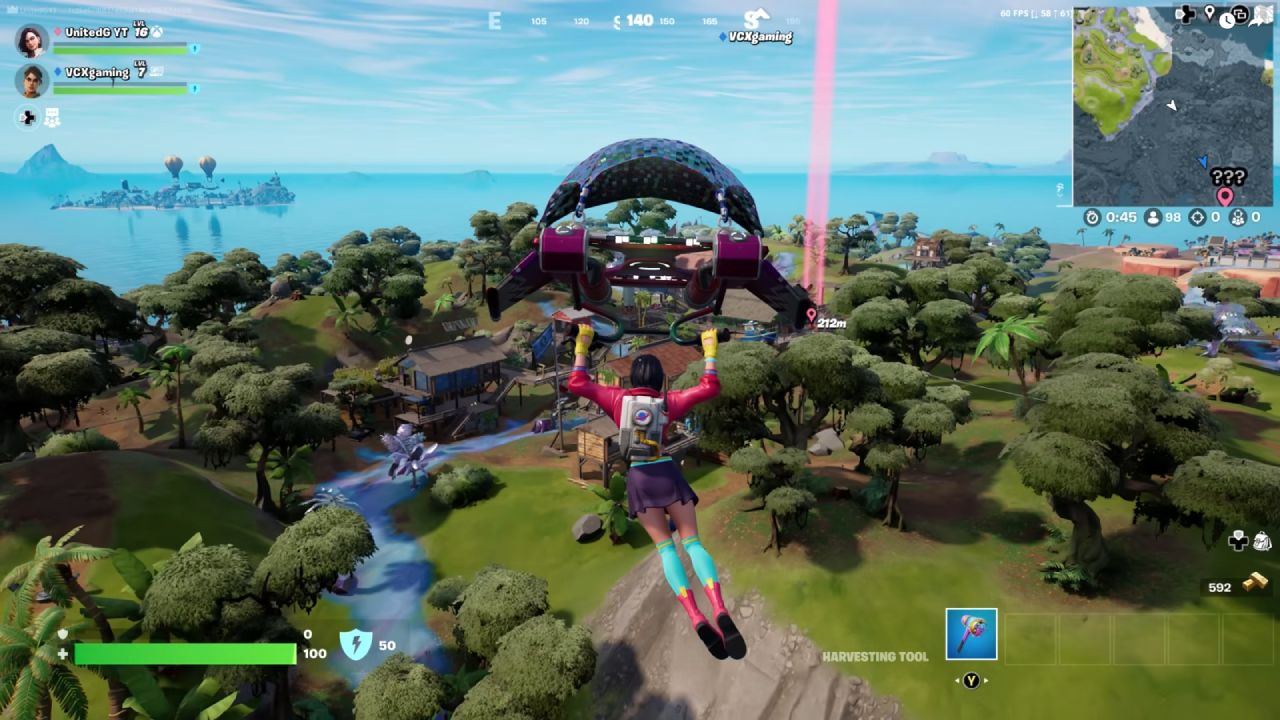
In general, lower settings are better for Fortnite because they give you higher frame rates, especially when you're playing against other people. That said, RX 6600 could run the game with Nanite and Lumen turned on and high-resolution textures.
Most of the time, performance stayed at or above 60 fps, even with these options turned on. For a better balance of visuals and performance, medium settings are best. However, you can still turn on the more advanced features.
Grand Theft Auto V Enhanced Performance
Even though I was initially worried about ray tracing, Grand Theft Auto V Enhanced worked surprisingly well. When I used the high ray tracing preset with ray-traced global illumination set to high and FSR3 set to native, the frame rate stayed above 60fps most of the time.
This version of the game looks a lot better with RTGI, and RX 6600 was able to handle it without too many problems. FSR 3 slightly lowered performance, but the extra space made it a good trade-off.
Helldivers 2 Performance
We tested Helldivers 2 with the high preset and high textures. The average was 68 fps, with lows of 64 and 63 frames per second for 1% and 0.1% of the time, respectively.
Frame times were very steady, and VRAM was still available. RX 6600 might be able to handle 1440p in some situations. Still, it works best at 1080p, where it can consistently deliver 60 fps or more without upscaling too much.
Indiana Jones and the Great Circle Performance
You need a GPU that can do ray tracing to play Indiana Jones and the Great Circle. The game started up with the RX 6600, but at high and medium settings, it only ran at about 27 fps.
At native resolution and low settings with TAA, the results were much better, averaging 86 fps. The VRAM was almost full, but the performance stayed steady with no major stuttering. On an 8GB RX 6600, low settings are clearly the best option for this title.
Kingdom Come Deliverance 2 Performance
The medium preset was the best for Kingdom Come: Deliverance 2. Unless FSR was turned on, high settings made the dips too deep to be comfortable. The game averaged 83 fps at medium, with strong lows at 75 and 72 fps. This level of consistency made the experience enjoyable. It led me to think that medium- or high-1080p settings will be common for many games in the future.
Oblivion Remastered Performance
Oblivion Remastered was harder than I thought it would be. At 1080p with medium settings and native resolution, performance stayed around 47 frames per second, regardless of whether low or medium presets were used.
Setting FSR3 to quality improved performance to about 65 fps without making the image less clear. High reflections were also enabled to make the water look better, since it would otherwise appear flat. There were some dips, but overall performance was much better with upscaling turned on.
Red Dead Redemption 2 Performance
Overall, Red Dead Redemption 2 ran well, but initial tests showed inconsistent frame times. The reason was that async compute was disabled in the configuration file. When frame pacing was turned on, it got a lot better.
The game ran at about 75 fps on average with mostly high and ultra settings, with geometry detail set to high and grass detail set to low. There were times when the frame rate dropped below 60fps, but overall performance and visual quality were great.
Where Winds Meet Performance
One of the hardest titles to test was Where Winds Meet. RX 6600 got an average of 72 fps when set to balanced at 1080p with native resolution. The 1% and 0.1% lows were 53 fps and 11 fps, respectively, with the lowest value attributed to a brief frame spike during area transitions. Other than that, everything worked well, and the balanced preset was a good balance between looks and performance.
Final Thoughts
AMD Radeon RX 6600 is still a solid choice for a cheap graphics card in 2025. For less than $200, and closer to $150 in many places, you can be sure that recent games will start and run at 1080p with good settings. You should always keep an eye out for the RX 6600 XT or higher, like the RTX 3060 Ti. RX 6600 still works fine on its own, though.
Also, check our other AMD articles below:
- AMD Ryzen 9 9950X3D Review: Setting The Standard For 2025 Gaming CPU
- AMD Ryzen 7 9800X3D Review: 3D V-Cache Goes God Mode with Stunning Gaming Performance
- AMD RX 9070 Performance Review: Thermals, Clocks, and Real-World FPS
- AMD Ryzen 5 7600 Review: Best Budget Gaming CPU of 2025?
- AMD Radeon RX 7800 XT Review: RDNA 3 Power For Midrange Gaming
- Sapphire NITRO+ AMD Radeon RX 9070 XT Review: The Ultimate 4K Gaming GPU
- AMD Ryzen 7 7800X3D: Delivers Gaming Performance Far Beyond Expectations
- AMD Ryzen 9 7900X Review: Powering the AM5 Era with DDR5 & PCIe 5.0
- Intel Core i9‑14900K vs. AMD Ryzen 7 7800X3D: Power Profiles & Gaming Benchmarks
Subscriber, NoobFeed
Gaming Hardware Updates
No Data.