
DDR5 Repair Shows Common Causes of Memory Failure
Physical damage and corrupted firmware data remain among the most common causes of DDR5 memory failures.
Hardware by Nahe Yan on Jun 23, 2026
Having the right tools makes a difference in repairing DDR5 memory. The right tools are important for repairing DDR5 memory. A DDR5 memory stick was brought in for repair. One module would start, and the other would not. In the process, the value of having the right tool for the task became apparent. There are many cheap programmers available online.
They are supplied with software of varying origins and, although they will support most memory chips and DIMMs, not all repairs will be supported. In a previous repair, it wasn't even detected. The PMIC and SPD were completely unrecognized. A different tool did the trick. It identified the old memory stick and continued to repair it. The software is still under development and support, and any bugs are being addressed.
Reading and Verifying PMIC and SPD Data
The application enables access to PMIC information, SPD data, XMP profiles, and various other operations. Both the PMIC and SPD were successfully read after connecting the flasher and inserting the memory stick. The working module's dump had been saved. The existing SPD was compared with the saved file, and it was found that verification had not occurred. That proved that the SPD on the memory stick was defective.
The dumped file from the working module was loaded into the module, and the verification was successful. The DIMM was inserted into the programmer, removed, and returned to the PC, but the system still would not boot. The motherboard attempted to run a memory test for approximately 15 seconds, but POST failed. In one of the memory chips, training was not completed.
To identify the exact chip would require specific hardware, as well as a compatible motherboard and BIOS. Since the customer had already attempted to reflash the memory, a physical inspection was necessary. The device's contact pads were worn out. The gold plating was almost worn away, indicating repeated insertion and removal. That led to concerns that the pads were damaged or missing.
All memory chips were retrieved from the module for inspection and reballing after the module had been heated. The cause of the training failure was soon apparent. 2 of the chips were torn, with several pads being ripped off. If those connections were not there, memory training would not be possible. The back side of the damage also needed to be inspected to determine whether additional repairs were required.
The Repair Was Done to Restore Full Capacity
The repaired DIMM was reinserted into the motherboard, and the system booted up immediately. When I entered the BIOS, 32GB of memory was available. The second module was then added. A2 and B2 were the preferred slots for the first pair of DIMMs, according to the motherboard labeling. The configuration after that was successful for training the system.
The BIOS then reported 64GB of memory, indicating that both memory modules were working correctly. When installing a DIMM, it is important to place it correctly. Sometimes, the motherboard will guide the user on the PCB. In this situation, it was specified that A2 and B2 would be the primary locations for installing the first two memory modules.
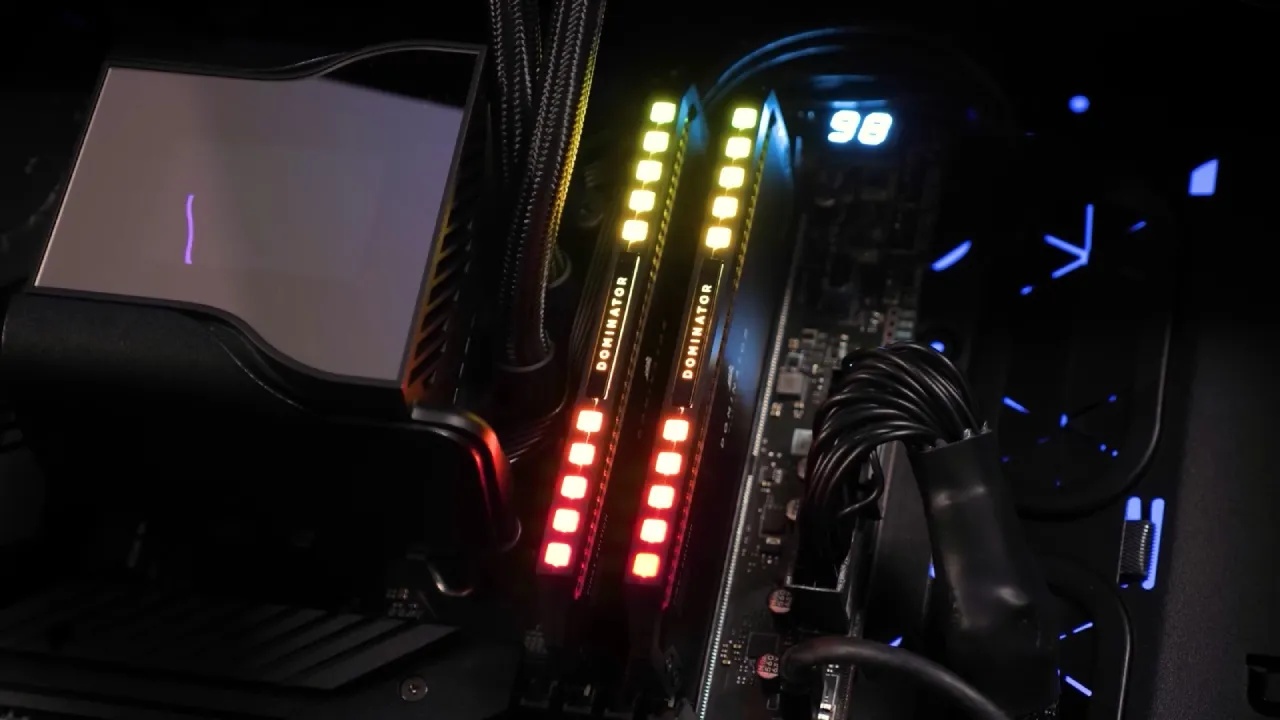
The slots are intended for use by the motherboard to properly initialize memory. If additional RAM is required, the remaining slots can be used to install it. There are three primary causes of DDR5 memory failure; two common DDR5 memory failures were identified during repair. One of these is physical damage.
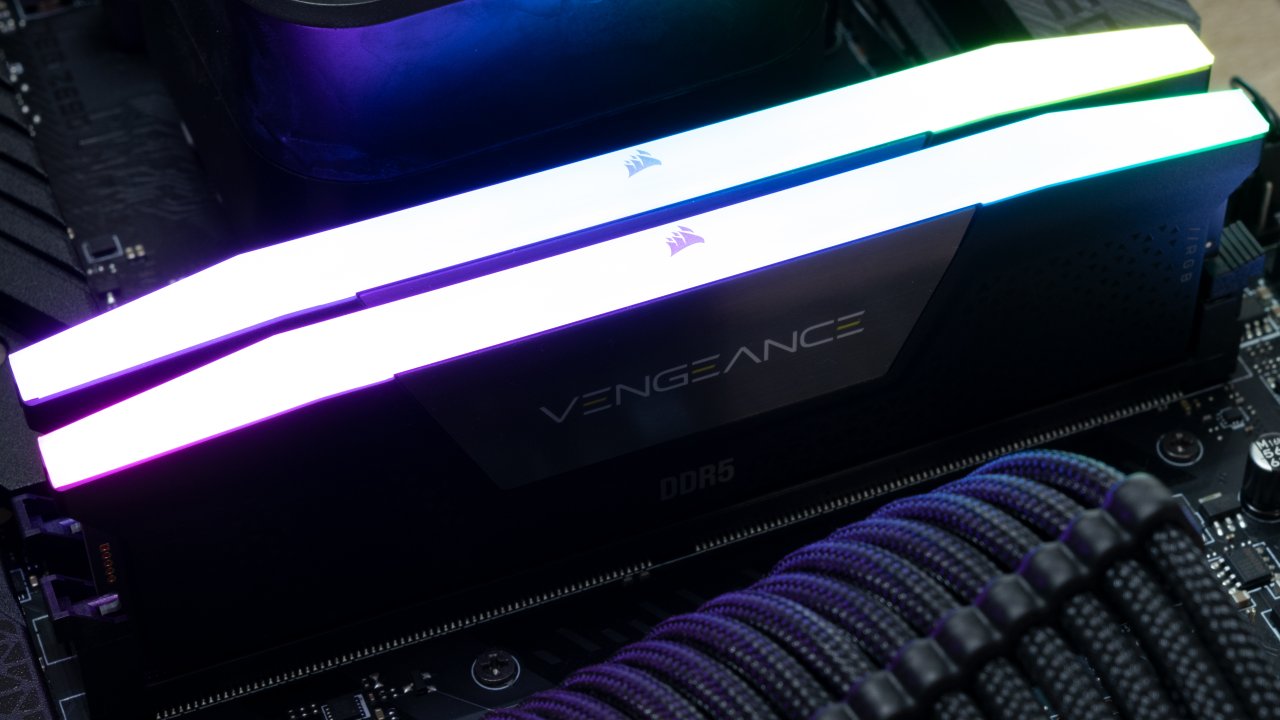
Ripped pads and broken connections make it impossible to train the memory and to start the system. The second is corruption in the SPD and/or PMIC. This is not an issue with the modules that do not come with LEDs. The RGB-equipped memory modules are distinct, as their RGB controllers share lines with the SPD or PMIC.
The DDR5 memory can be corrupted by RGB software.
Memory modules may communicate with the RGB controller via motherboard RGB utilities and/or third-party software. In the process, data might be accidentally written to the SPD and/or the PMIC instead of the RGB controller, since they share the same bus. This can corrupt either or both chips, rendering the memory stick inoperable.
But if you want to prevent such failures, avoid unnecessary RGB adjustments. Also be careful with motherboard lighting programs and third-party RGB programs. DDR5 RAM without LED is also a good deal. Those same modules are cheaper and deliver the same performance without adding a failure point.
For DDR5 repair, a trustworthy PMIC and SPD reader are crucial. Proper hardware and good software support facilitate troubleshooting and improve the chances of recovering faulty modules. Even though physical damage is the most common cause of failure, RGB-equipped memory can fail due to software interaction, either through SPD or PMIC corruption.
Editor, NoobFeed
Gaming Hardware Updates
No Data.