
Future of High-Refresh Displays: 4K, 500hz, and Beyond
Ultra-high-refresh displays continue advancing beyond the performance limits of current GPU and CPU hardware across modern gaming scenarios.
Hardware by Masaru Hoshino on Jan 22, 2026
Because display refresh rates are changing so quickly, people are wondering if GPU and CPU gear can really take full advantage of ultra-high-refresh monitors. As displays now have modes that go up to very high refresh rates, the difference between the frame rates that can be achieved and the panel specs has become more obvious.
This conversation is about the limits of technology, the behavior of game engines, VRR considerations, and the few but real situations when these refresh rates are still helpful.
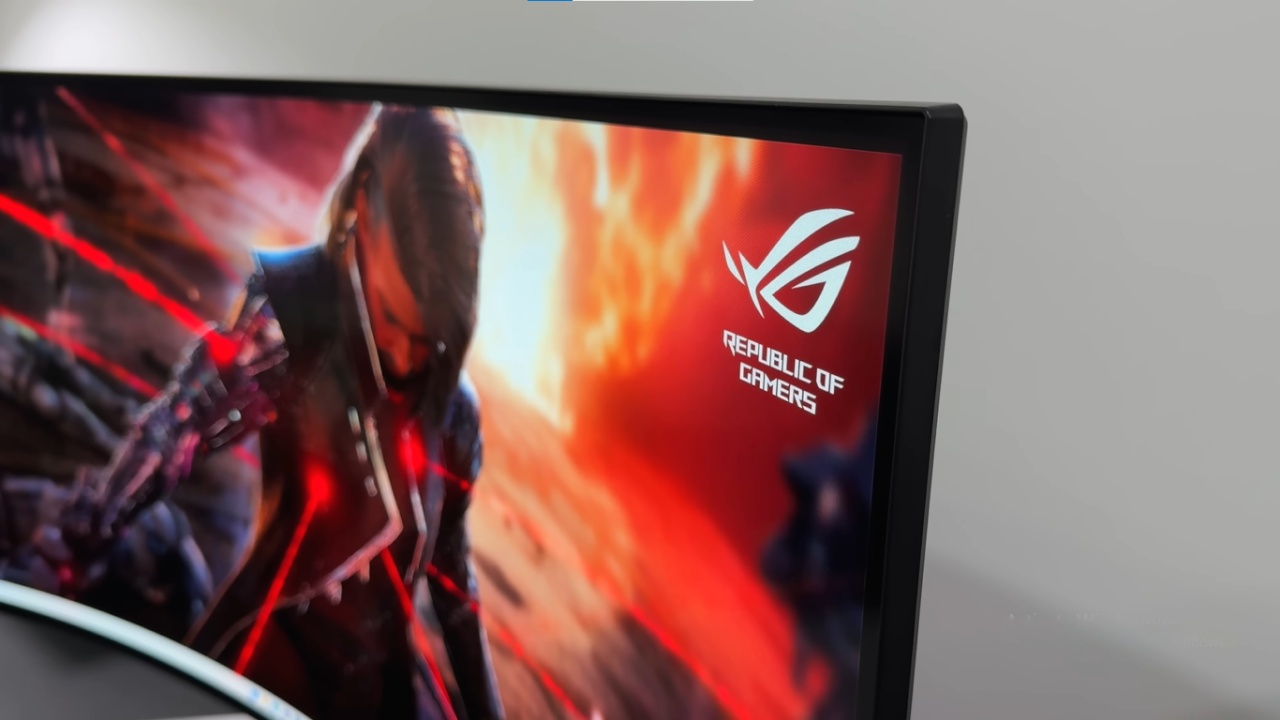
Question of Feasibility
Do we believe that monitors are getting better quicker than GPUs can keep up? Many people think it's stupid that Samsung announced a 140hz monitor. When will you realistically be able to reach that frame rate without MFG (multi-frame generation) and genuinely be able to use that difference?
This is an interesting subject because the gear needed to drive those refresh rates, especially the CPU hardware, isn't actually available currently with standard technology.
Scalability of GPU Power
We don't think it's really about GPUs because they can probably be made to work with more than one. You can dial down a game to a very low level, and most GPUs can handle very high frame rates unless there is a flat computation cost. There are several games that have that flat cost, which makes scaling less possible.
For instance, Assassin's Creed Shadows utilizes a lot of computing power that doesn't scale over frame boundaries. But other titles could surprise you by how high they can go. Doom: The Dark Ages could start to get close to those high frame rates if it works well enough.
CPU Limitations at Extremely High Refresh Rates
The CPU isn't powerful enough to handle 1000Hz scenarios. That doesn't mean we should ignore how useful these monitors are.
In the future, games will work better on more powerful hardware, and it's still interesting to have screens that can push the limits before the rest of the system catches up.
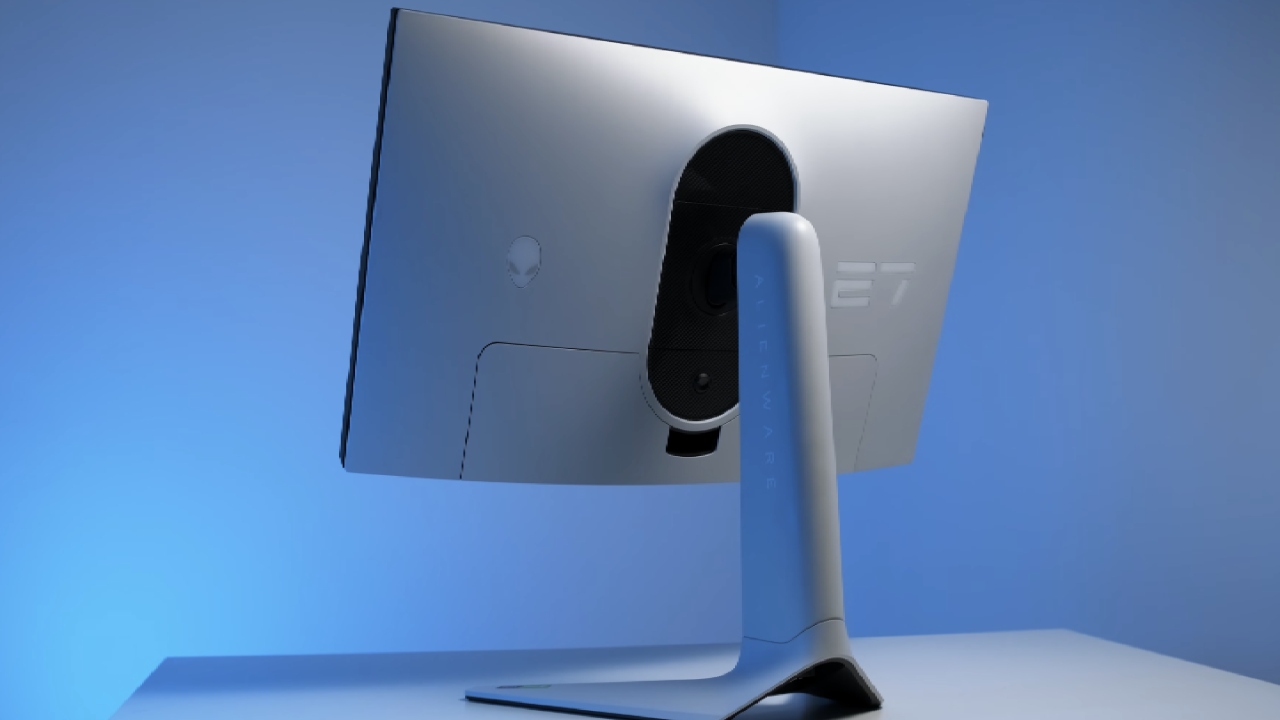
Other Ways to Use Ultra-High Refresh Panels
Ultra-high-refresh displays are useful for more than just gaming. You can utilize them for things like ways to reduce blur, CRT-style visual emulation, and better VRR behavior, where higher refresh rates make it easier to divide low-frame-rate compensation.
These usage scenarios make these monitors useful even when they can't completely handle the raw frame rate output. We shouldn't fully turn our backs on MFG either. For customers who want less motion blur and smoother action, multi-frame creation is a useful feature. Latency is an important topic to talk about, yet we still think it has a place and shouldn't be overlooked.
Issue of Dual-Mode Panels
Some ultra-high-refresh displays include dual-mode panels that start at 500Hz at 1440p and go down to 720p at 1040Hz. The highest number is amazing, but 720p is no longer a good resolution for most recent PC games.
That resolution was from a time long ago. For more useful high-end systems, refresh rates of 240Hz or 360Hz with 4K or OLED panels are more enticing. These settings are in line with how most gamers prefer to see modern graphics, rather than going after really high refresh rates.
Niche but Valid Use Cases
Ultra-high-refresh hardware is only useful for a small group of people, such users of games like Counter-Strike who purposely run at very low resolutions like 4:3 stretched to get the most clarity and responsiveness. Their games don't need a lot of graphics, therefore they can run at very high frame rates.
That niche is real, but it doesn't represent the whole market. When talking about ultra-high refresh rates in general, the actual question is whether you need it. The answer relies a lot on the unique use case, not on what everyone needs.
Also, check our other Monitor articles:
- ASUS ROG Strix XG27AQWMG Review: 280Hz 1440p OLED Gaming Performance
- Samsung Odyssey OLED G81SF Review 2025: Ultimate 32-Inch QD-OLED Gaming Monitor
- Adaptive Sync Explained: FreeSync vs. G-Sync for Modern Gaming Monitors
- Gigabyte MO27Q2 QD OLED Review: Performance, HDR, and Gaming Experience
- ASUS ROG Swift PG27UCDM Review: Blazing Fast 240hz 4K OLED Performance
Editor, NoobFeed
Gaming Hardware Updates
No Data.