
GeForce Now 2025 Update: RTX 5080 Cloud Gaming Performance
GeForce Now cloud streaming unlocks RTX 5080 performance across platforms with smooth frame rates and ultra-low latency.
Hardware by Tanvir Kabbo on Sep 21, 2025
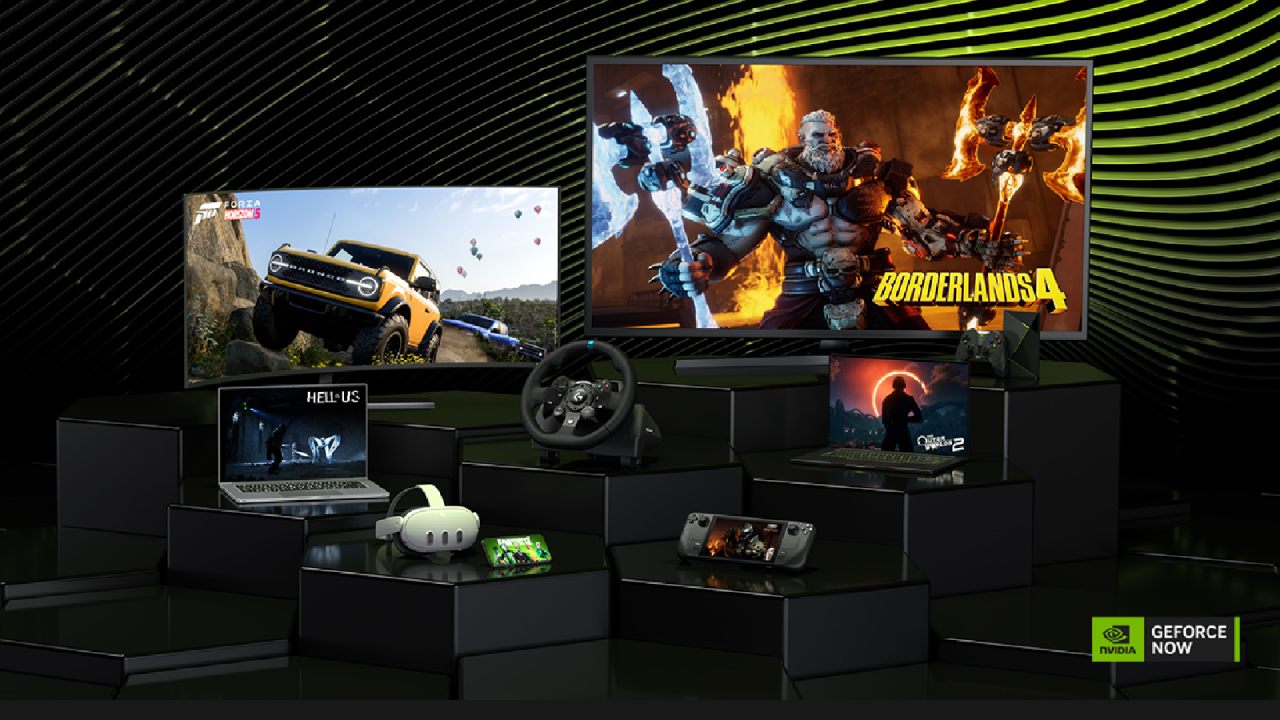
GeForce Now from Nvidia has developed into one of the most powerful game streaming services on the market right now. For a subscription fee, the service enables users to spin up top-tier Nvidia gaming hardware in the cloud, giving them access to high frame rates and maximum settings without the need for a costly gaming PC.
Over the years, lag has been reduced significantly, and the platform now feels smooth and responsive across a wide variety of devices. GeForce Now keeps getting better as a great choice for both high-end and low-end consumers. It now supports the RTX 5080, has additional options, and works with more games.
Game Availability and Compatibility
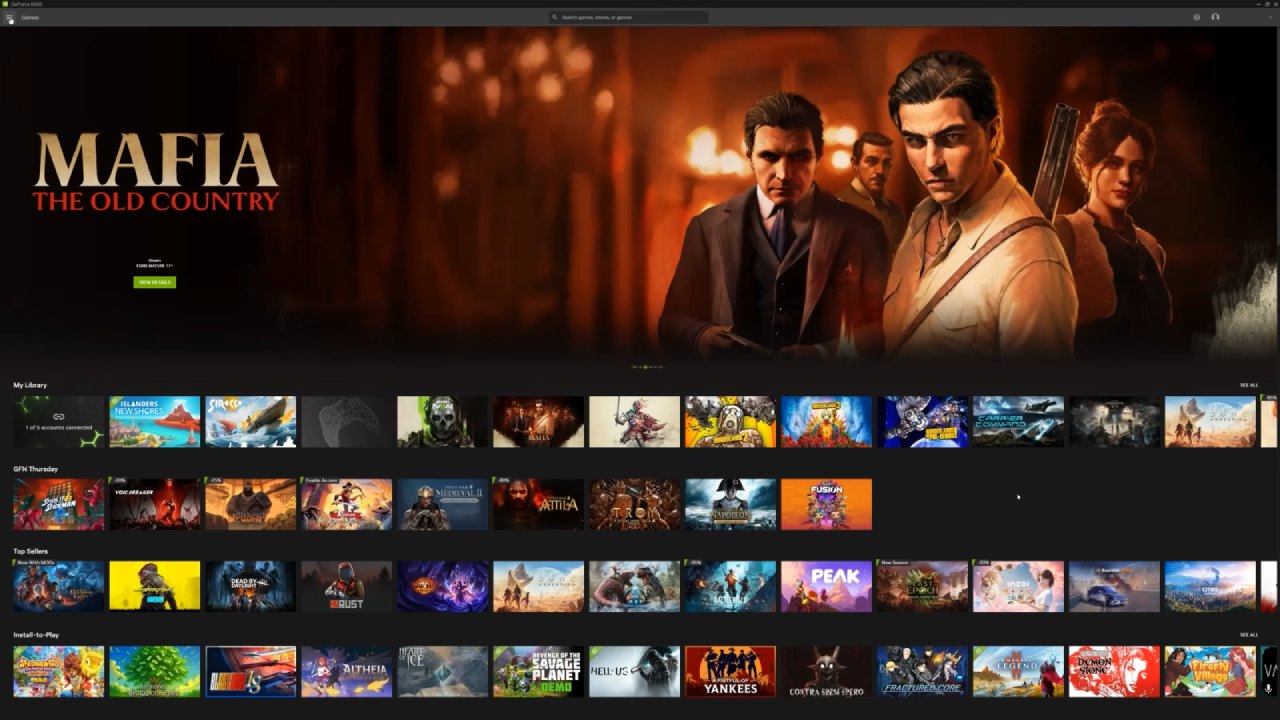
Currently, GeForce Now supports over 4,000 games across multiple platforms. However, games are not bundled with the subscription. You must already own them on a supported service such as Ubisoft, Battle.net, EA, GOG, Epic Games Store, Steam, or Xbox. Once accounts are linked, your library automatically appears within GeForce Now.
One of the standout integrations is Xbox Game Pass. If you have a subscription with the PC component, you can play supported PC Game Pass titles through GeForce Now with enhanced performance compared to Microsoft's own streaming service.
Filtering options make it easy to browse by last played, popularity, or platform, ensuring quick access to your games.
Not every developer permits streaming, so some titles will be unavailable. When supported, though, the performance is superb, with fast controls and fluid graphics.
RTX 5080 Demonstration with Cyberpunk 2077
We used GeForce Now's RTX 5080 servers to test Cyberpunk 2077 on a 4K 120Hz monitor. When the highest settings were selected, the game's frame rates were consistently well above 100 fps, providing a high-end experience. The service streams at up to 100mbps, though typical rates hover around 60mbps.
For optimal results at 4K high frame rates, Ethernet is strongly recommended. Wi-Fi can work under ideal conditions, but interference or shared usage often impacts stability. Displays supporting G-Sync benefit from smooth, variable refresh rate playback even when using older GPUs locally.
Latency and Connection Performance
Your distance from Nvidia's data centers and the routing of your ISP have a significant impact on connection latency. Near-desktop responsiveness was achieved on a US fiber connection with latency of about 11–12 ms. To further lower latency and improve consistency for subscribers, Nvidia has also teamed with specific ISPs.
Your results will vary based on location and network path, but when conditions are favorable, latency feels almost indistinguishable from local hardware, especially with keyboard and mouse input.
Supported Games on the 5080 Tier
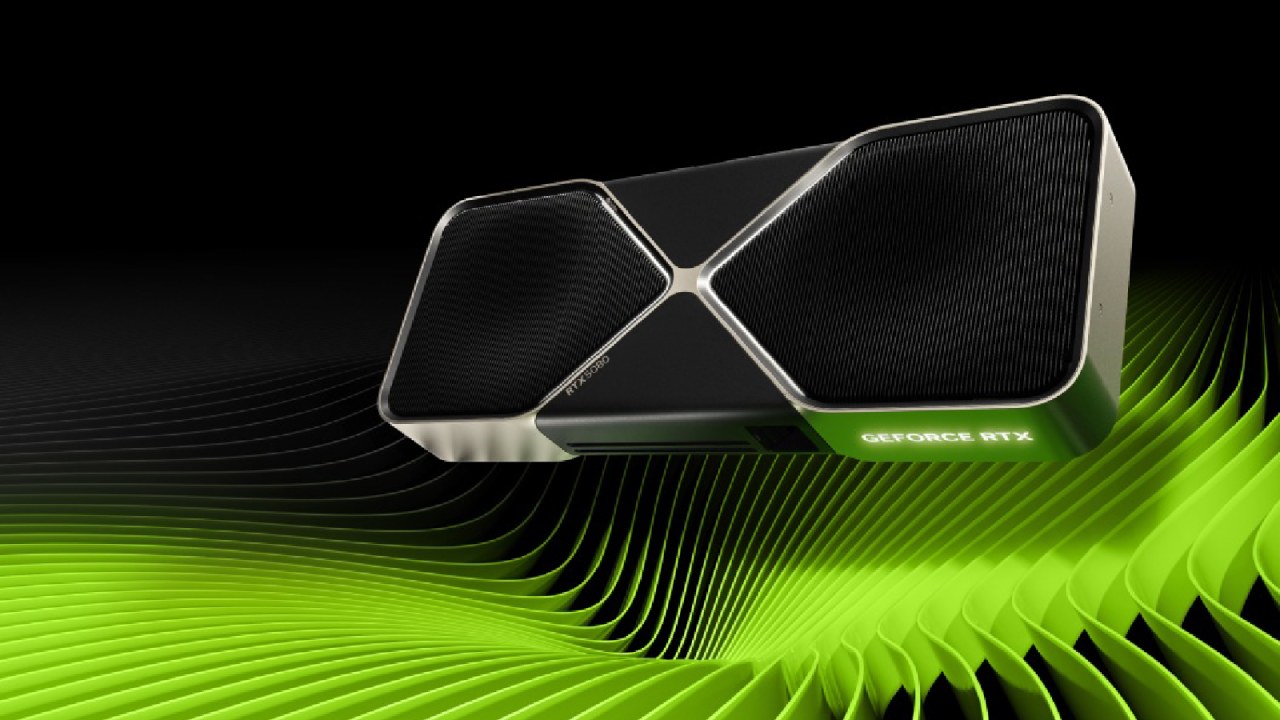
Not all games currently leverage RTX 5080 servers. Titles like Cyberpunk 2077 are optimized for the hardware, while others may run on RTX 4080 instances. Even so, the 4080 tier delivers excellent results, often surpassing what most gaming PCs can achieve.
Games categorized as "ready to play" launch instantly with no need for user setup. A newer option, "install to play," allows installation of non-optimized titles on 500GB of cloud storage. This works like installing games on a local PC, though graphics may require manual adjustment for best performance.
Low-End Hardware Testing
We also tested GeForce Now on a budget GMK mini PC costing under $200. Running Doom Dark Ages at 4K60 with Ethernet provided smooth performance and stable frame rates. Despite the hardware's limitations, game streaming delivered a playable and enjoyable experience that such a system could never achieve on its own.
The native Windows client provides microphone support for in-game chat, screenshot capture, and gameplay recording, enhancing the overall experience. Similar results should be expected on mini PCs with modern N100 chips, while very old or ultra-low-power devices like Raspberry Pi may struggle.
Steam Deck Client
GeForce Now now has a native client for Steam Deck. After installation through desktop mode, the app integrates seamlessly into the gaming interface. On the standard Steam Deck with a 60Hz display, gameplay reaches 90fps, while the newer OLED Steam Deck can fully utilize its 90Hz panel.
Because of the lower resolution compared to 4K desktop setups, streaming requires less bandwidth. Wi-Fi connections around 20mbps are sufficient for smooth handheld play, making it an excellent option for portable gaming.
Pricing Tiers
The Free Tier of Nvidia's GeForce Now subscription plan offers 1-hour sessions at 1080p60, which is perfect for testing network stability; the Priority Tier offers up to 1440p60 for a more reliable mid-range experience; and the Ultimate Tier gives users access to RTX 4080/5080 hardware with 4K resolution, up to 360 frames per second, and 8-hour sessions.
The Ultimate plan, which costs $200 a year, is far less expensive than buying similar gaming hardware. Monthly and day-pass options are also available for further flexibility.
Final Thoughts
On powerful gaming setups, you can enjoy near-native 4K120 with RTX 5080 support, while on budget PCs under $200, you can still experience modern AAA titles at smooth frame rates.
Latency is impressively low when connected to nearby servers, and both ready-to-play and install-to-play game options expand the library.
GeForce Now offers a scalable and affordable solution to get top-tier gaming gear without the high upfront cost, whether you're using a desktop, a low-end small PC, or a portable device like the Steam Deck. With constant enhancements, it has emerged as one of the top cloud gaming options on the market right now.
Check Our Other NVIDIA Articles:
- GeForce RTX 5090 Unleashed: Is NVIDIA's New Flagship the Ultimate 4K Gaming GPU?
- NVIDIA GeForce RTX 5080 Review (2025): Still A 4K Gaming Powerhouse?
- RTX 5090 Performance Testing In GTA 5 – 1080p, 1440p, and 4K Max Settings Benchmark
- RTX 5090 Laptop Vs. M4 Max MacBook Pro: Ultimate Raw Performance Vs. Battery Endurance
- NVIDIA RTX 5070 Review: Mid-Range Muscle or Marketing Hype?
- RTX 5070 Ti Review: Performance, Thermals & Power Efficiency Tested
- Asus ROG RTX 5090 Astral OC Vs. Founders Edition: The 4K Gaming Benchmark
- ASUS ROG Astral RTX 5090 OC Edition Review: 32GB GDDR7 & 4K Gaming Benchmark
- ASUS GeForce RTX 5090 LC Liquid Cooled GPU Review: Unmatched Silence & Speed
- MSI GeForce RTX 5090 32GB SUPRIM SOC Review: Power Efficiency, Cooling, and Gaming Performance
- INNO3D RTX 5060 Ti 16 GB X2 Review: Gaming Benchmarks, Temps, and Power Efficiency
- HP Omen 45L Review: RTX 5090 Performance, Thermals, and Value Analysis
- ASUS TUF Gaming GeForce RTX 5060 Ti Review: DLSS 4, Power Efficiency, and Gaming
- ASUS Prime RTX 5060 Ti OC 16GB Review: DLSS 4, Ray Tracing, & Thermals Tested
- NVIDIA GeForce RTX 5060 Review: Specs, Gaming, and Cost per Frame
- MSI GeForce RTX 5090 GAMING TRIO OC Review: A Monster Power GPU
Senior Editor, NoobFeed
Gaming Hardware Updates
No Data.