
Intel 270K Plus Overclocking: 5.8GHz P-Cores, Thermal Throttling, and the Sweet Spot at 5.5GHz
Quick Sync AV1 encoding on Intel hardware delivers results close to dedicated GPU encoders during recording and live streaming.
Hardware by Shinji Okazaki on Jul 17, 2026
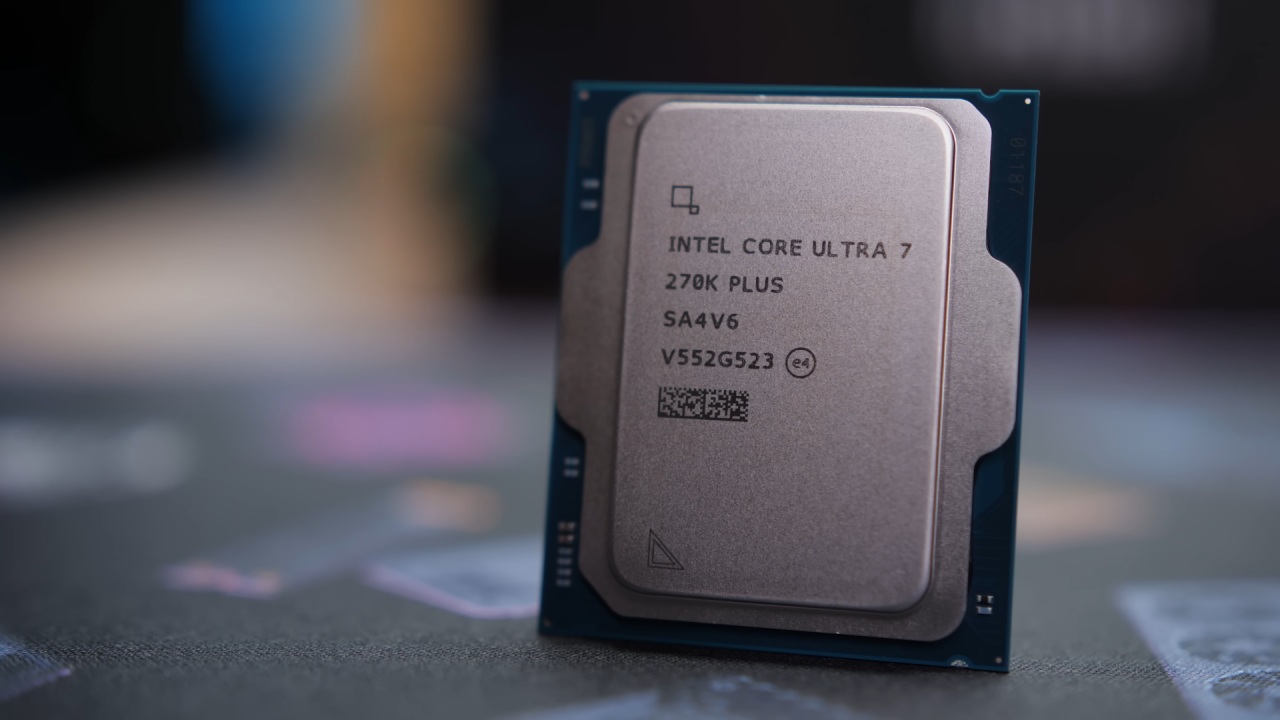
A shift toward Intel hardware for a full production workflow puts that assumption to the test, replacing years of GPU-dependent habits with a single Core Ultra 7 270K Plus chip running the entire pipeline from start to finish. After running a 30-day challenge with the Ryzen 9, the next step was to move away from the usual AMD platform entirely.
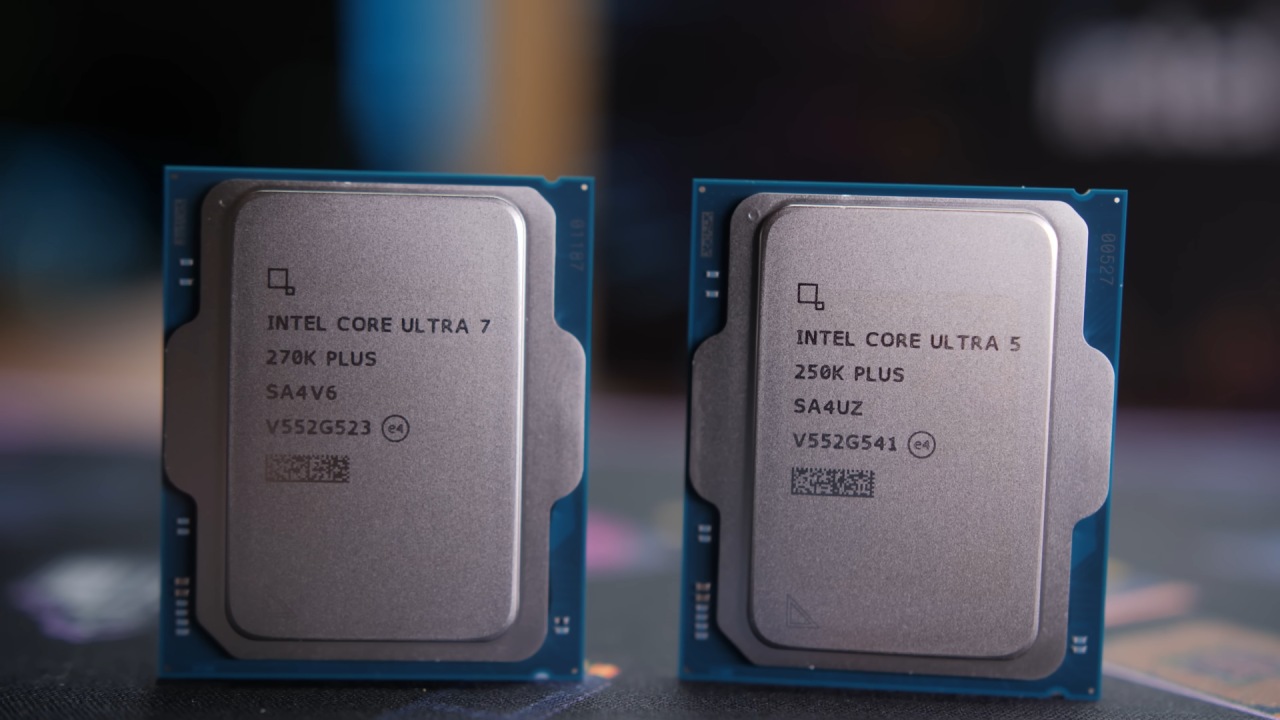
We picked the Core Ultra 7 270K Plus because it is one of Intel's more recent CPUs and has received positive reviews. Some pushback followed, with people pointing out that Intel already makes strong products and that Intel 270K Plus is not exactly an underdog choice. The challenge comes from two directions.
Everyday Performance and Quick Sync AV1
Tuning an Intel CPU properly requires more consideration than on the AMD side, where X3D chips tend to be closer to plug-and-play, even though the curve shaper and curve optimizer still allow for tinkering. The second part of the challenge involves using Intel 270K Plus for the entire production pipeline.
An Nvidia GPU remains installed in the system, but the NVENC and AV1 encoders on that GPU go untouched. Every recording, edit, render, and stream now runs through whatever Intel 270K Plus can offer on its own. Intel 270K Plus turned out to be more versatile than expected.
With 24 cores, it stays fast and responsive across Windows and every productivity application we use, and the DaVinci Resolve timeline has never felt smoother.
Intel's Quick Sync technology, a feature that has been around for years, now also includes AV1 encoding. Giving up the AV1 encoder on the 50-series GPU turned out not to be much of a sacrifice, since Quick Sync AV1 fills that role directly on the CPU.
That capability was not obvious going in, and discovering it mid-challenge is part of what makes a format like this worth doing instead of researching everything ahead of time.
DaVinci Resolve and OBS Running on CPU Alone
DaVinci Resolve takes full advantage of Quick Sync, keeping the timeline smooth while also rendering out through Quick Sync AV1, which preserves quality close to what an Nvidia GPU would normally deliver. OBS also supports Quick Sync AV1 for both live streaming and video recording, and this piece was recorded entirely on the Intel 270K Plus using that encoder.
A recent live stream was broadcast in Quick Sync AV1 from start to finish, and viewer feedback described it as clear and lag-free. A check of the OBS stats afterward showed zero dropped frames during a 3.5-hour stream.
Recording settings, live streaming settings, and DaVinci Resolve render settings used on the Intel 270K Plus are all available for anyone running an Intel system who wants to replicate the setup.
A comment claiming an Intel 270K Plus could hit 5.8GHz on all P-cores and 5.2GHz on the E-cores seemed unlikely at first, the kind of claim that shows up under nearly every tech video.
Curiosity won out anyway, and the P-cores were pushed from 5.5GHz to 5.8GHz, with the expectation that the system would crash. It never did. It was stable, and none of the P-cores crashed while locked at 5.8 GHz.
Cinebench Testing and Diminishing Returns
With temperatures rising sharply even under a 360mm AIO, the trade-off became clear as soon as Call of Duty came out. It's clear that pushing the clock speed that fast comes at a cost in heat. There was also a limit to how fast the E-cores could go. Any speed above 4.9 GHz caused crashes, so 4.9 GHz was chosen as the stable cap.
Multi-core Cinebench testing at 5.6GHz, 5.7GHz, and 5.8GHz on the P-cores showed scores dropping rather than climbing as the clock speed increased, a direct result of thermal throttling kicking in earlier at higher frequencies. Dialing the P-cores back to 5.5GHz produced the highest score of the entire test run.
Cinebench numbers should always be taken with some skepticism since the benchmark is not an exact science. Still, the pattern across all test runs remained consistent: higher P-core clocks led to higher temperatures, lower scores, and faster thermal throttling. For now, with a 360mm AIO as the only cooling solution, 5.5GHz across all P-cores appears to be a sustainable target.
The challenge has made a strong impact on Intel 270K Plus, but it has real downsides.
Intel 270K Plus appears to have more headroom if paired with stronger cooling, since the 360mm AIO currently in place becomes the main bottleneck as clock speeds climb. Direct die cooling, delidding, and custom loops are all under consideration as ways to unlock more of that headroom without hitting diminishing returns as quickly, or without thermal throttling at all.
Reaching 5.8GHz on all P-cores without the current heat penalty would depend entirely on whether a better cooling setup gets built out, and cost remains a factor in deciding whether to go that route. Power use is high, and heat builds up quickly. This is pretty normal for CPUs these days.
Everything stays within normal operating parameters, and the system feels stable and smooth even when it's not being tuned or subjected to stress tests. Coming live streams will include more demanding features, like gaming while streaming on Intel 270K Plus at the same time. This will put the chip through a heavier total workload than anything tried so far.
Editor, NoobFeed
Gaming Hardware Updates
No Data.