
OLED Monitors Still Struggle With HDR Compared to OLED TVs
Aggressive auto brightness limiting on OLED monitors causes significant brightness drops when average picture level increases in HDR content.
Hardware by Tanvir Kabbo on Mar 16, 2026
OLED monitors have improved rapidly in recent years, yet their HDR performance still falls far behind OLED TVs. In brightness tests, an OLED G5 TV can reach roughly five times the brightness of both QD-OLED and W-OLED monitor panels in window tests. The difference is significant enough to affect real HDR viewing, not just synthetic testing conditions.
Many monitor manufacturers argue that current HDR performance is already good enough, but the results suggest otherwise. In multiple HDR scenarios, OLED monitors often fail to deliver the same depth, brightness, and highlight detail seen on OLED TVs. The gap becomes noticeable both in controlled tests and in real HDR content.
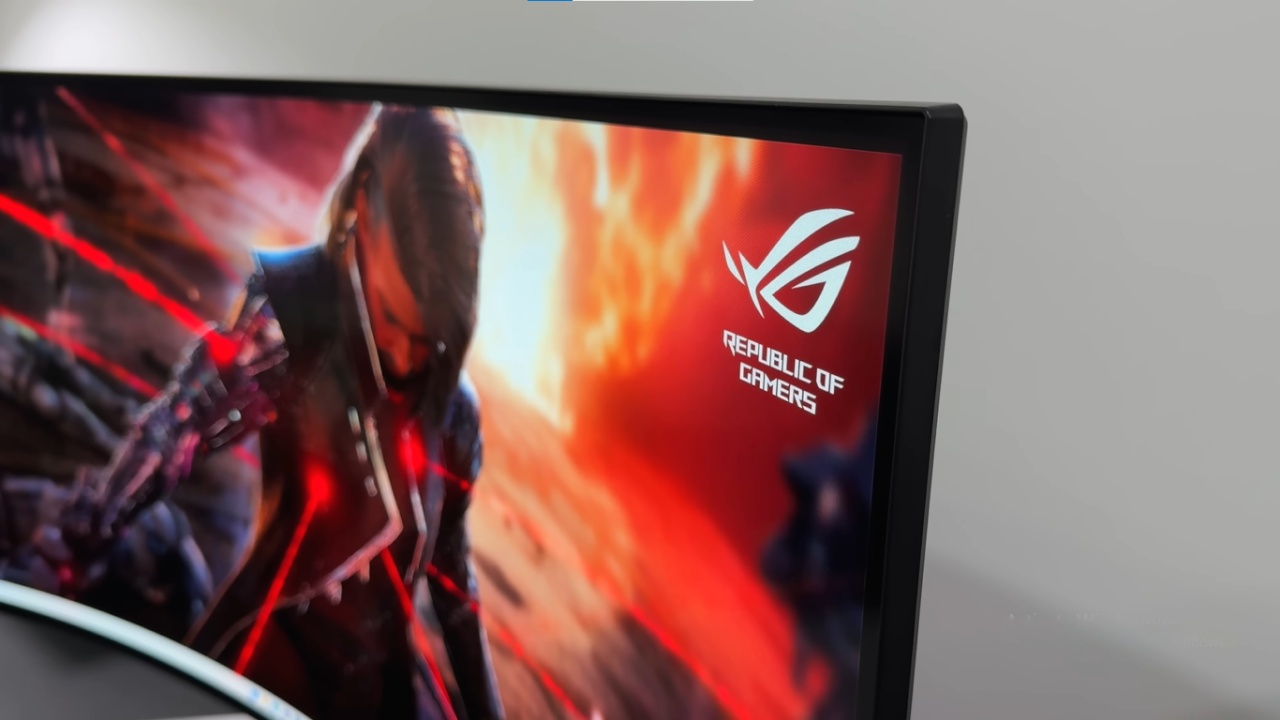
Despite these limitations, HDR on OLED monitors is still worth using. Even with the shortcomings, HDR generally looks better than SDR. The issue is not that HDR is unusable on OLED monitors; it simply does not match the level of HDR performance available on better HDR displays like OLED TVs.
Peak Brightness Is Not the Main Problem
When examining peak brightness in very small highlight areas, OLED monitors actually perform surprisingly well. Some models can exceed 1,000nits of brightness in small windows. A 1,000nit HDR peak is already extremely bright and capable of covering the vast majority of HDR content available today.
There is HDR content mastered at 2,000nits or even 4,000nits, but that content is more commonly consumed on TVs. Monitors are not expected to reach those levels yet. Still, strong peak brightness in small windows helps produce impactful highlights and improves scene depth.
Manufacturers sometimes claim OLED monitors do not need to get significantly brighter because they already approach acceptable HDR levels. That argument only holds partially true. While matching TV brightness levels may not be required, monitors should still achieve strong brightness levels in small highlight areas. Higher brightness improves visual impact and enhances HDR realism.
Full Screen Brightness Is Also Competitive
Another surprising result appears when looking at 100% window brightness tests. OLED monitors are not dramatically behind OLED TVs in full-screen brightness. In some measurements, the gap between the monitors and an OLED G5 TV is smaller than expected.
Since both peak brightness and full-screen brightness perform reasonably well, the issue clearly lies somewhere between those two extremes. That leads to a deeper investigation into how OLED monitors behave during real HDR scenes.
The Real Problem Appears in Bright HDR Scenes
During bright HDR scenes, OLED monitors begin to look flat. The issue does not occur when a tiny highlight appears in a dark scene. Instead, it appears when a highlight exists within an already bright area.
For example, bright clouds in HDR video often lose detail on OLED monitors. Highlights can become completely blown out, something that typically does not happen on OLED TVs. This indicates that the display is failing to properly manage brightness transitions in scenes with higher average brightness.
The result is HDR that appears less dynamic and less impressive than expected.
.jpg)
Aggressive ABL Is Likely the Cause
The main reason behind the issue appears to be ABL, or Auto Brightness Limiter. OLED monitors seem to apply extremely aggressive ABL behavior compared to OLED TVs.
Once a monitor reaches its maximum brightness level, it often hard clips anything above that value instead of properly tone mapping the scene. At the same time, ABL reduces brightness across the entire image to prevent power and heat issues. This combination leads to scenes that are dimmer than intended.
If a game does not allow manual HDR adjustments, highlights can become blown out. Even in games that allow HDR calibration, scenes may still appear darker than they should be.
Calman measurements also reveal under-tracking on the EOTF PQ curve at larger window sizes. That suggests the monitors cannot maintain accurate HDR brightness across larger areas of the screen.
APL Testing Reveals the Brightness Drop
Further testing using APL, or Average Picture Level, highlights the problem even more clearly. Although these tests are not directly comparable to traditional window tests, they provide valuable insight into how OLED monitors behave in real HDR scenes.
In a 10% APL test, OLED monitors produce results that are quite similar to an OLED TV. Even at an 89% APL test, some monitors perform slightly worse but remain relatively close.
However, the major issue appears when moving from 9% APL to 29% APL scenes. At that point, OLED monitors show a dramatic drop in brightness that does not appear on OLED TVs. Instead of gradually reducing brightness as scene brightness increases, monitors experience a sudden cliff-like drop.
On TVs, brightness decreases smoothly as APL rises. On OLED monitors, the drop is abrupt before stabilizing again. This behavior explains why HDR scenes on monitors often feel underwhelming compared to TVs.
TVs Still Maintain a Huge Advantage
In these comparisons, the OLED TV used for testing was limited to 1,000nits, even though many OLED TVs can exceed 2,000nits in a 10% window. OLED monitors cannot approach those levels.
Even when restricting the TV to 1,000nits, it still delivers much better HDR performance because of its more balanced brightness behavior. Ideally, OLED monitors would show a gradual brightness reduction across larger window sizes rather than the sudden drop currently seen.
A more natural brightness curve would allow monitors to display HDR1000 content more accurately and consistently.
.jpg)
Limited Real-World Improvements Over Time
The aggressive ABL behavior also explains why newer OLED monitors often show minimal real-world HDR improvement over older models.
For example, comparing the PG32UCDM3 to the original PG32UCDM reveals only small differences in actual HDR gameplay. On paper, the newer model has improved peak brightness and higher 100% window brightness. In theory, it should deliver noticeably better HDR performance.
In practice, the difference is minor because the same aggressive ABL limitations remain.
What Needs to Change
OLED monitors already demonstrate strong potential. They can reach impressive peak brightness in small highlights and maintain solid full-screen brightness. However, the brightness behavior between those extremes remains heavily restricted.
Samsung Display, LG Display, and their monitor partners will need to address this issue together. Reducing the aggressiveness of ABL and improving tone mapping behavior would significantly enhance HDR performance.
Once those changes are implemented, OLED monitors will be capable of delivering HDR1000 performance much closer to what users expect from modern HDR displays.
Also, check our other hardware articles:
- AMD Ryzen 9 9950X3D Review: Setting The Standard For 2025 Gaming CPU
- Amazon Luna 2025 Review: Is Prime Gaming's Cloud Service Your Go-To For Casual Fun?
- AMD RX 9070 XT Review: AMD's RDNA 4 Champion for 1440p Gaming
- GeForce Now Ultimate: Ditching Your Gaming PC For Cloud RTX 4080 Power?
- NVIDIA GeForce RTX 5080 Review (2025): Still A 4K Gaming Powerhouse?
- Intel Core Ultra 9 285K Review And Performance Breakdown (2025)
- AMD Ryzen 7 9800X3D Review: 3D V-Cache Goes God Mode with Stunning Gaming Performance
- Intel Core Ultra 9 285K vs AMD Ryzen 7 9800X3D: In-Depth Gaming Performance and Benchmark Comparison
- NVIDIA GeForce RTX 5080 Super Performance In Cyberpunk 2077: Path Tracing & DLSS 4.0 Tested
- AMD Radeon RX 9070 XT In Cyberpunk 2077: Ray Tracing & FSR 4.0 Tested
- Intel Arc B580 Review: The $250 GPU Revolutionizing 1440p Gaming
- Intel Arc B570 Vs. B580: Value, Specs, And Real-World Gaming Performance
- RTX 5090 Laptop Vs. M4 Max MacBook Pro: Ultimate Raw Performance Vs. Battery Endurance
- Intel Arc b580 Vs. RTX 4060: Game Performance And Value Analysis
- RTX5090 Hell Is Us Demo 4K Ultra Benchmark: DLSS Vs. Native Performance Guide
- NVIDIA RTX 5070 Review: Mid-Range Muscle or Marketing Hype?
- Nintendo Switch 2 Review: Handheld Performance, Features & Value Breakdown
- RTX 5070 Ti Review: Performance, Thermals & Power Efficiency Tested
- Samsung Odyssey OLED G81SF Review 2025: Ultimate 32-Inch QD-OLED Gaming Monitor
- AMD RX 9070 Performance Review: Thermals, Clocks, and Real-World FPS
- AMD Ryzen 5 7600 Review: Best Budget Gaming CPU of 2025?
- AMD Radeon RX 7800 XT Review: RDNA 3 Power For Midrange Gaming
- Asus ROG RTX 5090 Astral OC Vs. Founders Edition: The 4K Gaming Benchmark
Senior Editor, NoobFeed
Gaming Hardware Updates
No Data.