
ROG Xbox Ally X Automatic Super Resolution Tested With NPU Upscaling Performance Gains
Automatic super resolution leverages the Z2 Extreme NPU to upscale 720p gameplay toward 1080p with improved clarity.
Hardware by Tanvir Kabbo on May 04, 2026
Automatic super resolution is now starting to redefine how gaming PCs in hand are balanced between performance and picture quality. When new updates are made using dedicated AI hardware, rendering at lower resolutions can now be intelligently upscaled to provide sharper images without affecting higher frame rates.
The most recent implementation is Microsoft's preview update, which brings NPU-powered upscaling to the ROG Xbox Ally X and represents an important step towards more efficient gaming on portable devices.
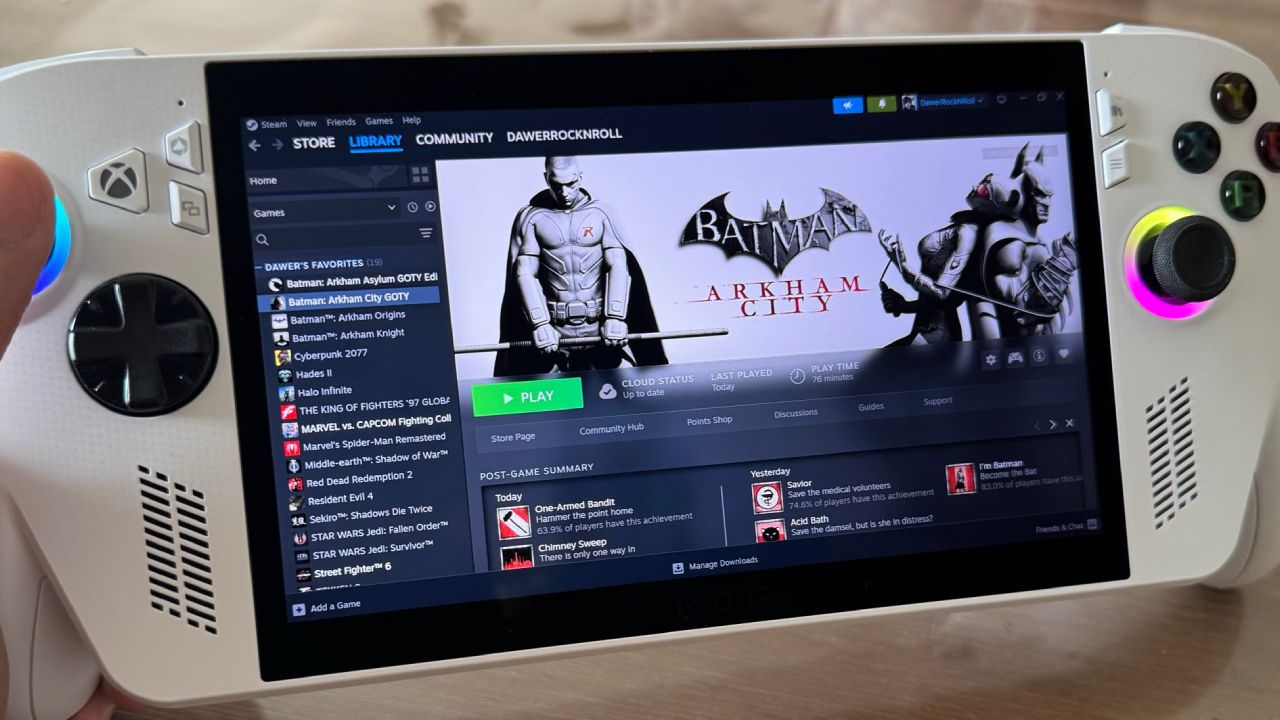
Automatic Super Resolution Arrives on ROG Xbox Ally X
We are also taking a peek at the automatic super-resolution on the ROG Xbox Ally X. This feature has been much anticipated for some time. Microsoft has finally released the update, but it is now only available as an Xbox Insider preview. It can be upscaled using the built-in NPU of the Z2 Extreme APU, and can be subscribed to, allowing users to access it.
This translates to real-world practice: the game rendered at 720p can be upscaled to approximately 1080p. We do receive a much better frame rate than native 1080p because the system is still rendering internally at 720p. It is through the NPU that this process works. Although it was initially introduced for external displays, it can also work on the internal display when the device is connected to power.
System Updates and New Features
The update, in addition to automatic super resolution, also brings several other enhancements. Improvements to docking now support some Samsung, LG, and Vizio televisions by automatically enabling certain features, such as auto low-latency mode and game mode. The display widget supports resolutions for both internal and external displays, and controller pairing for docked play has been enhanced.
The most important addition is automatic super-resolution, since it will finally enable us to run game workloads on the NPU. This was an expansion of Windows handheld gaming and the first such capability offered by Snapdragon Elite.
Enabling Automatic Super Resolution
It is easy to enable it. We can access it by going to the game bar or system display settings. When switched on, it works on all compatible games. The separate configuration of individual titles is also possible, such as the ability to set a maximum display resolution. As an example, when a 1080p monitor is used, we can render to 1280x720 and have the system upscale to 1080p.
A status indicator can also be enabled in the top-left corner to show when automatic super resolution is enabled.
Visual Quality Improvements
In Cyberpunk 2077 testing, it is emphasized that the feature enhances image quality. When viewed at 720p without upscaling, the image noticeably looks blurred. By enabling automatic super-resolution, edges are smoother, and fine details are more pronounced. The most beneficial objects are close-up ones, which demonstrate much better clarity.
Direct comparisons with native 1080p reveal that the higher resolution continues to provide even better overall detail, particularly of distant objects. But at very fine scales, the automatic super-resolution may appear sharper in edges and textures, depending on how the AI reconstruction behaves.
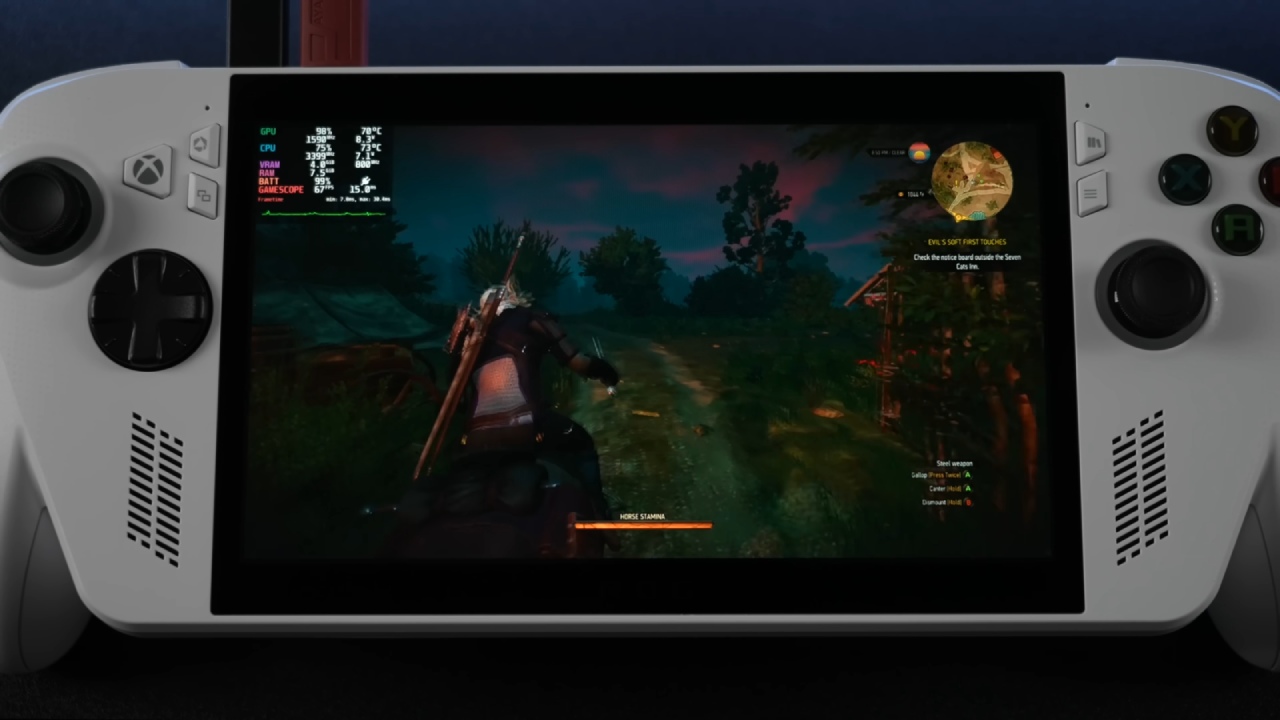
Performance Trade-Offs and Gains
The mixed yet encouraging picture of performance testing is presented. The highest frame rates are still being achieved by running at 720p without upscaling. Another power-consuming component, around 1.5W to 2W, is the enabling of automatic super resolution, which adds additional load to the NPU. This reduces GPU and CPU clocks slightly, resulting in a slight performance decrease compared to native 720p.
But compared with native 1080p, the advantages are obvious. On the Steam Deck preset with Cyberpunk 2077, 1080p averages 56fps, whereas 720p with automatic super resolution reaches 63fps, which is 12.5% higher. The gains are even more apparent at higher settings. On ultra settings, 1080p averages 36 fps, and 720p with upscaling averages 47 fps, which is 3 times higher yet has almost the same visual quality.
Game Compatibility and Real-world Results
Results vary depending on the game. In Spider-Man 2, the feature offers very little improvement: 720p upscaled versus native 1080p, and 53 fps is 2 fps better than 52 fps. Titles such as God of War Ragnarok, which have more demanding titles than previous designs, are showing better gains, jumping to 57 fps with upscaling compared to 40 fps at 1080p.
Black Myth: Wukong will upgrade to 66 fps at 720p with automatic super-resolution. When enabled to use the DX12 backend, Red Dead Redemption 2 improves performance by 67 fps, up from 52 fps in the same circumstances.
Early Potential with Room to Grow
Automatic super-resolution is an appreciable advancement for handheld gaming devices. It provides a trade-off between performance and image quality, which, in the past, was only possible with significant hardware.
Although it is not yet a full-fledged replacement of the native high-resolution rendering, the current implementation already offers some tangible benefits in most cases. With Microsoft still refining the technology, there is a likelihood that image quality and efficiency will improve, making it an even more useful tool for handheld gaming performance.
Senior Editor, NoobFeed
Gaming Hardware Updates
No Data.