
NVIDIA GeForce RTX 3060 Borderlands 4 Performance Test With DLSS4.0 vs. DLSS4.5
DLSS4.5 introduces sharper visuals but significantly reduces frame rates on RTX30-series GPUs during real gameplay scenarios.
Hardware by Shinji Okazaki on Jan 14, 2026
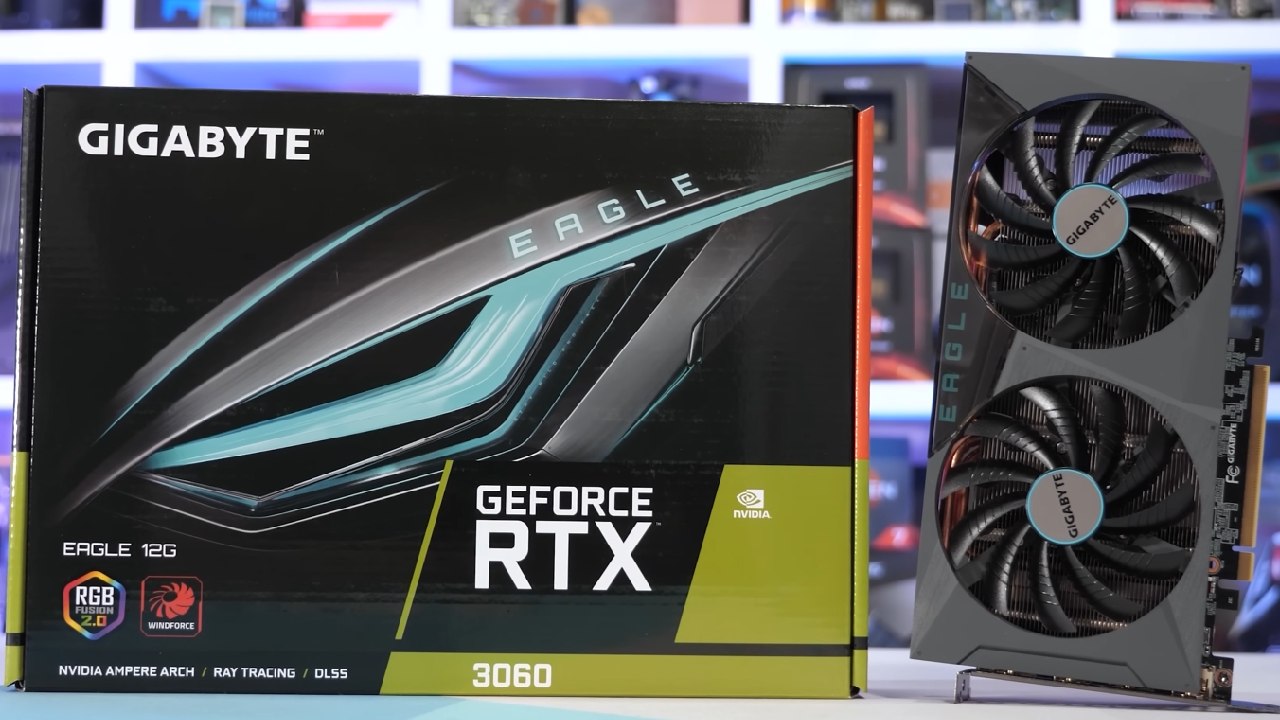
Borderlands 4 was tested on a GeForce RTX 3060 12 GB, which is one of the most popular graphics cards on Steam. The main goal was to compare how well DLSS4.0 and DLSS4.5 worked and how good they looked at different resolutions and settings.
The system had an RTX 3060 AOX variant with the latest Nvidia drivers, no manual overclocking, and a Ryzen 9 7980X3D with 32GB of RAM to avoid CPU bottlenecks. Testing was done with low graphical settings and DLSS modes enabled.
Setting up the Test and the First Performance
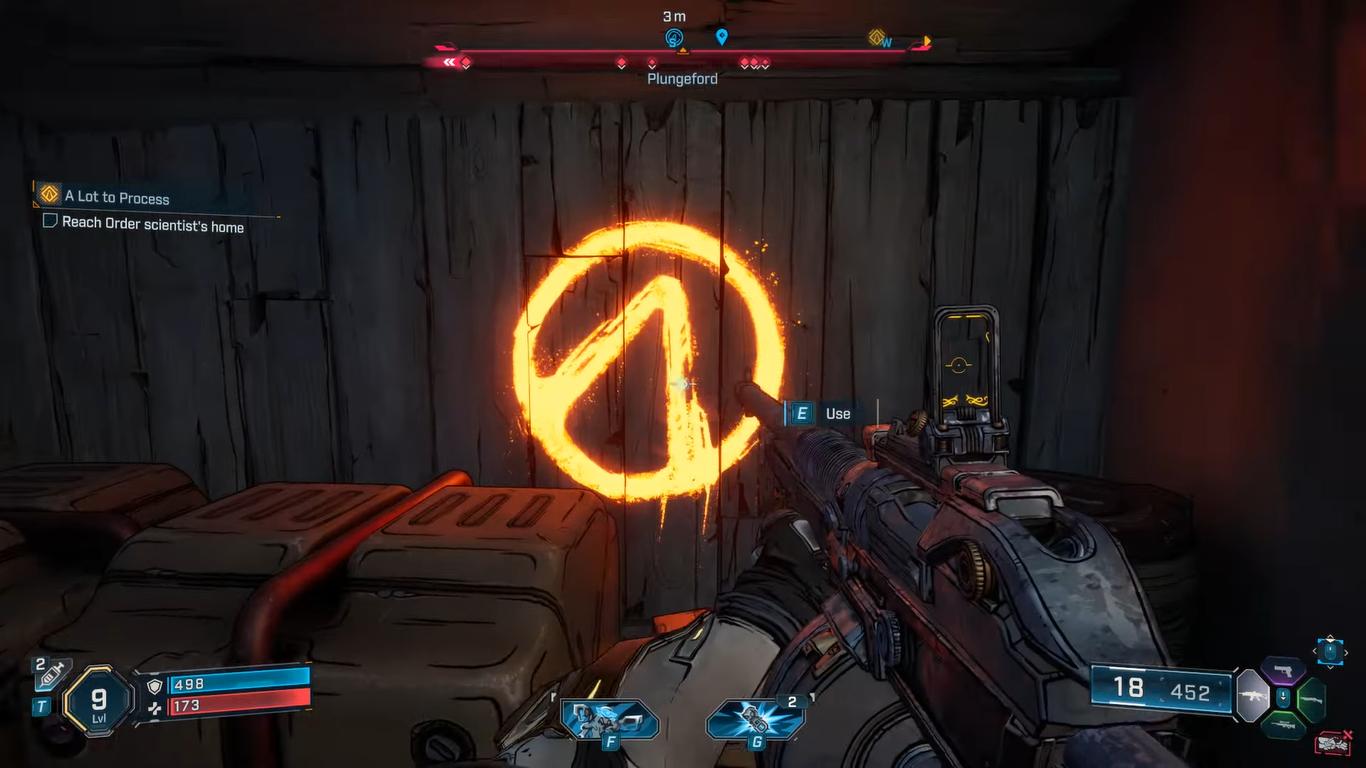
The graphic style, with strong black outlines and stylized images, helped keep the images clear even at low internal resolution.
Turning off upscaling made the performance worse and the visuals less clear. DLAA did better than native rendering in this game, which is not normal. When DLSS 4.0 was set to Quality mode, the frame rate stayed over 60 fps, and the image remained sharp with minimal ghosting.
DLSS4.0 at 1080p
When you set the quality to DLSS 4.0 at 1080p, the game ran at 720p and was upscaled to 1080p. Even though the resolution was decreased, the game's art director kept the visuals tidy. There wasn't much ghosting, and it was only evident on some weapon models or while moving quickly.
This was the best choice for RTX 3060 users because it was the most reliable and balanced. Performance stayed fluid, input response remained the same, and visual clarity was good enough for long gaming sessions.
DLSS4.5 at 1080p
When I switched to DLSS 4.5 with PresetM, my performance dropped significantly. Even in less demanding sections, the frame rate dropped to 30-40 fps. The picture got sharper, and ghosting got less; the performance drop made the game less responsive.
DLSS4.5 made the picture clearer, especially around the borders and textures, but it was too slow for a 30-series GPU. DLSS 4.5 is not a good idea at 1080p on an RTX 3060.
1440p How DLSS4.0 Affects Performance
Using DLSS 4.0 PresetK at 2560x1440, the frame rate stayed between 30 and 40 fps. Even with upscaling, the higher pixel count made the images clearer than 1080p.
Switching to DLSS 4.0 Quality brought performance to about 50–60 fps. The game ran at 960p internally and was upscaled to 1440p, delivering better image quality than 1080p while still being playable.
Some firearms with certain sights showed ghosting, especially while moving. This has more to do with the game engine than the upscaler.
DLSS4.5 at 1440p
DLSS4.5 PresetM at 1440p made the graphics sharper than DLSS4.0 Performance, but the frame rates were reduced to the mid-30s. Ghosting was lessened, but not completely gone, notably on some weapon sights.
Even in Performance mode, the performance stayed below 60 fps. The performance loss wasn't worth the visual advantages. We still liked DLSS 4.0 Quality for balancing.
Testing in 4K
DLSS4.5 PresetM with Performance mode gave the clearest images throughout testing at a resolution of 3840x2160. The picture seemed cleaner than 1440p DLAA, even though it was rendered from 720p. But the performance stayed at about 30 fps.
Ultra Performance setting raised frame rates to the 40fps range, but grass and distant objects started to shimmer and make noise. Still, the picture quality was better than DLSS4.0 Ultra Performance, which had significant ghosting and instability.
DLSS 4.0 performance at 4K appeared clear, though some weapon sights had significant ghosting. DLSS4.5 with PresetL cut down on ghosting even more, but also made the performance worse again, which made it less useful.
FSR3 and XeSS
A Comparison. Ultra Performance in 4K looked quite jagged and shaky, with significant noise and shimmering. XeSS performed better than FSR, though it still showed noticeable ghosting and artifacts.
DLSS was still the best way to make RTX GPUs seem better, even on older hardware like the RTX 3060.
Final Thoughts
DLSS4.5 makes images clearer and less ghostly; however, it slows down 30-series GPUs a lot. DLSS 4.0 is still the best choice for RTX 3060 users across all tested resolutions.
DLSS 4.0 Quality delivers the smoothest experience at 1080p. DLSS4.0 Quality at 1440p seems better than native 1080p and runs smoothly. DLSS4.5 Ultra Performance looks great at 4K, but it doesn't perform at the best frame rates.
DLSS 4.0 is still useful even though DLSS 4.5 is now available. DLSS4.0 still works well in most games and is still the best solution for RTX 30-series GPUs.
Also, check our other NVIDIA articles below:
- NVIDIA GeForce RTX 5080 Review (2025): Still A 4K Gaming Powerhouse?
- NVIDIA RTX 5070 Review: Mid-Range Muscle or Marketing Hype?
- RTX 5070 Ti Review: Performance, Thermals & Power Efficiency Tested
- ASUS GeForce RTX 5090 LC Liquid Cooled GPU Review: Unmatched Silence & Speed
- MSI GeForce RTX 5090 32GB SUPRIM SOC Review: Power Efficiency, Cooling, and Gaming Performance
- INNO3D RTX 5060 Ti 16 GB X2 Review: Gaming Benchmarks, Temps, and Power Efficiency
- HP Omen 45L Review: RTX 5090 Performance, Thermals, and Value Analysis
- ASUS TUF Gaming GeForce RTX 5060 Ti Review: DLSS 4, Power Efficiency, and Gaming
- ASUS Prime RTX 5060 Ti OC 16GB Review: DLSS 4, Ray Tracing, & Thermals Tested
- NVIDIA GeForce RTX 5060 Review: Specs, Gaming, and Cost per Frame
- MSI GeForce RTX 5090 GAMING TRIO OC Review: A Monster Power GPU
Editor, NoobFeed
Gaming Hardware Updates
No Data.