
GTA 6 is Causing PS5 Overheating and Smoke as Crash Reports Appear
Some base PS5 units have been known to shut down or even start smoking while running GTA 6, though most players can still explore the map just fine.
News by Adeela Tas on Nov 26, 2026
Videos of consoles crashing, glitching, and, in one case, even filling a room with smoke have been circulating among the GTA 6 player base. What began as a fairly normal performance thread has now become a rather bigger issue. Here's what's going on with the PS5 overheating reports and how the various consoles are doing.
Before launch, Sony said GTA 6 would play best on the PS5, and Rockstar echoed that on its blog. The blog post focused primarily on the SSD (fast loading), the DualSense controller, and Tempest 3D audio rather than raw performance. That said, the message got through.
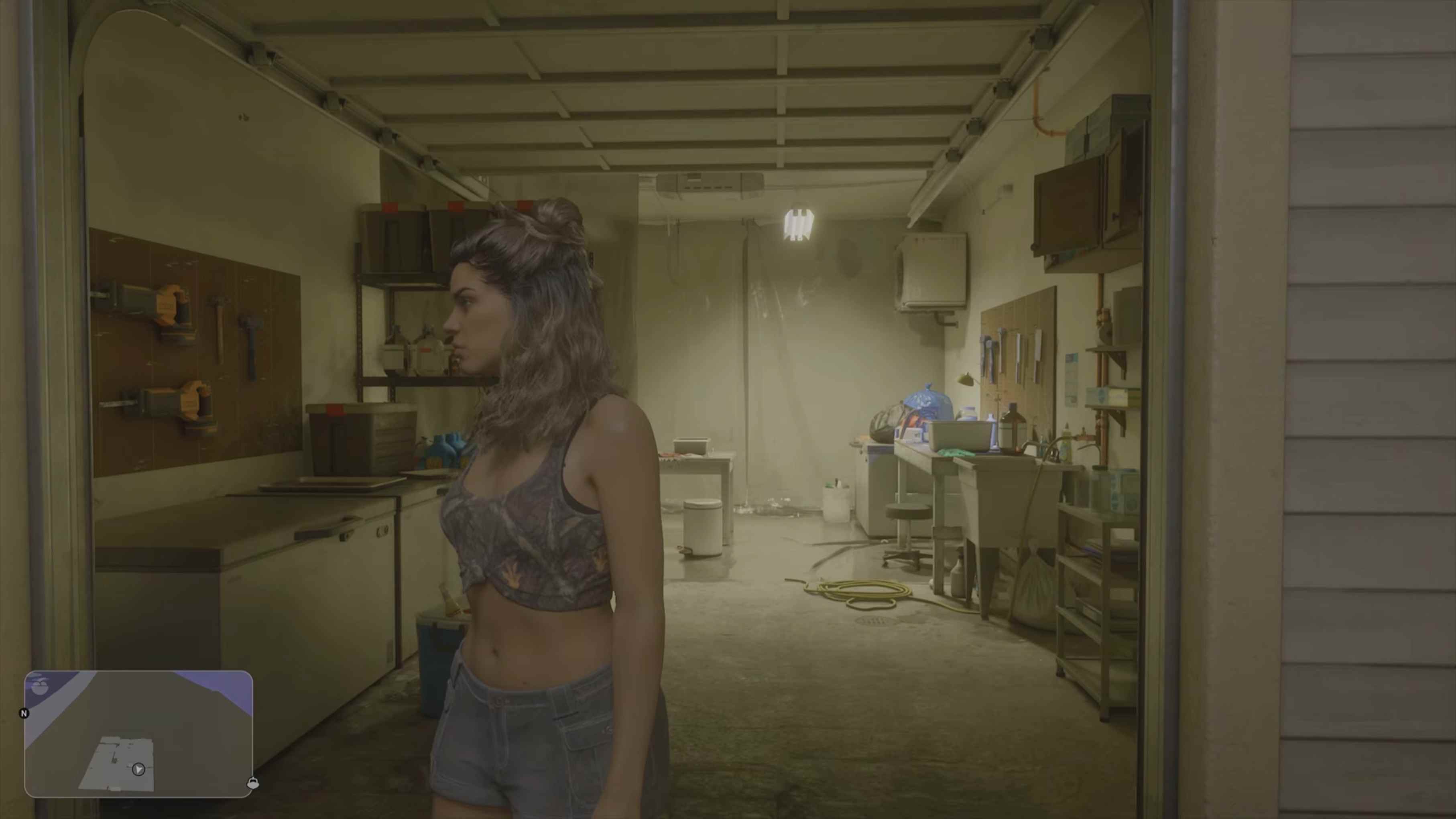
PlayStation has reported that over 39 million unique players have started GTA 6 on the console.
That's with game sharing factored in, so it's not the same as the number of copies sold, but it lines up with third-party estimates of 33.7m on PlayStation and 11.2m on XBOX. Performance testing paints a rather different picture with standard hardware. Both the base PS5 and the Series X aim for 30fps and generally achieve it during normal play, though they tend to dip into the mid-to-upper 20s during heavy vehicle sequences or at busy airports.
The base PS5 drops more frequently. The Series X supports 120Hz VRR, which helps smooth out those small dips, so it's the better performer here. The Series S regularly dips below 30fps and has some audio issues, though VRR helps a little.
The PS5 Pro is the console version of GTA 6. It has a bigger GPU, ML hardware, and better ray tracing, which means Sony's PSSR upscaler can now replace TAA and produce a 4K image from a 1440p base. Foliage, lines and textures all look much sharper as a result, though you can still get PSSR instability when you're driving.
It also has ray-traced shadows from both sunlight and local lights and higher-resolution ray-traced reflections on all the shiny surfaces. CPU is the limiting factor, so it's still capped at 30FPS (no 40 or 60 FPS modes), but it's far more consistent at 30FPS than any other console, even in the most chaotic of situations.
You can still get brief drops down to around 20FPS.
Given that the PS5 Pro makes up only a small proportion of PS5 sales and sales have now passed the 100m mark, most people still have the base model. This is where the PS5 overheating reports begin. One streamer made a video of her PS5 displaying artifacts and then shutting down, and she was clear she had it in an open, clean space. Another video showed a PS5 filling the room with smoke whilst GTA 6 was paused.
Power tests go some way to explaining the situation. One tester recorded around 220W with the game running and just standing next to the car, with very little going on screen. Closing the game brought it down to 67W, and a max load test hit 274.2W.
Most games peak between 180 and 220W, and Sony's console is designed to handle up to 340-350W, so this is at the very high end of the scale but still within the design parameters. A technician believes this indicates poor cooling in the older base models. Smoke is rare, but crashes are far more common, usually with screen artifacts before the game crashes.
Some are comparing this to the Red Ring of Death (the older XBOX 360 units that would overheat very quickly). We don't expect this to be as widespread, but the PS5 is so hard to get and so expensive that replacing it isn't really feasible. Long play sessions will probably make the issue worse, and there's not much you can do about it.
The key question is whether Rockstar can optimize GTA 6 to use less power, which would help with the PS5 overheating.
There's also a separate find on XBOX. It's a Quick Resume thing, and it's related to the console's display settings. Set the output to 60Hz, launch the game, then switch to 120Hz while it's loading. Start another game and then return to your original session. The game will then be running at an unlocked frame rate. You can reverse it, of course, and switching back from 120Hz to 60Hz will give you 15FPS.
Tests on Series X show frame rates in the 30-40FPS range (averaging 36 in the first hour). In rural areas or at sea, it can go above 40 FPS, and looking at the ocean can easily reach 60 FPS. It still drops below 30FPS during fast movement, in a busy city, or when you're destroying vehicles, so it doesn't help performance in all situations. It just raises the frame rate where the game was already running smoothly.
Many online reports say the glitch gives you a rock-solid near 60fps or better. The testing doesn't support that, though. Those reports probably come from misconfigured tools or the TV's VRR counter (which shows double the actual frame rate when low frame rate compensation is enabled). 25fps might well appear as 50fps. The game also runs faster as the frame rate goes up, which makes it harder to play.
That's probably just a side effect of the glitch, not an actual link between the engine and frame rate. 60fps is still to be expected on the next-gen consoles or PCs. Given that gunplay and driving already cause frame rate drops, you'd certainly notice any big difference in responsiveness. That's why Rockstar has locked the game at 30fps.
Take-Two is expected to be selling GTA 6 again on Helix and PS6; a free update doesn't appear to be in the cards.
GTA 5 sold across all generations, and the 60fps mode would have been a strong sell on its own. As for GTA 6 on the PS5, neither Sony nor Rockstar has commented on the overheating issues. The 'plays best on PlayStation' bit may well be a myth for the base model, but it did definitely attract people.
Editor, NoobFeed
Related News
No Data.