
Cairn Beginner’s Guide | Gameplay Tips & Tricks
A simple, reader-friendly guide to climb better, stay prepared, and waste fewer resources.
Game Guide by Faviyan Mustafiz on Feb 02, 2026
Cairn is a reward for good preparation and cautious, intelligent choices. It is possible to avoid poor climbs, limited stamina, and squandered resources by developing a few behaviors at an early age. When it comes to stocking up, maintaining hydration, managing food and inventory, and planning safer routes with tools such as Review Route and Holds Feedback, the following advice can be utilized.
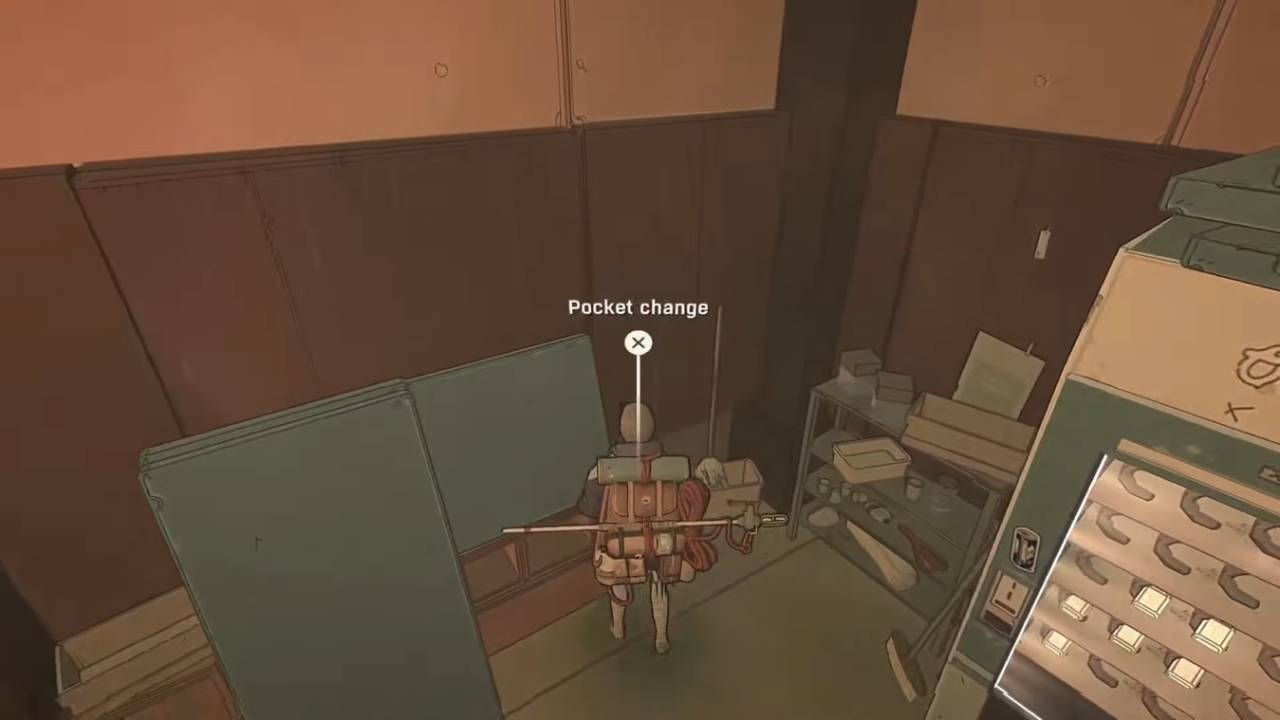
Loot the Gym Before You Leave
Before you leave the gym, make sure you loot it. You can find coins, an empty bottle for more water on the trail, and two extra Pitons. You can get three if advanced training is completed and the reward box in the back is opened. You can spend the coins at the Vending Machine.
Turn On Holds Feedback for Better Hand and Foot Placement
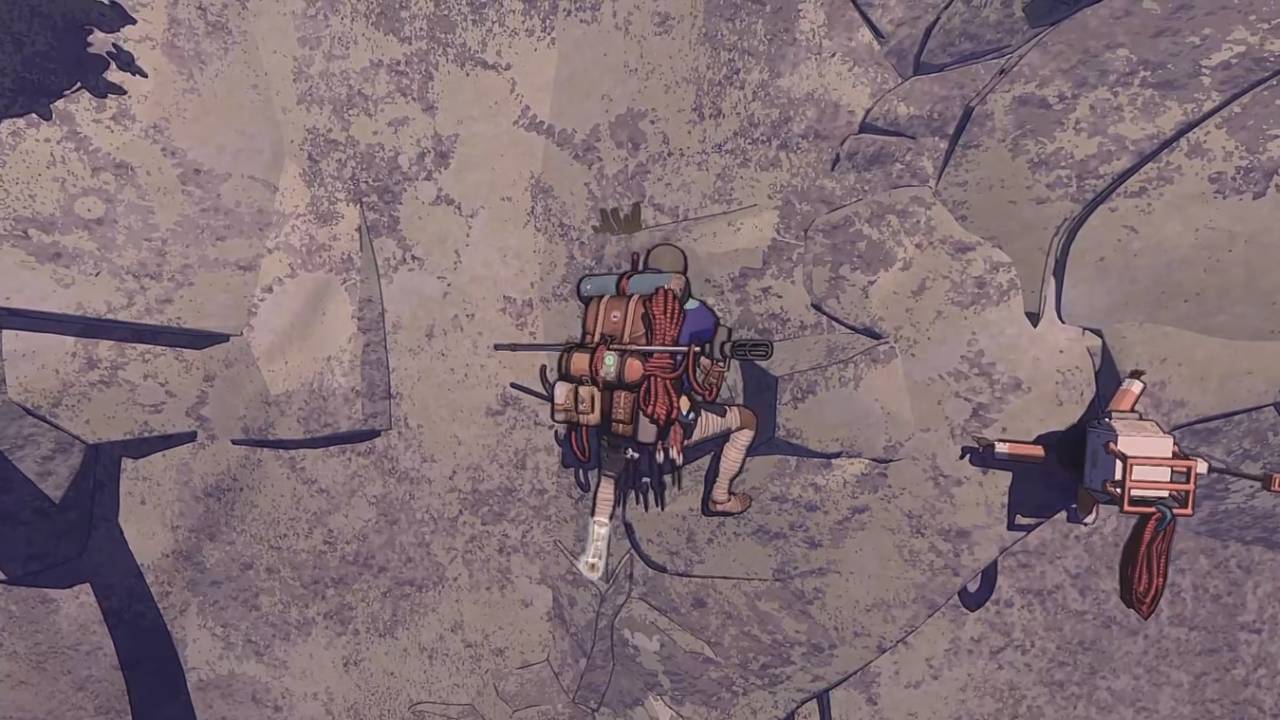
The Holds Feedback setting helps you learn what counts as a good placement for hands and feet. A good placement shows a square pop-up when contact is made with the wall. You do not need all four limbs placed perfectly to climb without falling, but it helps when at least two or three are in solid spots. If a placement is bad and a retry is needed on PlayStation, the Circle Button cancels the move.
Take Water Seriously, Even When It Is Hard to Spot
The importance of water cannot be overstated. Be sure to look for more than just the obvious ponds and streams. Additionally, check for fissures in the rock, as water has the potential to fill them. Keep bottles handy so that your level of hydration does not fluctuate while you are traveling.
Forage Often and Keep Food Options Open
Make it a point to search for food as you move along in the story. During long climbs, food serves to maintain energy levels and provides other possibilities. Getting things as you go is also helpful for times when you need to make rapid decisions about what to cook later.
Compost Unwanted Items to Make Chalk
When the backpack is full, space needs to be made. Shaking it can help, but you will often need to eat, drink, or compost something instead. Composting trash or items you do not want can create Chalk. Chalk gives extra grip during climbs. Grip makes limbs get tired slower and works on more surfaces.
Refill Water Without Leaving the Tent
Often, water bottles can be filled without leaving the tent. Select an empty or partially empty bottle and check for a prompt above the item box. Keep in mind that bottles containing anything other than water, such as tea or an infusion, cannot be refilled from the tent.
Choose What Goes in the Canteen for Faster Recovery
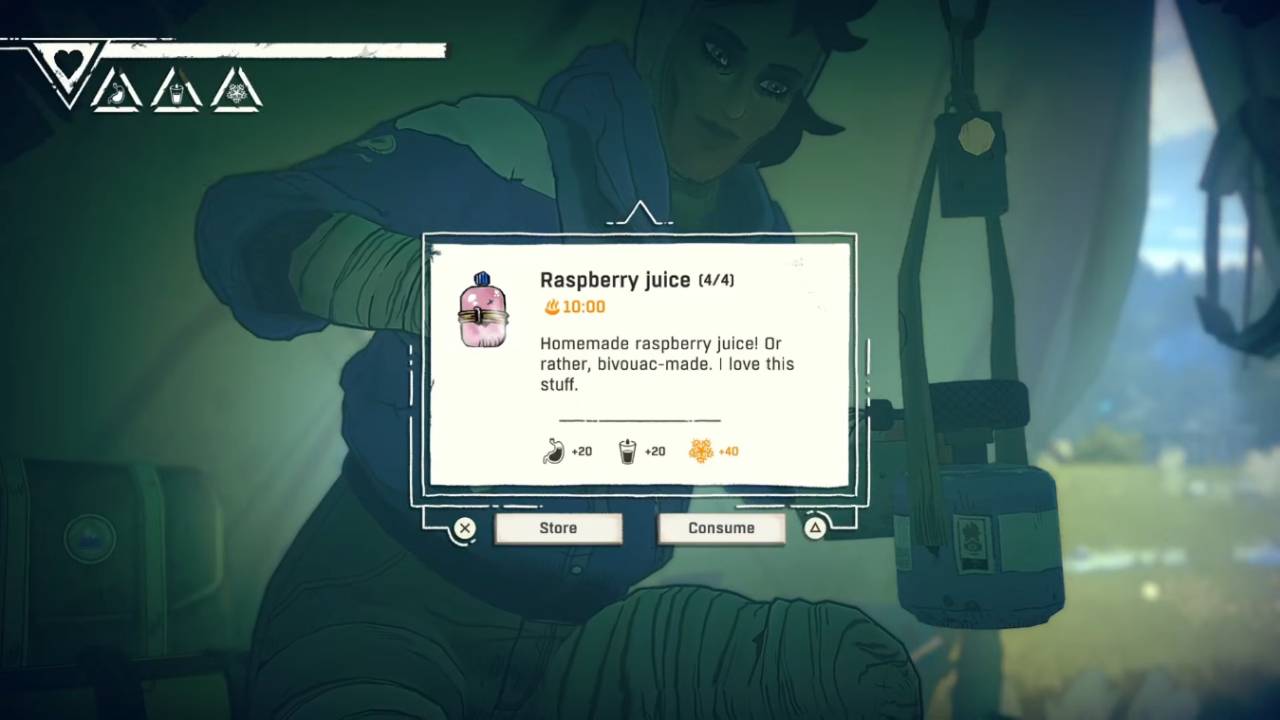
While testing recipes, you may find one that gives more than hydration. Raspberry Juice is a strong early example because it gives hydration and energy. When Raspberry Juice is placed in the Canteen instead of a regular bottle, it becomes available on the quick-use D-Pad buttons. That means you can drink it without opening the backpack, and both energy and hydration are refilled at once.
Keep Combining When Cooking
After two ingredients are combined, you can still add a third. For example, honey can be added to water to make extra-sweet water. Then juniper can be added to get more value than mixing only water and juniper. Sweet items like honey often give a burst buff, shown by a small running person icon.
Turn Piton Scraps into New Pitons
A perfect Piton placement is not always possible. Keep the scraps when a placement goes wrong. The next time the tent is pitched, scraps can be used to create a new Piton. Two scraps make one new Piton.
Use the Barometer to Track Weather and Timing
The Barometer helps track time and weather. It can be checked in the tent or through quick items on the D-Pad, using L2 and the Left D-Pad. The weather runs about 15 seconds ahead of schedule, so if the needle shifts from rain to sun, rain usually continues for about 15 seconds before the weather truly changes.
Open the Backpack Safely During a Climb
Keep an eye on energy and hydration levels while climbing. If the backpack is needed mid-climb, you need to set a Piton and go off-belay to access it. Planning drinks in the Canteen reduces how often the backpack must be opened.
Use Review Route Before, During, and After a Climb
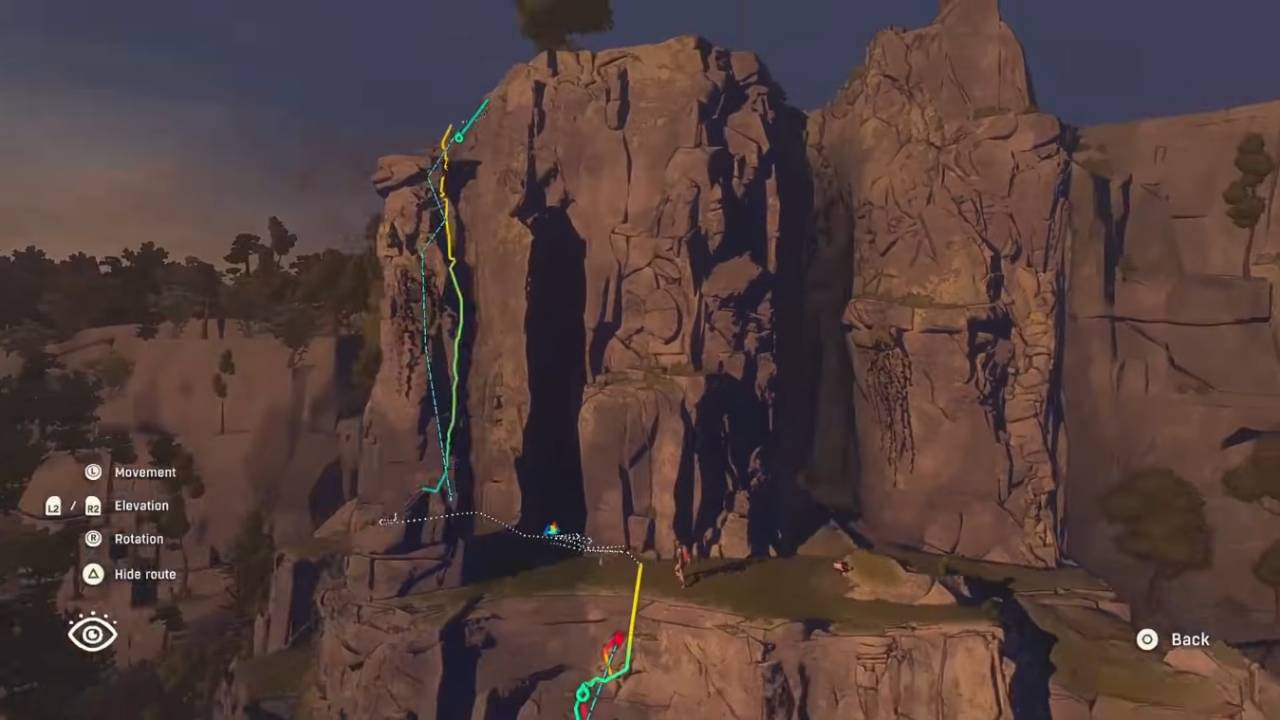
Use Review Route before a climb and during a climb to plan direction and avoid confusion. On PlayStation, it is L1. In that view, pressing Triangle allows more camera movement. After a climb, Review Route also shows how the route went. The yellow and green sections are smoother, while the red sections are harder. Green circles show where Pitons were placed.
Use the Flashlight in Dark Areas
If climbing at night or moving through a dark corner, turn on the Flashlight. It is found in the L2 quick items.
Pick Routes with Ledges for Piton Management
Routes with ledges partway up are useful. If many Pitons are used early, a ledge can be used to ask Climbot to retrieve them. That lets you reuse Pitons for the second half of the climb.
Search for More Handholds Than Expected
There are more handholds than you might expect. Keep Holds Feedback on and test different hand and foot locations until the square indicator shows a good hold. Any horizontal or vertical line on the rock is often a good starting point.
Also, check our Cairn Review and other guides below:
Contributor, NoobFeed
Latest Articles
No Data.