
Capcom’s Pragmata Demands Modern GPUs With Higher VRAM for Best Experience
High-end PC hardware delivers stable performance in Pragmata while maintaining full path tracing and advanced lighting features without compromise.
Hardware by Tanvir Kabbo on Apr 15, 2026
Pragmata is a PC game that distinguishes out because it makes heavy use of new GPU technologies like ray tracing and route tracing. The RE Engine is what the game is built on, which means it runs well overall. But it's evident that its design works better with newer hardware that has more VRAM and better graphics.
The graphics quality is based on how strong your hardware is because of how the game is made. Path tracing, hair strand rendering, and ray tracing are not just nice-to-have visual additions; they are needed for the show that is being made. This means that getting the right tools is very important for the whole experience.
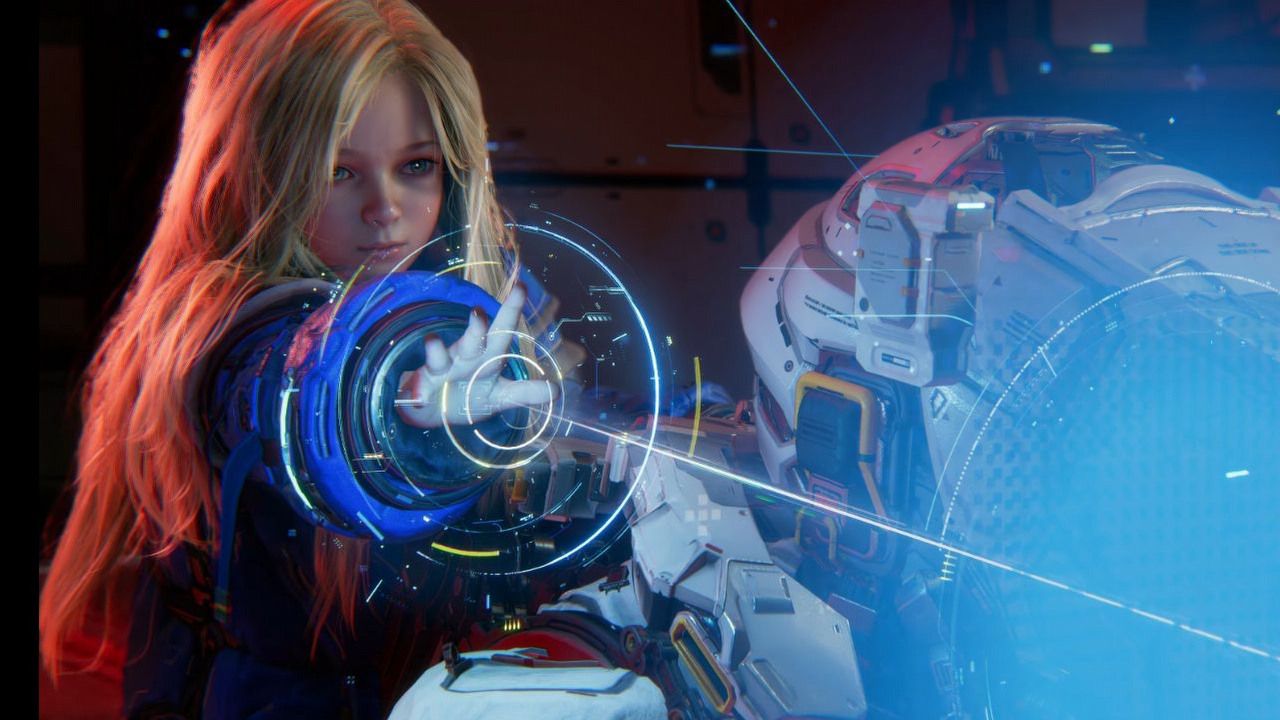
High-End GPUs Deliver a Near-Flawless Experience
Pragmata works quite well on high-end hardware. With all settings at their highest, including full path tracing, performance remains stable, and there are no serious problems. Path tracing makes lighting and environmental reflections much more accurate.
Pragmata's settings are full of reflective surfaces, unlike darker games like Resident Evil Requiem. This makes route tracing much more powerful because almost every surface changes when light hits it. The ultimate result is a highly immersive visual experience that closely matches the quality of pre-rendered CGI.
These effects require Nvidia's ray reconstruction, which adds minor artifacts such as subtle smearing. However, the total outcome is still visually appealing and technically complex.
RTX 4060 Performance
The game runs well on a mid-range system with a Ryzen 5 3600 and an RTX 4060 when the settings are right. Using DLSS Balanced mode, you can reach 1440p at 60 fps, especially if you tweak the settings based on other RE Engine games.
Ray tracing is a big part of the visual experience; it's best to keep it on. Also, hair strand technology makes character depiction much better, especially for close-up situations with Diana. But each of these features comes with clear performance drawbacks.
Frame rates usually stay around 60 fps, though they can drop into the low 50s or even the upper 40s in demanding scenarios, such as when hair rendering fills the screen. In many circumstances, the drops are more related to the strain on the computer than the memory.
VRAM Bottlenecks Expose Limitations of 8GB GPUs
The most important hardware limit in Pragmata is the amount of VRAM it can hold. The RTX 4060 is an example of a GPU with 8GB of VRAM that has problems that aren't always obvious to the user.
Sometimes the performance drops and the game stutters all of a sudden, especially when the setting is bigger or more complicated. Instead of the GPU's lack of processing power, these issues are brought on by the VRAM running out.
Turning off the shadow cache and making other changes can fix these problems temporarily and restore stable 60fps gaming. But the VRAM usage indications in the game aren't always accurate, so it's hard to find the real cause without testing it yourself.
You can use less RAM by lowering texture quality or turning off ray tracing. Still, these changes will directly affect the game's visual quality, which is what makes it look good. Rendering hair strands also puts a burden on VRAM, making it hard to find the right balance between performance and quality.
Ray Tracing as a Core Hardware Requirement
Ray tracing is not just a way to make Pragmata seem better; it's a key feature of how it renders. The environments, materials, and lighting systems were all designed with ray tracing in mind; the experience is substantially worse without it.
Ray tracing can be turned off to free up VRAM and GPU resources, but it changes the way the game looks in a big way. This means that players with mid-range or older hardware sometimes have to pick between better graphics and more stable performance.
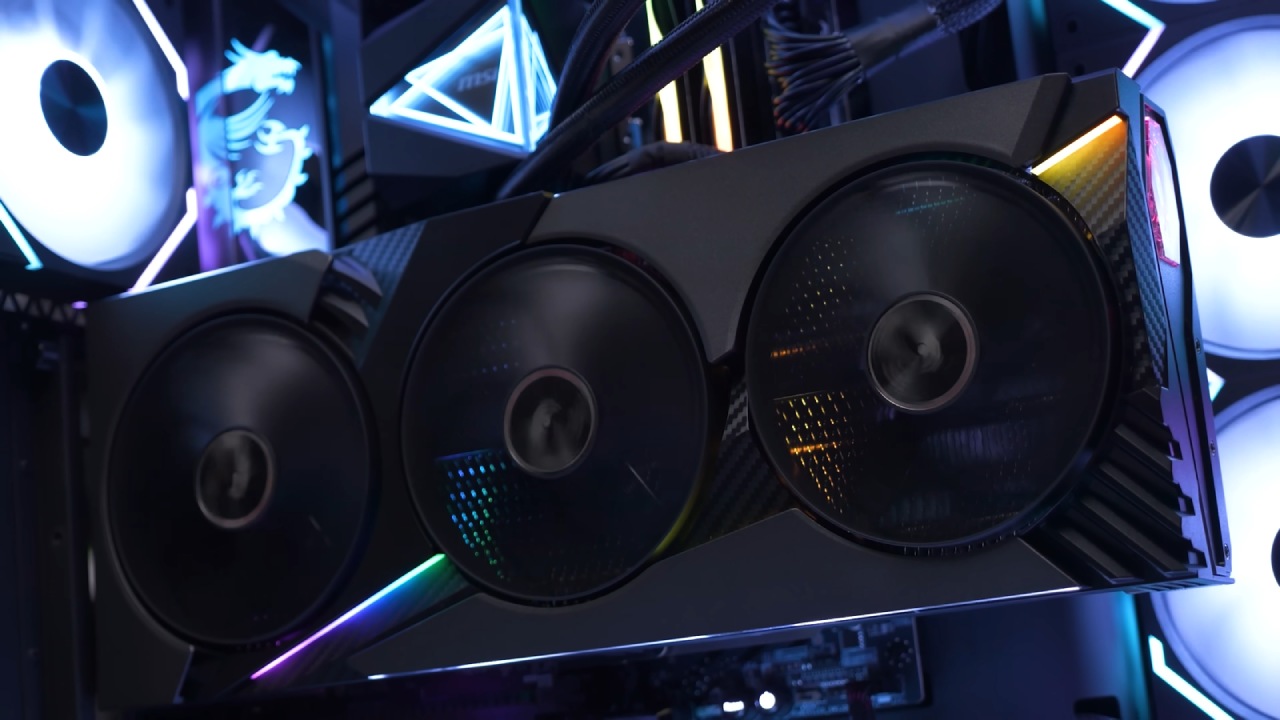
Hardware Balance Feels Increasingly Skewed
Pragmata discusses a problem that's worsening in PC gaming these days: the gap between GPU computational power and VRAM capacity. The RTX 4060 and other GPUs like it have enough raw power, but their 8GB of VRAM might slow things down when memory use is high.
Based on this, it looks like the next "60-class" GPUs would gain a lot from having more VRAM. The speed is already good, but users can't fully use advanced features like ray tracing and high-quality images at the same time because there isn't enough memory.
Final Thoughts
Many kinds of hardware can run Pragmata well, but mid-range PCs have trouble because they don't have enough VRAM. Some people say that high-end GPUs give the best experience, but 8GB cards need to be carefully calibrated and come with trade-offs.
The game is a clear example of how new rendering techniques are overcoming the constraints of older hardware, especially in terms of memory use. Players who want to get the most out of Pragmata should use GPUs with more VRAM and better ray tracing capabilities. These will provide them with the most consistent and full visual experience.
Also, check our other hardware articles:
- AMD Ryzen 9 9950X3D Review: Setting The Standard For 2025 Gaming CPU
- Amazon Luna 2025 Review: Is Prime Gaming's Cloud Service Your Go-To For Casual Fun?
- AMD RX 9070 XT Review: AMD's RDNA 4 Champion for 1440p Gaming
- GeForce Now Ultimate: Ditching Your Gaming PC For Cloud RTX 4080 Power?
- NVIDIA GeForce RTX 5080 Review (2025): Still A 4K Gaming Powerhouse?
- Intel Core Ultra 9 285K Review And Performance Breakdown (2025)
- AMD Ryzen 7 9800X3D Review: 3D V-Cache Goes God Mode with Stunning Gaming Performance
- Intel Core Ultra 9 285K vs AMD Ryzen 7 9800X3D: In-Depth Gaming Performance and Benchmark Comparison
- NVIDIA GeForce RTX 5080 Super Performance In Cyberpunk 2077: Path Tracing & DLSS 4.0 Tested
- AMD Radeon RX 9070 XT In Cyberpunk 2077: Ray Tracing & FSR 4.0 Tested
- Intel Arc B580 Review: The $250 GPU Revolutionizing 1440p Gaming
- Intel Arc B570 Vs. B580: Value, Specs, And Real-World Gaming Performance
- RTX 5090 Laptop Vs. M4 Max MacBook Pro: Ultimate Raw Performance Vs. Battery Endurance
- Intel Arc b580 Vs. RTX 4060: Game Performance And Value Analysis
- RTX5090 Hell Is Us Demo 4K Ultra Benchmark: DLSS Vs. Native Performance Guide
- NVIDIA RTX 5070 Review: Mid-Range Muscle or Marketing Hype?
- Nintendo Switch 2 Review: Handheld Performance, Features & Value Breakdown
- RTX 5070 Ti Review: Performance, Thermals & Power Efficiency Tested
- Samsung Odyssey OLED G81SF Review 2025: Ultimate 32-Inch QD-OLED Gaming Monitor
- AMD RX 9070 Performance Review: Thermals, Clocks, and Real-World FPS
- AMD Ryzen 5 7600 Review: Best Budget Gaming CPU of 2025?
- AMD Radeon RX 7800 XT Review: RDNA 3 Power For Midrange Gaming
- Asus ROG RTX 5090 Astral OC Vs. Founders Edition: The 4K Gaming Benchmark
Senior Editor, NoobFeed
Latest Articles
No Data.