
DLSS 4.5 vs FSR 4 vs PSSR 2 Detailed Console and PC Comparison
System wide PSSR2 toggle enhances compatibility and consistency across supported PS5 Pro titles.
Hardware by Shinji Okazaki on Mar 04, 2026
There are clear discrepancies in picture reconstruction between FSR4, DLSS4.5, and the base PlayStation version, according to official comparisons. PSSR2 has less ghosting, better detail, and more stable edges than previous versions. The jump from PSSR1 to PSSR2 is big, but it doesn't beat DLSS4.5.
In some settings, it even goes head-to-head with FSR4. The update comes as a system-level toggle, like the Enhance PS4 Image Quality option, that lets supported games automatically update while still allowing older games to be played.
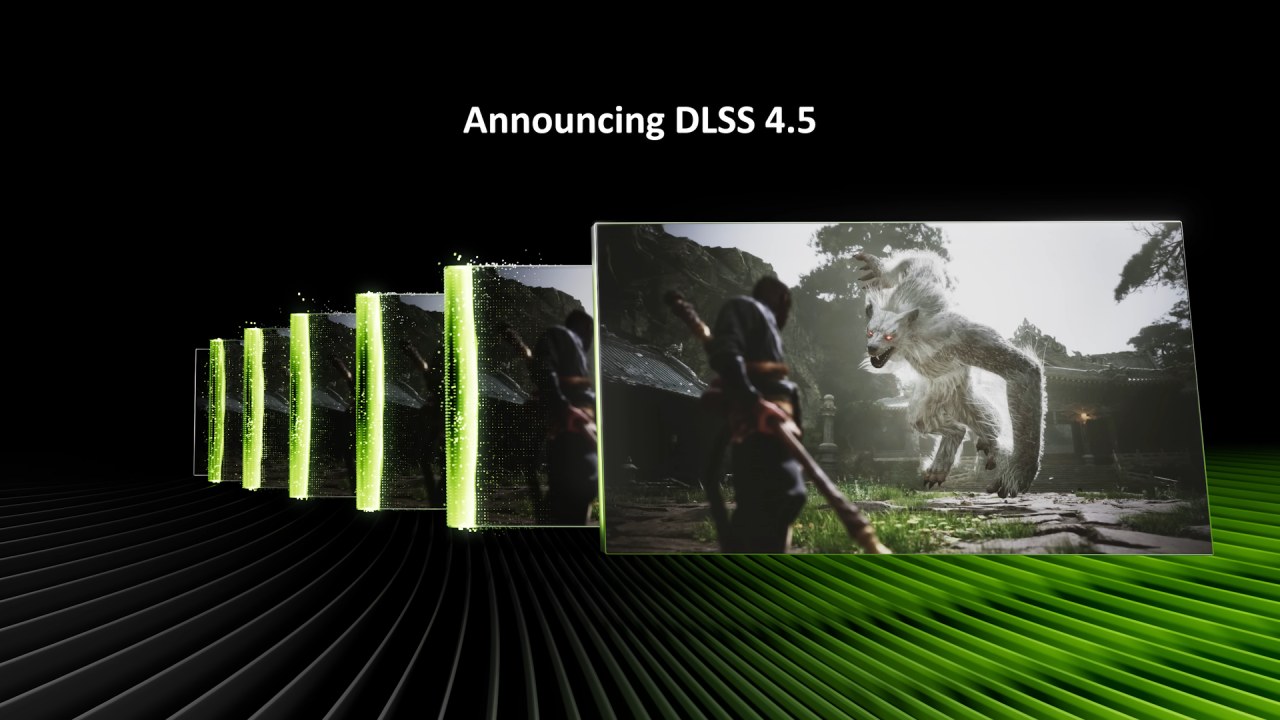
Differences in Images Between the Base PS5 and the PS5 Pro
There are differences between the original PS5 and the PS5 Pro that you can see in the clarity of signs, the way hair is rendered, and the intricacy of fabric. On the PS5 Pro, the stitching on jackets is apparent, and the edges look more stable. The film grain that is always there in Resident Evil Requiem, on the other hand, makes it harder to compare upscalers. Ray tracing on the Pro also adds noise, but this is not because of PSSR2; it's because of Capcom's denoiser implementation.
If we turn off ray tracing on the PS5 Pro, the game will use a combination of TA and FSR1 instead of PSSR2. This implies we can't simply compare PSSR2's output in non-ray-traced modes to the base PS5 output. Even with that limit, the 4K 60fps presentation on a 4K screen appears solid and good when it's moving. PSSR2 meets a higher level of quality than PSSR1 generally did.
Ray Tracing Noise and the Behavior of Denoisers
At first, we thought the ray tracing noise was still a PSSR problem. But the issue is linked to Capcom's denoiser. When using the same denoiser on a PC, both FSR4 and DLSS4.5 show similar RT noise. The common noise across all upscalers indicates that PSSR2 is not the problem, even though NVIDIA's ray reconstruction performs better.
Every upscaler makes depth-of-field look aliased and noisy. This holds true whether we utilize PSSR2, FSR4, or DLSS4.5.
PSSR2, FSR4, and DLSS4.5: Motion and Aliasing
When things are moving, differences become obvious. PSSR2 can show more aliasing on moving objects than FSR4 and especially DLSS4.5. For instance, when you move things like chair armrests or glasses rims, you may see when the 1080p input resolution becomes clear with PSSR2. Anti-aliasing remains steadier across the same frames when using DLSS4.5 and FSR4.
PSSR2, on the other hand, doesn't have ghosting problems in situations where FSR4 does. FSR4 may create white ghost trails from previous frames as things move forward and backward. In those sequences, PSSR2 and DLSS4.5 don't act that way.
DLSS4.5 is the sharpest of the three, followed by PSSR2 and FSR4. In certain early situations, FSR4 doesn't look as sharp as PSSR2, notably in fine lettering in the background. But sometimes, during city sequences, DLSS4.5 and FSR4 do a better job of resolving distant fences and power lines than PSSR2.
Stability of Resolution and Line Completion
DLSS4.5 is still the best at completing lines. DLSS4.5 and FSR4 do a better job of fixing fence links and electricity wires. PSSR2 can leave minor gaps or softer reconstructions in those narrow lines. These discrepancies are generally easy to see when you zoom in or slow down. You probably won't see them while playing at normal speed on a 65-inch 4K monitor.
The game's poor lighting and sharpening factors also make comparisons harder. The horror theme, low contrast, and film grain make it hard to distinguish between small upscalers.
Value of the Systemwide Toggle and Console
One big benefit is that PSSR2 works as a systemwide toggle rather than a patch for each game. That ensures the application works the same way across all supported titles. Machine learning upscalers have consistently improved over time, and PSSR2 is following that pattern.
The technology aims to double the image size, taking a 1080p input and producing a 4K output. In real life, it comes to a point where the image quality doesn't detract from the game. PSSR1 sometimes didn't make that mark, demonstrating instability and visual abnormalities in several games. PSSR2 goes over that bar.
DLSS4.5 is still the best when it comes to edge stability and fine detail reconstruction, but it needs better hardware. At its price range, the PS5 Pro does a good job at upscaling, making the difference between console and PC image reconstruction less noticeable.
Final Thoughts
We can tell that optimization and reconstruction are moving forward. If more games use PSSR2 correctly, older games that had problems might benefit from the toggle. Resident Evil Requiem shows that system-level machine learning upscaling can give you reliable 4K 60fps output with fewer artifacts than earlier console versions.
If you know how PSSR1 works, you will probably see the difference right away. There are still a few minor differences between this and DLSS4.5. Still, they don't have a significant effect on gameplay at normal viewing distances.
The difference between upscaling on consoles and PCs is getting smaller. As reconstruction models improve, we should expect further advances in future games.
Also, check our other hardware articles:
- AMD Ryzen 9 9950X3D Review: Setting The Standard For 2025 Gaming CPU
- Amazon Luna 2025 Review: Is Prime Gaming's Cloud Service Your Go-To For Casual Fun?
- AMD RX 9070 XT Review: AMD's RDNA 4 Champion for 1440p Gaming
- GeForce Now Ultimate: Ditching Your Gaming PC For Cloud RTX 4080 Power?
- NVIDIA GeForce RTX 5080 Review (2025): Still A 4K Gaming Powerhouse?
- Intel Core Ultra 9 285K Review And Performance Breakdown (2025)
- AMD Ryzen 7 9800X3D Review: 3D V-Cache Goes God Mode with Stunning Gaming Performance
- Intel Core Ultra 9 285K vs AMD Ryzen 7 9800X3D: In-Depth Gaming Performance and Benchmark Comparison
- NVIDIA GeForce RTX 5080 Super Performance In Cyberpunk 2077: Path Tracing & DLSS 4.0 Tested
- AMD Radeon RX 9070 XT In Cyberpunk 2077: Ray Tracing & FSR 4.0 Tested
- Intel Arc B580 Review: The $250 GPU Revolutionizing 1440p Gaming
- Intel Arc B570 Vs. B580: Value, Specs, And Real-World Gaming Performance
- RTX 5090 Laptop Vs. M4 Max MacBook Pro: Ultimate Raw Performance Vs. Battery Endurance
- Intel Arc b580 Vs. RTX 4060: Game Performance And Value Analysis
- RTX5090 Hell Is Us Demo 4K Ultra Benchmark: DLSS Vs. Native Performance Guide
- NVIDIA RTX 5070 Review: Mid-Range Muscle or Marketing Hype?
- Nintendo Switch 2 Review: Handheld Performance, Features & Value Breakdown
- RTX 5070 Ti Review: Performance, Thermals & Power Efficiency Tested
- Samsung Odyssey OLED G81SF Review 2025: Ultimate 32-Inch QD-OLED Gaming Monitor
- AMD RX 9070 Performance Review: Thermals, Clocks, and Real-World FPS
- AMD Ryzen 5 7600 Review: Best Budget Gaming CPU of 2025?
- AMD Radeon RX 7800 XT Review: RDNA 3 Power For Midrange Gaming
- Asus ROG RTX 5090 Astral OC Vs. Founders Edition: The 4K Gaming Benchmark
Editor, NoobFeed
Latest Articles
No Data.