
Gears of War: E-Day Guide | How to Execute Enemies
Here's a guide on how to execute enimies in Gears of War: E-Day.
Game Guide by Navid Kabbo on Oct 05, 2026
Executions are one of the most recognizable parts of Gears of War combat, letting you finish vulnerable enemies with brutal close-range attacks instead of simply putting another round into them. Gears of War: E-Day continues that tradition, giving players opportunities to execute enemies during both aggressive pushes and controlled close-range encounters.
However, executions aren't something you should perform every time the opportunity appears. Moving toward a vulnerable enemy can force you out of cover, while the execution animation can leave you committed long enough for another Locust to attack.
Knowing when to execute an enemy is therefore just as important as knowing how.
This guide explains how to execute enemies in Gears of War: E-Day, when execution opportunities become available and how to safely use finishing moves without putting yourself in unnecessary danger.
How to Execute Enemies
Before you can perform an execution, you need to put an enemy into a vulnerable state.
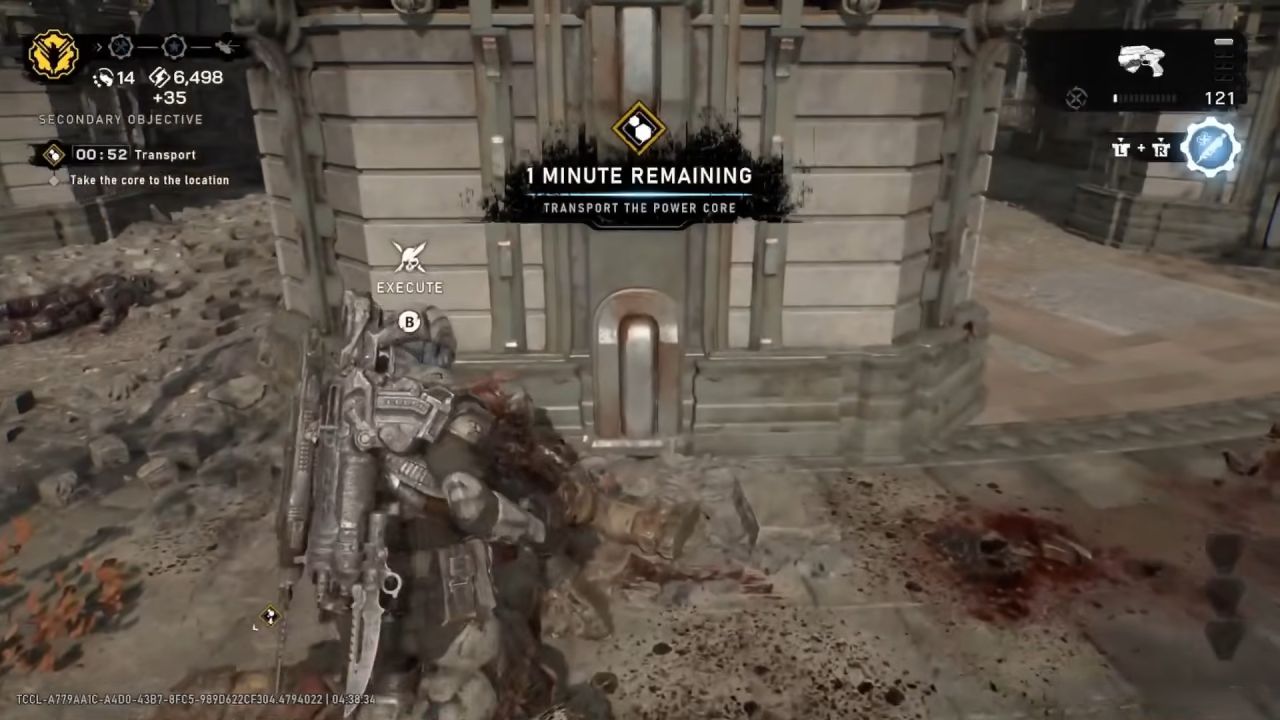
Once an enemy becomes vulnerable, move close enough to the target and watch for the execution prompt. Press the indicated button while you're within range, and your character will perform the finishing move.
The basic process is:
- Damage an enemy until they become vulnerable.
- Make sure nearby enemies aren't immediately threatening you.
- Move toward the vulnerable enemy.
- Look for the execution prompt.
- Press the indicated execution button.
- Your character will perform the finishing animation.
If you don't see an execution prompt, don't remain exposed while waiting for one. Either continue damaging the target or eliminate it normally.
When Can You Execute an Enemy?
You can't simply walk up to every Locust and immediately perform an execution.
The enemy first needs to be in a state where a finishing move becomes available. When this happens, approaching the target should cause the appropriate interaction prompt to appear.
Pay attention to the enemy's condition rather than blindly rushing toward them. If they're still actively attacking, assume they're still dangerous.
Enemy type can also affect whether an execution opportunity is available. Not every encounter is designed around finishing enemies at close range, so your regular weapons should remain your primary way of dealing damage.
Think of executions as situational finishing moves rather than your default method of eliminating enemies.
Always Check Your Surroundings
Before starting an execution, quickly look around the battlefield.
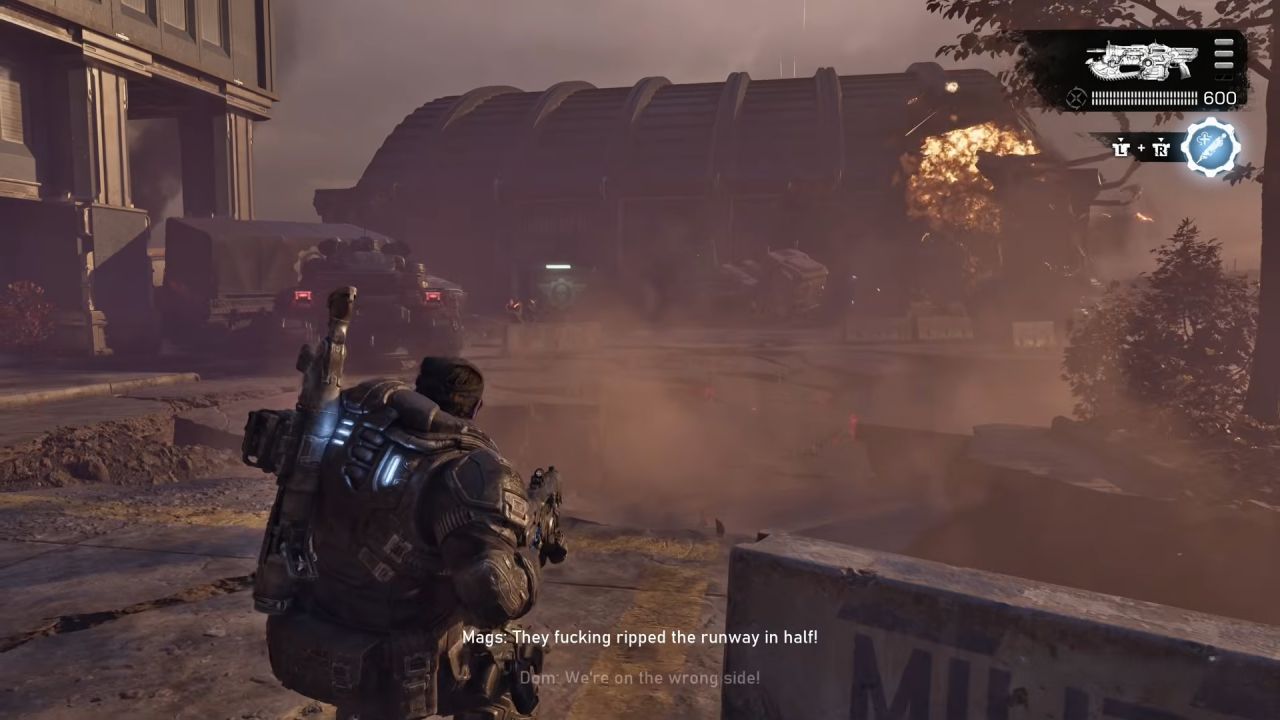
The animation commits you to the finishing move for a short period, which can give another enemy an opportunity to attack.
Look for:
- Enemies firing from nearby cover.
- Locust units are approaching your position.
- Enemies attempting to flank you.
- Explosive threats nearby.
- Additional enemies behind the target.
- Safe cover you can reach afterward.
If several enemies are still firing at your position, performing an execution usually isn't worth the risk.
Instead, finish the vulnerable enemy from a distance and deal with the remaining threats.
Don't Abandon Good Cover for an Execution
Cover remains one of the most important parts of Gears of War: E-Day's combat.
One of the easiest execution-related mistakes is leaving a strong defensive position simply because you see an opportunity for a finishing move.
Suppose you're safely positioned behind cover while a vulnerable enemy is several meters away. Reaching that enemy might require crossing an area exposed to multiple Locust units.
In that situation, the execution isn't worth it.
Stay behind cover and finish the target using your weapon instead.
Executions should work alongside the game's cover-based combat rather than encourage you to ignore it. Maintaining a strong position is usually more valuable than performing a flashy finishing move.
Isolate Enemies Before Executing Them
The safest execution target is an isolated enemy.
During combat, try to reduce the number of nearby threats before moving toward a vulnerable target. Once enemies covering the area have been eliminated, you'll have much more freedom to close the distance.
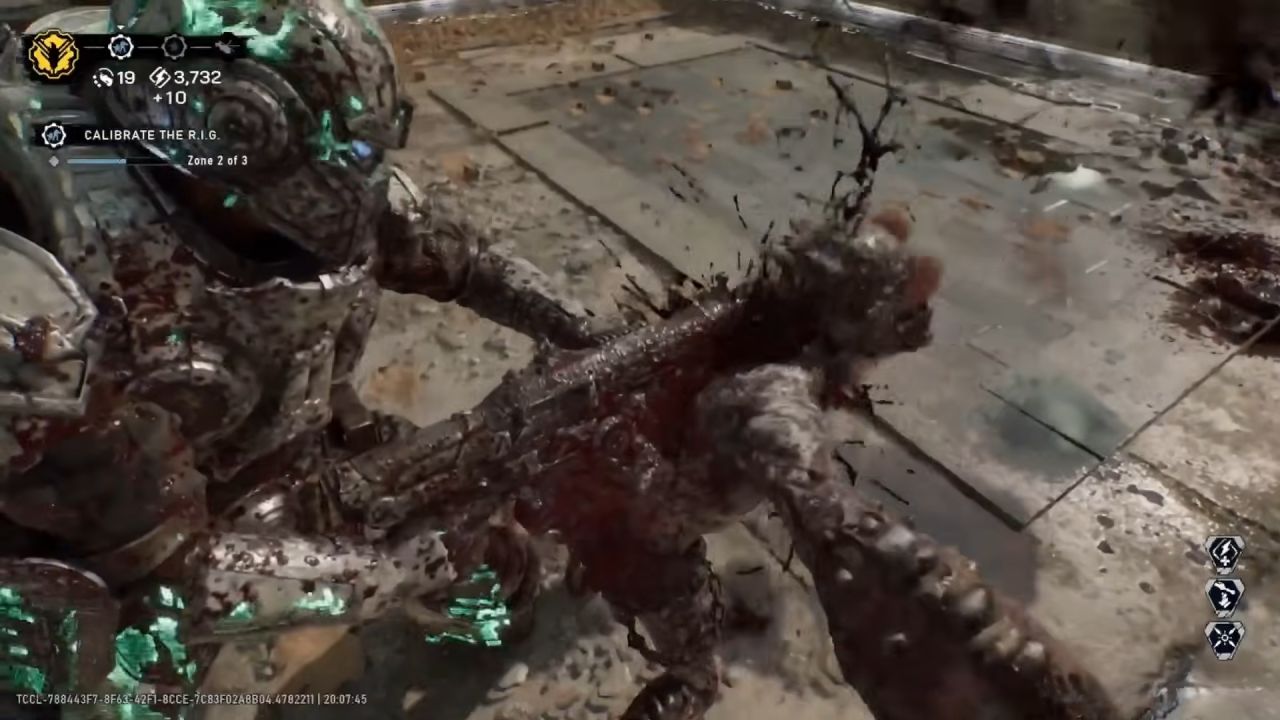
This doesn't mean you need to completely clear every encounter before performing an execution.
Instead, pay attention to enemy positioning.
If a vulnerable enemy is separated from the rest of the group and you have nearby cover, you may have a safe opportunity. If that enemy is surrounded by several active Locust units, stay back.
The goal is to create an opening rather than force one.
Use Movement to Close the Distance
E-Day's expanded movement options can help you safely approach an enemy when an execution opportunity appears.
Instead of running directly across an open area, use nearby cover and environmental objects to reduce your exposure. Move from one safe position to another until you're close enough to perform the execution.
However, don't overcommit.
If enemies begin focusing on you while you're approaching the target, return to cover and reassess the situation. An execution opportunity isn't worth dying for.
Smart movement allows you to be aggressive without abandoning the fundamentals of Gears combat.
Be Careful During Close-Range Encounters
Executions naturally happen at close range, which is also where fights can become extremely chaotic.
You might have one enemy ready for execution while another Locust is approaching from the side. Starting the animation without noticing the second enemy can leave you exposed.
Before committing, quickly check the immediate area.
If another enemy is already pushing toward you, deal with that threat first. Shotguns and other close-range weapons can often resolve the situation faster and more safely than committing to an execution.
Once the immediate danger has passed, you can decide whether the vulnerable enemy is still worth approaching.
Know When to Use Your Weapon Instead
Executions are optional.
If performing one would put you in danger, simply shoot the enemy.
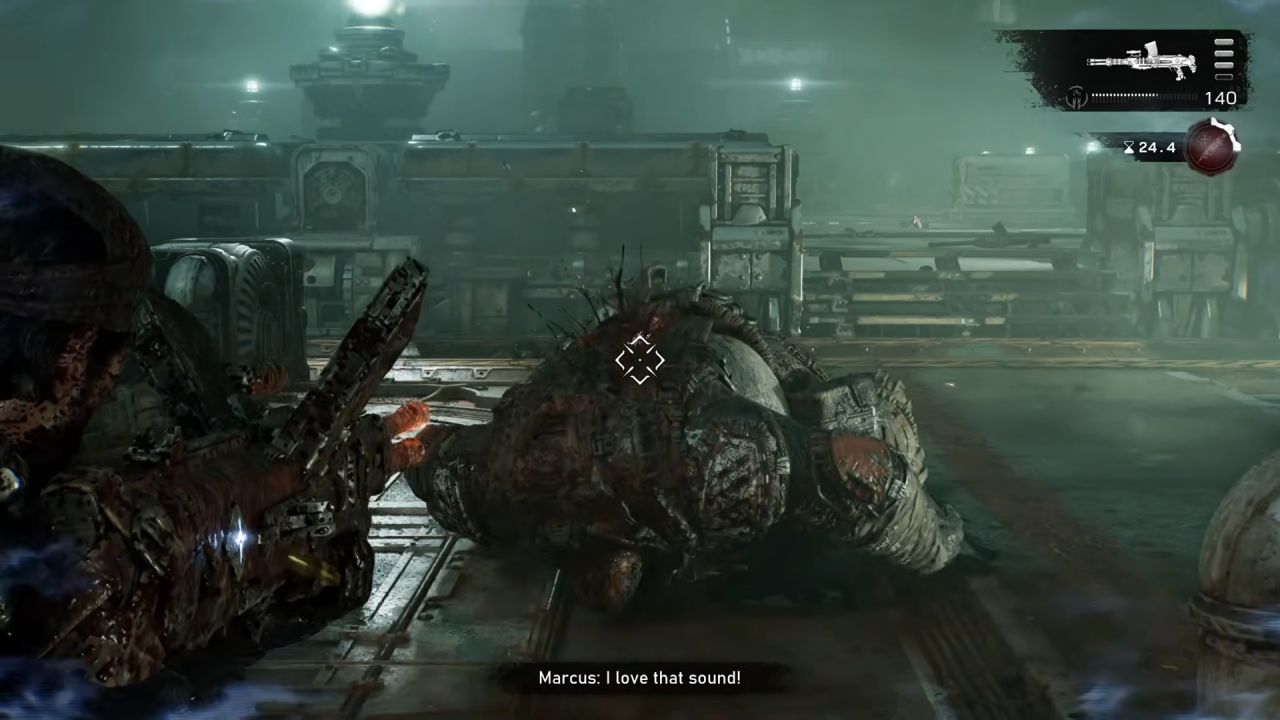
This is especially important when:
- You're low on health.
- Multiple enemies are nearby.
- You're being flanked.
- The target is far from cover.
- An explosive threat is nearby.
- You're playing on a greater difficulty.
- You don't have a clear escape route afterward.
A normal weapon kill is often the smarter choice.
The goal of an encounter is to survive and eliminate the enemy, not to perform as many executions as possible.
Executions on Higher Difficulties
You should become increasingly selective with executions as the difficulty rises.
Mistakes are more costly when enemies deal greater damage and give you less room to recover. Leaving cover for an unnecessary finishing move can quickly turn a controlled encounter into a death.
On higher difficulties, prioritize positioning and battlefield awareness.
Only attempt an execution when you're confident that nearby threats won't punish you during or immediately after the animation.
If you're unsure, stay behind cover and use your weapon.
Common Execution Mistakes
New players often make executions more dangerous than they need to be.
Some common mistakes include:
- Running toward every vulnerable enemy.
- Ignoring enemies positioned behind the target.
- Leaving strong cover unnecessarily.
- Attempting executions while low on health.
- Focusing on the execution prompt instead of nearby threats.
- Crossing open areas without checking enemy positions.
- Assuming executions are required.
- Trying to execute an enemy during a chaotic close-range fight.
Avoiding these mistakes will make executions much safer and help you maintain control of encounters.
Best Tips for Executing Enemies
If you want to use executions consistently, keep these tips in mind:
Check the battlefield first.
- Approach isolated enemies whenever possible.
- Clear nearby threats before committing.
- Use cover while closing the distance.
- Don't cross exposed areas unnecessarily.
- Keep track of your health before moving in.
- Watch for enemies attempting to flank you.
- Have a safe position to return to afterward.
- Use your weapon if the execution becomes too risky.
- Be more selective on higher difficulties.
The best execution is one you can perform without giving the enemy an opportunity to punish you.
Final Thoughts
Executions are one of the most satisfying parts of Gears of War: E-Day's combat, but they reward good judgment as much as aggression.
First, put the enemy into a vulnerable state and wait for the execution prompt. Before moving in, check nearby enemy positions and determine whether you can safely reach the target. Use cover whenever possible and avoid crossing exposed areas solely for a finishing move.
Most importantly, remember that executions are optional. If the battlefield is still dangerous, eliminate the vulnerable enemy with your weapon and maintain your position.
Once you learn to recognize safe execution opportunities, you can incorporate finishing moves naturally into E-Day's close-range combat without unnecessarily putting yourself at risk.
FAQ
Q. How do you execute enemies in Gears of War: E-Day?
A. Damage an enemy until they become vulnerable, approach the target, and press the indicated button when the execution prompt appears.
Q. Can you execute every enemy in Gears of War: E-Day?
A. Not every enemy or combat situation necessarily provides an execution opportunity. Look for the execution prompt when approaching a vulnerable target. If it doesn't appear, continue attacking normally.
Q. Do you have to execute downed enemies?
A. No. Executions are optional. You can finish vulnerable enemies with your weapons if approaching them would put you in danger.
Q. When is the best time to perform an execution?
A. The safest time is when the target is isolated and nearby threats have already been dealt with. Avoid executions when multiple enemies are firing at you or when reaching the target requires crossing an exposed area.
Q. Are executions harder to use on higher difficulties?
A. They can be riskier because combat mistakes are generally more punishing. On greater difficulties, be more selective and only perform an execution when the surrounding area is reasonably safe.
Editor, NoobFeed
Latest Articles
No Data.