

How GTX 1660 Super Handles Battlefield 6 with FSR and Frame Generation
GTX 1660 Super delivers stable Battlefield 6 performance across a range of resolutions and competitive low settings.
Hardware by Godrics01 on Nov 14, 2025
Battlefield 6 spans a broad range of technologies, and researching how older GPUs perform in newer titles remains relevant for many players. The HP OEM version of the GeForce GTX 1660 Super, paired with a fast CPU, offers insight into performance across various resolutions and settings, including native rendering, FSR, and frame generation.
Initial Setup and Test Overview
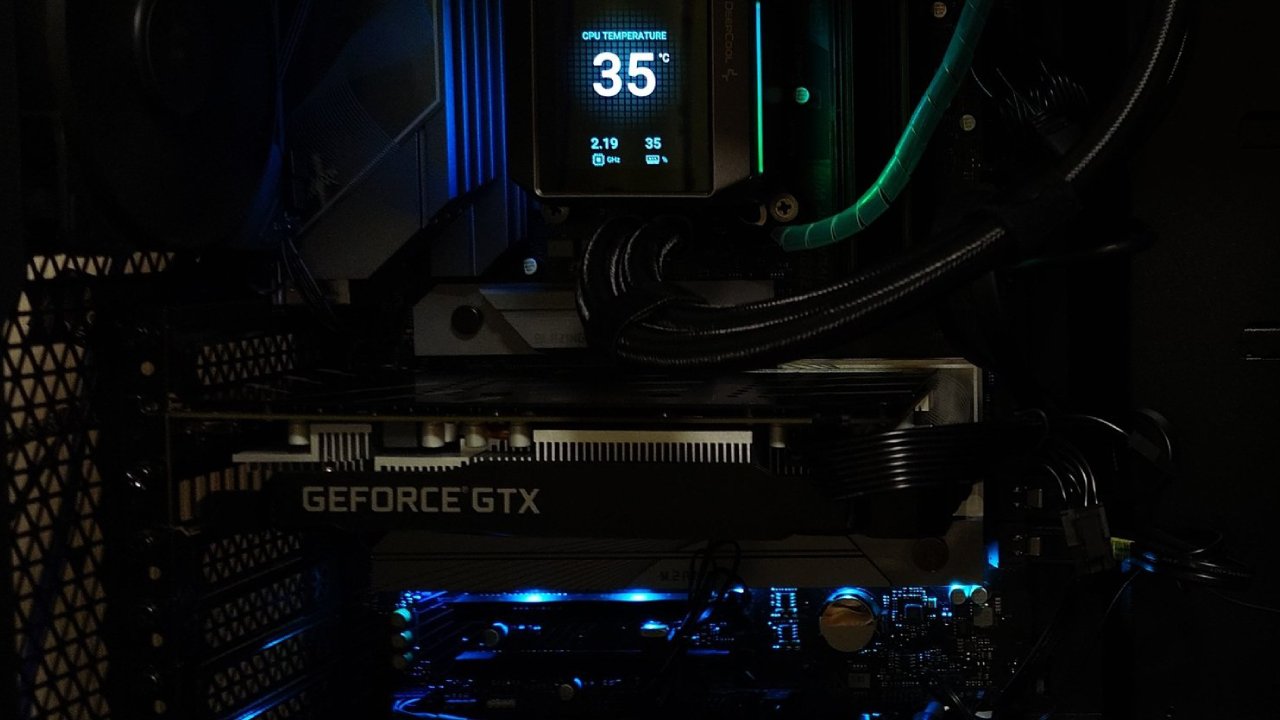
GeForce GTX 1660 Super through its paces in Battlefield 6. This one is the HP OEM version of the card. We're running it with the latest Nvidia drivers and aren't actively overclocking it. You can examine all of its specs in GPUZ. And over on the left, we're coupling it with the i5-12600KF and 16GB of VRAM.
We're starting with 1080p resolution. We'll also try it at 1440 p.m. and 4K, which isn't enough, but it's all for science. We're currently on the lowest settings, but we'll also try 1080p on medium. In the advanced options, we're using no anti-aliasing, no upscaling, and no FSR. This is native 1080p at low settings for a competitive experience.
1080p Low Settings Performance
We start crossing our FPS, achieving approximately 80–90fps. This is slightly better than what we remember from the 1660 Ti or the base 1660. The game is now running a bit better than it did in the beta.
Although the GTX 1660 Super is reportedly inferior to the minimum required GPU, the RTX 2060, we can still play it well. It performs at the lowest settings and likely at medium settings too.
We would have zero problems suggesting this experience with a 1660 Super. Just ensure that you have a CPU capable of rendering these frames as well. A Ryzen 5 5600 should do fine, or a 12400F, or a 12600KF overclocked.
We enjoy seeing games that are well-tuned and can take advantage of older GPUs without relying on ray tracing or software-based RT. The gameplay remains responsive, and aiming seems consistent. We continue to knock down attackers, restore friendships, and push goals while maintaining stable frame rates.
Using FSR Quality at 1080p
Once we enable FSR quality, we enter the 100fps zone, but at the cost of visual clarity, which is vital in a game like Battlefield. Spotting adversaries gets harder, especially without zoom scopes. The game becomes softer, and detecting targets at a distance becomes more difficult.
The trade-off is clear, even though the FPS goes up. We wouldn't apply FSR here, especially since native 1080p offers a sharper result, which is more useful for competitive gaming.
Frame Generation at 1080p
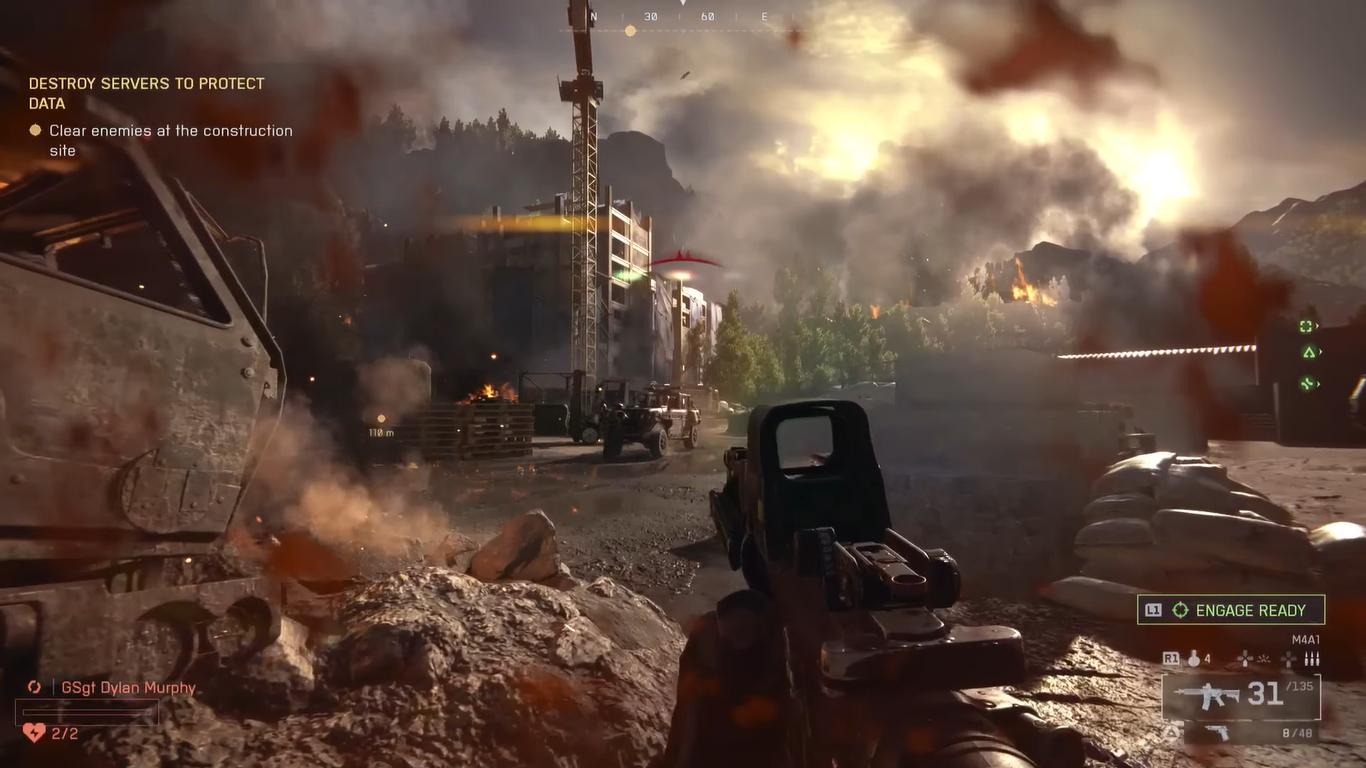
Next, we test frame generation. The experience becomes motion-blurry with duplicated frames and obvious ghosting. Input lag becomes evident, which is not ideal for shooters. Although the FPS number appears high, the game feels less responsive.
We destroy cars, engage attackers, and attempt to push goals, but the reactivity isn't there. We wouldn't play with frame generation enabled, as it negatively affects targeting and timing consistency.
Turning off upscaling and frame generation gives us the smooth responsiveness we like at 1080p low.
1440p Low Settings Performance
At 1440p on low settings, we get 60+ fps, depending on the map area. More demanding places, such as warehouses, bring drops into the 50s. This GPU is suitable for gaming, but it performs best at 1080p resolution.
Even though the 1660 Ti handled 1440p well years ago, contemporary games place greater demands on VRAM and overall GPU performance. Still, Battlefield 6 remains relatively playable at this resolution with lows in the mid-50s.
1440p with FSR Quality
It lets FSR-quality rendering run at 960p and then upscales to 1440p. It doesn't look as clean as DLSS. It's softer, yet marginally better than running at 1080p in stretched mode. On a smaller 1440p panel with higher PPI, the outcome would seem better.
FPS dips to 60fps occasionally but remains mostly above that. The experience is playable, although not ideal if you expect stable 60+ fps at all times. We would still choose modest settings at 1080p for consistency.
Frame Generation 1440p
Testing frame generation again reveals significant motion blur, ghosting, and input lag. Even the FPS measurements appear high, around 100–110fps, and targeting becomes uneven, making flick shots unreliable. We wouldn't suggest frame generation in shooters.
4K Low Settings Performance
At native 4K low settings, VRAM utilisation exceeds safe levels, and FPS dips to 25–35 fps. The game stays reasonably responsive, but performance is not acceptable for this GPU. It feels more responsive than frame generation options, but overall, it isn't perfect.
4K With FSR Performance
FSR performance option renders in 1080p and upscales to 4K. It looks substantially better than native 1080p on a 4K monitor, but it remains in the 30–40 fps range. The experience is playable but not seamless, and we wouldn't prefer it over native 1080p low settings with stable 60+fps.
Returning to 1080p Medium Settings
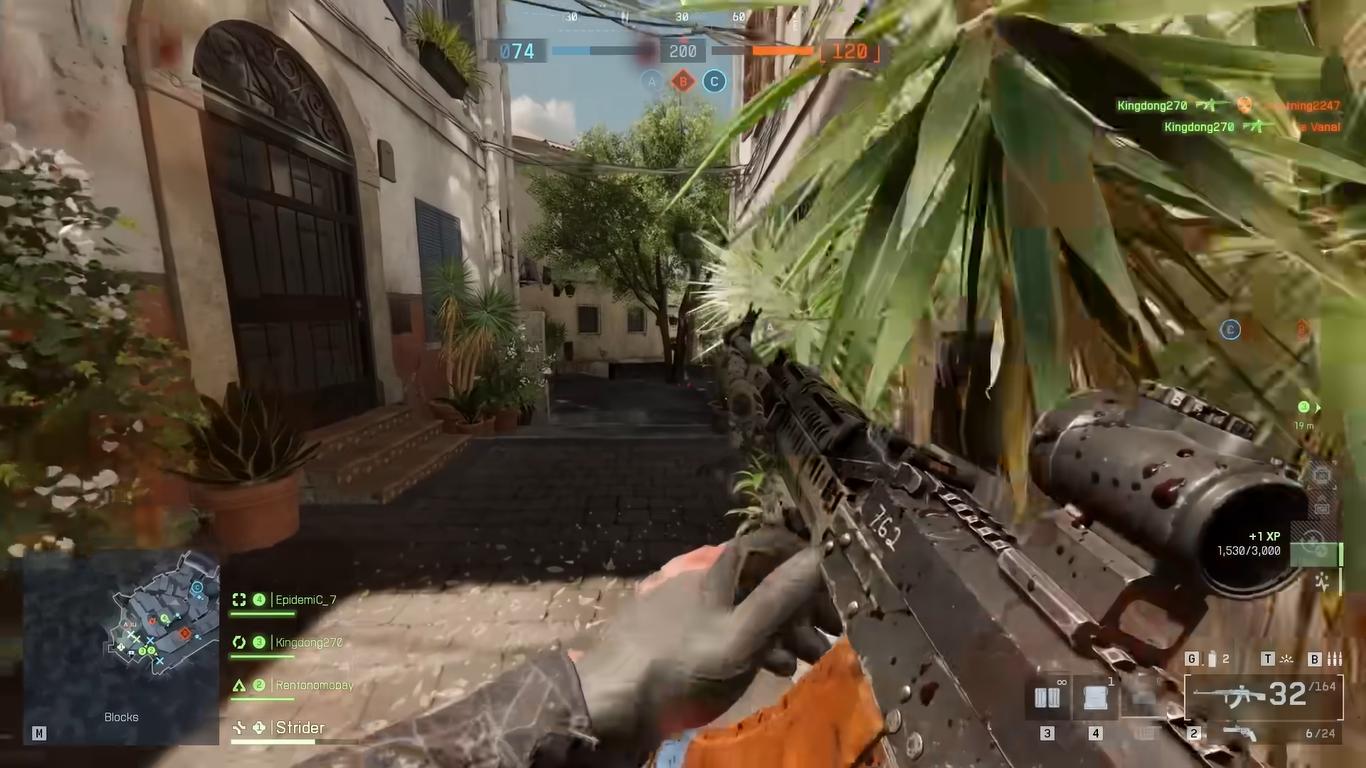
Returning to 1080p medium settings, we reduce texture quality from high to low due to the limitations of VRAM. Even then, we're near the VRAM threshold. The map examined is VRAM-intensive, although we maintain a stable 60 fps with occasional drops and visible stutters due to fluctuations in VRAM usage.
The spikes in the frame-time graph confirm VRAM pressure. While playable, it's not as smooth or quick as low settings. Shadows improve, and ambient occlusion becomes visible, but the performance hit isn't worth it.
We continue to recover teammates, flank foes, and engage in combat, but drops into the 50s remain prevalent. This is what we expected with this GPU at these settings.
1080p Medium with FSR Quality
Enabling FSR quality delivers an average of 69 fps, but stutter persists due to VRAM issues. While somewhat reliable, it still dips below 60 fps and is less consistent than on low settings. For smooth and competitive gameplay, low settings are still the best choice.
Final Thoughts
Since we've already examined configurations that deliver the best experience for this GPU, we conclude that the GTX 1660 Super runs well at 1080p on low settings with native rendering. It provides seamless gameplay, responsive controls, and no noticeable disadvantages during matches.
Higher resolutions or medium settings work, although they cause dips and stutters. Avoid frame generation for shooters and utilise upscaling only if necessary.
Also, check our other NVIDIA articles:
- NVIDIA GeForce RTX 5080 Review (2025): Still A 4K Gaming Powerhouse?
- RTX 5090 Performance Testing In GTA 5 – 1080p, 1440p, and 4K Max Settings Benchmark
- NVIDIA RTX 5070 Review: Mid-Range Muscle or Marketing Hype?
- RTX 5070 Ti Review: Performance, Thermals & Power Efficiency Tested
- ASUS ROG Astral RTX 5090 OC Edition Review: 32GB GDDR7 & 4K Gaming Benchmark
- ASUS GeForce RTX 5090 LC Liquid Cooled GPU Review: Unmatched Silence & Speed
- MSI GeForce RTX 5090 32GB SUPRIM SOC Review: Power Efficiency, Cooling, and Gaming Performance
- INNO3D RTX 5060 Ti 16 GB X2 Review: Gaming Benchmarks, Temps, and Power Efficiency
- HP Omen 45L Review: RTX 5090 Performance, Thermals, and Value Analysis
- ASUS TUF Gaming GeForce RTX 5060 Ti Review: DLSS 4, Power Efficiency, and Gaming
- ASUS Prime RTX 5060 Ti OC 16GB Review: DLSS 4, Ray Tracing, & Thermals Tested
- NVIDIA GeForce RTX 5060 Review: Specs, Gaming, and Cost per Frame
- MSI GeForce RTX 5090 GAMING TRIO OC Review: A Monster Power GPU
Editor, NoobFeed
Latest Articles
No Data.