
NVIDIA RTX 5090 DLSS4.5 vs DLSS4.0 in Oblivion Remastered Performance Comparison
Visual stability improves significantly with DLSS4.5 presets, especially during fast movement and dense vegetation rendering in UE5 environments.
Hardware by Naheyan Tahmin on Jan 09, 2026
We tested the GeForce RTX 5090 in The Elder Scrolls IV: Oblivion Remastered with both the DLSS 4.0 and DLSS 4.5 presets. People say that the game has a lot of ghosting, motion blur, and soft images, especially when there are plants and fast movement.
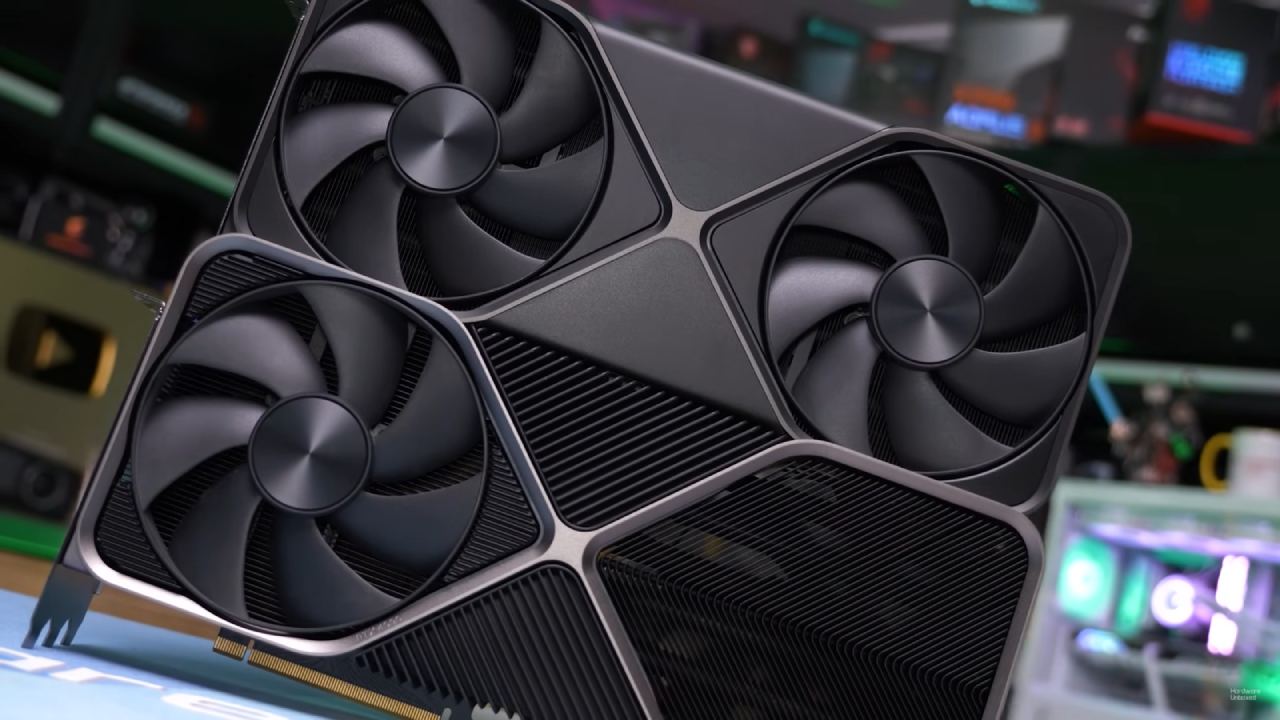
The Founders Edition RTX 5090 was used with a Ryzen 9 7980X3D and 32GB of RAM. It used the latest NVIDIA drivers and didn't need to be overclocked manually. All testing was done at 4K resolution with the highest settings and hardware ray tracing set to the highest level. We set up DLSS with DAA, and the NVIDIA overlay showed the settings were active during testing.
Performance of DLSS4.0 PresetK
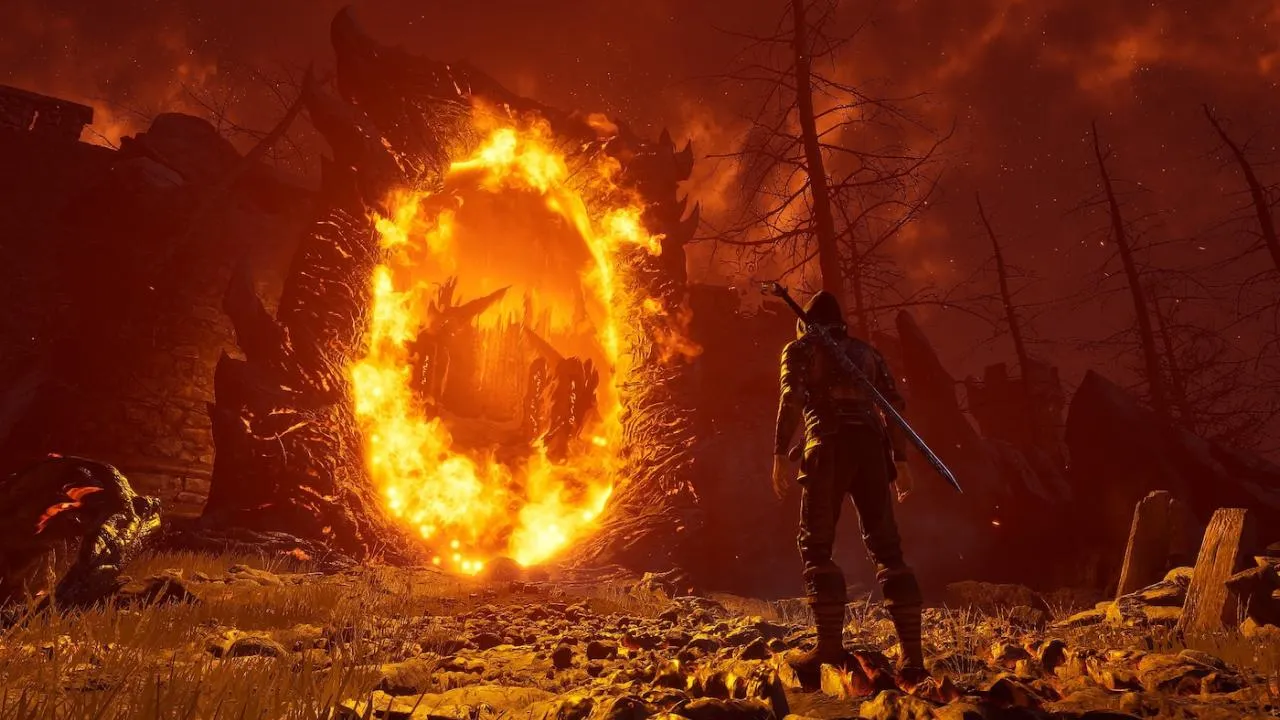
PresetK, which stands for DLSS 4.0, was the best way to play the game. But there was a lot of ghosting around the sword, especially near water surfaces. There was visual noise and duplication, and performance remained poor, with UE5 causing stuttering throughout.
Using FSR Native AA made ghosting considerably worse. The picture got sharper, but there were a lot more motion artifacts. XESS Native AA made everything look less crisp, yet it still showed ghosting. Without DLSS modifications, the game's default DLSS settings caused significant ghosting, making images unstable when moving.
DLSS Performance with PresetK increased frame rates, but it also made ghosting and pixelation around the sword more noticeable. Turning on 2x Frame Generation introduced more artifacts, notably around moving things like plants.
Improvements to DLSS4.5 PresetM
DLSS 4.5, or PresetM, made the graphics better right away. There were no more ghosting or pixelation around the gun. The noisy artifacts went away, and the motion sharpness got a lot better. The part of the river that had been ghosting a lot suddenly became stable.
With DLSS Quality on, the picture stayed clear and stable, with no ghosting. The frame rate rose to about 70 fps, making the game easier to play. When 2x Frame Generation was enabled, there were some halo effects, but overall clarity was still better than DLSS4.0 at native resolution.
Using DLSS Performance with PresetM raised frame rates to 80-100 fps. There was some minor flickering on fine plants, but the image was more stable than PresetK typically is. Ghosting was still reduced, and motion clarity was better.
Comparison of Native Resolutions
When you turned off all the anti-aliasing, you could see how unstable native rendering appeared in Oblivion Remastered. The picture got noisy, flickery, and shimmering, especially on plants. DLSS Quality upscaled 1440p to 4K with higher frame rates and stability than 4K native.
The comparison indicated that DLSS made the image look better than the native resolution, hence upscaling was the preferable choice for this game.
Ultra Performance with DLSS4.5 PresetL
PresetL is made for Ultra Performance DLSS. There was a lot of ghosting, shimmering, and smearing when I went from 720p to 4K with DLSS 4.0. The plants seemed weak when they moved.
Most of the ghosting and shimmer went away when I switched to PresetL. The blade ceased leaving marks, and the trees stayed still. Some of the fine details in the grass still seemed smeared, but the picture as a whole became more stable. This setting can enable 4K gaming on GPUs like the RTX 5060 or RTX 5060 Ti.
With DLAA set to PresetL, the images were quite sharp, but the frame rate remained between 40 and 50 fps, especially in scenes with heavy rain.
Tests for Extreme Resolution Scaling
The internal resolution dropped to 240p while Ultra Performance DLSS was set to 1280x720. Even though there were noticeable trails and halo effects around the blade, the image was clearer and more stable than the raw 240p rendering.
Without upscaling, 240p looked like an oil painting with no details worth using. DLSS rebuilt plants, topography, and objects from very little pixel data. The image still looked soft at 360p, upscaled to 720p, but it was far better than the original input.
Final Thoughts
Oblivion Remastered is a lot better with DLSS4.5 than it was with DLSS4.0. There was less ghosting around weapons, plants didn't shine as much, and things were clearer when they moved. PresetM found the best mix between speed and visual stability, and PresetL lets Ultra Performance work on 4K monitors.
DLSS reconstruction still worked even at very low resolutions, showing how far upscaling has progressed for demanding UE5 games.
Also, check our other NVIDIA articles below:
- NVIDIA GeForce RTX 5080 Review (2025): Still A 4K Gaming Powerhouse?
- NVIDIA RTX 5070 Review: Mid-Range Muscle or Marketing Hype?
- RTX 5070 Ti Review: Performance, Thermals & Power Efficiency Tested
- ASUS GeForce RTX 5090 LC Liquid Cooled GPU Review: Unmatched Silence & Speed
- MSI GeForce RTX 5090 32GB SUPRIM SOC Review: Power Efficiency, Cooling, and Gaming Performance
- INNO3D RTX 5060 Ti 16 GB X2 Review: Gaming Benchmarks, Temps, and Power Efficiency
- HP Omen 45L Review: RTX 5090 Performance, Thermals, and Value Analysis
- ASUS TUF Gaming GeForce RTX 5060 Ti Review: DLSS 4, Power Efficiency, and Gaming
- ASUS Prime RTX 5060 Ti OC 16GB Review: DLSS 4, Ray Tracing, & Thermals Tested
- NVIDIA GeForce RTX 5060 Review: Specs, Gaming, and Cost per Frame
- MSI GeForce RTX 5090 GAMING TRIO OC Review: A Monster Power GPU
Editor, NoobFeed
Latest Articles
No Data.