
Pokémon Pokopia Guide | How to Remove Items from Inventory
Clear unwanted item stacks in Pokémon Pokopia with trading and a simple disposal spot.
Game Guide by Jubair Baky on Mar 15, 2026
Inventory space can become messy fast in Pokémon Pokopia. Some item stacks start to pile up, and there is no clean way to destroy them early on. Things like Trash Cans may look useful, but they do not actually remove items. If you want to get rid of extra stacks, there are two main methods that work better than just hiding everything in storage.
Best Way to Remove Item Stacks
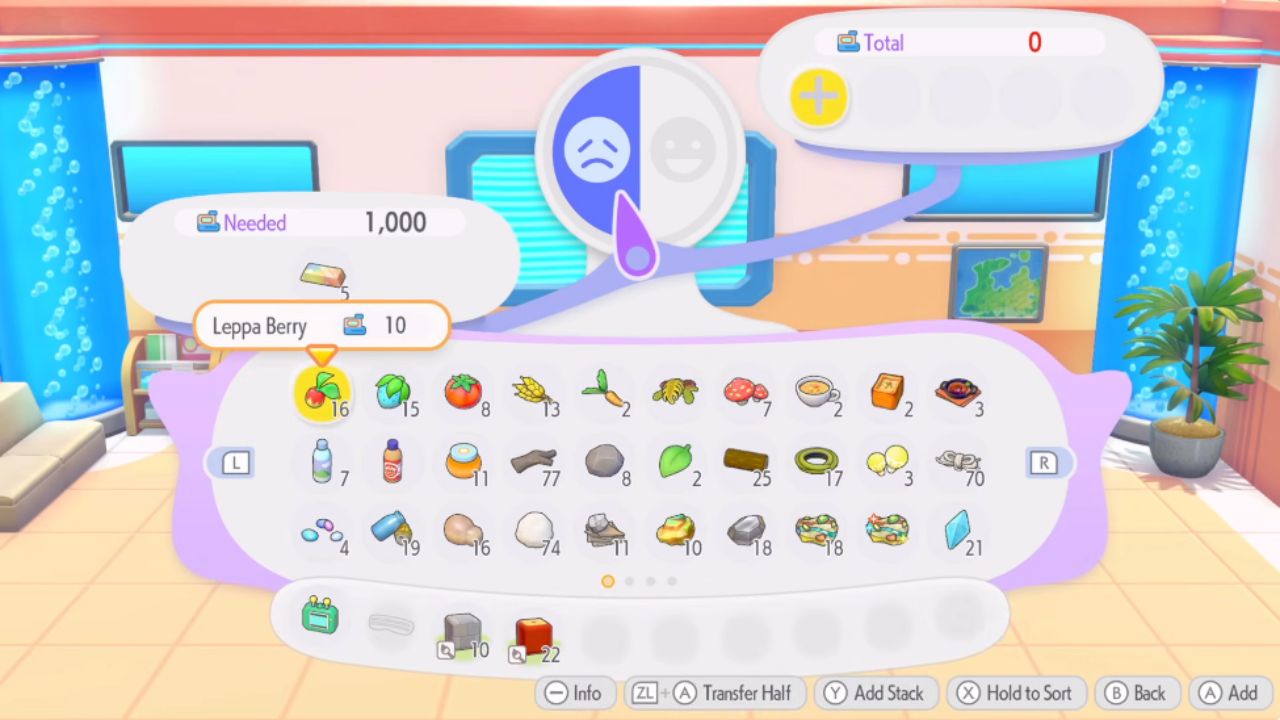
The better method is to use the trader inside the Pokémon Center. Once you unlock a trader there, you can trade away item stacks that are filling your inventory. This does not delete the items for nothing. Instead, it lets you exchange them for something else, which makes the process much more useful.
If you have a large pile of unwanted Bricks or similar materials, you can stack them into the trade and clear them out that way.
When the trade goes through, those items are removed from your inventory. In return, you get something with more value, such as a useful item or a Pokémon Ingot. This is the cleanest option because it removes the clutter while still giving you something back.
How to Make a Disposal Area
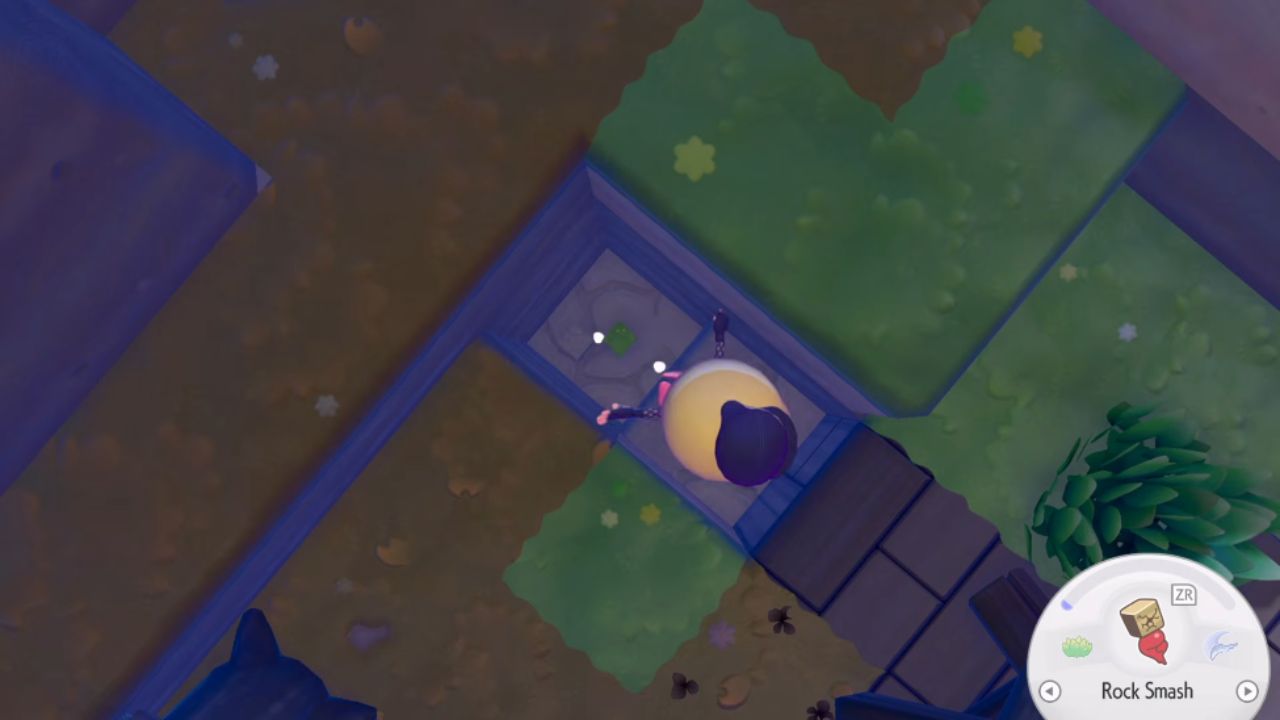
If trading is not possible, the second option is to build a disposal spot somewhere on the map. This is not true item destruction, but it does remove clutter from your inventory.
To do this, find a quiet place away from your main area. Break a block or make a small hole in the ground. Then open your inventory and press Plus to drop the full stack. After that, cover the space so the dropped items stay there as a dump pile.
This method works as a storage dump rather than a delete button. It is not perfect, but it helps if you want your inventory to be clear without leaving junk all over your main base.
What Does Not Work
Some options that seem obvious do not help at all. Throwing items into Lava does not destroy them. Using things like Trash Cans also does not remove item stacks. The dropped blocks seem to remain in the world rather than disappearing. That is why the Pokémon Center trader remains the better option overall.
Which Method Is Better
If you have the choice, use the Pokémon Center trader first. It clears your inventory and gives you something in return. The disposal heap should be used only as a backup when you cannot trade the stack away. Both methods help, but the trading method is far more useful in the long run.
Editor, NoobFeed
Latest Articles
No Data.