
Total War: Three Kingdoms Guide | Adjusting Tax Levels and Using Tax Exemption
Use the Treasury tools to stabilize food, fix public order, and maximize income fast.
Game Guide by Faviyan Mustafiz on Oct 14, 2025
Managing taxes in Total War: Three Kingdoms is one of the most effective ways to balance food, public order, and income across your empire.
By mastering the Tax Level slider in the Treasury and employing Tax Exemption in troubled commanderies, you can prevent rebellions, plug food shortages, and squeeze more gold from prosperous regions without micromanaging every city turn by turn.
Where To Control Taxes
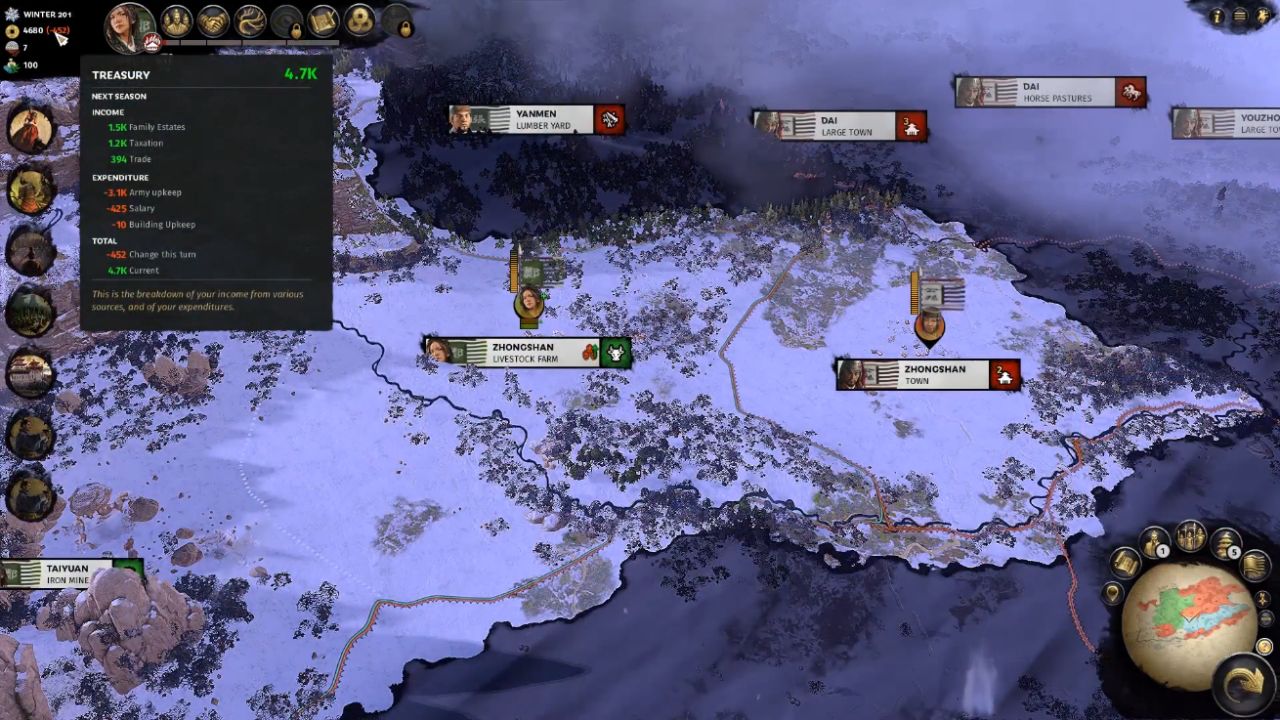
At the top of the screen, open the Treasury—or press the seven hotkey—to view a detailed breakdown of income and expenses, including how much money you had last turn, how much you have this turn, and projections for the next turn.
Inside this panel is the Tax Level slider that governs the tax rate and food from farming, along with the public order impact across all commanderies.
How The Tax Level Slider Works
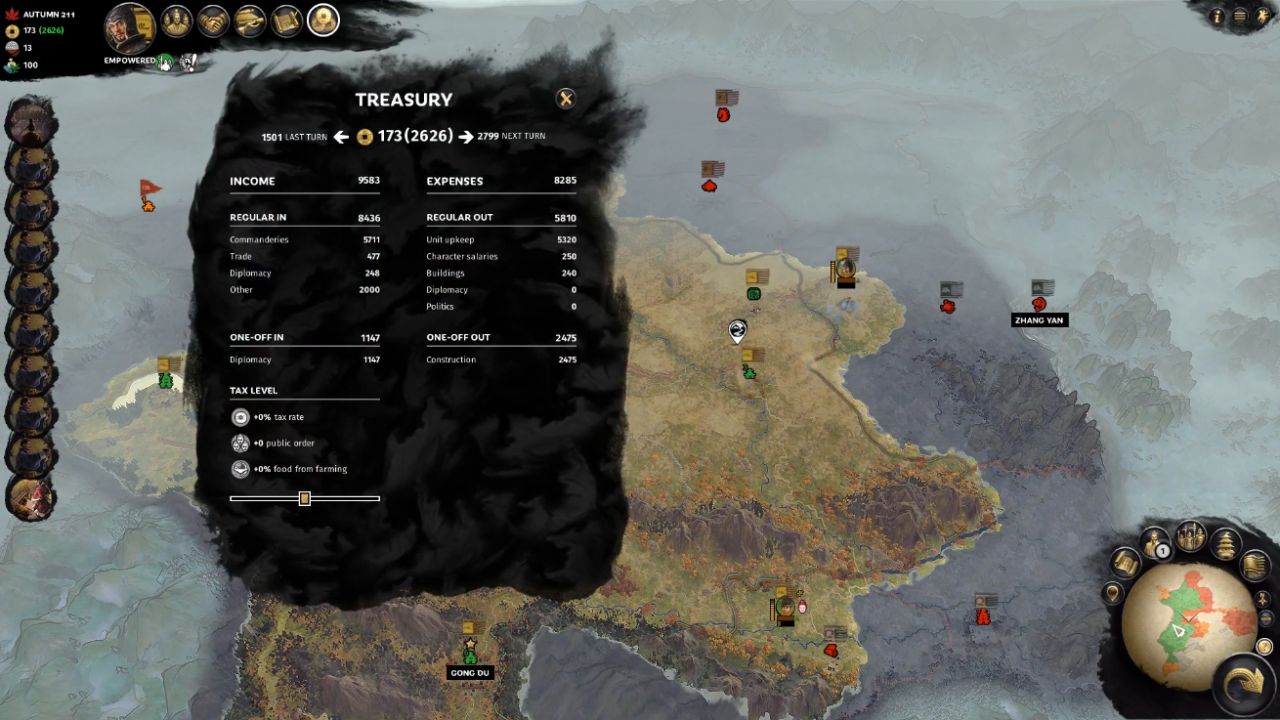
Moving the Tax Level slider to the right increases the tax rate and food from farming while decreasing public order. Sliding it to the left has the opposite effect, lowering taxes and food while improving public order.
This global control lets you tune the economy dynamically: push taxes higher when stability is strong, or ease taxes when unrest threatens to spiral into rebellion.
When To Raise Or Lower Taxes
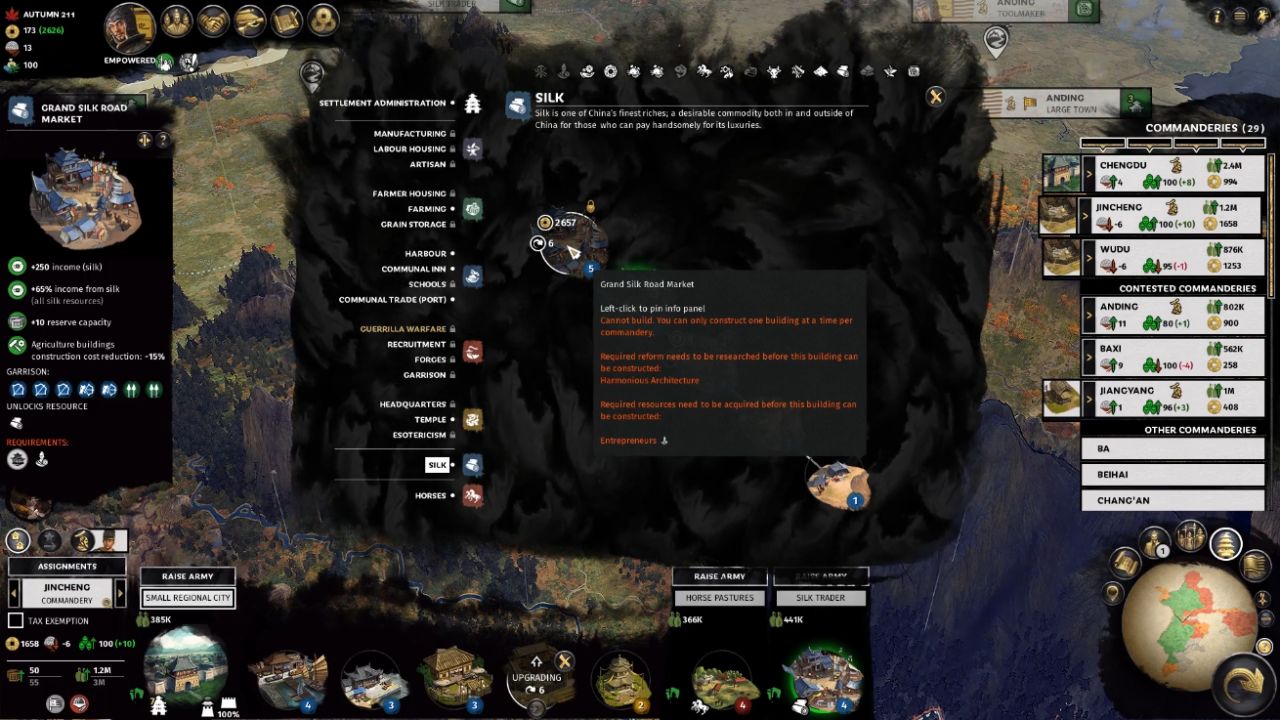
If public order is healthy across most commanderies and you need more food or money, increase Tax Level to boost returns instantly. If unrest rises or you can afford to sacrifice some income and food, decrease the Tax Level to calm the realm.
This flexibility is invaluable when newly conquered territories, seasonal pressures, or campaign demands cause sudden swings in stability or supply.
Fixing A Single Troubled Commandery With Tax Exemption
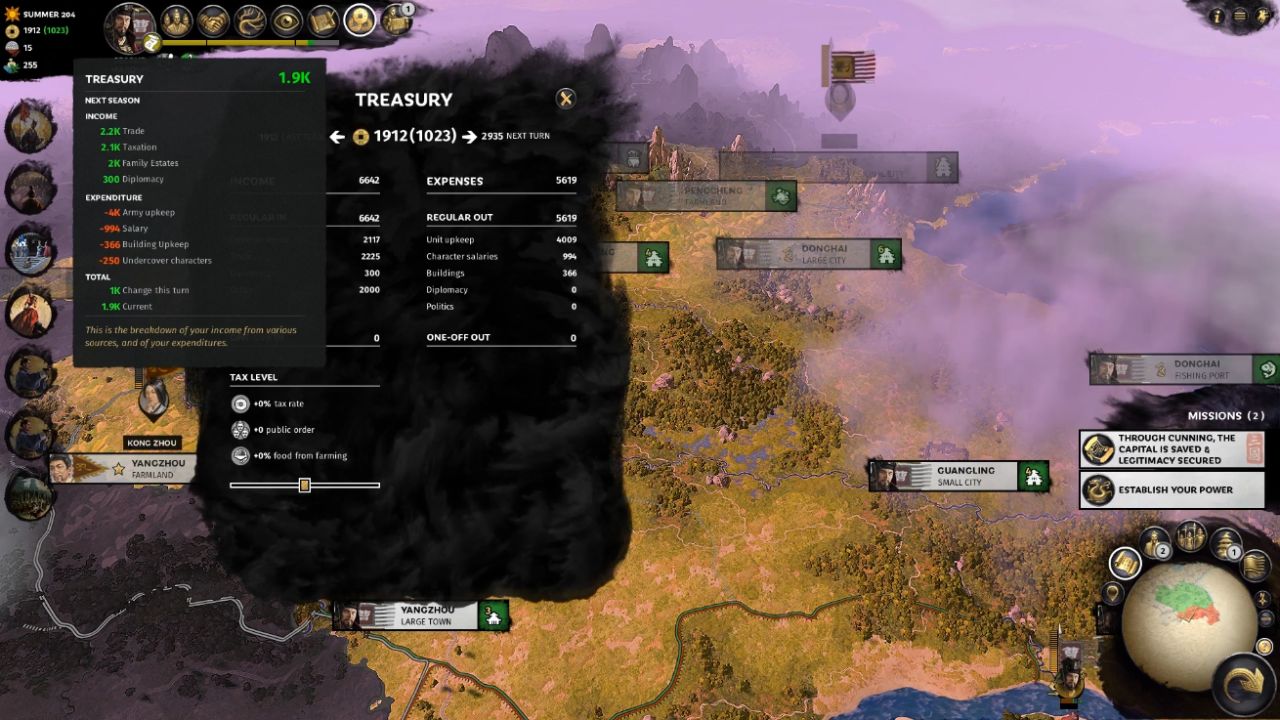
When only one commandery is unstable, use Tax Exemption to isolate the problem without handicapping the entire empire. Open the commandery panel and check the Tax Exemption box in the bottom-left corner.
This immediately sets that commandery’s income and food production to zero but grants a strong public order boost every turn. With Tax Exemption active locally, you can keep your global Tax Level where it belongs and prevent empire-wide revenue loss.
Practical Use Cases
After capturing a new city that is starving or rioting, stabilize it by toggling Tax Exemption until new buildings, assignments, or garrisons restore order. Meanwhile, keep the broader realm profitable by maintaining a higher Tax Level where conditions allow.
As the commandery recovers, uncheck Tax Exemption to bring it back into the economic fold and reassess the Tax Level slider to maintain the balance between food, order, and income.
Also, check our other guides below:
- Total War: Three Kingdoms Guide | Best Commandery Building Strategies
- Total War: Three Kingdoms Guide | How to Use Quick Deals Effectively
- Total War: Three Kingdoms Guide | How to Stop Enemy Armies From Running Away
- Total War: Three Kingdoms Guide | How to Speed Up Construction
- Total War: Three Kingdoms Guide | How to Fight Corruption Efficiently
- Total War: Three Kingdoms Guide | How to Earn Income Fast
Contributor, NoobFeed
Latest Articles
No Data.