
16GB vs 32GB RAM: What You Actually Need for Gaming in 2026
Current DDR5 shortages create a challenging environment for builders seeking balanced performance without excessive component costs or long-term limitations.
Hardware by Tanvir Kabbo on Jan 22, 2026
If there's one PC building issue right now that many people are aware of, it's the ongoing shortage of DDR5 memory. Trying to find this memory for a reasonable price point and potentially at all for a new gaming PC build is proving harder than ever. This leads to a natural question: is it truly necessary?
More specifically, is all 32GB really essential? As 32GB has become the standard for a gaming PC build, it’s worth examining whether managing with 16GB is a viable temporary solution to save money in the short term or whether doing so creates more problems than it solves.
.jpg)
Testing Approach and Hardware Selection
To test the difference between 16GB and 32GB of memory and determine whether this is a realistic solution, we ran a number of gaming benchmarks across several of the most popular titles.
The goal was to choose a range of games that broadly represent the titles you might want to play—everything from Indiana Jones and Call of Duty to Arc Raiders, Cyberpunk 2077, and a variety of Unreal Engine games known for heavier memory usage such as Fortnite, The Finals, and Expedition 33.
We also tested with different GPUs at various resolutions to see whether dropping the memory capacity makes sense in some scenarios but not others, or whether it consistently leads to the same outcome.
For the top-end GPU, we chose the RTX 5080, which is effectively the highest-end mainstream GPU considering that the 5090 is far more expensive and most users building a high-end system would select the 5080. In the mid-range, we opted for a 9070 XT, and for the lower end, a 9060 XT.
While the 9060 XT box used for reference is the 8GB version, we tested using the 16GB card to avoid GPU memory bottlenecks rather than CPU DRAM bottlenecks.
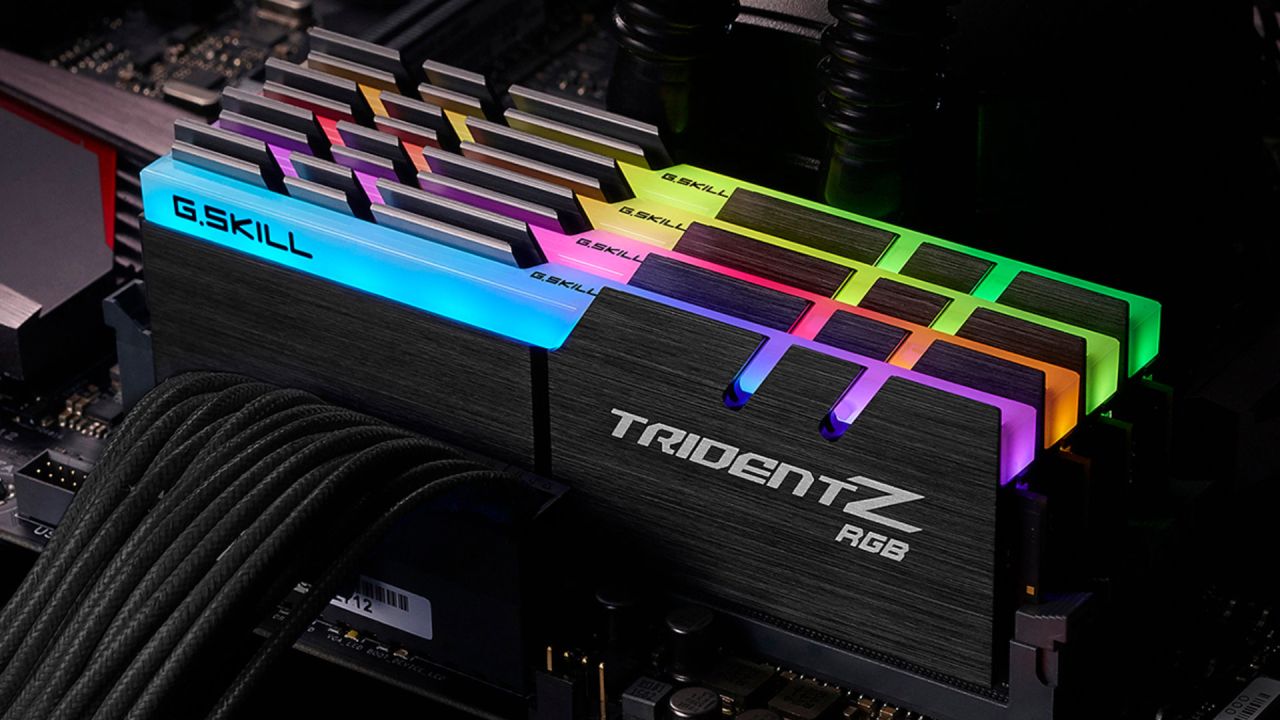
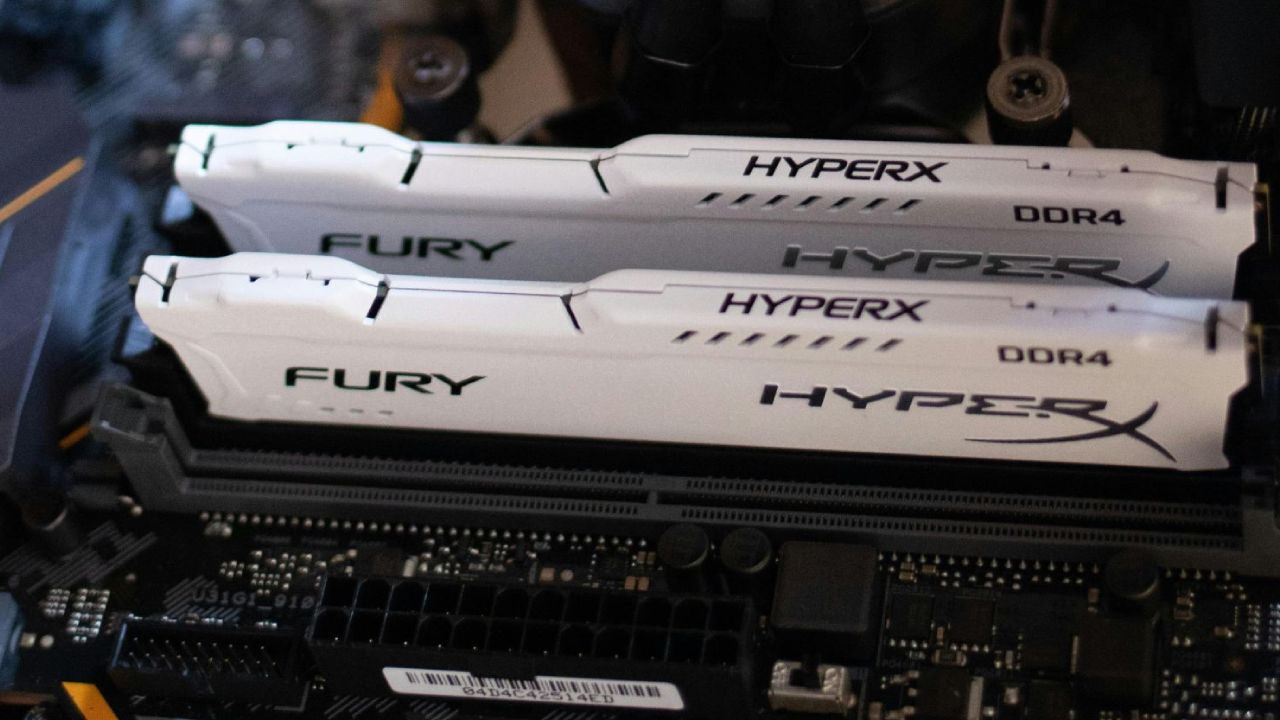
We tested using a single 16GB DIMM and two 16GB DIMMs for the 32GB scenario. 8GB DDR5 DIMMs are hard to find, and many builders want to keep their options open for upgrades. So, using a single 16GB DIMM today with the possibility to add another one later is a good way to show how upgrades really work.
1080p Gaming Results
The results were startling at 1080p, where lower resolution and lower-power machines usually don't care as much about system memory. With 16GB of RAM, Call of Duty Black Ops 7 Zombies ran at 149 frames per second (fps) at 1080p high settings. With 32GB of RAM, it ran at 156 fps, which is less than 5% faster.
Cyberpunk 2077 had an even smaller difference, with 16GB getting an average of 128fps and 32GB getting an average of 129fps. But with 32GB, the 0.1% and 1% lows got better in a more noticeable way, making the performance more consistent.
Arc Raiders had strange results: 16GB got just under 137 fps, whereas 32GB lost almost 3 frames per second on average. Again, the 0.2% lows were about 15 fps better with 32GB, which suggests that it was more stable. Indiana Jones followed similar pattern, although with very modest variances in average frame rates and minor increases to frametime consistency with 32GB.
Across all 1080p testing, including Unreal Engine titles, the differences remained minimal. This indicates that at 1080p, 16GB is generally a workable solution—great news if you're shopping on a budget, where saving around $160 (as of January 13, 2026) by choosing 16GB instead of 32GB could instead be invested into a GPU upgrade that yields a more meaningful performance increase.
1440p Gaming Results
When I switched to 1440p with the 9070 XT, Call of Duty Black Ops 7 ran at 166 fps on 16GB and 177 fps on 32GB. The difference was less than 10%. Cyberpunk 2077 got the same results on both memory configurations, down to one decimal place: 145.5 fps. This means that something else in the system was slowing it down.
Arc Raiders again showed higher averages on 16GB (152fps) versus 143.6fps on 32GB, but the lows favored 32GB significantly, with more than 20fps higher 0.2% lows and stronger 1% lows. This highlights that the real limitation of using 16GB may be frame consistency rather than average framerate.
Indiana Jones produced nearly identical averages, with 32GB being only 1fps faster. 16GB, on the other hand, had slightly better 1% and 0.1% lows, which broke the pattern seen in other places.
A breakdown of all 1440p games, including those made with Unreal Engine, still showed small variations between 16GB and 32GB.
4K Gaming Results and How High-End Hardware Works
At 4K, with the RTX 5080 putting a lot of strain on the system, both the 16GB and 32GB setups worked almost the same. In Call of Duty Black Ops 7, the 16GB version averaged 103 frames per second (fps), whereas the 32GB version averaged 101 fps. On 16GB, Cyberpunk ran at 92fps, while on 32GB, it ran at 90.9fps, which is only 1.7fps faster.
Arc Raiders again showed that 16GB was better than 32GB in terms of average FPS (129fps vs. 121fps), but 32GB still had the edge in terms of consistency because it had better 1% and 0.2% lows. In Indiana Jones, 32GB got an average of just over 4fps faster, although the lows were a little poorer.
Including additional Unreal Engine titles showed the same trend: 16GB slightly faster in Expedition 33 and The Finals, and only half a frame slower in Fortnite.
Ultimately, at 4K, bottlenecks move away from system memory to other components such as GPU processing power or video memory. System RAM simply doesn’t have a major effect in these scenarios.
Understanding Virtual Memory and Why 16GB Performs Well
When the computer runs out of memory, it uses virtual memory by turning part of the storage into RAM. This is still not perfect, but it's a lot better than it used to be because contemporary SSDs are so quick. We employed a Gen4 NVMe SSD (Lexar NM790) in our test system.
It could read data at speeds of about 7000MB/s, which is much faster than traditional hard drives that could only read data at speeds of 500–600MB/s. Because newer games use video memory more than system memory, 16GB works better than you might think.
Productivity and Content Creation Performance
We did editing experiments in DaVinci Resolve to see how well it could handle tasks other than gaming. It took 1m54s to render a short clip with 3D tracking and objects on 16GB and 1m52s on 32GB, which is only a 2s difference.
A full-length Geek YouTube video took 27 minutes and 18 seconds on 32GB and 28 minutes and 14 seconds on 16GB. The difference was small, even if it was quicker on 32GB. The small difference shows that 16GB is still plenty for even the most demanding productivity tasks, thanks to the Ryzen 7950X and 4080 Super getting rid of CPU/GPU bottlenecks.
Practical Recommendations for Builders
If you're building a gaming PC for the first time, 16GB of RAM is a fine temporary fix until DDR5 becomes more widely available. 32GB is still the best long-term goal. While memory prices will likely fall from their current elevated point, they may never return to the very low levels seen 6 months ago, where a 32GB kit sometimes cost around $95.
If you choose to start with a single 16GB DIMM and upgrade later, select a popular mainstream kit to ensure you can find a matching stick later—whether new or secondhand. Matching speeds and latencies is essential for optimal performance. Kits such as the Corsair Vengeance RGB line are widely available and easier to pair.
Final Thoughts
From one perspective, it's unfortunate that gamers must consider compromises due to component shortages. From another, the testing reveals that if we were building a gaming PC right now, choosing 16GB and adding another module later would be a completely reasonable choice.
It raises the question: would you consider 16GB for your next build? Is 16GB the new 32GB for sub-$500 systems?
Also, check our other NVIDIA articles below:
- NVIDIA GeForce RTX 5080 Review (2025): Still A 4K Gaming Powerhouse?
- NVIDIA RTX 5070 Review: Mid-Range Muscle or Marketing Hype?
- RTX 5070 Ti Review: Performance, Thermals & Power Efficiency Tested
- ASUS GeForce RTX 5090 LC Liquid Cooled GPU Review: Unmatched Silence & Speed
- MSI GeForce RTX 5090 32GB SUPRIM SOC Review: Power Efficiency, Cooling, and Gaming Performance
- INNO3D RTX 5060 Ti 16 GB X2 Review: Gaming Benchmarks, Temps, and Power Efficiency
- HP Omen 45L Review: RTX 5090 Performance, Thermals, and Value Analysis
- ASUS TUF Gaming GeForce RTX 5060 Ti Review: DLSS 4, Power Efficiency, and Gaming
- ASUS Prime RTX 5060 Ti OC 16GB Review: DLSS 4, Ray Tracing, & Thermals Tested
- NVIDIA GeForce RTX 5060 Review: Specs, Gaming, and Cost per Frame
- MSI GeForce RTX 5090 GAMING TRIO OC Review: A Monster Power GPU
Senior Editor, NoobFeed
Gaming Hardware Updates
No Data.