
AMD X3D vs Intel 14700K: What Happens Beyond Gaming Performance
AMD’s 3DV-Cache architecture delivers exceptional frame rates yet falls behind in sustained multi-threaded applications
Hardware by Tanvir Kabbo on Feb 24, 2026
X3D chips are amazing at what they're designed for. But if a computer is not a gaming-only machine, there are some important things to talk about. Before digging into the performance trade-offs, credit needs to be given where it's due. AMD did something really clever with X3D. The first and second generation X3D chips were already great for gaming.
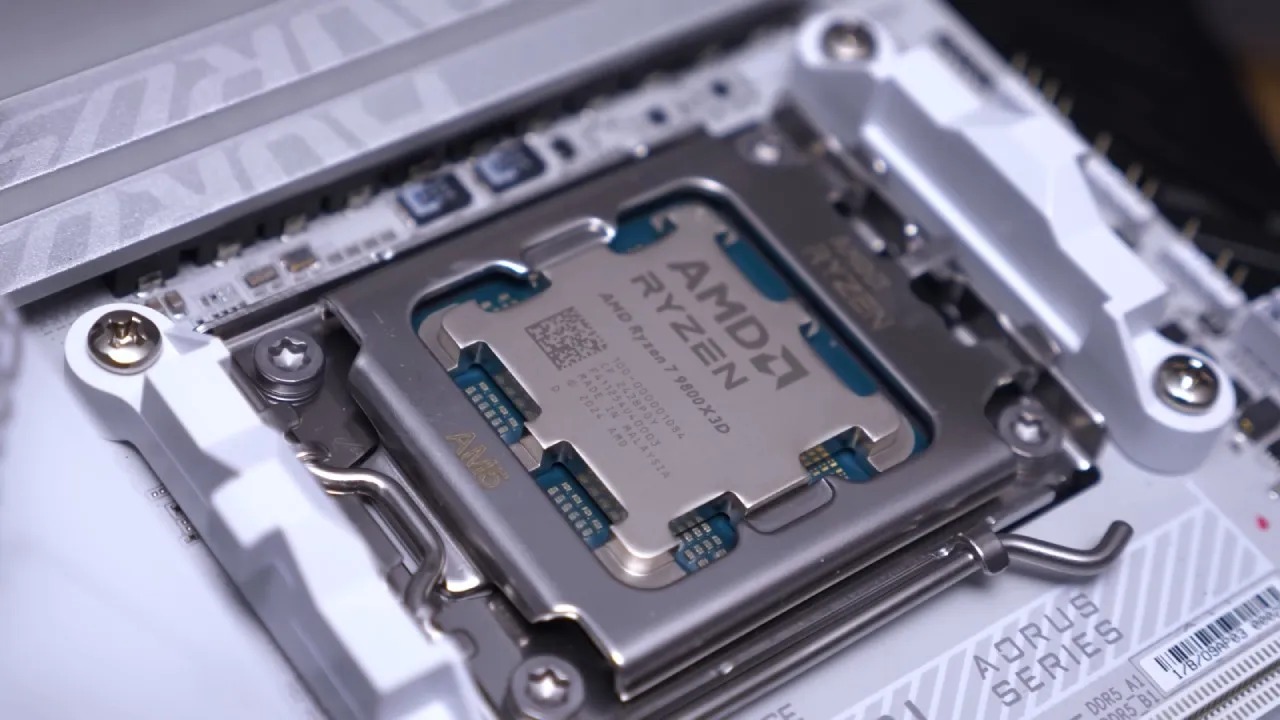
But the third generation, the ones with the cache die now under the cores, is a whole new leap forward. By moving the cache under the cores, AMD fixed the heat buildup issue the first generation could hit if pushed too hard, letting these chips run cooler, maintain higher clocks, and deliver more consistent performance. It's a smart design tweak that shows how much thought went into optimizing these CPUs for gaming.
CPUs Chosen for Comparison
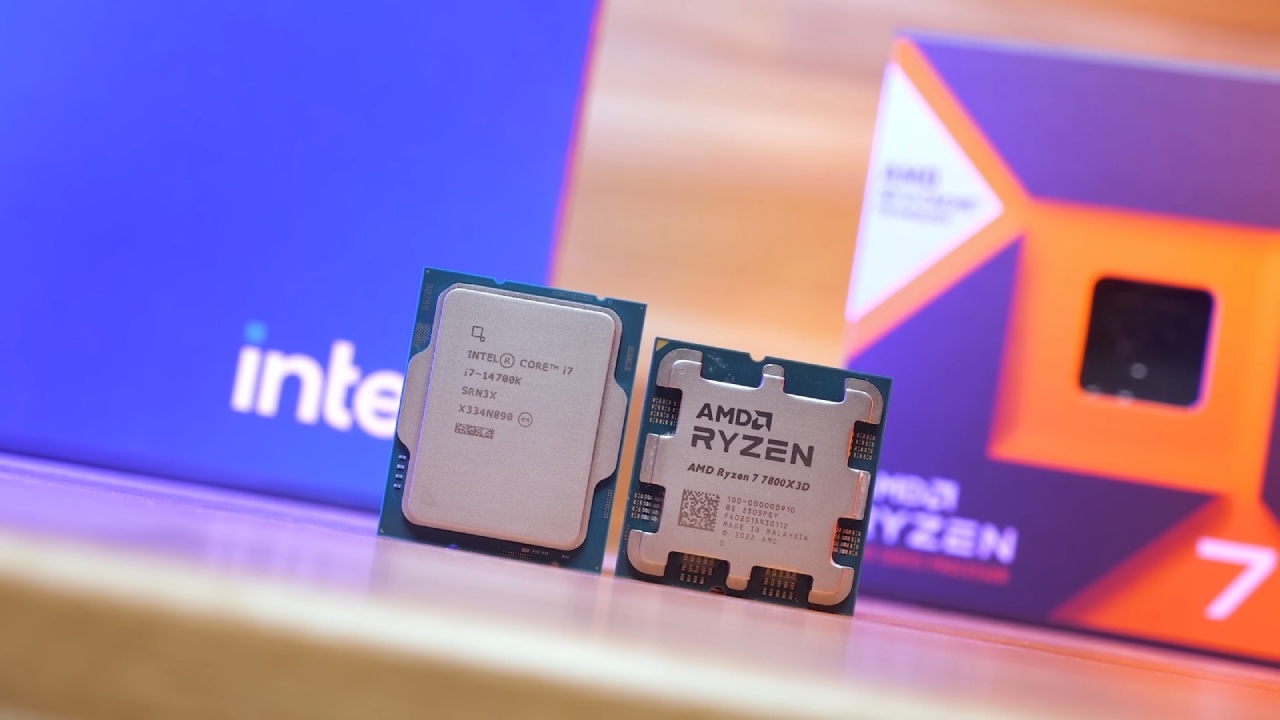
Before diving in, we need to quickly talk about why we picked the CPUs that we did. We wanted a mix that makes sense for most builders—popular choices with good price-to-performance and widely used enough that the comparison is meaningful.
That’s why we decided to use the Ryzen 7 9800X3D, Ryzen 7 7800X3D, Ryzen 7 9700X, and Core i7-14700K.
Gaming Performance: Where X3D Dominates
Let’s start with what we already know. In gaming, X3D is top-notch—a real king, an absolute beast. In Cyberpunk at 1080pUltra, the 9800 pulls ahead of the Core i7 by roughly 20%. While the 7800 also holds a solid lead in Far Cry 6 at 1080p Ultra, the gap grows even more. The 9800 is about 33% faster than the 14700, and again, the 7800 keeps a strong advantage.
So yes, when it comes to gaming, 3D V-Cache chips really live up to the hype, dominating performance across the board. If you are building primarily for high frame rates and smooth gameplay, these chips absolutely deliver.
Productivity Performance: The Trade-Off
Now it’s time for the painful part. When we move away from gaming and look at productivity, things change quite a bit. Take Cinebench, for example. The 9800, despite its gaming dominance, scores noticeably lower than the 14700K. It’s around 36% behind in multi-core performance. Even the 7800 falls short, while the 9700 actually edges closer to the 9800X3D.
This clearly shows that X3D chips are highly specialized for gaming. Outside of that, their extra cache does not translate to better all-around performance. If we look at heavy workloads, the advantage shifts, and you start seeing non-X3D chips take the lead.
Pricing and Value Considerations
Let's take a minute to chat about prices. It's relatively easy when it comes to gaming. You spend a little more, and you get a little more performance. The 9800 may cost more than the 7800 or the 14700K, but that extra money goes straight into faster frame rates in games.
But productivity shows a different story. Outside of gaming, that extra cost does not buy faster multi-core performance. In fact, in heavy workload applications, some cheaper processors actually pull ahead.
What It Means for You
So, what does all this mean for you? If you are building a computer for mixed use or mainly productivity, you are better off with a processor like the 14700K or 9700X. These chips still offer solid gaming performance at a lower price, but they shine in productivity tasks where X3D’s extra cache does not really help.
If your system is primarily for gaming, X3D remains an easy recommendation. But if you spend significant time rendering, compiling, encoding, or handling other multi-core workloads, we need to be honest about the trade-offs. The right CPU depends on what you actually do once the games are closed.
Also, check our other hardware articles:
- AMD Ryzen 9 9950X3D Review: Setting The Standard For 2025 Gaming CPU
- Amazon Luna 2025 Review: Is Prime Gaming's Cloud Service Your Go-To For Casual Fun?
- AMD RX 9070 XT Review: AMD's RDNA 4 Champion for 1440p Gaming
- GeForce Now Ultimate: Ditching Your Gaming PC For Cloud RTX 4080 Power?
- NVIDIA GeForce RTX 5080 Review (2025): Still A 4K Gaming Powerhouse?
- Intel Core Ultra 9 285K Review And Performance Breakdown (2025)
- Intel Core Ultra 9 285K vs AMD Ryzen 7 9800X3D: In-Depth Gaming Performance and Benchmark Comparison
- NVIDIA GeForce RTX 5080 Super Performance In Cyberpunk 2077: Path Tracing & DLSS 4.0 Tested
- AMD Radeon RX 9070 XT In Cyberpunk 2077: Ray Tracing & FSR 4.0 Tested
- Intel Arc B580 Review: The $250 GPU Revolutionizing 1440p Gaming
- Intel Arc B570 Vs. B580: Value, Specs, And Real-World Gaming Performance
- RTX 5090 Laptop Vs. M4 Max MacBook Pro: Ultimate Raw Performance Vs. Battery Endurance
- Intel Arc b580 Vs. RTX 4060: Game Performance And Value Analysis
- RTX5090 Hell Is Us Demo 4K Ultra Benchmark: DLSS Vs. Native Performance Guide
- NVIDIA RTX 5070 Review: Mid-Range Muscle or Marketing Hype?
- Nintendo Switch 2 Review: Handheld Performance, Features & Value Breakdown
- RTX 5070 Ti Review: Performance, Thermals & Power Efficiency Tested
- Samsung Odyssey OLED G81SF Review 2025: Ultimate 32-Inch QD-OLED Gaming Monitor
- AMD RX 9070 Performance Review: Thermals, Clocks, and Real-World FPS
- AMD Ryzen 5 7600 Review: Best Budget Gaming CPU of 2025?
- AMD Radeon RX 7800 XT Review: RDNA 3 Power For Midrange Gaming
- Asus ROG RTX 5090 Astral OC Vs. Founders Edition: The 4K Gaming Benchmark
Senior Editor, NoobFeed
Gaming Hardware Updates
No Data.