
Best CPU and GPU Combos for Budget Gaming Builds in 2025
The right combination of processor and graphics card delivers consistent frame rates and optimized gaming experiences for every budget tier.
Hardware by Tanisha Aria on Nov 01, 2025
There is now a greater disparity than ever between powerful CPUs and GPUs, so it's essential to strike the right balance for any gaming PC build. With Nvidia's RTX 50 series and AMD's RX 9000 series now fully available, and prices having changed recently, it can be challenging to determine the best CPU and GPU combination for 2025.
Assembling the right components ensures that everything functions optimally and prevents bottlenecks, which occur when one part restricts another. The goal is to find the optimal balance between the amount you spend on your CPU and GPU, considering your budget and gaming needs. This will give you the best gaming performance.
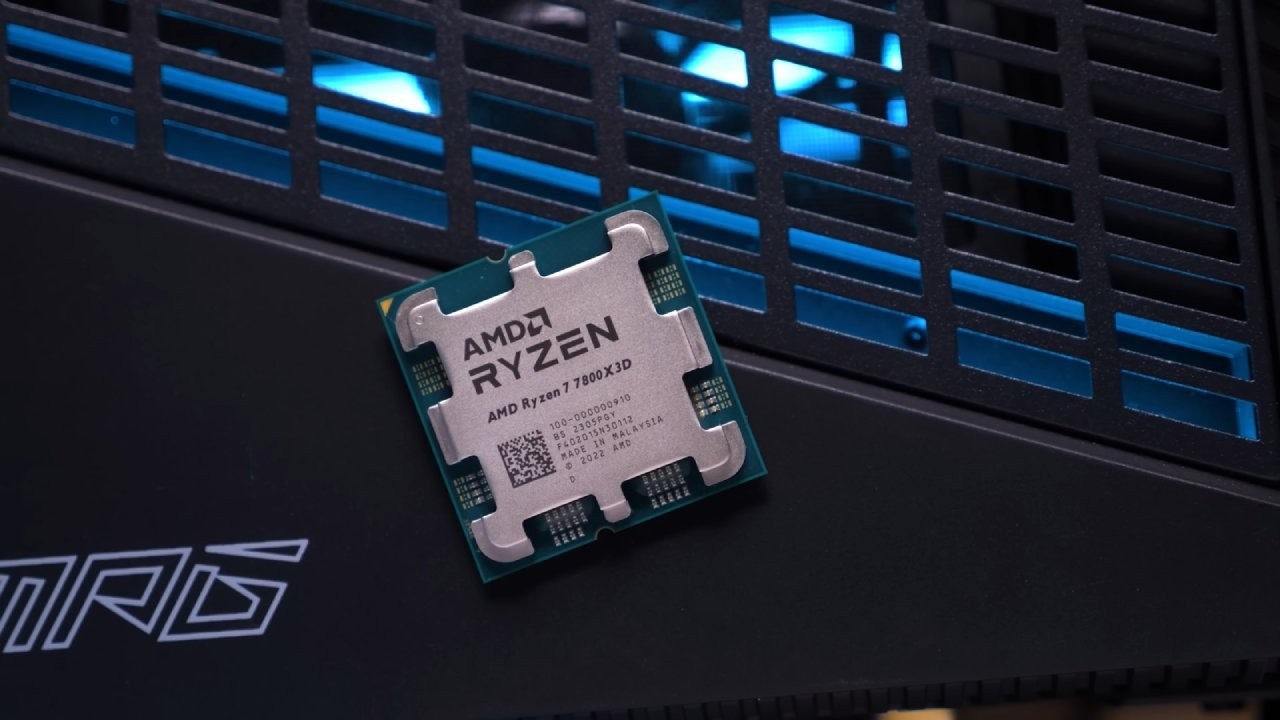
Understanding CPU vs GPU Bottlenecks
When one part of your system slows down, the whole thing slows down; that's a bottleneck. This usually happens between the CPU and GPU in games. Your frame rates drop when the CPU can't keep up with the GPU. On the other hand, if the GPU is weaker, speeding up the CPU will not improve the situation.
When playing games at higher resolutions, such as 1440p or 4K, the GPU is often the bottleneck. When you push high frame rates, the CPU is often the bottleneck.
Not having enough VRAM can also slow down your computer, especially in modern AAA games. Knowing which part slows down performance helps you determine where to allocate resources to achieve the biggest boost.
Balancing CPU and GPU for Gaming
The most important thing to do if you want to achieve the highest FPS on a limited budget is to prioritize the GPU. Most gaming benchmarks show that if your CPU can keep up, spending more of your budget on a faster GPU will give you higher frame rates.
The best way to maximize your gaming experience and get the most out of your investment is to choose a CPU that won't compromise your graphics card's performance. This balance is even more crucial for individuals with limited financial resources. With unlimited budgets, you can get the best combinations, but for most people, the best value comes from the right pairing.
VRAM Bottlenecks in 2025
The amount of VRAM you have is crucial for the smooth operation of your games. Most 1440p games will still function properly with 12GB of VRAM, but utilizing upscaling technologies like DLSS or heavy ray tracing may require more memory.
If you switch from a 12GB GPU, such as the RTX 5070, to a 16GB card, like the RX 9070 XT or RTX 5070 Ti, you may see improved performance and consistency. If you want to play modern games at higher settings without stuttering or losing texture quality, consider upgrading from an 8GB to a 10GB or 12GB model. This is especially true for budget gamers.
Best Budget CPU and GPU Combo
With new components, you can build a decent gaming PC for around $650. AMD CPUs, such as the Ryzen 5600, 5600X, or XT, offer similar performance and come with reliable stock coolers.
The Ryzen 5800XT is another good choice; it's slightly faster and costs approximately $140. The MSI Pro B550M-VC Wi-Fi or ASRock B550M Pro RS are good motherboards that usually cost around $100.
The Core i5-12400F is a great choice for Intel users due to its excellent price-to-performance ratio and efficient cooling capabilities. You can use it with a B660 or B760 DDR4 motherboard, such as the Gigabyte B760M DS3H or the ASUS B760M-YW Wi-Fi, which each costs about $100. You can upgrade to a Core i5-14600K later, which will provide performance similar to that of the Ryzen 5800X3D or Ryzen 7600X.
A 16GB (2x8GB) DDR4-3200 CL16 kit or a DDR4-3600 CL18 kit should be compatible with both platforms. It's a good idea to purchase DDR4 RAM early, as prices are expected to increase. The total cost of the platform typically ranges from $275 to $295.
For GPUs, the most affordable options start at around $230. The Intel ARC B570 10GB ($240) and B580 12GB ($260) are both very good options.
The RX 6600 8GB ($220) and RX 9060 XT 8GB ($270) from AMD are both great deals. Nvidia's RTX 5050 (250) and RTX 3060 12GB (260) are other options, but their prices fluctuate significantly. An RX 9060 XT 16GB ($360) or RTX 560 Ti 16GB ($430) would be the best match. Going above and beyond these may not be worthwhile in CPU-intensive or competitive games.
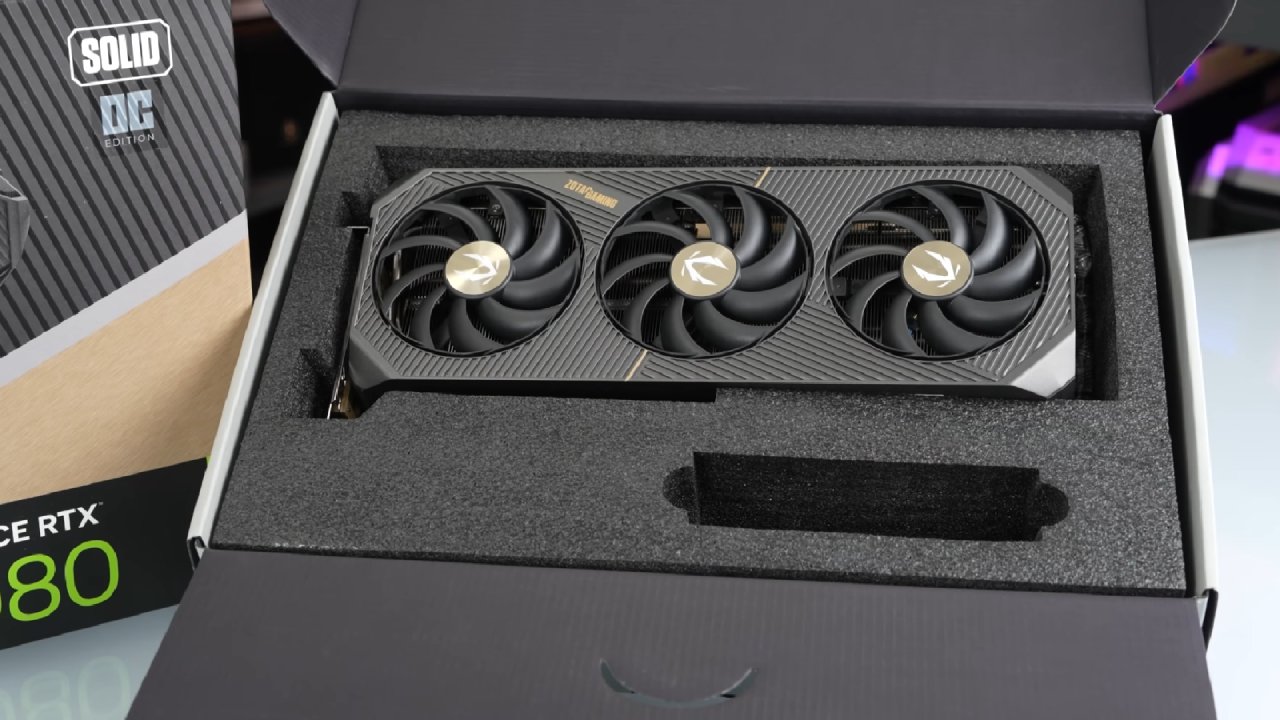
Best Midrange CPU and GPU Combo
The AMD Ryzen 7600X and 9600X are the best options in the midrange range, with prices between $180 and $200. You can use these with motherboards that offer good value, such as the ASRock B850MX Revision 2 Wi-Fi ($130) or the MSI Pro B650MA ($145).
You don't need a lot of cooling power; a $20 tower air cooler, such as the ID Cooling Frozen A410 SE or Cooler Master Hyper22 Pro, will suffice.
The Core i5-14600K and Core i5-13600K from Intel are now priced at around $190. Avoid buying Core Ultra 5 CPUs because they lack sufficient power for the price.
The ASRock B760M Reptide ($120) and the MSI Pro B760-VC Wi-Fi ($150) are both good motherboards. A $35 dual-tower air cooler, such as the ID Cooling A620 Pro SE or Thermmorite Peerless Assassin, should be able to cool things down.
Both platforms work best with 32GB (2x16GB) DDR5-6000 CL30 RAM, which costs between $85 and $90. The Ryzen platform is easier to upgrade and offers better value, but the Intel i5 is still a good choice for mixed workloads. The total cost of the platform is between $440 and $465.
The RX 9060 XT 16GB, RTX 560 Ti 16GB, or B580 12GB are the minimum recommended GPUs. You can also use these CPUs with 1440p cards, such as the RX 9070 16GB, RX 9070XT 16GB, RTX 5070 12GB, or RTX 5070 Ti 16GB. You could get an RTX 5080, but if you want to play competitively, you should consider upgrading to a more powerful CPU.
Best Upper Midrange CPU and GPU Combo
The Ryzen 7700, 7700X, and 9700X are all great options in this price range, costing between $250 and $300. If you're only going to use your computer for gaming, there's no reason to upgrade to models with more cores. They don't make FPS better. However, individuals who use their computers for work may consider the Ryzen 9 9900X or 9950X for multitasking.
The Intel Core i7-265K ($280) and i7-14700K are good options that offer approximately 5% better FPS at 1440p, with lower 1% lows than the previous tier. For Ryzen, the Gigabyte B850 Eagle or ASUS B850 Gaming X Wi-Fi are good choices. For Intel, the B860 or Z890 boards are good choices.
DDR5-6000 CL30 remains the best memory option, and dual-tower air coolers costing around $35 are sufficient for Ryzen. Liquid coolers may help Intel CPUs because they tend to run hotter than other processors.
You should get at least an RX 9070 16GB or an RTX 5070 12GB for your GPU. If you go below that, your build will be out of balance. You can go up to an RX 9070 XT, RTX 50XX, or even RTX 50XX, but at that point, an X3D CPU is the best choice.
Best High-End CPU and GPU Combo
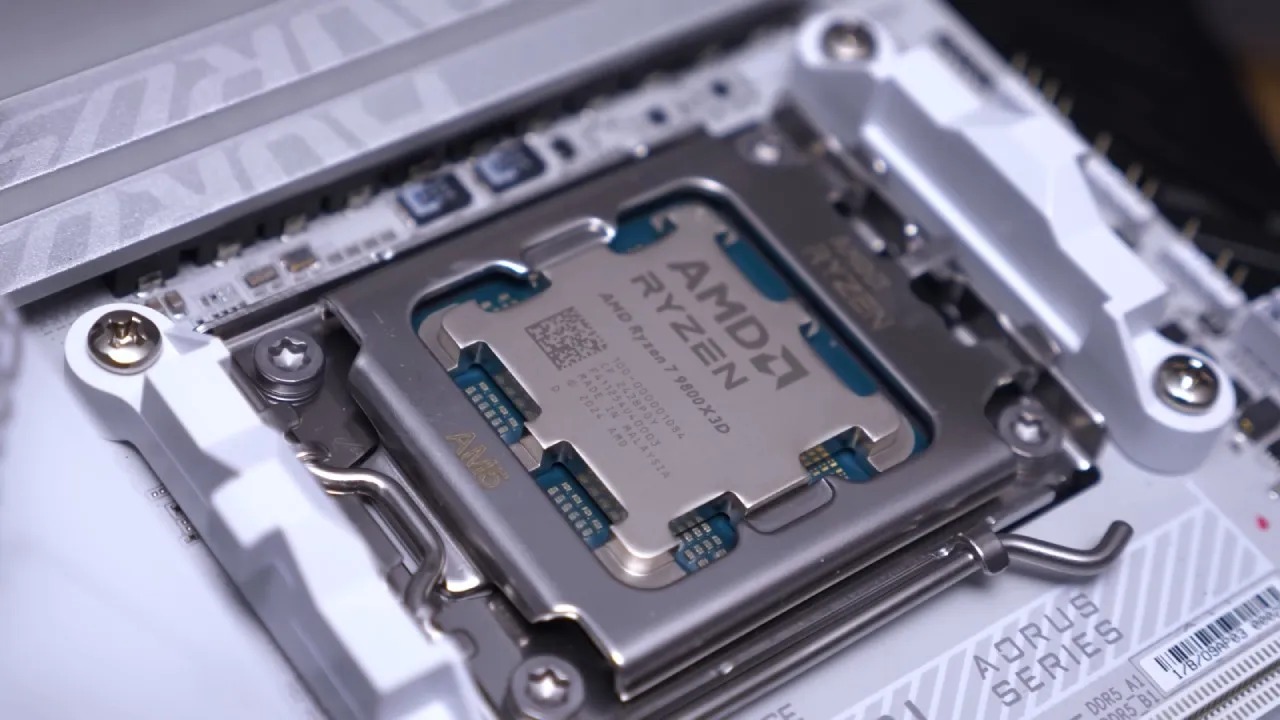
The Ryzen 9 9800X3D is the top-tier gaming CPU of 2025. The 9950X3D is also great for individuals who require more cores for work, but both models offer the same gaming performance. There are rumors that a 16-core dual X3D version may be released later this year.
The Ryzen 7800X3D is still a close second, despite its price dropping significantly in the middle of the year. Intel currently lacks a competitive gaming CPU at this level. When playing at 1440p ultra settings, the 9800X3D and 9950X3D are about 10–15% better than Intel. They are even better in lower-detail competitive games.
You can use the 9800X3D or 7800X3D with a B650, X670, B850, or X870 motherboard that has PCIe Gen5 GPU slots. The Gigabyte B850 Eagle ($164) and the ASUS TUF B650E-Plus ($189) are both good choices. Choose a more robust VRM motherboard for the 9950X3D, such as the MSI B850 Tomahawk Wi-Fi or the ASUS B850 TU ($215–$260).
The Thermorite Peerless Assassin and the ID Cooling A620 SE are two examples of dual-tower air coolers that are well-suited for use with 8-core CPUs. The 9950X3D, on the other hand, requires a 360mm liquid cooler, such as the Arctic Liquid Freezer 3 Pro or the Montek Hyperflow 360. For the best responsiveness, RAM should be DDR5-6000 CL28.
The RX 9070 16GB or RTX 570 12GB is the minimum amount of memory required by the 7800X3D. If you want to use the 9800X3D, you need to get an RTX 5070 Ti 16GB or RX 9070 XT 16GB. These CPUs work perfectly with RTX5080 and RTX5090 cards, giving modern gaming PCs some of the best performance you can get.
Best CPU and GPU Combos for Creators
People who work in professional fields and create content need systems that are fair. For tasks like Adobe Premiere Pro, adding two more cores (from 6 to 8) makes them run faster. GPU acceleration is still very important for rendering and exporting, though.
If you spend too much on CPU power and not enough on GPU power, your overall productivity may go down. The best way to get the best results in both creative and production workflows is to balance both parts.
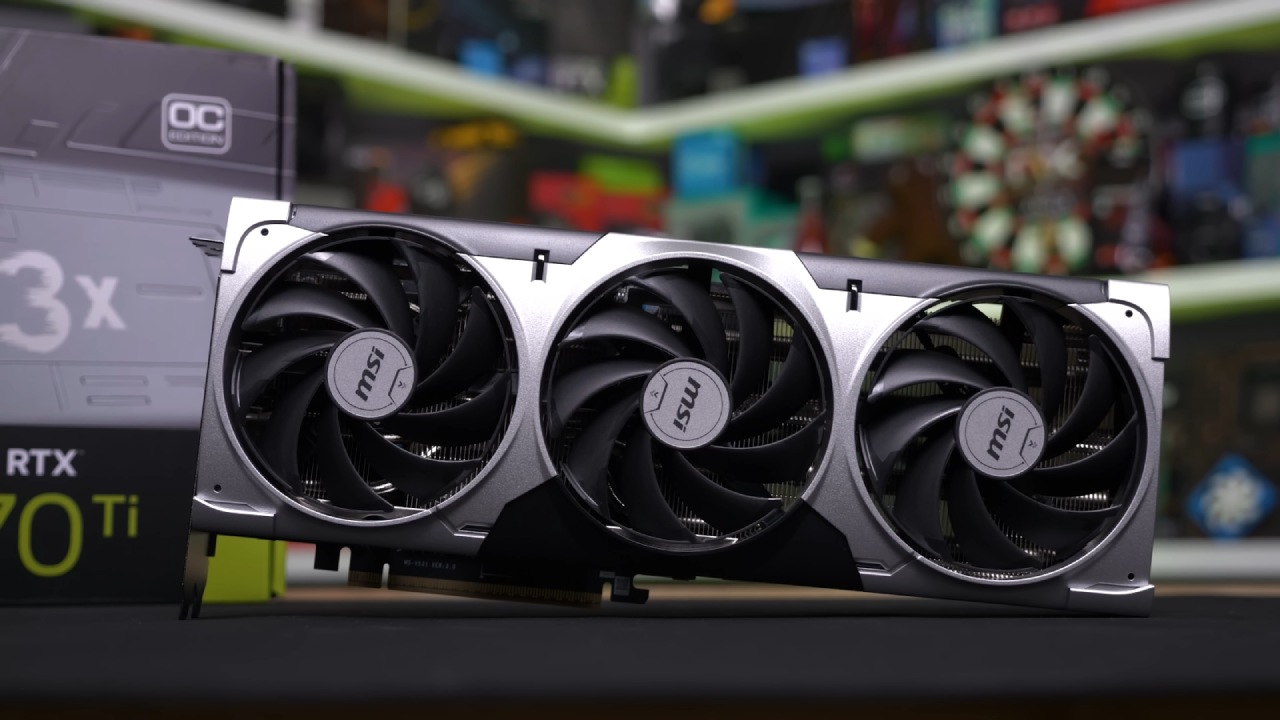
Final Thoughts
In 2025, the best CPU and GPU for you will depend on how much money you have, how well it works, and what you plan to do with it. Some builds are cheap, like those that use the Ryzen 5600 and RX 6600, while others are powerful, like those that use the Ryzen 9 9800X3D and RTX 5090.
The most important thing is to stay away from hardware that doesn't work well together and slows things down. If you spend money where it counts, on the parts that slow down your performance, you can build a gaming PC that is very useful and runs smoothly at all resolutions and workloads.
Also, check our other AMD articles:
- AMD Ryzen 9 9950X3D Review: Setting The Standard For 2025 Gaming CPU
- AMD Ryzen 7 9800X3D Review: 3D V-Cache Goes God Mode with Stunning Gaming Performance
- AMD RX 9070 Performance Review: Thermals, Clocks, and Real-World FPS
- AMD Ryzen 5 7600 Review: Best Budget Gaming CPU of 2025?
- AMD Radeon RX 7800 XT Review: RDNA 3 Power For Midrange Gaming
- Sapphire NITRO+ AMD Radeon RX 9070 XT Review: The Ultimate 4K Gaming GPU
- AMD Ryzen 7 7800X3D: Delivers Gaming Performance Far Beyond Expectations
- AMD Ryzen 9 7900X Review: Powering the AM5 Era with DDR5 & PCIe 5.0
- ASRock Radeon RX 7800 XT Challenger OC Review: Best Price-to-Performance GPU of 2025
- Intel Core i9‑14900K vs. AMD Ryzen 7 7800X3D: Power Profiles & Gaming Benchmarks
- NVIDIA GeForce RTX 5080 Review (2025): Still A 4K Gaming Powerhouse?
- RTX 5090 Performance Testing In GTA 5 – 1080p, 1440p, and 4K Max Settings Benchmark
- NVIDIA RTX 5070 Review: Mid-Range Muscle or Marketing Hype?
- RTX 5070 Ti Review: Performance, Thermals & Power Efficiency Tested
- ASUS GeForce RTX 5090 LC Liquid Cooled GPU Review: Unmatched Silence & Speed
- MSI GeForce RTX 5090 32GB SUPRIM SOC Review: Power Efficiency, Cooling, and Gaming Performance
- INNO3D RTX 5060 Ti 16 GB X2 Review: Gaming Benchmarks, Temps, and Power Efficiency
- HP Omen 45L Review: RTX 5090 Performance, Thermals, and Value Analysis
- ASUS TUF Gaming GeForce RTX 5060 Ti Review: DLSS 4, Power Efficiency, and Gaming
- ASUS Prime RTX 5060 Ti OC 16GB Review: DLSS 4, Ray Tracing, & Thermals Tested
- NVIDIA GeForce RTX 5060 Review: Specs, Gaming, and Cost per Frame
- MSI GeForce RTX 5090 GAMING TRIO OC Review: A Monster Power GPU
Contributor, NoobFeed
Gaming Hardware Updates
No Data.