
NVIDIA GeForce GTX 1650 Arc Raiders Performance Test: 1080p Benchmarks and Best Settings
GTX 1650 performance exploration in Arc Raiders across graphic presets and anti-aliasing modes under varied gameplay conditions.
Hardware by Nahe Yan on Dec 07, 2025
Arc Raiders has a list of requirements that are quite similar to those of entry-level GPUs. GTX 1650 4GB GDDR5 is still a good choice in this group. With the newest Nvidia drivers, the card works within its specifications.
Here, it is combined with an i5-12600KF and 32GB of RAM to remove any CPU-side limits. At 1080p resolution, low settings keep the game playable and stable across different situations, including areas with heavy weather and dense vegetation.
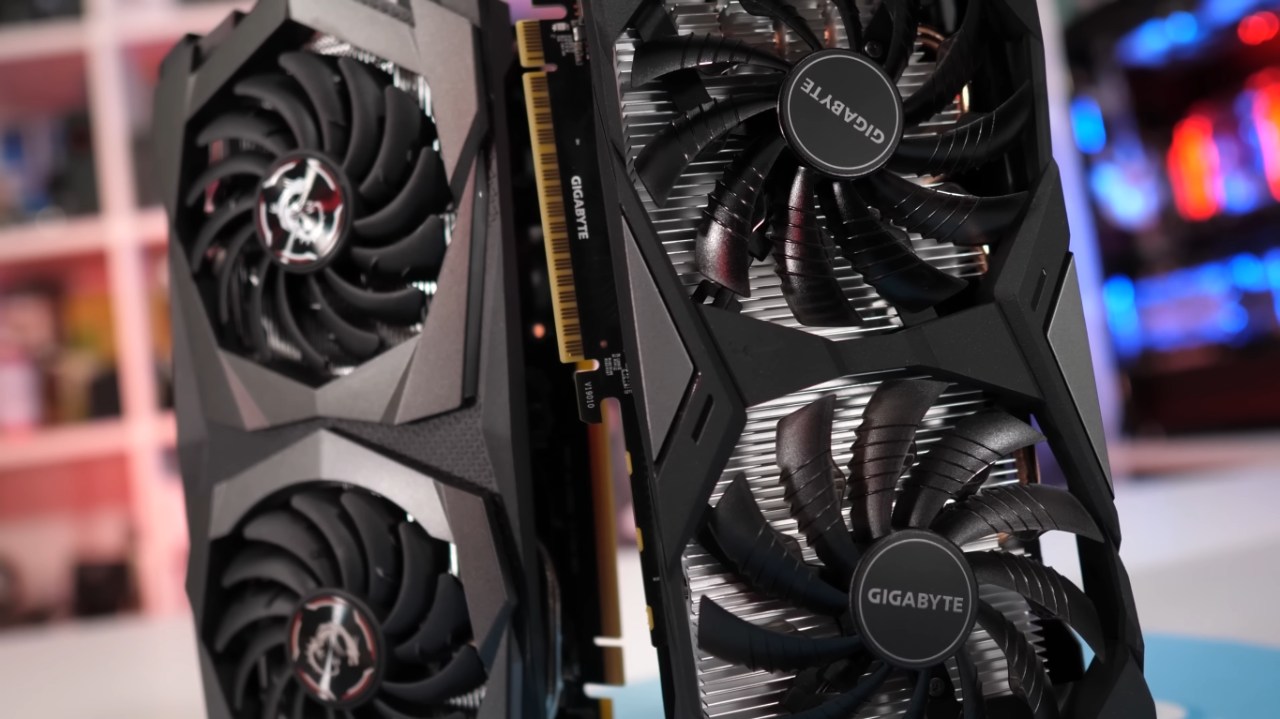
Setting Up and Getting Started
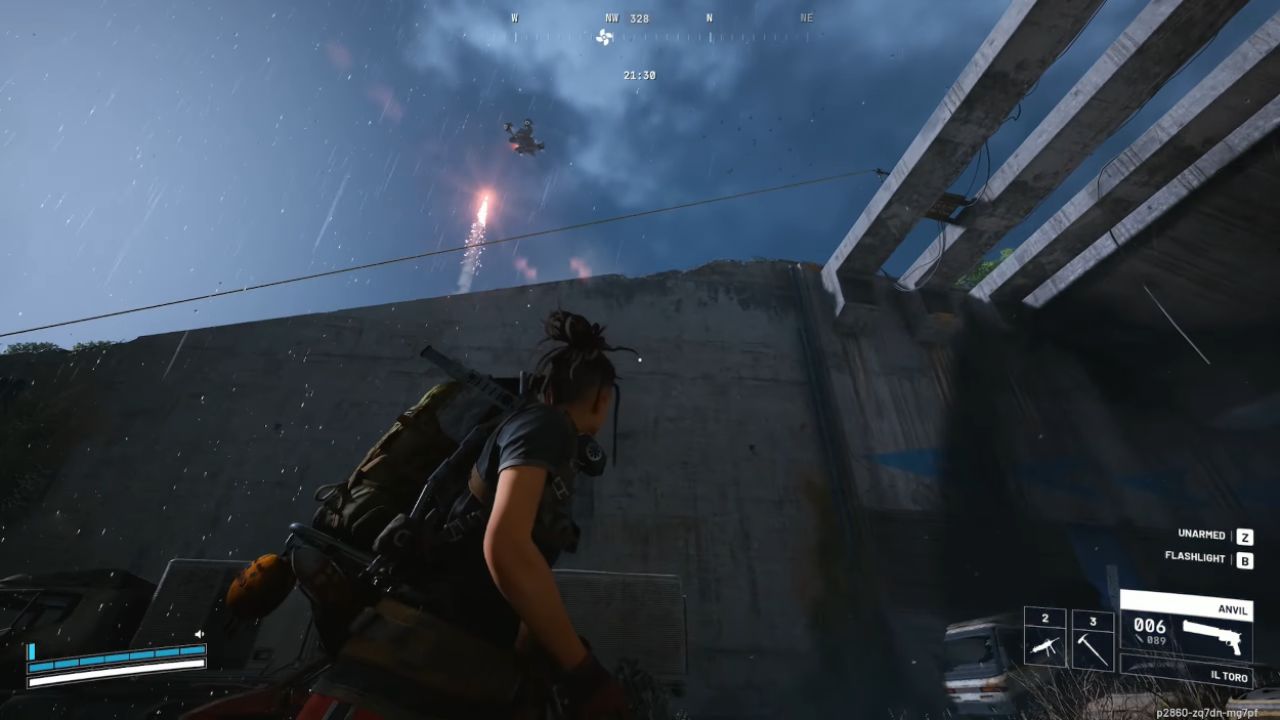
We start with a 1080p resolution, 100% scale, and no anti-aliasing. When the lowest preset is selected, GTX 1650 runs at 60–70 fps in the rain, which puts greater strain on the system due to the additional weather effects. The findings are as expected because GTX 1050 Ti is the minimum GPU listed, and the 1650 performs better than it.
Vegetation density, player activity, and monster fights can sometimes decrease the experience into the 50s, although it maintains stable for third-person games. Without anti-aliasing, you get a crisper picture that makes it easier to view things that are far away and cuts down on temporal blur.
How the Scene Behaves and How Players Interact
Most of the time, other players in the game environment aren't too hostile, which makes it easy to work together to fight robotic monsters. Friendly encounters cut down on annoying interruptions and let the framerate show normal fighting situations instead of PvP extremes.
Areas with many plants remain the most demanding on performance, especially when there are many adversaries. Even so, 1650 is still stable enough to work well during travel, looting, and regular firefights.
Methods for anti-aliasing and upscaling
With XeSS and FSR 3 native AA, we see an immediate drop in framerate, often dropping the GPU into the low-40s, where it becomes very unstable. The amount of VRAM used is close to 3.6GB, which makes stutters more likely, even though the card rarely claims the full 4GB capacity.
TSR makes the image look blurry and loses sharpness while it moves. TAU lowers performance the least, but it makes the presentation much softer. Most temporal solutions also make raindrops less visible, which might change how clear the scene is in ways that are hard to predict.
For steady performance and clear visuals, anti-aliasing and TAU are the best choices. All other options either lower the framerate or make things look blurry.
Setting the Medium Preset
When you switch to the medium preset, the draw distance increases, and details in the near field become clearer. However, some plants and textures look fuzzy. Without anti-aliasing, at medium settings, you get 50 to 60 fps. Still, in dense forest areas, they can drop to the high 30s.
In third-person combat, general responsiveness still works, and aiming accuracy is still possible. But the presentation isn't great due to noisy plants and some texture issues in the distance.
These changes bring performance back to the 60–80fps range when the weather is clearer. In forested areas, the GPU lowers into the 40s yet still works. Medium shadows make things clearer without hurting performance too much. In contrast, low shadows make things easier to see in competitive situations.
Upscaling at Lower Internal Resolutions
FSR quality mode works at 720p and then upscales to 1080p. In heavy vegetation, performance typically ranges from 50 to 60 fps, whereas in open spaces it exceeds 60 fps. But this way makes things quite blurry, especially on 27-inch screens. Smaller screens may not show as much damage. TSR is still the least clear option, and DLSS doesn't work on GTX 1650.
How Frame Generation Works
Frame generation makes the screen's frame rate go up, but it also adds extra input lag, which makes the picture look hazy, ghostly, and show motion artifacts. When the FPS goes up from roughly 60 to about 90, the input response feels slower, and the game's graphics become less steady, especially when the camera moves swiftly.
When you turn off frame generation, the picture becomes clearer, the camera stops shaking, and artifacts disappear. Frame generation is not a good idea for this GPU.
Final Thoughts
If you use low settings with 100% resolution scaling and no anti-aliasing, you can still play Arc Raiders on a GTX 1650 4GB at 1080p. You can use medium settings with fewer features and selected changes.
Temporal AA and upscalers make the picture blurry or lower the frame rate. Frame generation makes latency and artifacts worse. Keep the native resolution and apply as little post-processing as possible to get the best, most steady results with this GPU.
Also, check our other NVIDIA articles below:
- NVIDIA GeForce RTX 5080 Review (2025): Still A 4K Gaming Powerhouse?
- NVIDIA RTX 5070 Review: Mid-Range Muscle or Marketing Hype?
- RTX 5070 Ti Review: Performance, Thermals & Power Efficiency Tested
- ASUS GeForce RTX 5090 LC Liquid Cooled GPU Review: Unmatched Silence & Speed
- MSI GeForce RTX 5090 32GB SUPRIM SOC Review: Power Efficiency, Cooling, and Gaming Performance
- INNO3D RTX 5060 Ti 16 GB X2 Review: Gaming Benchmarks, Temps, and Power Efficiency
- HP Omen 45L Review: RTX 5090 Performance, Thermals, and Value Analysis
- ASUS TUF Gaming GeForce RTX 5060 Ti Review: DLSS 4, Power Efficiency, and Gaming
- ASUS Prime RTX 5060 Ti OC 16GB Review: DLSS 4, Ray Tracing, & Thermals Tested
- NVIDIA GeForce RTX 5060 Review: Specs, Gaming, and Cost per Frame
- MSI GeForce RTX 5090 GAMING TRIO OC Review: A Monster Power GPU
Editor, NoobFeed
Gaming Hardware Updates
No Data.