
Legion Go 2 Dock Mode: Best Settings for Maximum Performance
External display support enhances the Legion Go 2 gaming experience for home or desktop use.
Hardware by Tanvir Kabbo on Oct 18, 2025
Legion Go 2 is more than just a mobile gaming PC; it's a powerful gadget that can change into a desktop-like experience when you use dock mode. When plugged into an outlet, the Z2 Extreme APU can work without worrying about battery life. Gamers can get a lot better performance and thermal efficiency by getting rid of those limits.
Dock mode makes the whole gaming experience better, whether you're playing on the built-in OLED display or connecting to a bigger external monitor. This makes the Legion Go 2 a very flexible gaming device.
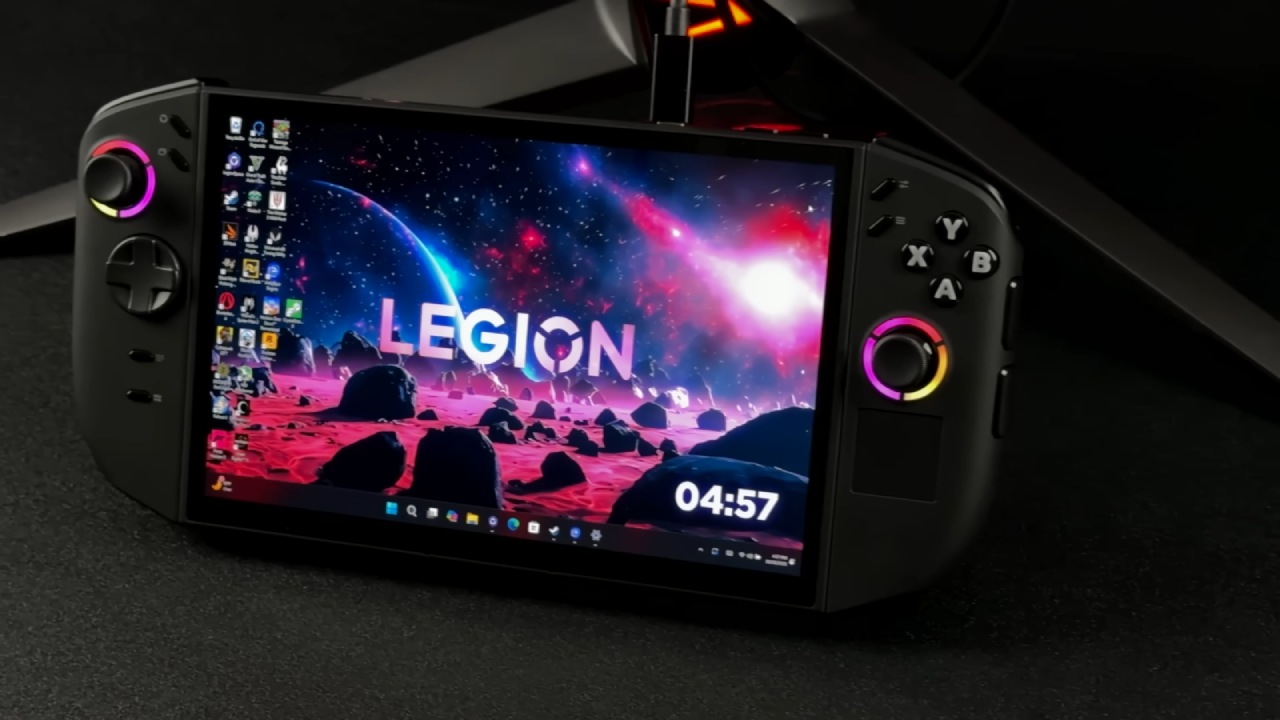
Maximizing Performance in Dock Mode
When we're on the go, the built-in screen of the Legion Go 2 is perfect. However, once we get back home and want to enjoy gaming on a bigger screen, dock mode becomes a game-changer. Plugging the device into a monitor or TV allows us to increase the power limits and focus entirely on performance without worrying about battery life.
The Legion Go 2 makes this process incredibly convenient. We can instantly connect and start playing games with a USB Type-C to HDMI adapter or a monitor that supports video over USB Type-C. This configuration works very great with cheap adapters that you can readily find online for about $10.
Performance Settings and Thermal Management
Opening Legion Space provides access to performance settings where we can tweak thermal modes. In the custom setting, the Legion Go 2 can push the Fast Package Power Tracking (FPPT) up to 45W for 10 seconds, with a Short Package Power Tracking (SPT) boost up to 37W and a sustained TDP of 35W. Earlier builds reportedly allowed up to 55W, but recent updates seem to have slightly reduced this limit.
We can utilize a third-party tool like Universal x86 Tuning Utility to get even better long-term performance. We can raise the sustained TDP to about 41W with this tool, which does a good job of balancing performance and thermals. Setting the iGPU curve optimizer to -20 might also give you slightly faster clock speeds, which makes gaming sessions run more smoothly.
When tested with CPU-Z and tracked with Hardware Info, the TDP stays at a steady 41W even when the load is significant. This setup gives you the best dock mode experience when Windows is set to "Best Performance" and AMD's boost profile is turned on.
Gaming Performance and Benchmarks
Forza Horizon 5
At 1440p with no scaling or upscaling techniques like FSR or XeSS, and high settings across the board, Forza Horizon 5 runs beautifully. Sustained at around 39-40W, the performance remains consistent.
The Z2 Extreme's architecture features three Zen 5 cores clocking up to 5GHz and five Zen 5C cores reaching 3.3GHz, delivering a balanced combination of power and efficiency.
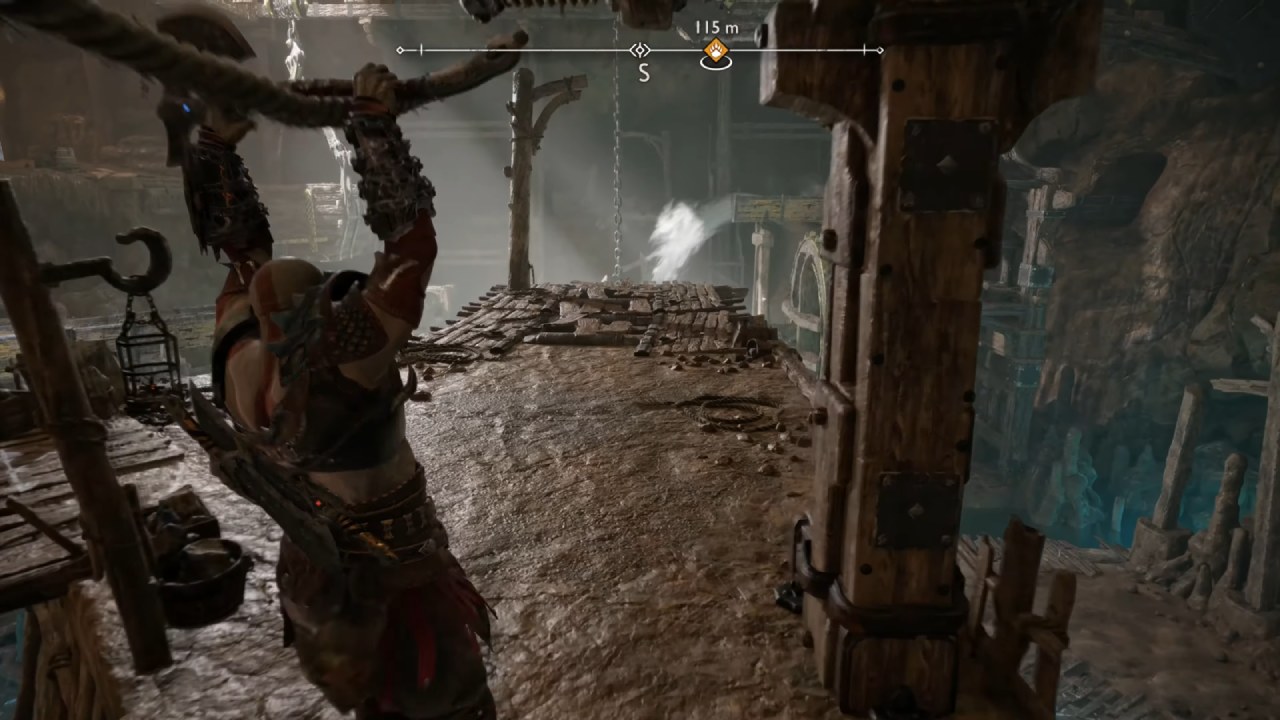
God of War: Ragnarok
Running at 1080p on medium settings without FSR or frame generation, the performance is impressive. Though it occasionally dips below 60fps, enabling FSR in quality mode can easily push it above that mark.
It's one of the most optimized PlayStation ports available and performs exceptionally well on the Legion Go 2.
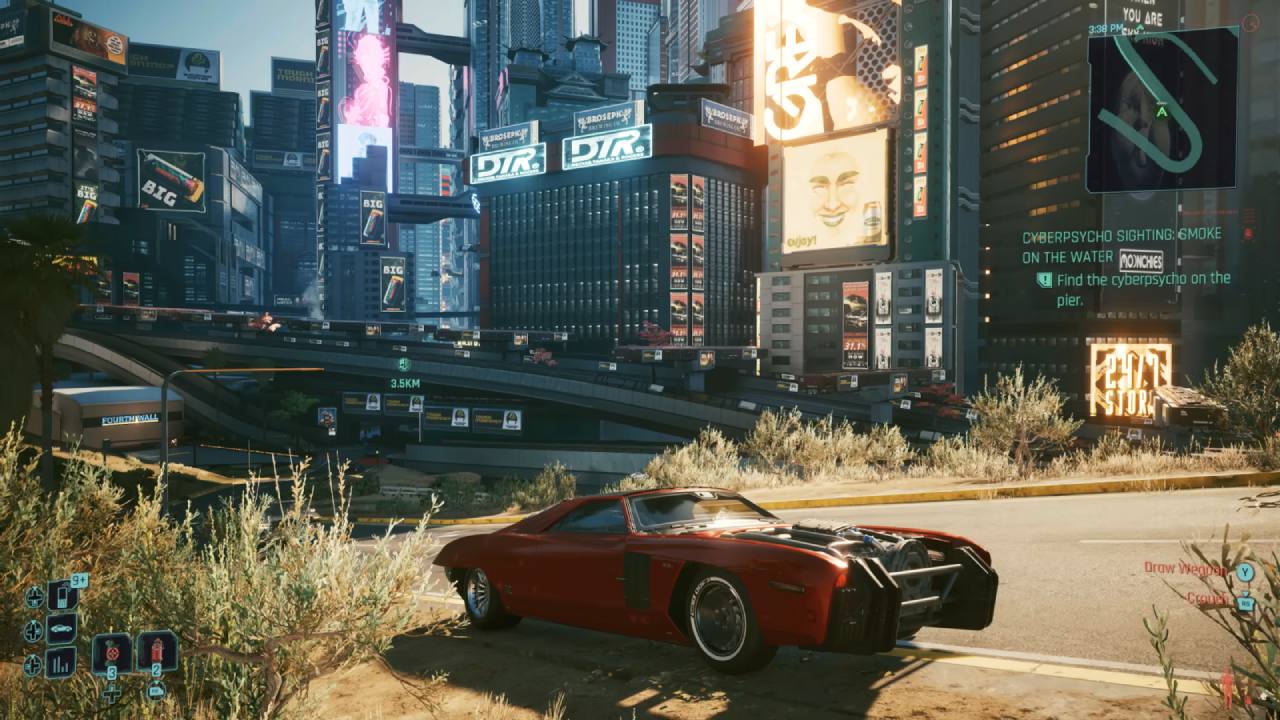
Cyberpunk 2077
Using the Steam Deck preset at 1080p, which includes FSR set to balance, the game performs better than expected. While the default preset targets high-quality visuals, enabling FSR frame generation raises the framerate into the high-80s.
It's smooth, visually appealing, and showcases how frame generation can benefit integrated GPUs when properly implemented.
Fallout 4
At 1080p high settings, Fallout 4 runs smoothly, though it occasionally dips below 60fps. Unlocking the frame rate or using a 120Hz refresh rate results in mid-80fps averages with some dips into the 70s. The game's older engine still handles well, but its frame timing can behave unpredictably.
Mortal Kombat I
At 1080p high settings with FSR set to balance, Mortal Kombat I performs solidly, maintaining around 60fps during gameplay. Some cutscenes cause brief dips, but this is common even on higher-end systems. Other fighting titles like Street Fighter 6 also perform excellently under similar configurations.
GTA V: Enhanced Edition
Running at 1080p high settings without FSR, GTA V delivers mid-80fps performance. The enhanced edition includes optimizations like FSR scaling and frame generation support, which, when enabled, can push it comfortably toward 1440p while maintaining smooth gameplay.
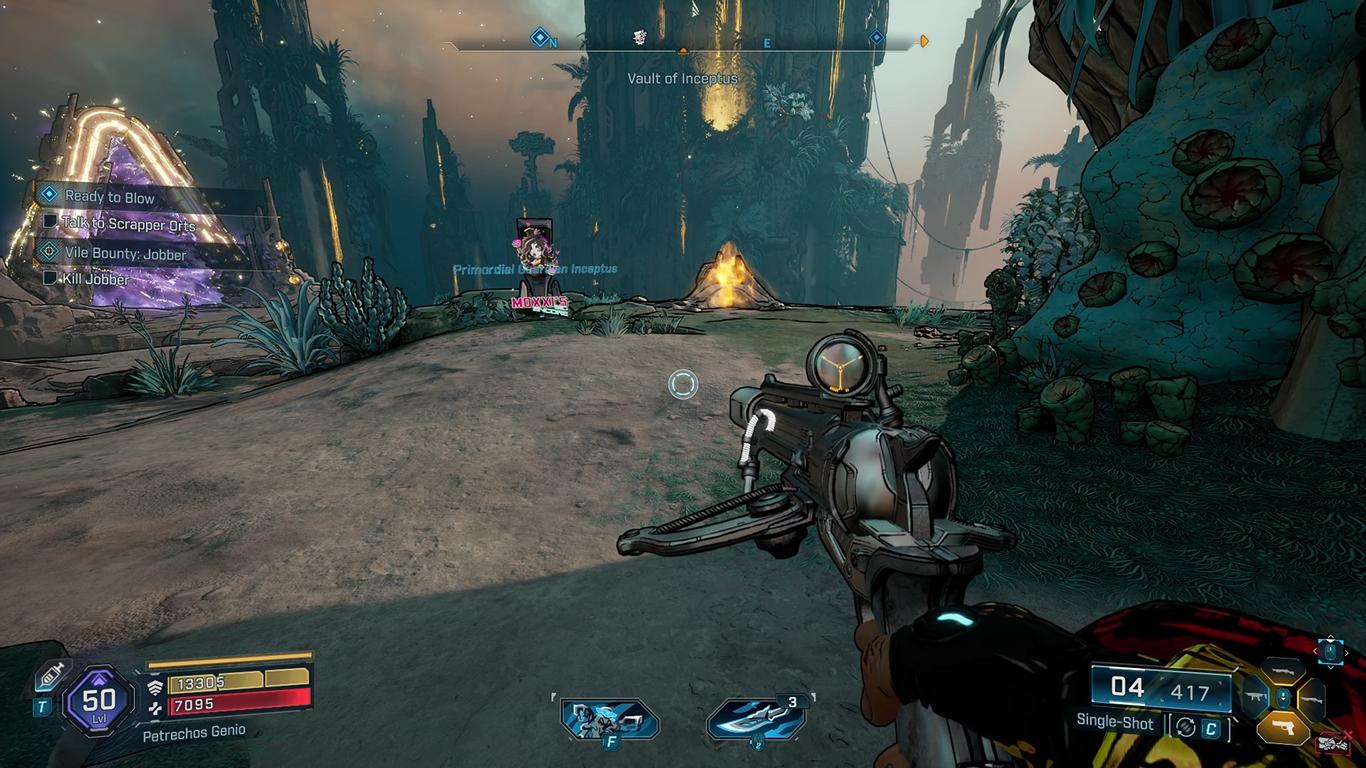
Borderlands 4
When FSR frame generation is turned on and the graphics are set to medium at 1080p, Borderlands 4 still looks good, however it sometimes has ghosting when shields are up, which is a typical problem with iGPUs. Even though optimization isn't always perfect, the game is still fun to play, and future updates may make it run better.
Final Thoughts
Legion Go 2 is still impressive in both portable and dock modes. The device's cooling system works well with higher power draws, and Legion Space lets users customize fan settings for the best thermal management.
The Z2 Extreme isn't a huge step up over the Z1 Extreme, but it does perform better at lower TDPs, giving gamers who value both mobility and power great battery life and versatility.
The Legion Go 2 is quite flexible, whether you're playing games on the bright 8.8-inch OLED screen or connecting to an external monitor. Dock mode is the best method to see how powerful the Z2 Extreme is for people who want to push their handhelds to the maximum.
Also, Check our Other Handheld Articles :
- ASUS ROG Ally X Handheld Review: Double the Battery, Double the Comfort
- Nintendo Switch 2 Vs. Original Switch 1: A Full Comparison
- How To Connect A Camera And Join Voice Chat With Nintendo Switch 2
- Nintendo Switch 2 Review: Handheld Performance, Features & Value Breakdown
- ROG Xbox Ally X Vs. ROG Ally X: Display, Battery & Controls
- ASUS ROG Ally X vs. Steam Deck OLED: Display, Battery & Gaming Benchmarks
- MSI Claw 8 AI+ Review: Display, Controls & Gaming
- Nintendo Switch 2 vs. Steam Deck OLED: Gaming, Performance, Battery, Display and Value
- PlayStation Portal Review: Remote Play, Cloud Streaming & Travel Gaming
- PlayStation Portal vs. Lenovo Legion Go: Best Portable Gameplay
- Cyberpunk 2077 Patch 2.3 FPS Test on MSI Claw 8 AI+
Senior Editor, NoobFeed
Gaming Hardware Updates
No Data.