
GeForce RTX 5090 Benchmarks Highguard Shows Scaling and Optimization Problems
Highguard delivers stable frame pacing on RTX5090 but exposes CPU bottlenecks and inefficient scaling at lower resolutions
Hardware by Nahe Yan on Jan 28, 2026
Highguard is a brand-new, free-to-play game developed with Unreal Engine 5. Even though there was a lot of attention at first, most of the reviews were negative. A lot of people are worried about how well they play, how the games are set up, and how the settings work.
A lot of people have talked about the game since it came out because it offers 3v3 gameplay, large maps, and many different ways to play.
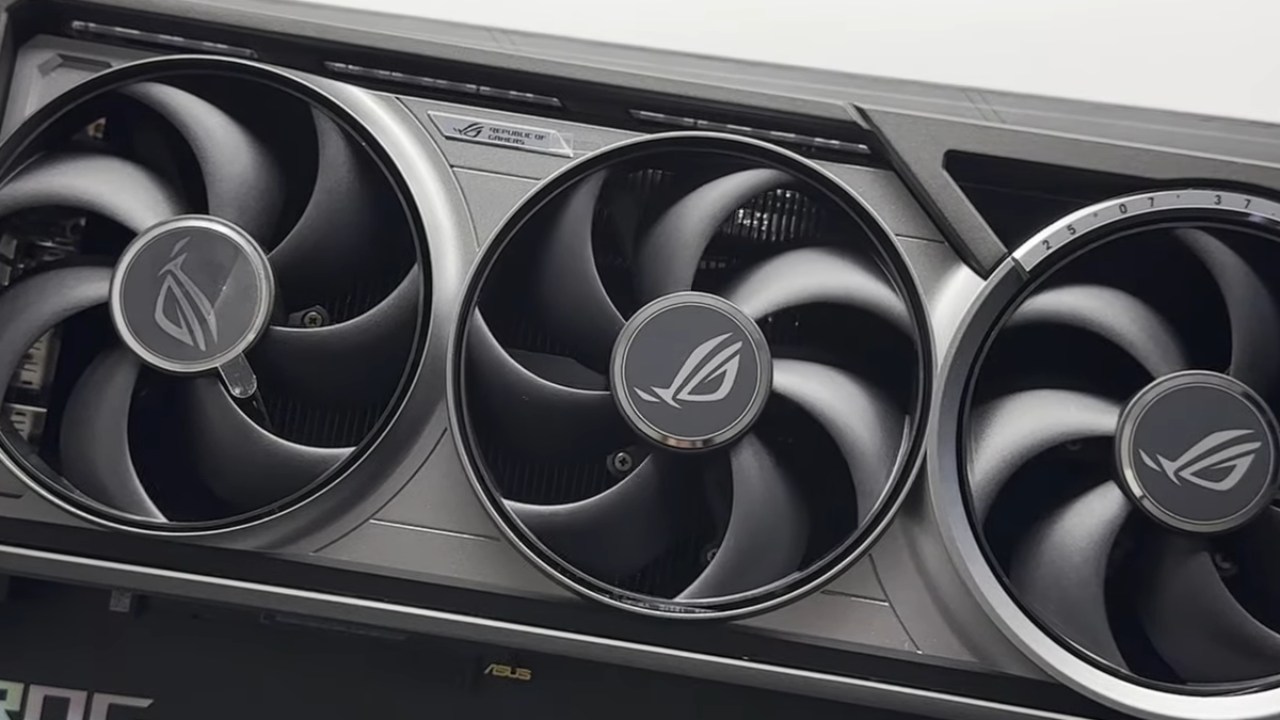
Setting up the Test and the Graphics
The test system has a GeForce RTX 5090, a Ryzen 7900X3D, and 32GB of memory. Testing is done at 4K resolution with all settings set to the highest.
There was no change made to the post-processing level; it was set to high. When you lower this setting, the output quality goes down, and the images look softer. If you use post-processing at lower levels, the original resolution is lost even if the internal resolution is set to 100%.
First Performance Observations at 4K
At native 4K, the frame rate is between 90 and 100 fps when there isn't much going on. The game doesn't stutter a lot, and shader compilation happens before the game starts. When loading new elements, there may be small spikes, but the overall frame rate remains constant. When you look at how Unreal Engine 5 works in other games, this one is really stable. However, the performance compared to the visual output raises questions about optimization.
Style of Art and How It Looks
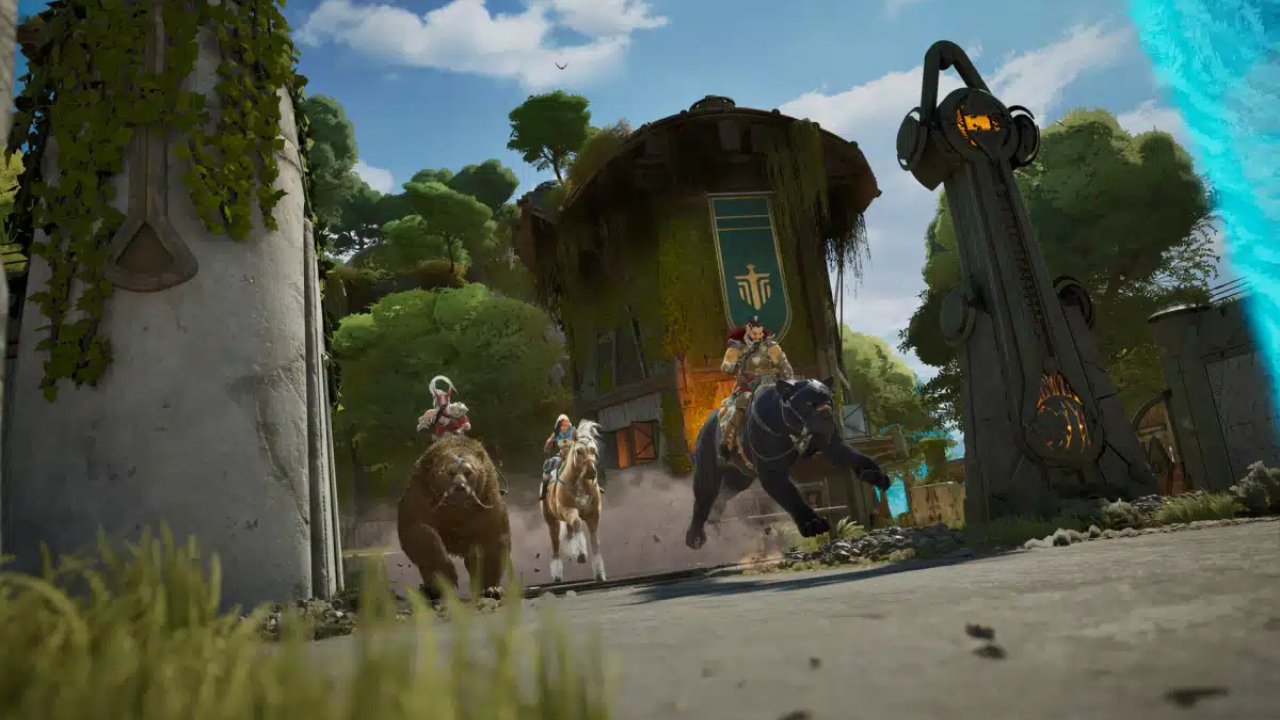
Highguard does not try to present things realistically. The art direction is simpler, and the textures in the different environments are not always the same. Some surfaces look intricate, but others don't. The graphics' style and ease of reading remain the same, and the clarity of the movements stays the same, even during fights. Depending on how you set up resolution scaling and post-processing, you can still see softness.
How the Game Flows and how the Matches are Set Up
On big maps, the 3v3 format makes it hard to keep the pace. Long amounts of time can go by without any interactions, especially at the start of matches. The scale here often feels off compared to smaller-map shooters that have more players. Looting, laying bombs, recovering teammates, and managing shields make the game more complicated, but having fewer players makes it less fun.
Problems with Scaling Resolution and Post-processing
If you lower post-processing quality, the frame rate jumps to about 130 fps, and picture quality declines right away. Movement makes everything even softer, but noise and pixel breakdown are still under control. Sometimes, internal resolution scaling doesn't work the same way, which could mean there is a glitch or another problem. The output resolution is linked to post-processing instead of the internal resolution slider, which makes it hard to get the best performance.
Limitations and Behavior of DLSS
Setting the internal resolution to 67% makes the game run faster, up to 125 fps, but the picture quality gets worse. You can see visual artifacts, such as halos around firearms.
At 1440p and 100% resolution scale, the frame rates are between 130 and 150 fps. Given the visual output, this level of performance does not meet expectations for an RTX 5090. Even with a 9800X3D, the game can become CPU-limited at 1080p, sinking to about 150fps in heavy battle. At 1080p, VRAM utilization reaches about 10GB, which is a lot for the texture quality on display.
Bottlenecks in the CPU and GPU
In open spaces, the GPU limit is more obvious because it is almost full. When all six players are in a small area, CPU demand increases, and frame rate decreases. If you can handle six players in a single engagement without going beyond 150fps, there is an opportunity for improvement, especially in simulation and draw-call control.
Things to think about when Making Frames and Inputs
The game doesn't let you make frames. This lack of support doesn't make the game much less usable for multiplayer shooters, since extra input lag would be worse than any frame rate gains. Native rendering is still the best way to make things responsive.
Test for 8K and High-Resolution Scaling
The frame rate dips to about 30fps at 8K resolution. The picture gets clearer, yet you can still see small details, such as the movement of plants in the distance. But at this resolution, errors appear, and performance isn't good enough for gameplay. Returns drop off at 4K, even as visual sharpness improves.
Final Thoughts
Highguard has good frame pacing and only a few stutters for an Unreal Engine 5 game, although performance isn't always the same across all resolutions. On the choices made during post-processing, it's not apparent how resolution scaling works. Players are furious when they can't interact with each other on vast maps because of the 3v3 structure.
Performance consistency might improve across all hardware tiers if the scaling behavior were more explicit, upscaling support were stronger, and optimization were better.
Also, check our other NVIDIA articles below:
- NVIDIA GeForce RTX 5080 Review (2025): Still A 4K Gaming Powerhouse?
- NVIDIA RTX 5070 Review: Mid-Range Muscle or Marketing Hype?
- RTX 5070 Ti Review: Performance, Thermals & Power Efficiency Tested
- ASUS GeForce RTX 5090 LC Liquid Cooled GPU Review: Unmatched Silence & Speed
- MSI GeForce RTX 5090 32GB SUPRIM SOC Review: Power Efficiency, Cooling, and Gaming Performance
- INNO3D RTX 5060 Ti 16 GB X2 Review: Gaming Benchmarks, Temps, and Power Efficiency
- HP Omen 45L Review: RTX 5090 Performance, Thermals, and Value Analysis
- ASUS TUF Gaming GeForce RTX 5060 Ti Review: DLSS 4, Power Efficiency, and Gaming
- ASUS Prime RTX 5060 Ti OC 16GB Review: DLSS 4, Ray Tracing, & Thermals Tested
- NVIDIA GeForce RTX 5060 Review: Specs, Gaming, and Cost per Frame
- MSI GeForce RTX 5090 GAMING TRIO OC Review: A Monster Power GPU
Editor, NoobFeed
Gaming Hardware Updates
No Data.