
Ryzen 9850X3D Delid Test Freezing Method vs. Heat Method Explained
Mechanical indium removal and surface preparation affect post-delid thermal consistency.
Hardware by Shinji Okazaki on Feb 23, 2026
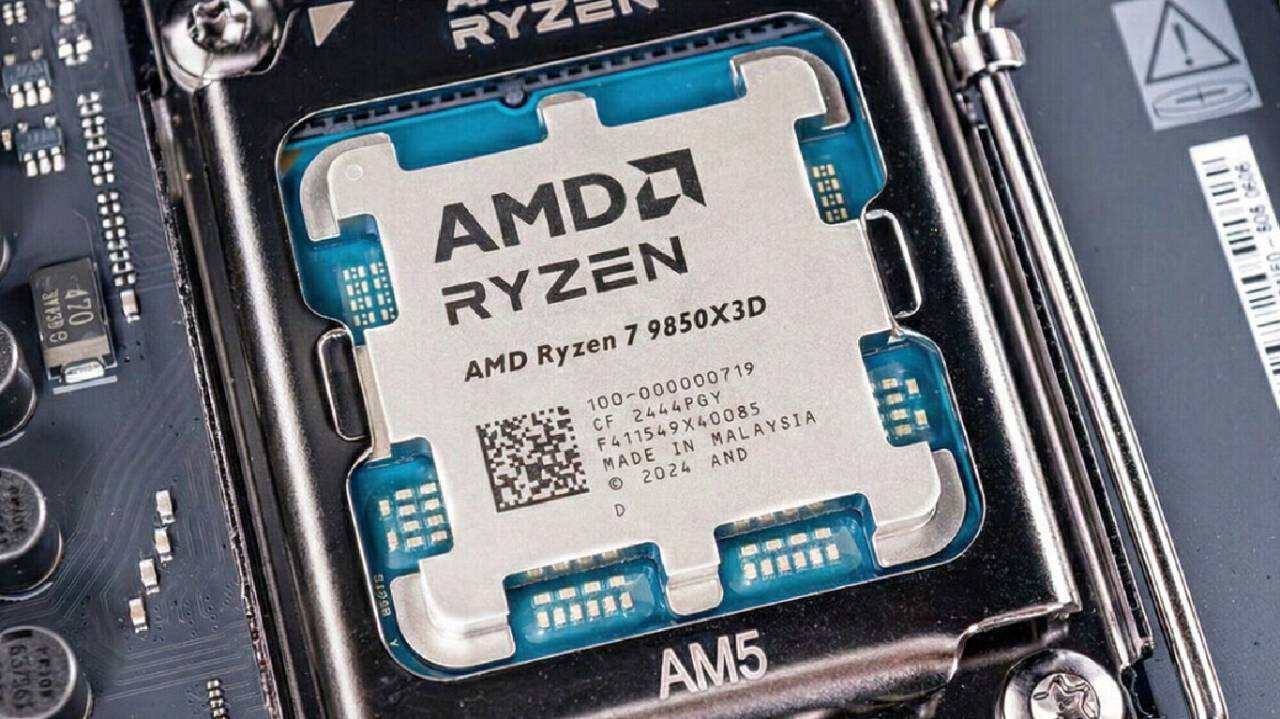
Platform testing and customization remain important for achieving optimal performance from newer CPUs. 9850X3D was recently reviewed, and its physical resemblance to the 9800X3D led us to expect similar delidding results.
But slight variations in production, like the type of adhesive used or how the solder behaves, can change the results. We also looked into overclocking to see whether differences in binning led to quantifiable increases.
Setting Up the Test and Baseline Temperatures
Baseline data was gathered before delidding. The system had an ASUS X870 Hero BTF motherboard, a Micro Pro water block that cooled the 9850X3D in a non-direct-die configuration, and an RTX 5090. The CPU was overclocked by hand to 5.4 GHz on all cores, with a core voltage of about 1.27V.
The highest temperature was 90.2°C after 10 minutes of Cinebench R23, while the CPU package power drain was between 170W and 175W. When the load was steady, the temperatures stayed between 72°C and 85°C. When tested previously, 9800X3D samples operated at about 1.27V to 1.28V and didn't improve much with higher voltage, even after delidding. It wasn't possible to run higher clocks without delidding because the temperatures were already close to 90°C.
Heating or Freezing before Delidding
In a previous attempt, the delidder and CPU were heated to 60°C to see if the higher temperature would make it easier to remove the IHS. That method didn't work as well. The indium solder softened rather than breaking, and it took more than 100 motions to free the IHS.
The other way was to cool the CPU and delidder in a freezer to about 0°C. The idea was that cooler temperatures would make indium harder, making it more brittle and more likely to break down over time. People were worried that brittleness would damage other materials, such as the solder connections between the die and the PCB.
After 30minutes in the freezer, removal began. After two moves, we could feel the glue coming free. The IHS broke apart more quickly than experiments at room temperature. At first, it seemed a little sticky, and I had to slide it back and forth to get it to come off completely. To avoid harm, pulling straight up was not allowed. There were no obvious problems with the delid process.
Cooling to about 0°C seems to work better than heating to 60°C, even if the temperature change was small. More tests at lower temperatures, such as -50°C with dry ice, might provide us with more information. Heating it to about 170°C, on the other hand, would melt the indium right away. Still, that procedure could cause thermal damage and handling problems.
Cleaning and Getting the Surface Ready
Most of the indium solder was taken out by hand. Then, for a short time, liquid metal was used to help dissolve the residue. The CPU surface consists of several layers, including gold, titanium, and nickel, as well as indium traces visible on the surface. The way these layers are assembled affects how the surface is prepared and how the thermal interface performs.
After cleaning, both the die and the cold plate were covered in liquid metal. The cooling loop was reattached, and the CPU was reinstalled. The BIOS temperatures seemed normal, and the idle data showed that the mounting was steady.
Results of the Temperature Test after Delid
Cinebench R23 was performed again for 10 minutes with the same settings. The highest temperature was 77.4°C, which is 13°C lower than the pre-delid result. When the load was on, the core temperature values were about 15°C lower.
These results are in line with past findings from delidded Ryzen chips, where gains typically range from 13°C to 15°C, depending on the sample.
Testing for Overclocking
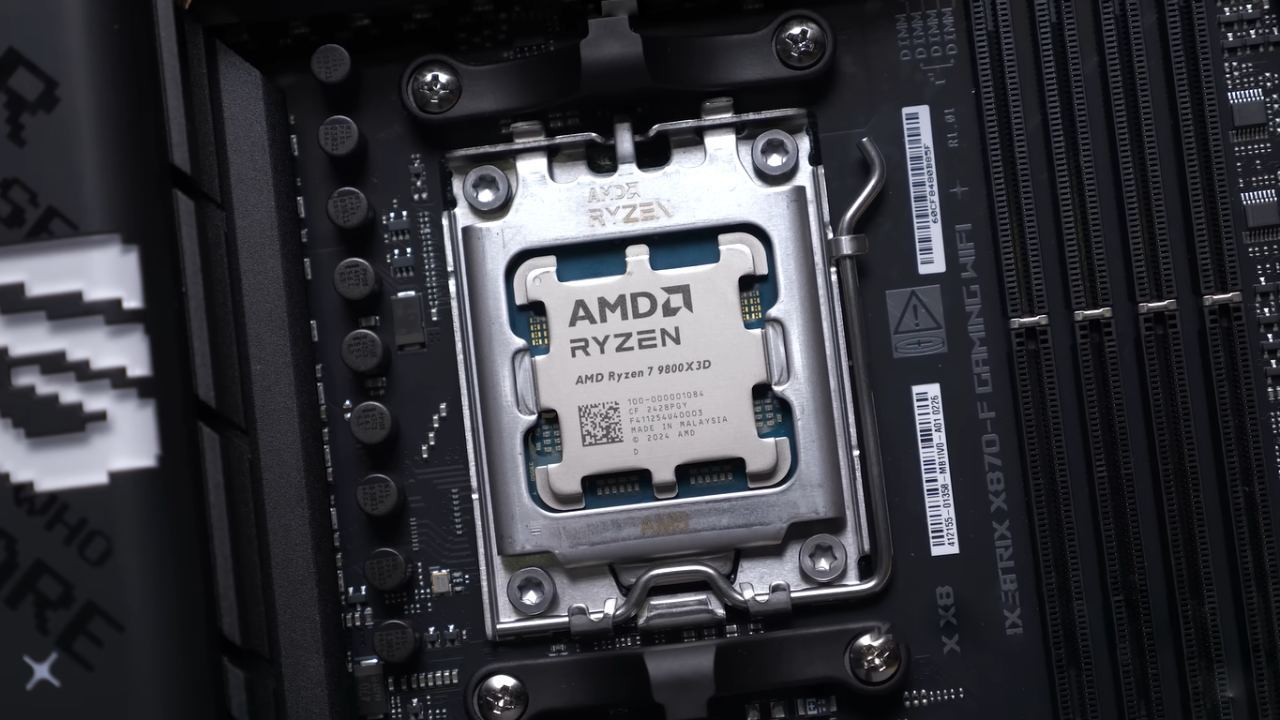
Additional testing focused on overclocking performance compared to a previously evaluated 9800X3D sample. It is vital to remember that comparing two individual CPUs does not show how the whole product line works. To make meaningful conclusions, you need a lot of data.
Testing started at 5.5 GHz, which worked well, with consistent temps and benchmark scores in line with expectations. When the speed was set to 5.6 GHz, the computer froze right away. Even after lowering the core voltage to 1.30V, a lower frequency of 5.575GHz didn't work either.
For these two samples, the 9800X3D was better at overclocking. But that result is due to differences among individual silicon samples, not the product as a whole. It was known that the 9800X3D tested previously was a strong sample.
Based on these data, moving from a 9800X3D to a 9850X3D does not give you any real benefits. For people moving from previous platforms, the price difference may be enough to make them choose this one. Still, it's not certain that it's better in terms of performance.
Final Thoughts
It was easier to remove the CPU after freezing it to around 0°C than after heating it to about 60°C. When the load remained the same, the temperature drop after delidding ranged from 13°C to 15°C. No gains in overclocking were seen beyond the differences between samples.
Delidding still lowers temperatures by a measurable amount, but scaling the frequency still depends on the silicon quality, not just the model name.
Also, check our other AMD articles:
- AMD Ryzen 9 9950X3D Review: Setting The Standard For 2025 Gaming CPU
- AMD Ryzen 7 9800X3D Review: 3D V-Cache Goes God Mode with Stunning Gaming Performance
- AMD RX 9070 Performance Review: Thermals, Clocks, and Real-World FPS
- AMD Ryzen 5 7600 Review: Best Budget Gaming CPU of 2025?
- AMD Radeon RX 7800 XT Review: RDNA 3 Power For Midrange Gaming
- Sapphire NITRO+ AMD Radeon RX 9070 XT Review: The Ultimate 4K Gaming GPU
- AMD Ryzen 7 7800X3D: Delivers Gaming Performance Far Beyond Expectations
- AMD Ryzen 9 7900X Review: Powering the AM5 Era with DDR5 & PCIe 5.0
- ASRock Radeon RX 7800 XT Challenger OC Review: Best Price-to-Performance GPU of 2025
- Intel Core i9‑14900K vs. AMD Ryzen 7 7800X3D: Power Profiles & Gaming Benchmarks
Editor, NoobFeed
Gaming Hardware Updates
No Data.