
Steam Machine and Steam Frame Signal Valve Vision for Open Flexible Gaming Hardware
Valve continues refining the Steam Machine to prioritize simplicity universal controller compatibility and seamless living room gaming experiences.
Hardware by Tanvir Kabbo on Jan 30, 2026
Valve wants the Steam Machine to be the finest and easiest way to enjoy games with friends on the couch. The goal is clear: design a device that is easy to use, versatile, and friendly, whether you're playing new PC games, classic games, or multiplayer games on the couch.
Recent changes to the platform and decisions on hardware make it quite likely that this vision is now coming to life.
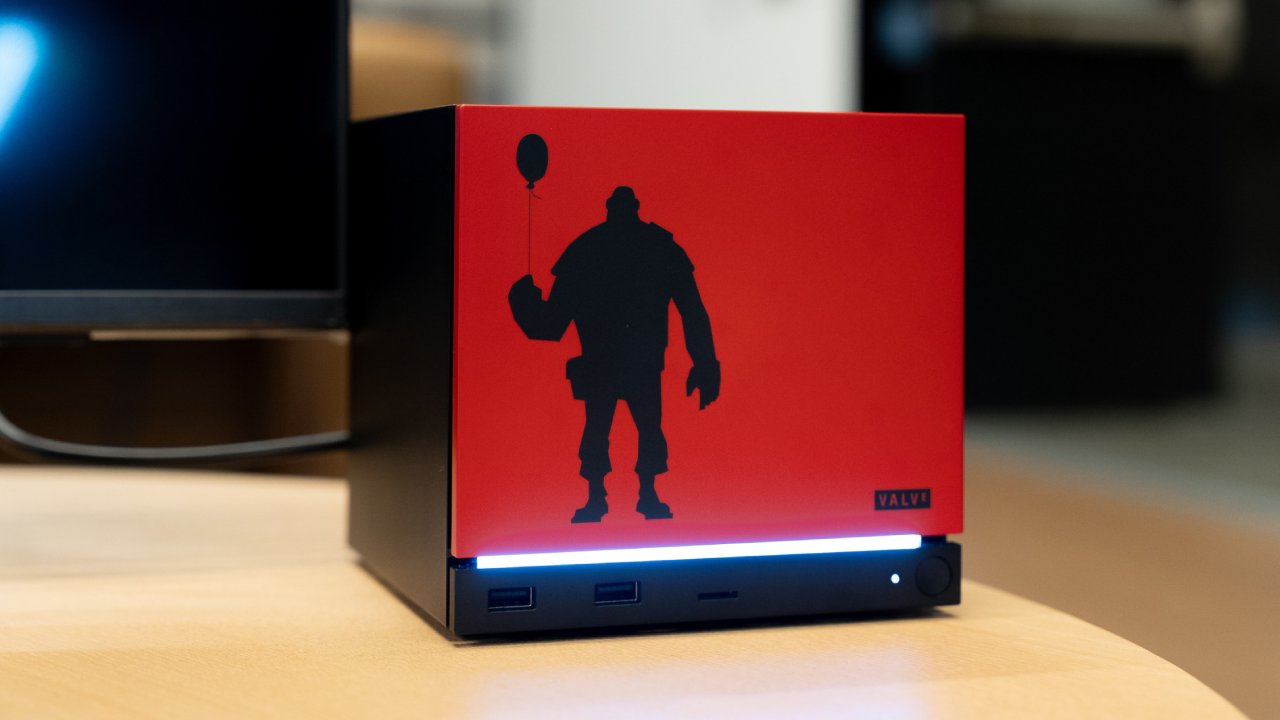
Broad Controller Support and Instant Recognition
Support for many different controllers has quietly grown over the past few months. Compatibility now includes Razer devices, Nintendo-style controllers, Joy-Cons treated as a single controller, and almost all 8BitDo controllers. Support typically comes before controllers are even officially released, which supports the impression that Valve wants everything to work right away.
The latest improvements to SteamOS go even further by automatically detecting connected controllers. Before, the system would show Steam Deck or Steam Controller glyphs for a short time before updating following a button click. Now, the right button glyphs show up as soon as a controller connects.
The UI changes right away, no matter what controller you use, whether it's a PlayStation, Nintendo, GameCube, or an 8BitDo. This makes for a smooth experience because the system changes to fit the controller you use.
Designed for Simplicity and Flexibility
We can tell that Valve's main goal is to eliminate friction. To pair a controller, just turn on Bluetooth pairing, open the Bluetooth menu, choose the controller by name, and connect in a few seconds. In real life, the connection process seems to be faster and more stable than in many typical desktop installations.
This method also lowers the price of the Steam Machine. You don't need a separate controller to use the gadget. You may use hardware you already have, including console controllers, keyboards, or a mouse. The system is supposed to fit with how your living room is set up right now, not make you live in a closed-off space.
Emulation as a Core Strength
The Steam Machine will be a great platform for emulation. The performance should be good enough to run games on systems from the Super Nintendo to the first Xbox and PlayStation2. We also expect good results with PlayStation 3 and Xbox 360 emulation using tools like RPCS3 and Xenia.
These consoles are almost 20 years old, so modern technology should be able to handle them well, even with the extra work required by emulation.
Standardization gives you a unique advantage. Since so many people use the same hardware, emulator developers have many reasons to ensure their software runs as well as possible on the Steam Machine. This could mean that many supported games will run better and be more stable.
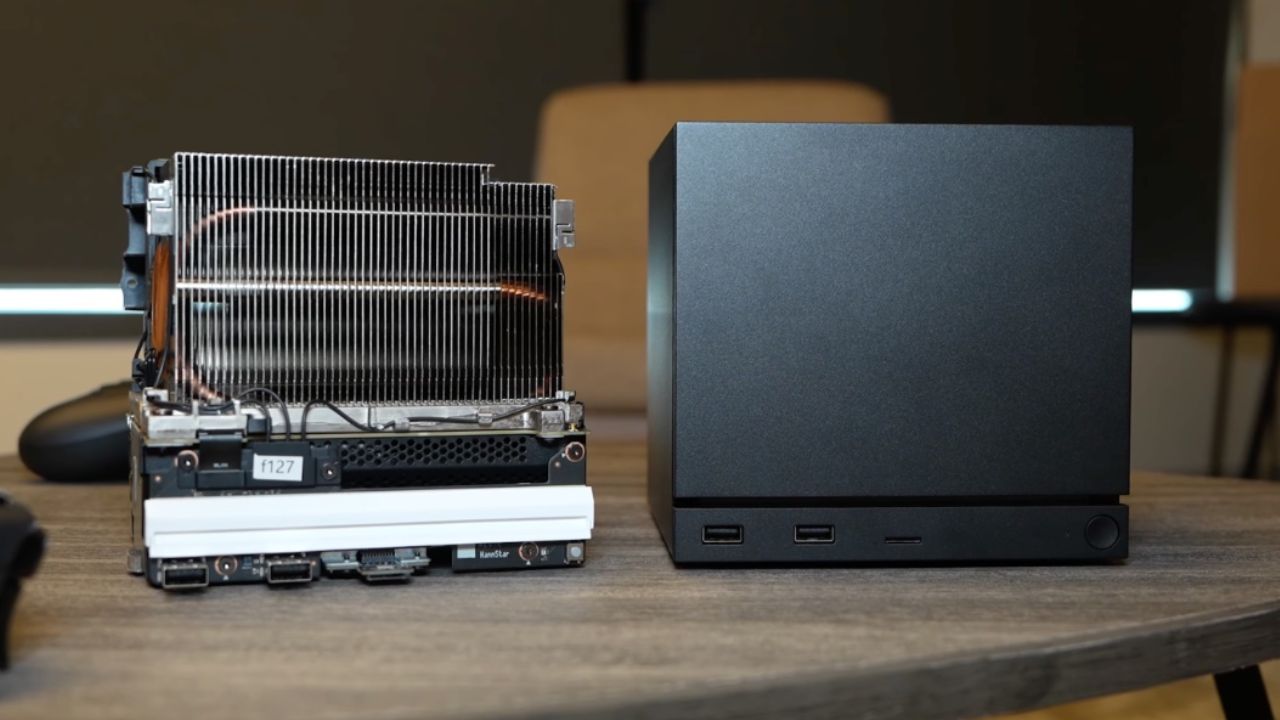
Authentic Play Through Native-Style Controllers
Emulation and controller support work together to make real gameplay experiences. You may connect controllers from the same era and see identical glyphs all over the system. You can use a DualShock3 wirelessly with PlayStation2 games, Wii controllers with Wii games, and Nintendo-style controllers with their own layouts.
At the same time, games may be upscaled to work with newer displays, including 4K output. This improves the graphics over the original hardware while keeping the controls the same. Multiplayer-focused classics, including games with online capabilities that have been resurrected through community mods, become useful and interesting again.
Ultimate Couch Co-Op Machine
One of the best uses for it is in local multiplayer. You can use multiple Bluetooth controllers with the Steam Machine simultaneously and maintain a strong, stable connection to each. You and your pals can use any combination of Xbox, PlayStation, Nintendo, and Steam controllers without any problems.
This freedom makes four-player games seem easy. Everyone can use the controller they prefer, whether they're playing racing, party, or classic multiplayer games. The end result is a device that seems made just for group gaming in the living room.
Steam Frame and the Expansion of Steam Hardware
New information about the Steam Frame adds to Valve's hardware strategy. The Steam Frame is based on an ARM chip, which presents problems but also opens up new opportunities. Valve has laid out several ways games will operate, all intended to make things easier for developers and more compatible across platforms.
Even on ARM, Windows games will still use Proton as a translation layer. Leptin will let Android games run, so games made for mobile platforms will work without being rewritten. Lastly, FEX will support x86 games, making it even more compatible. These layers work together to ensure that almost any game can run on the Steam Frame without a hitch.
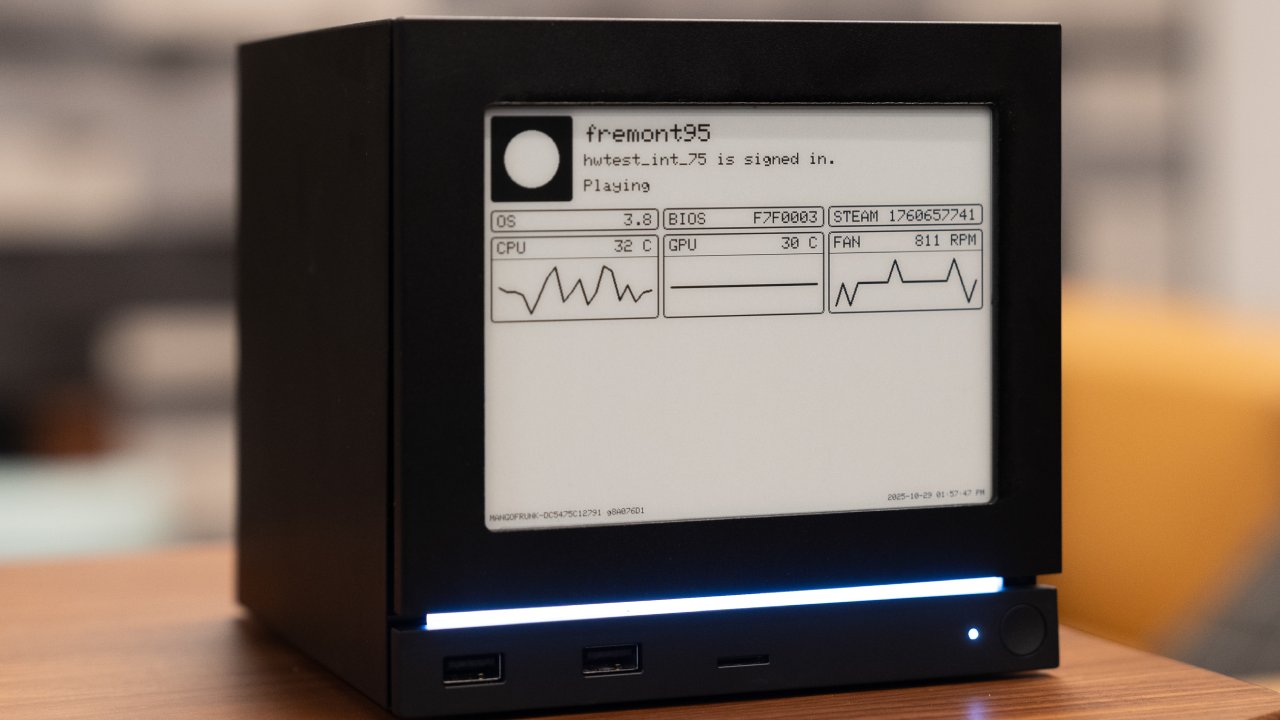
Modularity, Performance, and Long-Term Potential
It was also designed to be modular. Optional parts, such as color passthrough modules, can be added later. This lets you personalize your purchase while keeping the base price affordable. You can start with a simple setup and add features as needed.
The subject of performance is still very important. The hardware is strong, but because of heat limits, it will probably run at low wattages. They still have high hopes for emulation and newer, lighter games, though. Like the Steam Deck, performance should become better over time as software upgrades and tweaks are made.
Looking Forward
Valve's method is in line with the idea behind all of their hardware. The Steam Machine is all about being open, easy to use, and not messing with the hardware you already have. The Steam Frame takes this idea and uses it on new form factors while still being compatible with a lot of devices.
The smart design, robust emulation features, and easy controller support all suggest that Steam hardware will feel less like a regular console and more like a gaming platform that you can customize to meet your needs.
Also, check our other articles below :
- ASUS ROG Ally X Handheld Review: Double the Battery, Double the Comfort
- Nintendo Switch 2 Vs. Original Switch 1: A Full Comparison
- How To Connect A Camera And Join Voice Chat With Nintendo Switch 2
- Nintendo Switch 2 Review: Handheld Performance, Features & Value Breakdown
- ROG Xbox Ally X Vs. ROG Ally X: Display, Battery & Controls
- ASUS ROG Ally X vs. Steam Deck OLED: Display, Battery & Gaming Benchmarks
- MSI Claw 8 AI+ Review: Display, Controls & Gaming
- Nintendo Switch 2 vs. Steam Deck OLED: Gaming, Performance, Battery, Display and Value
- PlayStation Portal Review: Remote Play, Cloud Streaming & Travel Gaming
- PlayStation Portal vs. Lenovo Legion Go: Best Portable Gameplay
- Cyberpunk 2077 Patch 2.3 FPS Test on MSI Claw 8 AI+
Senior Editor, NoobFeed
Gaming Hardware Updates
No Data.