
AMD B650 vs. B850: Which AM5 Motherboard Should You Buy?
B650 and B850 offer similar core features, with Gen 5 storage serving as the main guaranteed chipset difference.
Hardware by Shinji Okazaki on Aug 16, 2026
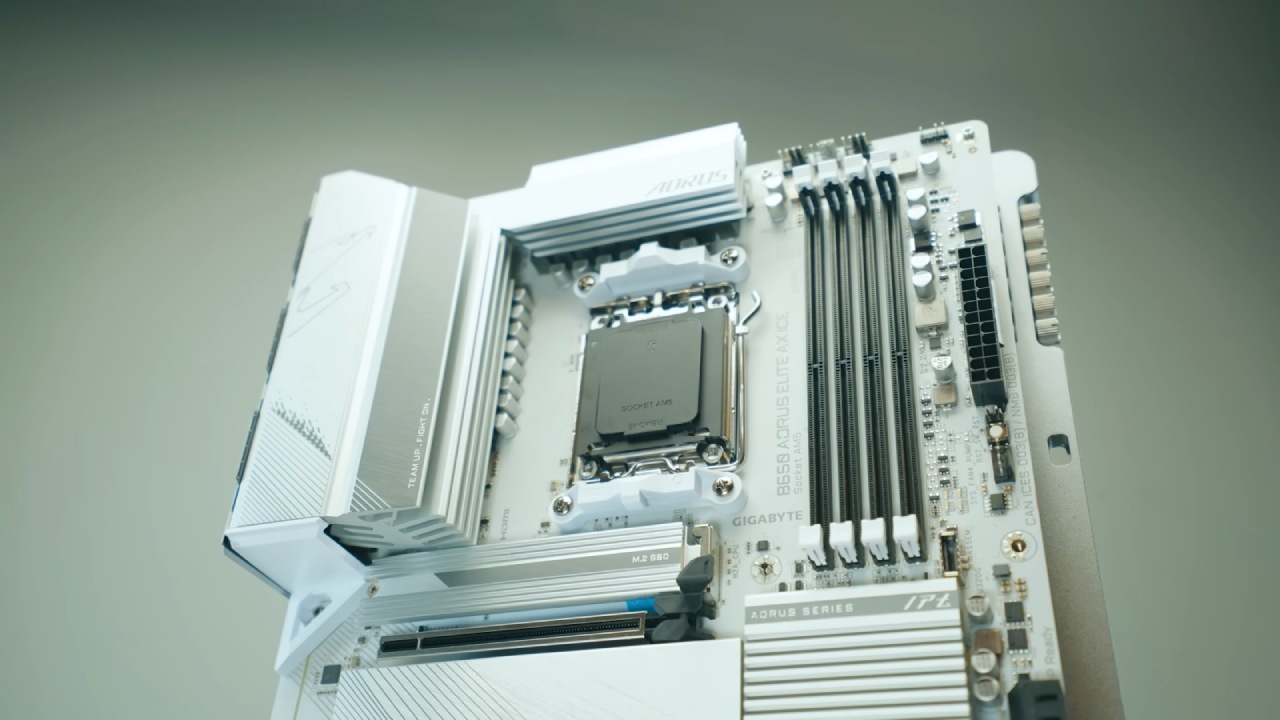
Choosing between B650 and B850 can affect where the budget goes in an AM5 build. The two chipsets are closer than their names suggest, with most differences stemming from the motherboard rather than the chipsets themselves. The main guaranteed advantage of the B850 is Gen 5 support for the primary M.2 slot, while many other features depend on the selected board.
AMD's chipset specifications show that B850 has exactly one guaranteed advantage over B650. Both offer 36 usable PCIe lanes, the same maximum USB allocation per port, and support up to four SATA connections. Both support CPU overclocking and DDR5 memory tuning with EXPO. AMD's baseline specification also lists PCIe 4.0 graphics support on both.
Is Gen 5 Storage Worth Paying For
Some B850 boards provide a validated Gen 5 graphics slot, but this is due to the board's design rather than the B850 chipset. There is no gaming advantage hidden in the chipset name. With the same processor and the same graphics card installed on a good board of either type, frame rates remain the same.
The question is whether Gen 5 storage is worth paying for, and for most people, it is not. Game loading barely changes between a good Gen 4 drive and a Gen 5 drive. Storage is only one link in the chain, while the processor, decompression, and game engine can usually reach their limits first.
Gen 5 pulls ahead during sustained transfers of very large files, video work, massive data sets, and other workloads that involve moving large amounts of data. The fastest Gen 5 drives also cost more and run hotter, so you need proper heatsink contact to maintain their speed. The rule is simple. Don't pay extra for Gen 5 storage unless the workload can actually use it.
B650 Still Has a Place
B650 was supposed to be on its way out, with AMD confirming a transition to B850 as its partner. Reports have since indicated that B650 production may continue alongside it, largely because memory prices have pushed builders toward cheaper platforms. AMD has not formally confirmed any of that.
That makes B650 a deal-dependent option rather than an automatic budget choice. It wins when the specific board is still in stock and genuinely cheaper, and it loses when it is not. Older B650 stock also raises a practical concern. Boards that have been sitting in a warehouse may ship with older firmware, which makes BIOS flashback important.
BIOS Flashback lets you update the BIOS from a USB stick without a supported processor or memory installed. B650 is not a dead end. At Computex 2026, AMD extended AM5 support through 2029. Individual boards still depend on manufacturers for updates, but the socket itself isn't going anywhere.
Budget and Micro-ATX Builds
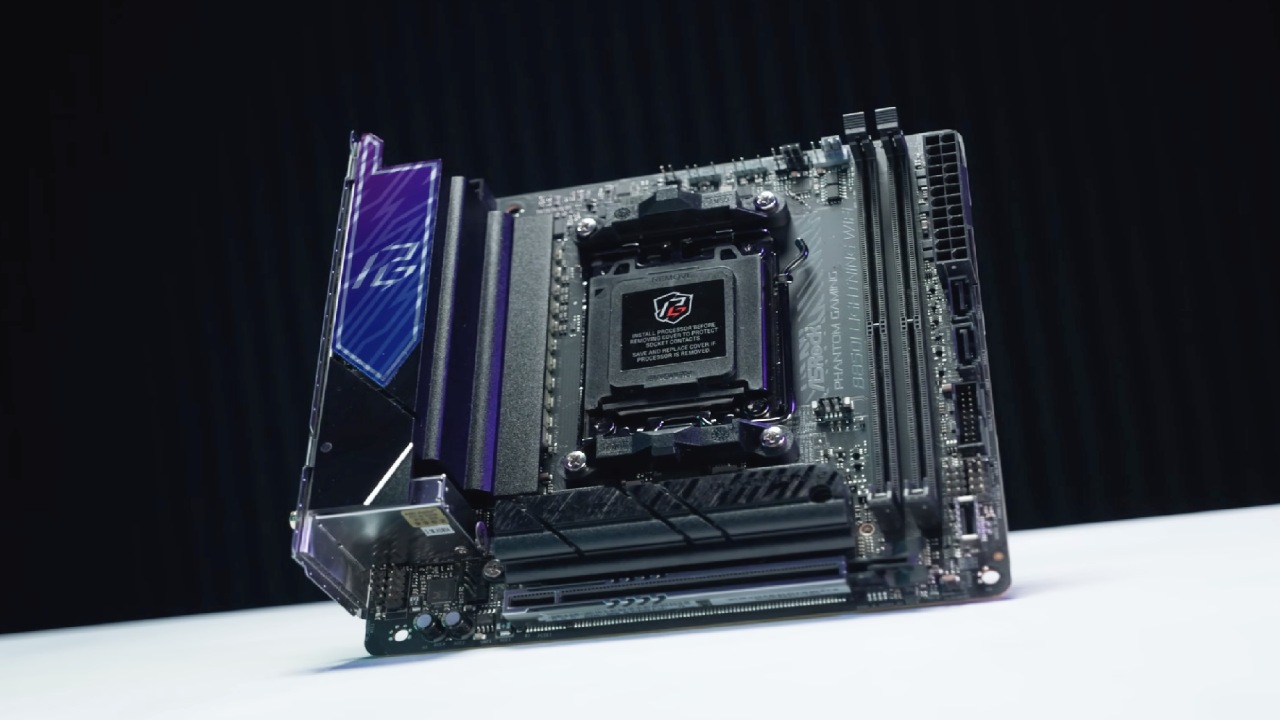
MSI Pro B650M-A Wi-Fi and the Pro B850M-A Wi-Fi both offer two M.2 slots and enough power delivery for a Ryzen 5 or Ryzen 7. The B850 version adds stronger power stages, a Gen 5 boot drive slot, 5-gigabit Ethernet instead of 2.5-gigabit, and Wi-Fi 7 instead of Wi-Fi 6E. B850M-A is the better choice. At current pricing, it can cost the same or even less.
B650M-A makes sense when a sale puts it clearly below the B850M-A. MSI MAG B650 Tomahawk Wi-Fi and the B850 Tomahawk Max Wi-Fi show where the comparison becomes more interesting. Both use a 14+2+1 power design with 80A stages and are suitable for a Ryzen 7 9800X3D. B650 Tomahawk provides three Gen 4 M.2 slots and 2.5-gigabit networking.
B850 Tomahawk Max provides four M.2 slots, with two supporting Gen 5, along with 5-gigabit networking, Wi-Fi 7, and a validated Gen 5 graphics slot. Both boards share the bottom lanes. On the B650, filling the third M.2 slot and the lower expansion slot together cuts both to half-width.
On the B850, the third M.2 slot is already half-width and shares the same slot below it. Neither arrangement affects the graphics card. Tomahawk Max is the better choice when pricing is close. However, a heavily discounted B650 Tomahawk remains a smart buy because power delivery is identical.
B650 remains competitive at lower prices, while B850 provides Gen 5 storage.
For faster storage and more rear ports, the ASUS ROG Strix B850-F Gaming Wi-Fi offers two Gen 5 M.2 slots and two additional M.2 slots running at full Gen 4 speed. It also offers 12 rear USB ports, and ASUS adds hardware around the same audio codec.
The tradeoffs include a secondary M.2 slot that conflicts with the lower expansion slot, only two SATA ports, and 2.5-gigabit Ethernet. Buy the board for those features, not because 16 power phases will make the next processor faster. Also check pricing before deciding, because a B650 recommendation can change as soon as a discount appears.
For most new builds, B850 makes the most sense. B650 should be considered only when four conditions are met. The board needs proven power delivery, BIOS flashback, every connection required for the build, and a clear price advantage over the equivalent B850 board.
Missing any one of those conditions can mean saving money in the wrong place. For a small build, the Pro B850M-A is the choice. For mainstream gaming, the B850 Tomahawk Max is the option to consider, while the B650 Tomahawk remains worth buying when the discount is real. For faster storage and rear USB ports, the ROG Strix B850-F is the option to consider.
Editor, NoobFeed
Gaming Hardware Updates
No Data.