
The Anatomy of a CPU Bottleneck: What Actually Happens When Your GPU is Waiting?
Understanding how CPU workloads, draw calls, and rendering pipelines determine GPU performance and influence frame rates in modern PC games.
Hardware by Masaru Hoshino on Nov 16, 2026
Ask any PC gamer about a CPU bottleneck, and the usual explanation is that the processor is too slow for the graphics card. While technically reasonable, that barely explains what happens inside a gaming PC. A CPU bottleneck is not simply about one component being weaker than another. It is a problem of timing, workload distribution, and communication between two fundamentally different processors.
Think of the CPU and GPU as an assembly line. The CPU prepares instructions and organizes the workload, while the GPU executes those instructions to produce the final image. If the CPU cannot prepare the next batch quickly enough, the GPU has nothing productive to do. That is where a CPU bottleneck begins.
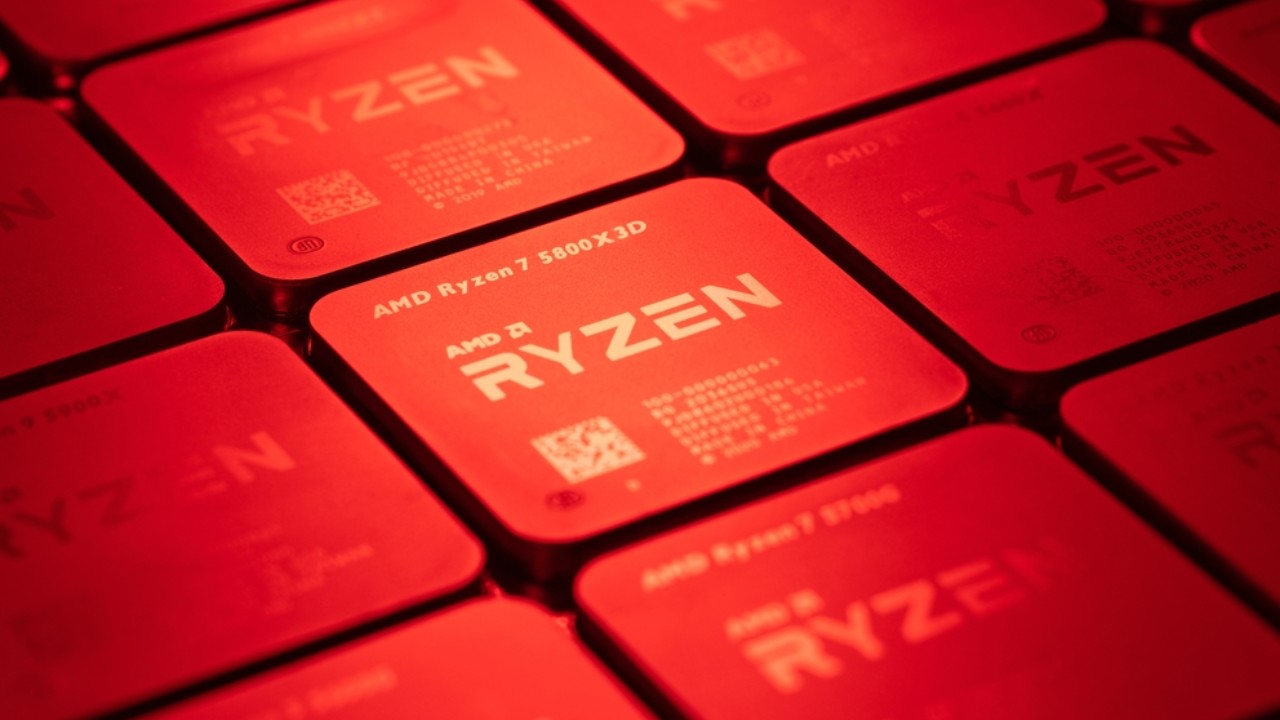
Game Logic, Physics, and Draw Calls
For each frame, the processor must update game logic, calculate player movement, check for collisions, register weapon strikes, simulate environmental physics, etc. NPCs also need CPU calculations for navigation, movement decisions, and behavioral routines.
These processes run in parallel with networking, animation updates, audio processing, and background game systems. In busy places, the workload can grow a lot. However, one of the CPU's primary rendering jobs is handling draw calls.
A draw call is a command to the GPU to draw a given object or set of objects, with the resources and rendering states specified. For example, a complicated city scene may require thousands of rendering commands for buildings, vehicles, lamps, plants, and characters.
The CPU has to organize these commands, prepare the required data, and issue them through the graphics API. Even brand-new APIs such as DirectX 12 and Vulkan can't eliminate all the CPU-side submission overhead.
Inside the Rendering Pipeline: The Foreman and the Painter
Imagine a construction site. A foreman supervises a group of painters. The foreman decides which surfaces to paint, writes directions, and organizes materials. The painters then follow these directions. The CPU is the game's foreman, the GPU is the painter.
The CPU runs the game logic, creates rendering commands, manages geometry-related data, and provides tasks to the graphics pipeline. The GPU executes these instructions by performing things like vertex processing, rasterization, and shading to make the final pixels.
The GPU is very good at doing thousands of processes simultaneously. But the CPU still has to do the necessary work. If the processor doesn't feed instructions to the graphics card fast enough, it doesn't matter how powerful the graphics card is; you won't get high frame rates.
The Anatomy of a Stall: When the GPU Has Nothing to Do
Let's look at a basic case with two consecutive frames. The GPU takes only 5 milliseconds to render Frame A. But the CPU is still calculating physics, updating game logic, and preparing the draw commands for Frame B . Suppose the process takes 15 milliseconds. Once Frame A is done, the GPU can't render Frame B right away because it doesn't yet have the commands it needs. It has to wait for the CPU to prepare the workload.
This waiting period is wasted GPU execution time. Instead of always executing rendering commands, the graphics processor sits idle for some portion of its available time. This is why even with a strong graphics card, GPU use might fall below 90%. It does not necessarily mean the GPU is struggling to render. It simply does not have enough work in the queue to keep its processing units busy.
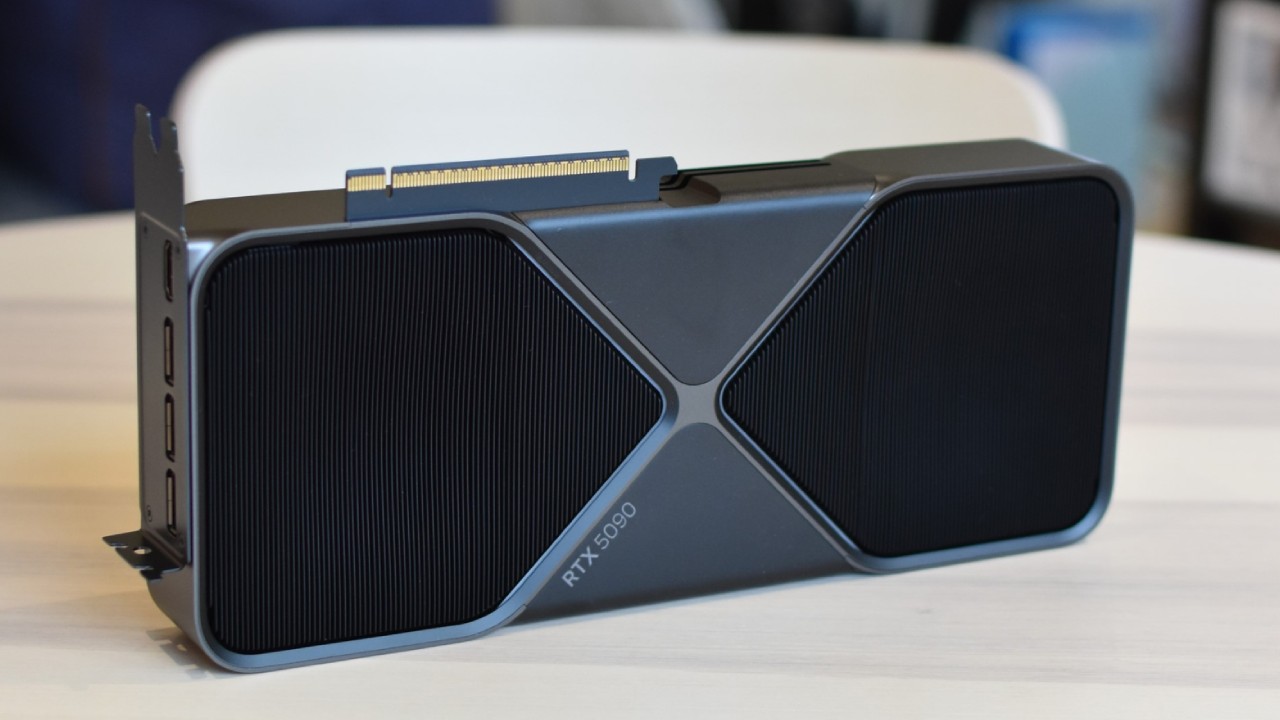
Why CPU Bottlenecks Feel Worse Than GPU Bottlenecks
GPU bottlenecks are usually easier. Your graphics hardware is being used to its fullest. Less rendering = better performance. CPU bottlenecks are far less predictable. An empty area is easy for a processor to manage, but a packed combat with plenty of NPCs, physics interactions, and more draw calls might overwhelm a vital processing thread.
This inconsistency impacts frame pacing, or how consistently frames get delivered to the display. Even if average FPS seems fine, inconsistent CPU processing times can cause apparent stuttering and poor 1% lows. Downgrading graphics settings won't necessarily solve this problem. Reducing the texture quality saves largely memory.
Reducing some of the shadow and lighting settings saves mostly GPU processing power. Nor does it automatically remove CPU-side calculations or draw-call overhead. In fact, lowering the resolution might make a CPU bottleneck more apparent, since the GPU finishes rendering faster, while the time it takes the CPU to prepare remains largely the same.
Why Faster Cores Still Matter
Adding additional CPU cores won't magically fix gaming bottlenecks. Games distribute background work over many threads, yet key rendering and game-engine activity can still be confined to a small number of critical threads. That is why single-core performance is still crucial, especially IPC and clock speed. Faster cores can process sequential tasks faster, prepare rendering commands earlier, and reduce GPU wait time.
At the end of the day, a CPU bottleneck is about keeping the rendering pipeline fed with instructions. Even the most powerful graphics card has to wait if the CPU can't prepare the next frame fast enough.
FAQ
Q. What causes a CPU bottleneck in PC gaming?
A. A CPU bottleneck occurs when the processor cannot prepare game logic, physics calculations, and rendering commands quickly enough to keep the GPU busy. This forces the graphics card to wait for additional instructions.
Q. Why does GPU utilization drop during a CPU bottleneck?
A. GPU utilization drops because the graphics card finishes its available rendering workload but must wait for the CPU to prepare the next batch of commands. This leaves part of the GPU's processing capacity unused.
Q. Can lowering graphics settings fix a CPU bottleneck?
A. Not necessarily. Lowering resolution, shadows, or other graphics settings primarily reduces GPU workload. It does not directly reduce CPU-intensive tasks such as game logic, physics simulations, and draw-call preparation.
Q. Why is single-core performance important for gaming?
A. Many games rely on critical processing threads for important engine and rendering tasks. Higher IPC and clock speeds let individual CPU cores complete these tasks faster, reducing CPU bottlenecks and improving frame pacing.
Editor, NoobFeed
Gaming Hardware Updates
No Data.