
CPU Cache Hierarchy: Why AMD's 3D V-Cache is a Gaming Cheat Code
Understanding how CPU cache hierarchy and AMD's 3D V-Cache reduce memory latency to deliver smoother gaming performance.
Hardware by Masaru Hoshino on Nov 11, 2026
CPU marketing usually focuses on clock rates, core counts, and peak frequencies, but one of the biggest factors in gaming performance often stays under the radar: cache. A processor may look great on paper, but if its cores can't access the data they need fast enough, it can struggle to deliver consistently smooth gaming.
Here is where AMD's 3D V-Cache becomes intriguing. Rather than just cranking up clock speeds or adding more cores, AMD uses sophisticated chip stacking to give processors much more high-speed memory, minimizing time spent waiting for information.
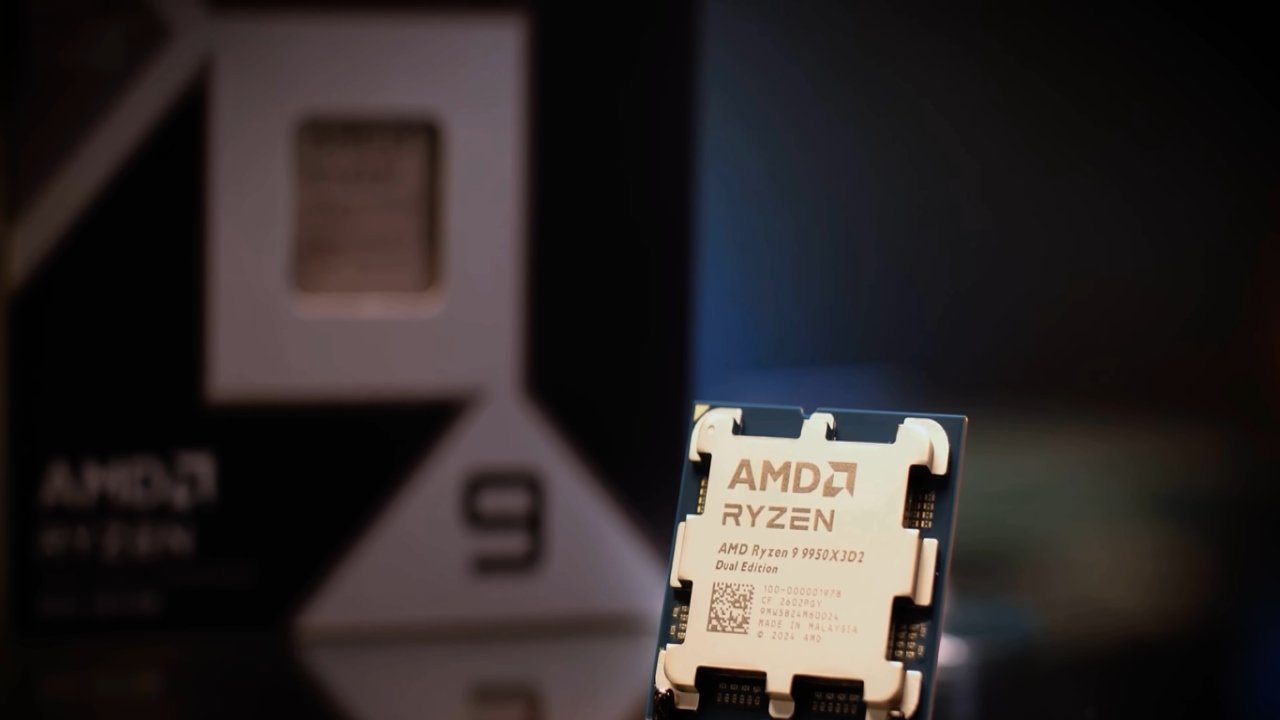
CPU Cache Hierarchy: What is L1, L2, L3, and RAM?
The CPU cache is a small, very fast memory situated inside or directly integrated with the processor. Modern CPUs use SRAM (Static Random-Access Memory) for cache, while typical system memory uses DRAM (Dynamic Random-Access Memory). SRAM has substantially shorter access latency, but it takes up more silicon area and is much more expensive to produce. Hence, processors use a hierarchy of successively larger, slower memory tiers.
Imagine a worker at a desk. L1 cache is like having documents right at your fingertips. L2 cache is like having a filing cabinet just down the hall. L3 cache is a larger storage area somewhere else in the company. System RAM is a warehouse somewhere else that you have to take a much longer trip to reach.
L1 is the smallest and fastest cache, usually allocated to a single CPU core. It holds frequently needed instructions and data, so processors can access them very quickly. L2 has slightly more delay but more capacity, so each core can hold more information. L3 is much bigger and generally shared by several cores. It is slower than L1 and L2 but still significantly faster than system RAM.
DDR4 and DDR5 system RAMs offer much larger capacity, but at the expense of higher latency. If the information isn't in the CPU caches, the processor must fetch it via the memory controller.
The Memory Bottleneck: Why CPUs Wait for Data
If a CPU misses a cache, it must retrieve the missing information from another memory level. Modern processors employ methods such as out-of-order execution to keep working while waiting. But dependent instructions cannot execute until they receive the required data.
This can halt the execution pipeline. The effects can be especially evident in gaming, as CPUs constantly run physics, AI, player input, world updates, and graphics commands. Critical information may arrive late, and the CPU may miss the target frame deadline, delaying the next job on the GPU.
This can result in irregular frame delivery, stuttering, and lower minimum frame rates. No matter how strong the graphics card is, it cannot fully compensate for this limitation, as it still depends on the CPU to generate rendering instructions.
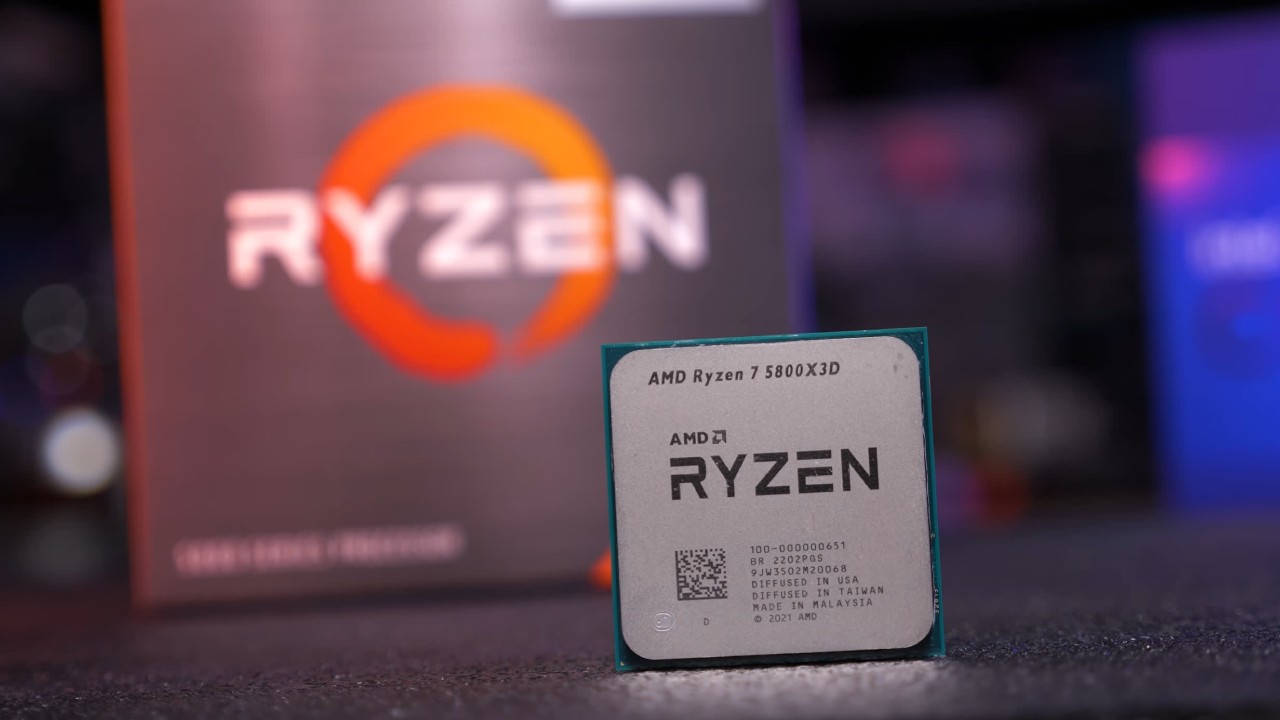
AMD 3D V-Cache: Stacking More Memory on the CPU
AMD addresses this challenge through 3D V-Cache, a technology that increases L3 cache capacity by vertically stacking additional SRAM directly above the processor's Core Complex Die (CCD).
Instead of widening the cache and taking up more space on the motherboard socket, AMD uses 3D packaging to stack a second silicon layer on top of the existing processor die. Through-Silicon Vias (TSVs) and hybrid bonding allow for efficient data movement between the stacked layers by providing dense electrical connections.
This strategy allows a huge increase in available L3 cache without a proportionally larger processor footprint. For example, the Ryzen 7 5800X3D added 64MB of SRAM on top of the existing 32MB of L3 cache, bringing the total to 96 MB.
Why 3D V-Cache Improves Gaming and 1% Lows
The primary advantage of greater cache isn't necessarily higher average FPS, but more consistent performance. A game could average 180 fps but still have frame-time spikes that make gameplay feel visibly less fluid.
1% lows help point out these anomalies since they track performance during the slower part of frame delivery. The more L3 cache a processor has, the more frequently used game data it can store, rather than constantly fetching it from system RAM. Fewer expensive memory accesses mean less performance fluctuation and better frame pacing.
It can work especially well for simulation games, MMOs, and open-world titles. These games constantly process a huge number of objects, AI behaviors, physics computations, and environmental changes. The workloads can be sensitive to memory latency and cache capacity.
Improvements vary by game, but 3D V-Cache can deliver considerable boosts in 1% lows even when average FPS is only modestly higher. The result is smoother, more consistent gameplay—not just a higher number on an FPS counter.
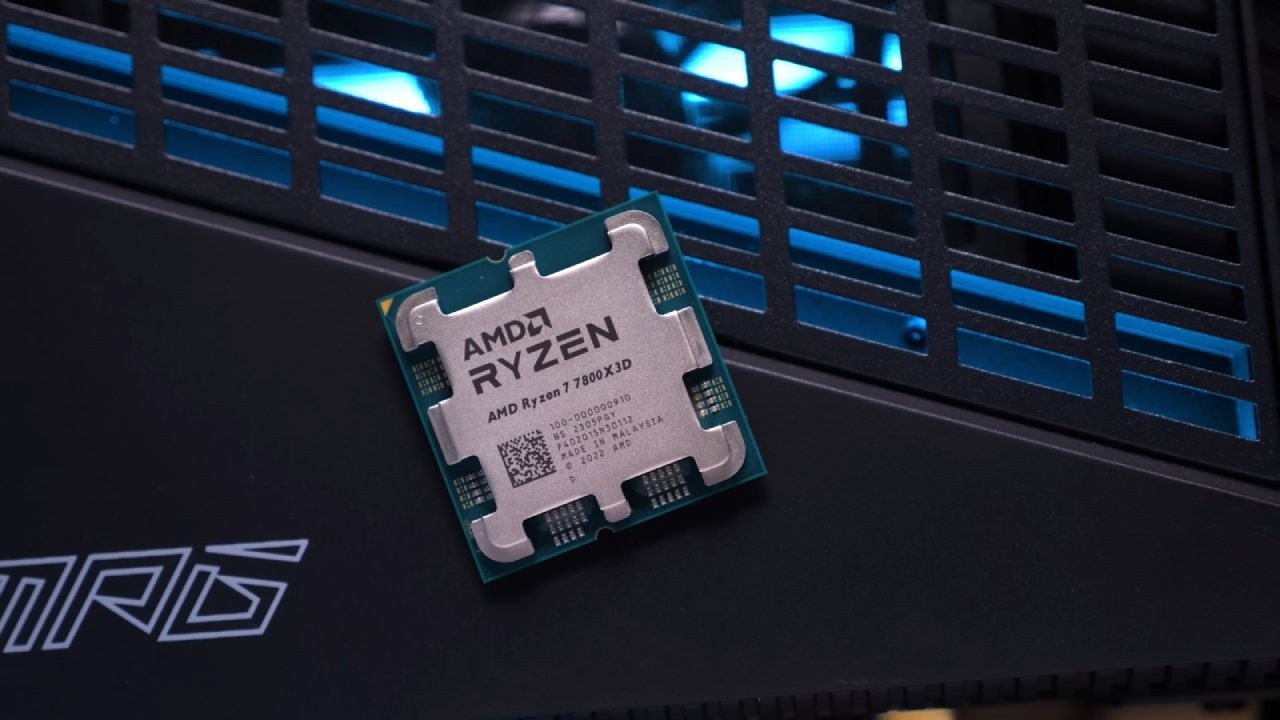
Memory Proximity Is the Future of CPU Performance
AMD's 3D V-Cache shows that faster memory access can be just as crucial as higher clock speeds or core counts. As gaming engines grow more complex, the need to keep frequently accessed information close to the processing cores will grow.
The future of CPU performance will depend not only on how fast processors execute instructions, but also on how effectively they receive the data needed to execute them. Memory proximity is emerging as one of the most significant battlegrounds in modern processor architecture.
FAQ
Q. What is CPU cache, and why is it important for gaming?
A. CPU cache is high-speed memory located inside or directly integrated with the processor. It stores frequently accessed instructions and data, reducing the time the CPU spends retrieving information from system RAM and helping improve gaming performance.
Q. What is AMD 3D V-Cache technology?
A. AMD 3D V-Cache is a chip-stacking technology that adds extra SRAM directly above the processor die, significantly increasing L3 cache capacity without requiring a much larger processor footprint.
Q. How does AMD 3D V-Cache improve gaming performance?
A. AMD 3D V-Cache allows processors to retain more frequently accessed game data in their L3 cache, reducing slower system RAM accesses. This can improve average FPS, reduce memory bottlenecks, and deliver smoother gameplay.
Q. Why does 3D V-Cache improve 1% low FPS?
A. A larger L3 cache reduces the frequency of expensive memory accesses, helping the CPU process game data more consistently. This can reduce frame-time spikes and improve 1% low FPS, making demanding games feel smoother.
Editor, NoobFeed
Gaming Hardware Updates
No Data.