
RX 6800 16GB Could Be the Best Used GPU Under $400
AMD Radeon RX 6800 16GB delivers competitive gaming performance against newer GPUs while offering better value on the used market.
Hardware by Nahe Yan on Nov 15, 2026
Rising graphics card and memory prices are making it hard to find 16GB GPUs at reasonable prices. The RTX 5060 Ti 16GB is now approaching $900 in the US, and some retailers no longer stock it. As the RTX 5090 and RTX 5080 continue to face availability issues, the situation is also affecting other graphics cards.
With these market conditions, older used graphics cards are becoming worth considering again. AMD Radeon RX 6800 16GB, released a few years ago, is one option that offers 16GB of VRAM without requiring the same investment as newer cards. With the recent FSR 4 update, the card also gains access to additional upscaling potential.
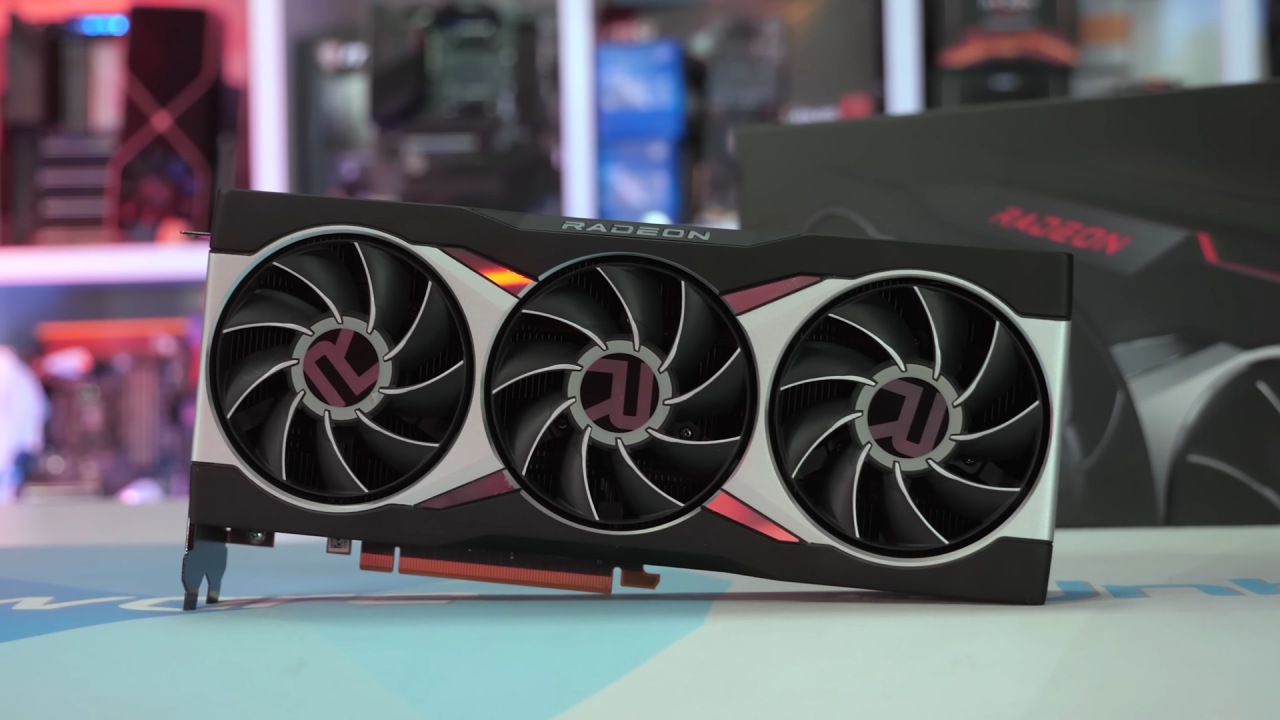
RX 6800 16GB vs. RTX 5060 Ti Gaming Benchmarks
One interesting aspect of the RX 6800 is its out-of-the-box performance. It balances clock speeds and power consumption well, but it also responds well to undervolting. With some tuning, we can get this card performing close to the RX 9060 XT 16GB, and trading blows with the RTX 5060 Ti 16GB. Its 0.1% lows are another area worth looking at, particularly in several gaming benchmarks.
For these tests, we compared the three graphics cards at 1080p, 1440p, and 4K using high settings. For titles that support FSR 4, we also included FSR and DLSS comparisons in several 4K benchmarks. RTX 5060 Ti 16GB led in average FPS, but the RX 6800 delivered a different result in 0.1% lows. At this resolution, the RX 6800 delivered 0.1% lows almost three times those of the RTX 5060 Ti and RX 9060 XT.
These results show one weakness of newer 128-bit memory bus cards. Although they are now considered mid-range or even higher-end mid-range graphics cards, they can struggle in certain situations. Marvel Rivals at 1080p high settings was one example, where the RX 6800 delivered much better 0.1% lows. At 1440p with high settings, the lower average FPS allowed the 0.1% lows of the two newer cards to catch up.
At 4K high settings, the RX 6800 actually beat the RX 9060 XT in average FPS without FSR enabled. The RTX 5060 Ti 16GB also performed well, both with DLSS Performance enabled and at native settings. However, it is the most expensive card in this comparison, and its price increase over MSRP is making the difference between these options harder to justify.
Silent Hill F Shows Similar Performance Across All Three GPUs
At 1080p, the RX 6800 delivered 68 average FPS in Silent Hill F, taking the lead over the other two graphics cards. The remaining cards were only one or two average FPS behind, with similar 0.1% lows. None of the three cards had problems running this game at 1080p. However, it was good to see the much cheaper used RX 6800 taking a victory, even if the difference was only 1 average FPS.
At 1440p high settings, we saw a similar result, with the RX 6800 taking another small victory. Moving up to 4K changed things a little. The RTX 5060 Ti performed well in native settings, with its GDDR7 memory starting to pull ahead at higher resolutions. However, the RX 6800 delivered 0.1% lows that nearly matched its average FPS. This made the card feel smooth during gameplay. We could also enable FSR 4 Performance mode to get additional FPS.
RX 9060 XT took advantage of its newer architecture in this title, delivering more FPS with upscaling. Meanwhile, the RTX 5060 Ti with DLSS Performance mode came out on top. In our testing, it was difficult to distinguish image-quality differences after the benchmarks. Either way, enabling these upscaling technologies delivered a large FPS increase with what we considered a minimal drop in visual quality.
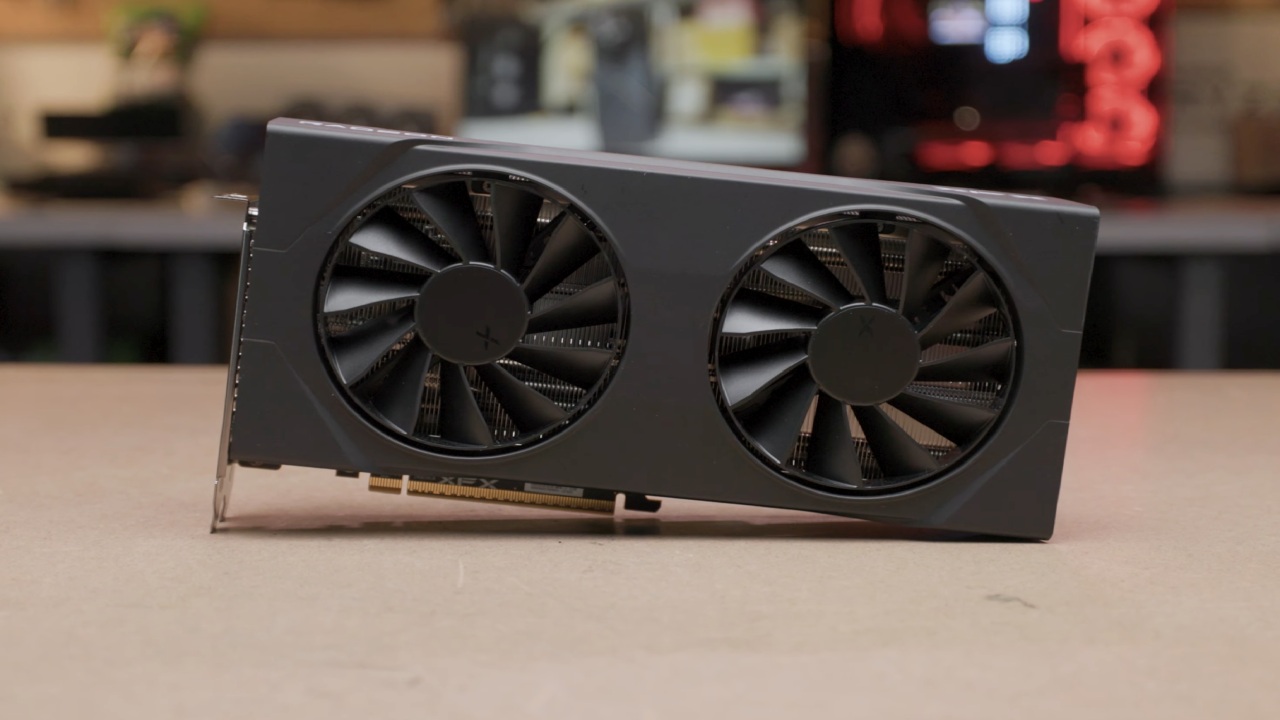
Resident Evil 9 Delivers Similar Results at 1080p and 4K
Resident Evil 9 was another close battle between the three graphics cards. At 1080p high settings, the RX 6800 averaged 166 FPS, while the RTX 5060 Ti delivered 162 FPS. The RX 9060 XT also remained close to these results. The cards were very close, with both average FPS and 0.1% lows remaining similar. Moving to 1440p, the RTX 5060 Ti took the lead with 112 average FPS.
RX 6800 and RX 9060 XT were virtually neck and neck. At 4K, the results differed from the other games. All three graphics cards delivered around 60 average FPS, and the 0.1% lows were also fine. When we enabled upscaling technologies, FSR 4 stood out for water detail. Whether looking at rain or puddles on the floor, FSR 4 in Balanced mode appeared to handle these details better in our testing.
However, the RTX 5060 Ti with DLSS delivered higher FPS compared to the RX 6800 and RX 9060 XT using FSR 4. So, while DLSS had the performance advantage, FSR 4 delivered results we preferred in certain visual details. In Final Fantasy 16 at 1080p high settings, the RX 9060 XT came out on top, followed by the RTX 5060 Ti and then the RX 6800.
This was the first game where the RX 9060 XT delivered a noticeable victory over the RX 6800. However, the difference started to diminish at 1440p. At this resolution, the RX 6800 delivered 62 average FPS compared to 64 average FPS on the RX 9060 XT. It also beat the RTX 5060 Ti, which managed 59 average FPS. The RX 6800 also delivered the best 0.1% lows.
At 4K, we used DLSS Performance mode and FSR 4, which used FSR 3.1 upscaling to run at FSR 4 in this test. At native settings, performance was around 30 average FPS, which was not playable for our testing. Enabling FSR 4 increased the RX 6800 to 56 average FPS, with 40.1% lows. The RX 9060 XT delivered 59 average FPS and 35% lows.
007 First Light Shows the Benefits of Upscaling
Moving on to 007 First Light, all three graphics cards performed well at 1080p high settings. RX 9060 XT took the lead with 114 average FPS and the highest 0.1% lows. However, the results were close across all three cards. At 1440p, the RX 9060 XT delivered better 0.1% lows than the RTX 5060 Ti. Both cards reached 86 average FPS, while the RX 6800 managed 78 average FPS.
This gave the RX 9060 XT a lead over the older RX 6800. At 4K high settings, the RX 9060 XT came out on top with FSR Performance enabled and in native performance as well. The RX 6800 increased from 33 average FPS to 36 average FPS in the comparison, but it still leaves room for improvement in a faster-paced game.
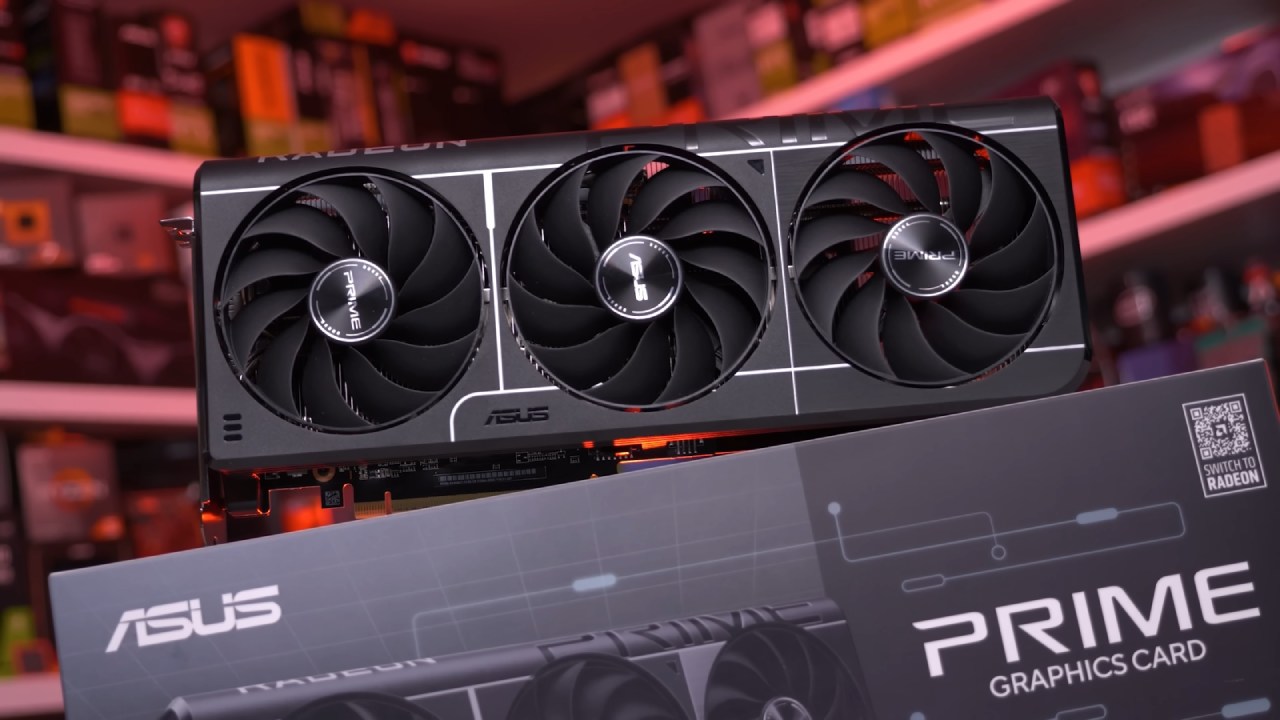
We would recommend enabling upscaling technologies when playing at this resolution. All three cards responded well, and the 0.1% lows were decent. Interestingly, the RTX 5060 Ti struggled to keep up with the AMD graphics cards in the 0.1% lows. AMD has come a long way with its drivers, and these results show that improvement.
The last game we tested was Fortnite. We tested all three graphics cards at 1080p high settings on a multiplayer map, running through the same section of the road. After that, we tested the cards again to finish the Reload round and check for major stuttering. All three cards performed well, but the RX 6800 stood out. It delivered 120 average FPS, with 0.1% lows higher than the other cards' average FPS.
RTX 5060 Ti managed 115 average FPS, while the RX 9060 XT delivered 104 average FPS. We tested at high settings, although some people may prefer dropping to low. These graphics cards can run high settings at lower resolutions, so you don't need to reduce image quality in every situation. Moving to 1440p, the RTX 5060 Ti took the lead with 83 average FPS.
You also have FSR 3 frame generation available if you need additional FPS.
Overall, the RX 6800 16GB is a solid choice if you want a graphics card with 16GB of VRAM. Whether you want to play games at higher resolutions or install a large number of mods, the available VRAM gives you room to work with. You can also get this card without spending as much as you would on newer graphics cards.
In our benchmarks, it delivered performance often close to the RX 9060 XT 16GB and RTX 5060 Ti 16GB, both with native gaming and upscaling enabled. RX 6800 is an underrated graphics card, especially given its used market price and undervolting potential. You can also look at the RX 6800 XT, which is the bigger model but uses more power. If you can find either card at a good price on your local used market, they are worth considering.
We would also recommend undervolting these cards, as they respond well to it. Ultimately, the RX 6800 16GB remains an option for anyone looking for 16GB of VRAM without paying the prices currently being asked for newer graphics cards. With its gaming performance, FSR 4 support, and undervolting potential, it can still compete with newer GPUs in several games.
FAQ
Q. Is the AMD Radeon RX 6800 16GB still worth buying in 2026?
A. Yes. RX 6800 16GB remains worth considering, especially on the used market, where it often sells for under $400 in the US. It also delivers competitive gaming performance against newer graphics cards.
Q. How does the RX 6800 16GB compare to the RTX 5060 Ti 16GB?
A. The RX 6800 delivers competitive performance against the RTX 5060 Ti 16GB in several games. It also produces better 0.1% lows in certain titles, although the RTX 5060 Ti performs better in some 4K and upscaling benchmarks.
Q. Does the RX 6800 16GB support FSR 4?
A. Yes. The RX 6800 can use FSR 4 in supported games to increase FPS through upscaling, especially at higher resolutions.
Q. Does undervolting improve the RX 6800 16GB's power efficiency?
A. Yes. Undervolting the RX 6800 to around 950mV while adjusting clock and memory speeds reduces power consumption and temperatures while maintaining competitive gaming performance.
Editor, NoobFeed
Gaming Hardware Updates
No Data.