
Valve Introduces Steam Deck FPS Data for Thousands of Games
Valve's new Steam Deck performance statistics reveal real-world frame rates, helping gamers make more informed purchasing decisions.
Hardware by Tanvir Kabbo on Nov 16, 2026
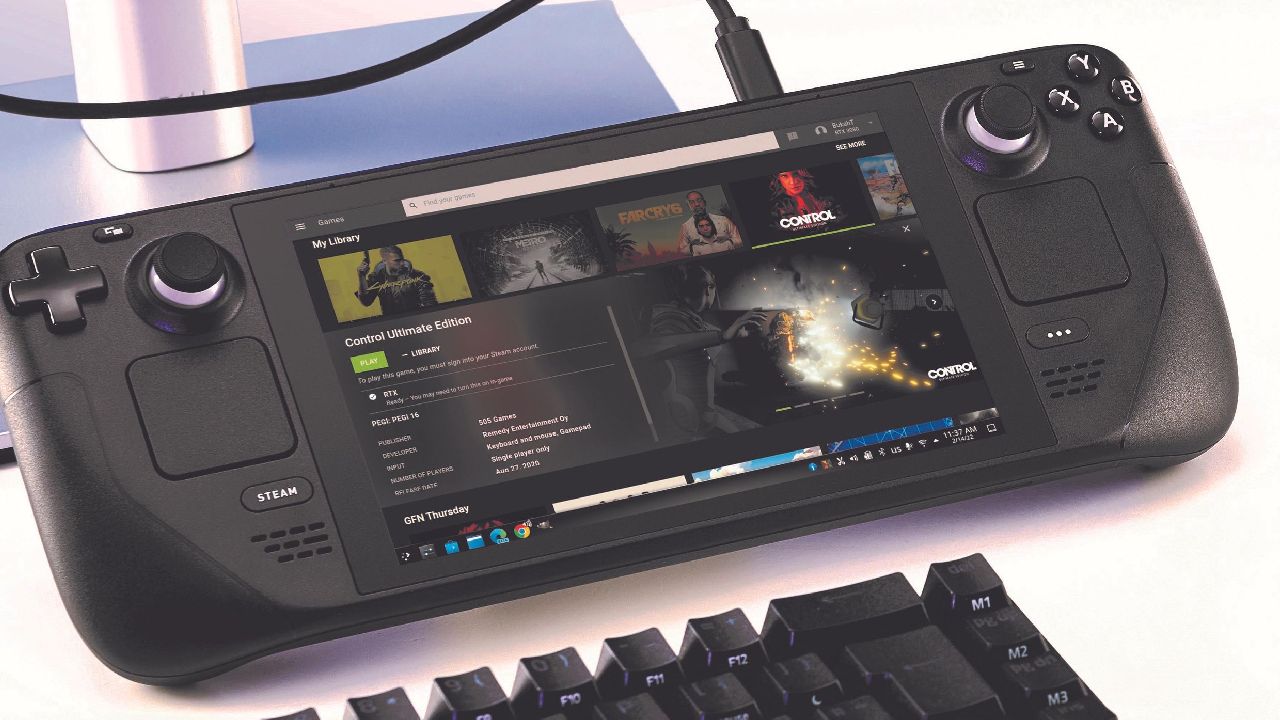
Valve has launched a new feature that lets Steam users view average frame rate data from real gameplay on the Steam Deck. The feature will show how games perform on both Steam Deck OLED and LCD models, using anonymized data from players who have opted in to share their performance stats. This could help buyers make better purchasing decisions instead of relying only on compatibility ratings.
Valve Introduces Average FPS Data for Steam Deck Games
In its most recent update, Valve has introduced average frame rate data for thousands of titles evaluated for Steam Deck compatibility. The company will continue collecting information, meaning more titles should receive performance statistics over time. Players can find this information on individual Steam Store pages and through their Steam library when using the Steam client beta.
The compatibility section still displays whether a game is Verified, Unsupported, or Playable. However, it now also shows the average frames per second other players achieve. Separate statistics are available for Steam Deck OLED and LCD models.
For example, Skyrim carries the green Verified checkmark, and selecting Learn More reveals additional compatibility information. Its performance section shows that Steam Deck OLED users average 60 fps. Players can also expand the information to view separate performance distributions for both models.
Why Valve is Adding Real-World Performance Statistics
Steam Deck compatibility ratings do not always reflect actual gaming performance. Some Unsupported games run perfectly well, while certain verified titles can deliver a disappointing experience.
The problem is that the different players have different expectations. Some people will reduce resolution for greater frame rates, while others will reduce it for better visuals, even at the expense of performance. For example, 20fps might be unplayable for one individual, but quite playable for another. Neither experience is necessarily wrong.
Valve's new stats try to bridge this gap by providing real performance data gathered from gamers. With millions of Steam Decks out in the wild, the business now has real-world gameplay data to give buyers a better idea of what to expect.
Understanding Steam Deck FPS Histograms
Along with average FPS data, Valgive offers histograms that show how often games hit certain performance tiers. Steam Deck OLED Skyrim findings show around 35% of samples at 90 fps, 63% at 45 fps, and 1% at 30 fps. On the Steam Deck LCD, roughly 90% of samples are recorded at 60 fps, 8% at 30 fps, and 1% at 20 fps.
The lower frame-rate percentages can cause momentary stuttering while playing. Usually, this means a more consistent experience with fewer drops. The difference between 90 fps and 45 fps on OLED also depends on VSync. A game that can't keep up with a 90Hz refresh rate can be synchronized down to 45 fps, half the refresh rate. This makes each frame appear twice, which helps maintain consistent presentation.
The outcomes are different in other games. Expedition 33 has a mean of about 38 fps, with many samples clustering around 30 fps and 45 fps. In contrast, Mega Bonk averages around 87 fps, with about 96% of samples bunched up at the upper end of performance.
Valve Filters Custom Performance Settings
Valve's FAQ says the statistics shown are exclusively for Steam Deck devices with the default frame limit (90fps for OLED and 60fps for LCD) enabled. We do not include custom frame restrictions to maintain a consistent performance baseline. Valve also discards invalid samples and idle time.
Players can still adjust the graphical settings, but the statistics presented will not reflect these changes. This filtering helps keep performance comparisons reliable by reducing variables.
Steam Machine and Custom SteamOS Hardware Could Follow
Valve will presumably keep gathering performance metrics, and may roll the capability out to Steam Machine and Steam Frame in the future. But for now, no comparable statistics exist for these platforms.
Similar information could help custom-built SteamOS computers, perhaps letting gamers estimate performance based on their GPU and memory configurations. However, the number of hardware combinations would make collecting reliable data considerably more complicated.
For now, Valve's new feature provides a useful way to understand real-world Steam Deck performance. As more data becomes available, players could make better purchasing decisions without relying entirely on compatibility labels.
FAQ
Q. What is Valve's new Steam Deck FPS data feature?
A. It displays average frame rates and performance histograms collected from Steam Deck users who have opted into sharing anonymized gameplay data.
Q. Does Valve's Steam Deck FPS data support both OLED and LCD models?
A. Yes. The feature provides separate performance statistics for Steam Deck OLED and Steam Deck LCD, allowing players to compare gaming performance across both models.
Q. Does Steam Deck FPS data include custom graphics settings?
A. No. Valve filters the performance data using the default frame limit of 90 fps for OLED and 60 fps for LCD. Custom frame limits are excluded to maintain a consistent performance baseline.
Q. Will Valve introduce FPS statistics for Steam Machine and Steam Frame?
A. Valve has not introduced similar performance statistics for Steam Machine or Steam Frame yet. However, continued data collection could eventually expand the feature to other Steam hardware platforms.
Senior Editor, NoobFeed
Gaming Hardware Updates
No Data.