
ASUS ROG Ally OLED Screen Flicker Claim Certification Confusion
ASUS clarifies that its OLED handheld display carries TÜV Rheinland low blue light certification rather than flicker-free certification.
Handheld by Nahe Yan on Oct 22, 2026
OLED screens are used in handheld gaming devices, but some panels can cause issues for people who are sensitive to PWM flickering. A recent clarification about the ASUS handheld's display certification has raised questions about its flicker-free claims, even though the device includes a software setting designed to help address the issue.
At Gamescom, we were told TÜV Rheinland certified the screen as flicker-free, and the initial marketing clearly showed this. However, that information turned out to be incorrect, so we need to correct it. For those who don't know, PWM flickering can occur with some OLED panels.
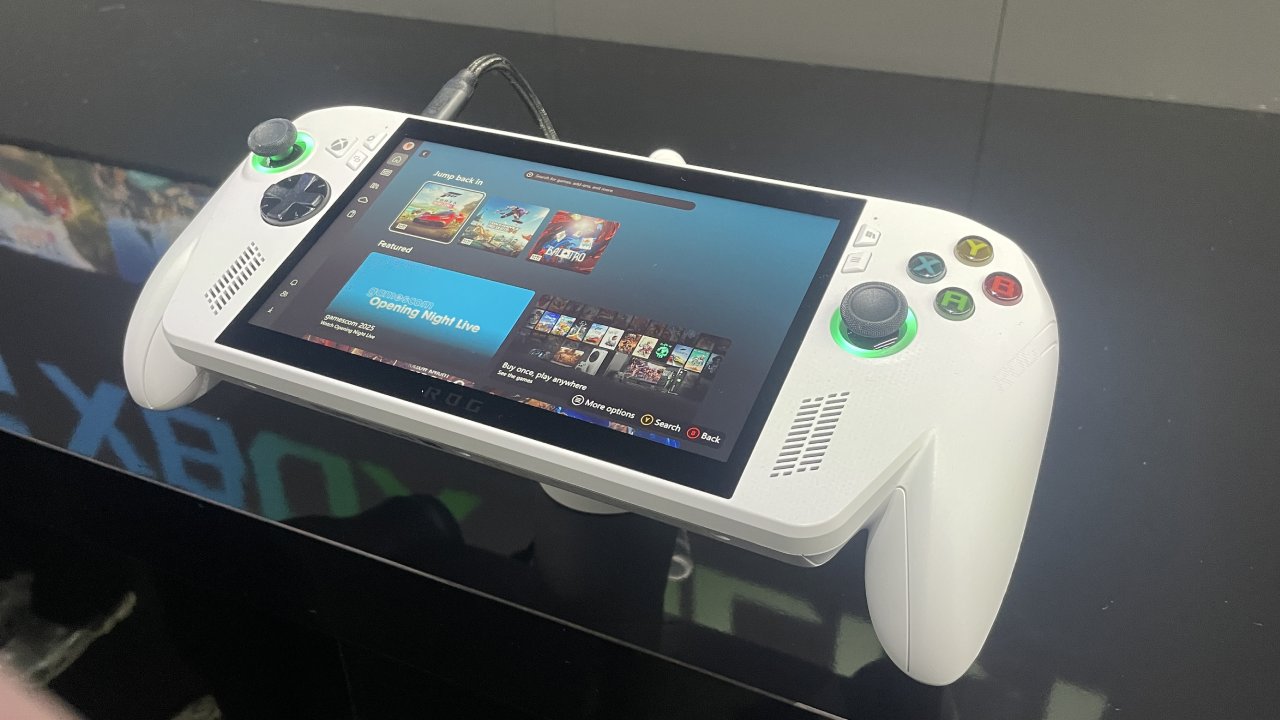
ASUS OLED Screen Was Not Certified for Flicker-Free Operation
Most people don't notice it, but it can cause migraines, headaches, or discomfort for certain users. Manufacturers can use specific processes to reduce flickering to a level that no longer affects those people. The display can then receive certification from TÜV Rheinland. That was what we were told at Gamescom, and we were excited that this would be the only OLED handheld with flicker-free certification.
However, we've since confirmed that the screen is TÜV Rheinland certified for low blue light filtering, not flicker-free operation. X1 XR glasses do have anti-flicker certification, but the handheld itself does not. We want to credit the viewer who commented on our channel and asked where we saw the flicker-free claim because they couldn't find it in the current marketing materials.
That comment prompted us to investigate. We initially thought the information must be included somewhere, because we wouldn't have reported the specification unless we had been told about it. After spending hours looking through the available information, we contacted ASUS directly to confirm the details.
ASUS responded honestly and confirmed that the handheld does not have the flicker-free certification. We appreciate the person who raised the question, as it led us to investigate the claim and correct the information. PWM flickering affects only a minority of people, and you may not notice it with the naked eye.
How OLED Flickering Affects Some Users?
Instead, it can cause headaches or other discomfort even if the user can't see the flickering. The issue occurs at low voltage levels, which means it can happen when the display is operating at low brightness. When the pixels receive a low voltage, flickering can occur and affect people who are sensitive to it.
It's important to clarify that we're not talking about flickering that you can directly see on the screen. This isn't the same as visible flickering in a VR headset, and it doesn't mean the display is constantly flashing in a way you can notice. The issue is not necessarily visible to the naked eye, even though some users may experience discomfort.
Neither AJ nor I experience this issue, so we couldn't simply look at the screen and confirm it was flickering. Since we can't directly perceive the effect, we cannot judge it based on our own experience alone. PWM flickering affects only a minority of people, and you may not notice it with the naked eye.
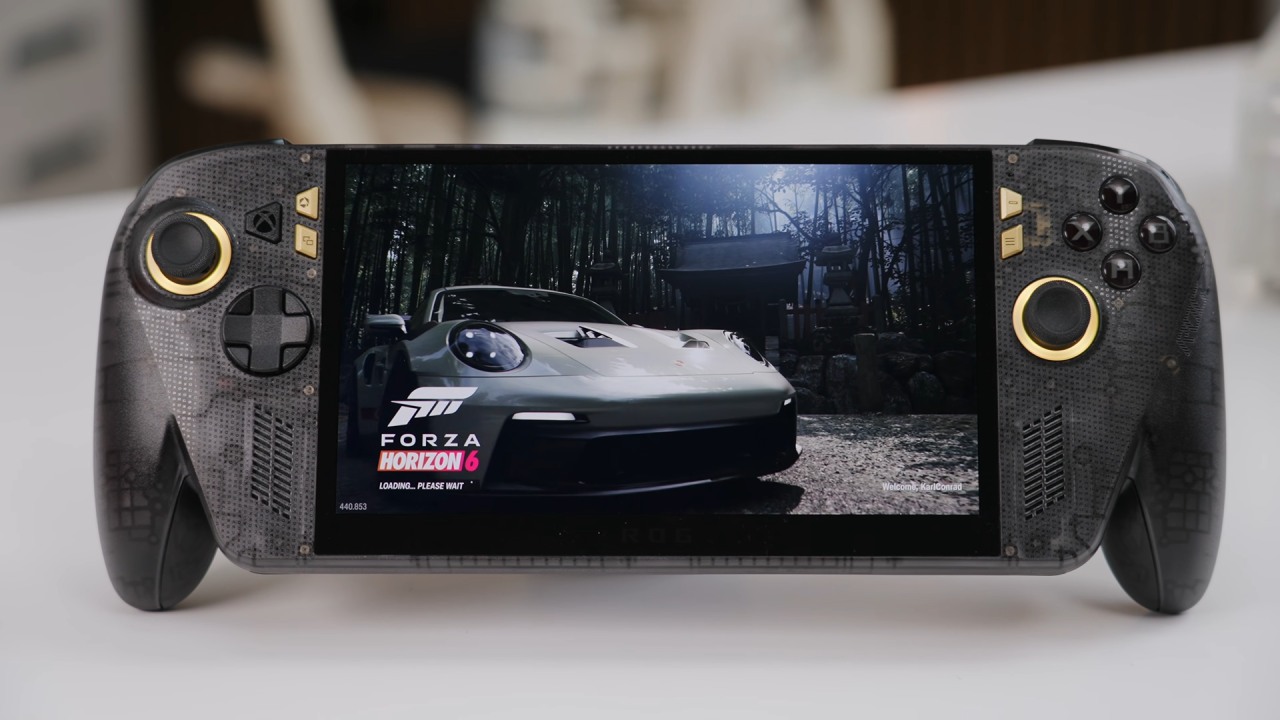
There is still a possible workaround for users who experience OLED flickering.
As far as we know, ASUS is the only manufacturer among the devices we've checked that includes a dedicated setting intended to address the problem. We also looked at other OLED handhelds, including the Legion Go 2 and the OneXPlayer 3, but ASUS includes an anti-flicker option in Armory Crate. The setting is in the OLED Care section of Armory Crate, but it only works when HDR is off.
Once HDR is disabled, you can access the anti-flicker slider, which offers 0%, 50%, and 100% settings. The feature aims to reduce low-voltage flickering and could help people who experience discomfort when using the display at low brightness levels. While it doesn't change the fact that the handheld lacks flicker-free certification, it offers a software-based option that may help affected users.
ASUS has therefore attempted to address the issue through software rather than relying solely on the display's hardware. These are the kinds of corrections we need to make when information provided during an event does not match the confirmed specifications. Although the handheld lacks the flicker-free certification we initially reported, it's still worth mentioning its anti-flicker setting.
Editor, NoobFeed
Latest Articles
No Data.