
ASUS ROG Xbox Ally X20 Review: OLED Display Upgrade Explained
The ASUS ROG Xbox Ally X20 introduces a brighter OLED display, improved controls, and premium design without upgrading its processor.
Handheld by Tanvir Kabbo on Oct 16, 2026
ASUS ROG Xbox Ally X20 takes handheld gaming to the next level with a new Nebula OLED display, enhanced controls, improved ergonomics, and a unique design celebrating its 20th anniversary. But even with those changes, the tablet still runs on the same Ryzen AI Z2 Extreme processor as the previous generation, so the main draws are the display and usability improvements.
A Distinctive Design With Premium Accessories
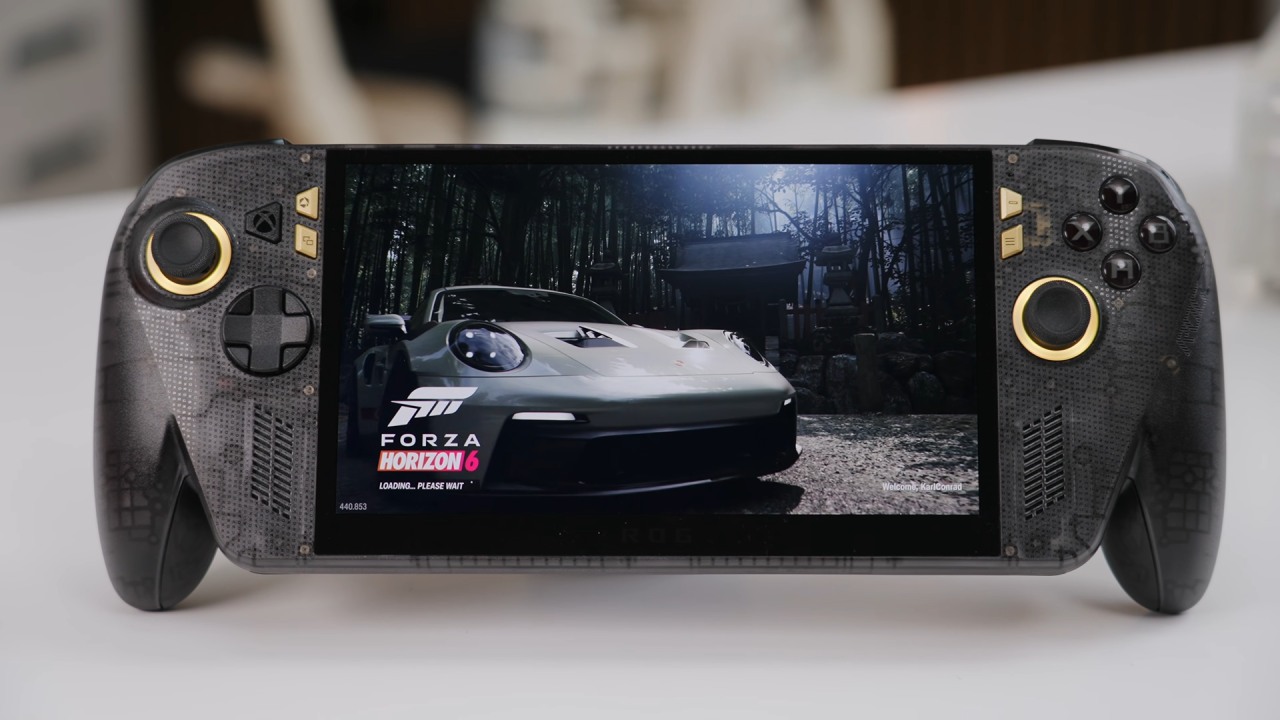
The ROG Xbox Ally X20 features a smoke-transparent casing with gold embellishments, a 20th-anniversary plaque, and a matching gold fan assembly. The rubberized palm grips improve comfort, but the ergonomics are still largely the same as the classic controller-inspired design.
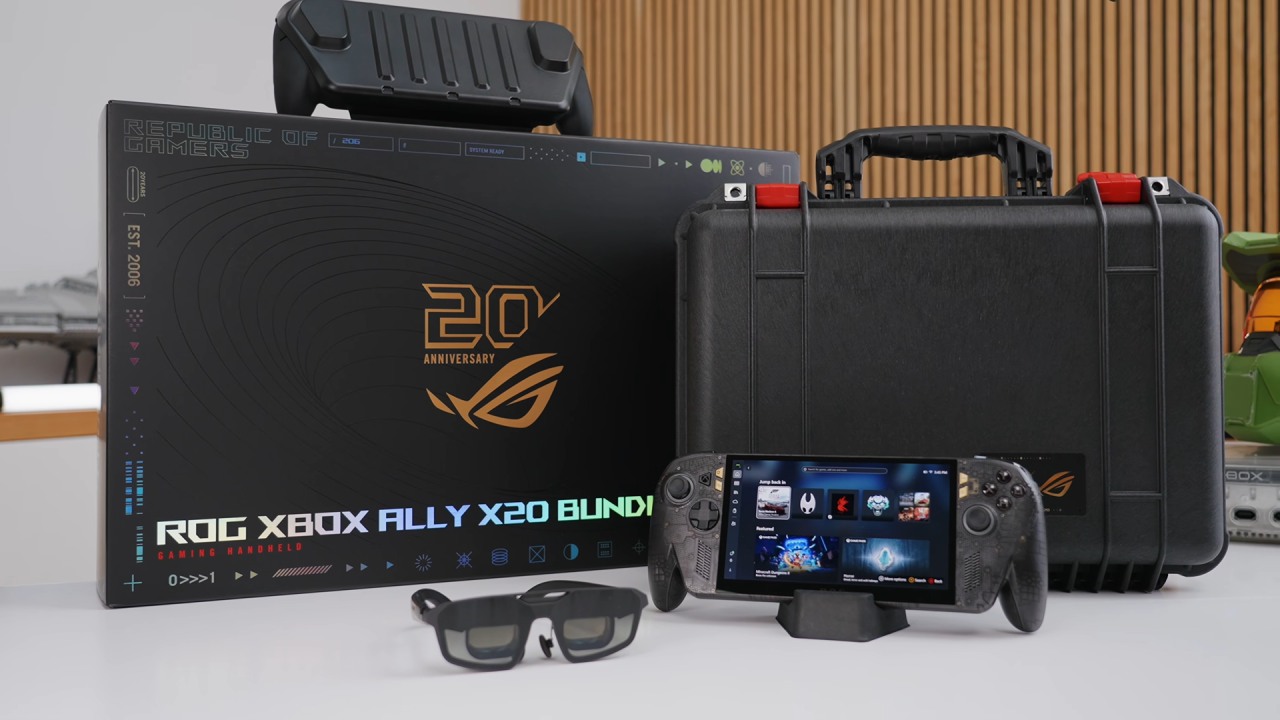
The combo includes ROG Xreal R1 Edition glasses with 120Hz refresh rates, up to 240Hz with frame-rate boosting, and Bose audio. The bundle also includes a small 68W charger and a Dbrand Killswitch case with the same black-and-gold finish, a removable front cover, and a built-in kickstand.
Nebula OLED Display: The Biggest Upgrade
The biggest upgrade is the new 7.4-inch Nebula OLED display, which replaces the previous 7-inch 120Hz IPS LCD panel. The screen is rated FreeSync Premium Pro, with a 0.2ms response time, 100% DCI-P3 color coverage, and peak HDR brightness up to 1,400 nits (up from 500 nits).
The OLED panel delivers deeper blacks, brighter colors, and wider viewing angles. The screen is only 0.4 inches bigger, yet it feels like a big deal. FreeSync Premium Pro also helps minimize noticeable tearing when frame rates change, making the display a worthwhile investment for portable gaming.
Enhanced Controls and Connectivity
The analog sticks feature TMR magnetic technology for improved precision and to help address the common concern of stick drift. RGB lighting has also been upgraded to four LEDs, plus a spinning D-pad that lets users switch between four-way and eight-way combinations without swapping components.
Connectivity options include USB Type-C 3.2, USB 4 with 40Gbps compatibility, a microSD Express card reader, a 3.5mm audio jack, and a power button with a fingerprint reader. The improved card reader can transfer data at up to 900MB/s. Connectivity is wireless, with Wi-Fi 6E and Bluetooth 5.0.
Ryzen AI Z2 Extreme Performance Remains Unchanged
The X20 keeps the Ryzen AI Z2 Extreme processor with 8 cores and 16 threads, featuring three Zen 5 cores up to 5GHz and five Zen 5C cores up to 3.3GHz. It sports an integrated Radeon 890M GPU with 16 RDNA 3.5 computing units clocked up to 2,700MHz.
It still has 24GB of LPDDR5X 8,000MT/s and a 1TB PCIe 4.0 M.2 SSD that can be upgraded. The 80Wh battery carries over, and the gadget weighs 756 g, up from 715 g.
Benchmarks and Gaming Performance
Geekbench 7 scored 2,141 single-core and 8,638 multi-core at 17W. Raising the power limit to 25W increased single-core performance by 10.2% and multi-core performance by 17%. 3DMark Time Spy scores improved from 2,664 (17W) to 3,489 (25W) to 3,844 (35W).
Armoury Crate SE features Silent, Performance, and Manual modes to manage power consumption. In Manual mode, you get 35W continuous power and short 54W bursts, but higher power reduces battery life.
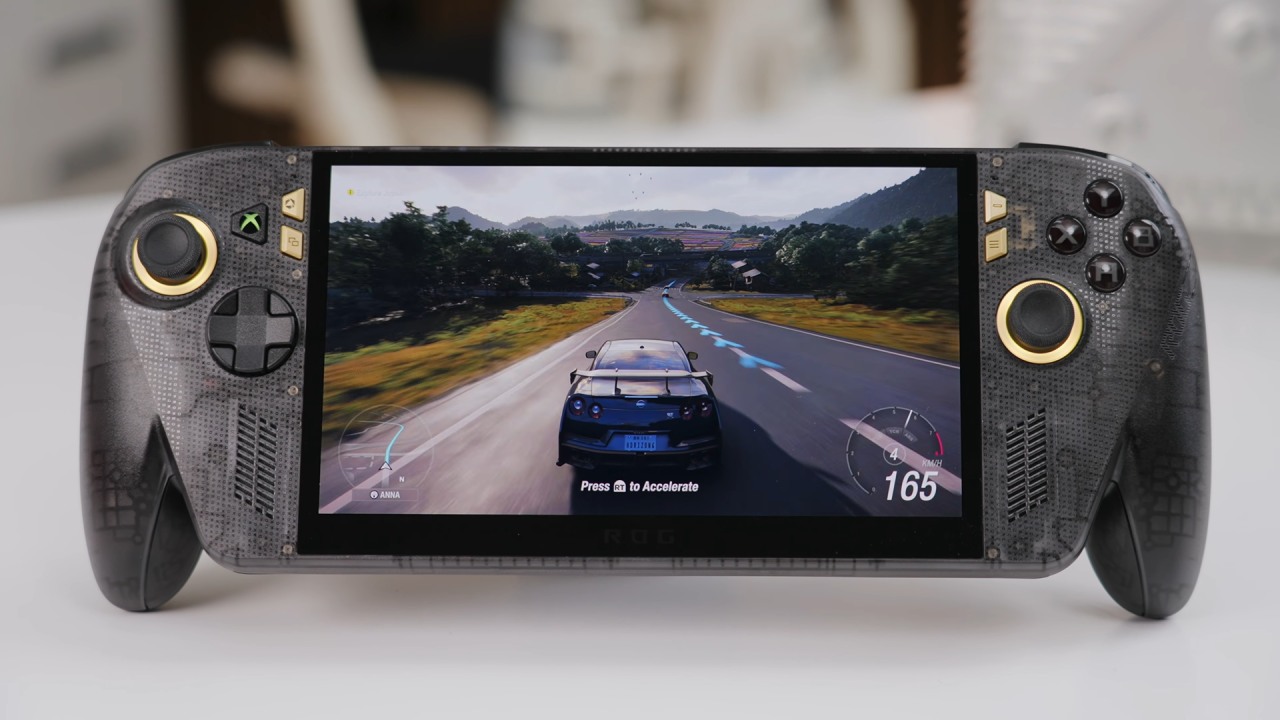
Gaming performance depends on the title. Street Fighter 6 runs well at 1080p on medium settings, but Forza Horizon 6 prefers lower resolution or tighter power limits. Crimson Desert can run at 60fps at 1080p on low settings with frame generation, but it drops to 900p for more consistent performance.
Red Dead Redemption 2 averages above 60fps at 720p with FSR Balanced. Gears of War: E-Day averages 27fps at 1080p medium settings and 17W, boosting to 34fps at 1080p low settings and 44fps at 20p medium with XeSS Balanced.
Final Thoughts
The ASUS ROG Xbox Ally X20 is a worthwhile upgrade for display quality, controls, and ergonomics, with the Nebula OLED panel being its biggest gain. Existing ROG Xbox Ally X users shouldn't expect a big performance boost, either, since the processor, memory, and battery aren't changed. The X20 remains a very attractive handheld, especially for consumers who want the best screen and more polished controls, but its value depends on the price.
Senior Editor, NoobFeed
Latest Articles
No Data.