
AMD Radeon RX 9060 XT 8GB Review Real World Gaming Performance
Limited VRAM creates performance tradeoffs in newer titles despite solid raw GPU capability
Hardware by Shinji Okazaki on Dec 16, 2025
Every day, fewer and fewer options are available to consumers seeking the cheapest gaming GPUs. RX 9060XT is the finest value option for gamers right now.
It costs about $380 and can run practically any modern game at high settings at 1080p and even 1440p. But that card isn't the main point here. The real question is how well its smaller brother does.
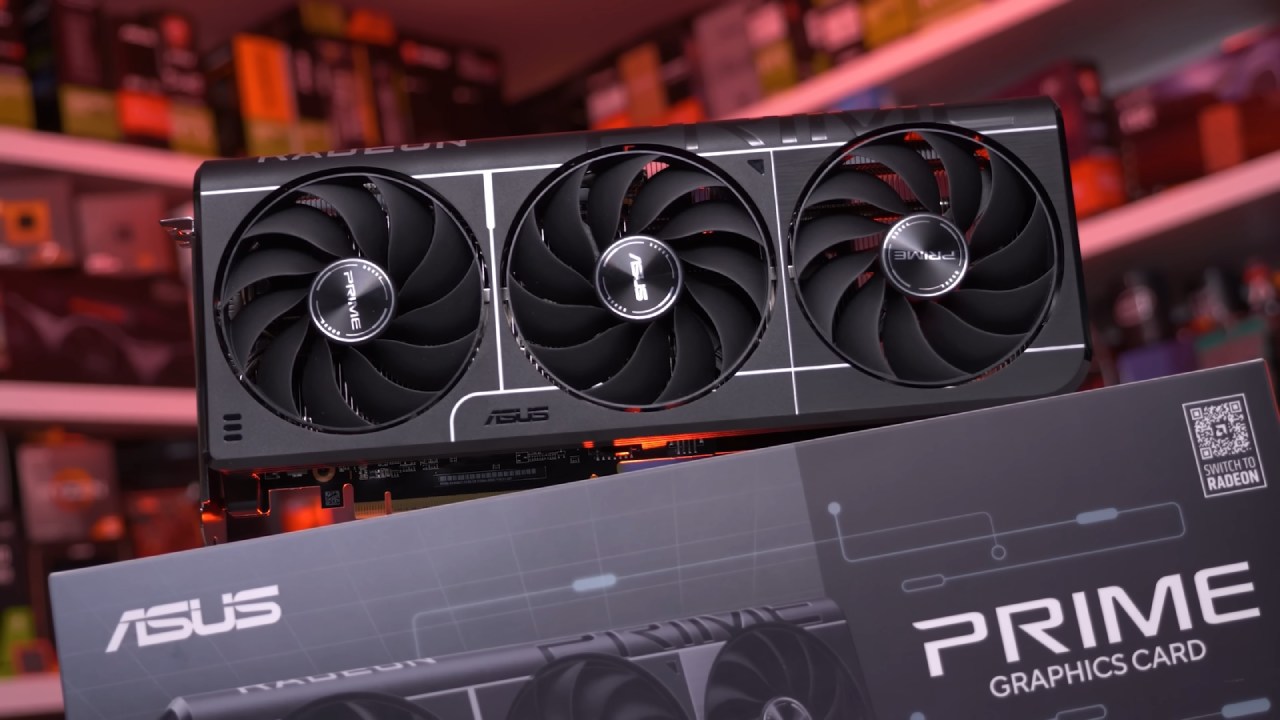
A Look at the RX 9060XT 8GB
When it launched, the RX 9060XT 8GB received many negative reviews, largely because it had less VRAM than its competitors. It costs less than RTX 5060 and is meant to be the same as the 16GB version of 9060XT, but with 8GB less VRAM. The point is to determine whether it still makes sense financially.
Rationale and Test System
Testing was done on one of the most prevalent PC setups from the lockdown era, featuring a Ryzen 55600X processor and 16GB of 3200MHz RAM. This arrangement shows how the RX 9060XT 8GB will be used, especially as RAM prices rise, making comparable rigs more common again.
How Well Arc Raiders Works
RX 9060XT 8GB surprised us with Arc Raiders. It stayed around 60 fps in some of the hardest parts of the map at 1440p epic settings. VRAM usage stayed below 5GB throughout the game, which helped keep things stable. At 1080p, the experience remained good, with no major issues.
Results from Battlefield 6
Battlefield 6 showed how an 8GB card can only do so much. The game tried to use up to 11GB of VRAM, which was plainly too much for the GPU to handle. It wasn't great to run the game at 1440p on overkill settings, but it was passable when I turned down the settings to high and used FSR at 75%. At 1440p, I got above 60 fps, and at 1080p, I got close to 80 fps.
How Well Stalker 2 Works
Stalker2 used up all of the system RAM and VRAM. Native 1440p on high settings achieved about 35 fps; however, there was significant stuttering because the 16GB of system RAM and 8GB of VRAM were fully employed.
You should use FSR in balanced mode, which raises the frame rate to about 60fps and makes stuttering much less noticeable. The performance didn't improve at 1080p, suggesting that the RAM was the problem, not the GPU's sheer capability.
The Borderlands 4 Experience
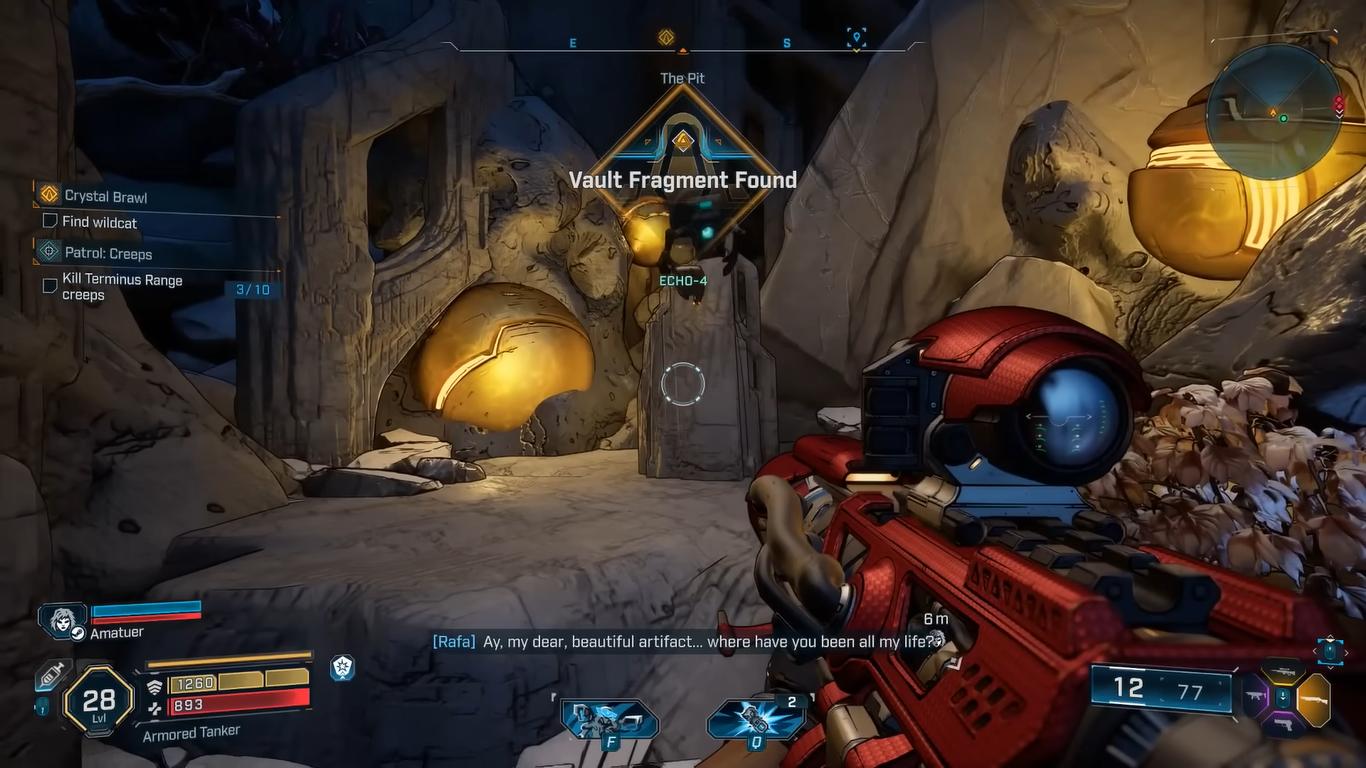
Borderlands 4 used memory considerably more aggressively. When I started the game on badass settings, it didn't go well. When you switched to the suggested preset, the game automatically set itself to medium settings with FSR on quality. Even if this was fine, 1440 p.m. still didn't feel right. It was more consistent when I dropped the settings. The game ran at about 75 fps at 1080p, which made it playable.
Games for esports: How Well Does it Work
There were no problems with Counter-Strike. Ryzen55600X ran the game without any problems, and the RX 9060XT 8GB didn't use more than 5GB of VRAM too often. Both 1440p and 1080p medium settings worked well. Rainbow Six Siege worked the same way, operating smoothly at maximum settings on both screen sizes.
The Black Myth Wukong Outcomes
With FSR set to 75%, Black Myth Wukong may be played smoothly at 1440p high settings. At 1080p, the results were the same, suggesting that the 16GB of system RAM was the main issue, not just the GPU performance.
Final Thoughts
RX 9060XT 8GB is a good GPU. The 8GB of VRAM is certainly the biggest problem, especially when the system RAM is less than 32GB. To keep things stable in many newer games, you may need to drop the settings or the resolution. The 16GB version is excellent if you can spend an extra €100. That said, the RX 9060XT 8GB still performs better than the RTX 5060 in many situations.
You don't have to worry if you already have this card. It runs esports games without issues and can run newer AAA games at lower settings without issues.
Also, check our other AMD articles below:
- AMD Ryzen 9 9950X3D Review: Setting The Standard For 2025 Gaming CPU
- AMD Ryzen 7 9800X3D Review: 3D V-Cache Goes God Mode with Stunning Gaming Performance
- AMD RX 9070 Performance Review: Thermals, Clocks, and Real-World FPS
- AMD Ryzen 5 7600 Review: Best Budget Gaming CPU of 2025?
- AMD Radeon RX 7800 XT Review: RDNA 3 Power For Midrange Gaming
- Sapphire NITRO+ AMD Radeon RX 9070 XT Review: The Ultimate 4K Gaming GPU
- AMD Ryzen 7 7800X3D: Delivers Gaming Performance Far Beyond Expectations
- AMD Ryzen 9 7900X Review: Powering the AM5 Era with DDR5 & PCIe 5.0
- Intel Core i9‑14900K vs. AMD Ryzen 7 7800X3D: Power Profiles & Gaming Benchmarks
Editor, NoobFeed
Gaming Hardware Updates
No Data.