
Directive 8020 Guide | How to Find the Probe’s Serial Number
Here’s a guide on how to find the Probe’s Serial Number in Directive 8020.
Game Guide by Ragib Rawnak on May 14, 2026
To finish the Probe Mission in Episode 7, you must find the full serial number for the Probe. The storm on Tau Ceti F has broken the screens, so the numbers are split up in different spots. You will need this code to send a message to Earth or call for help after you fix the hardware.
Finding the Serial Number Parts
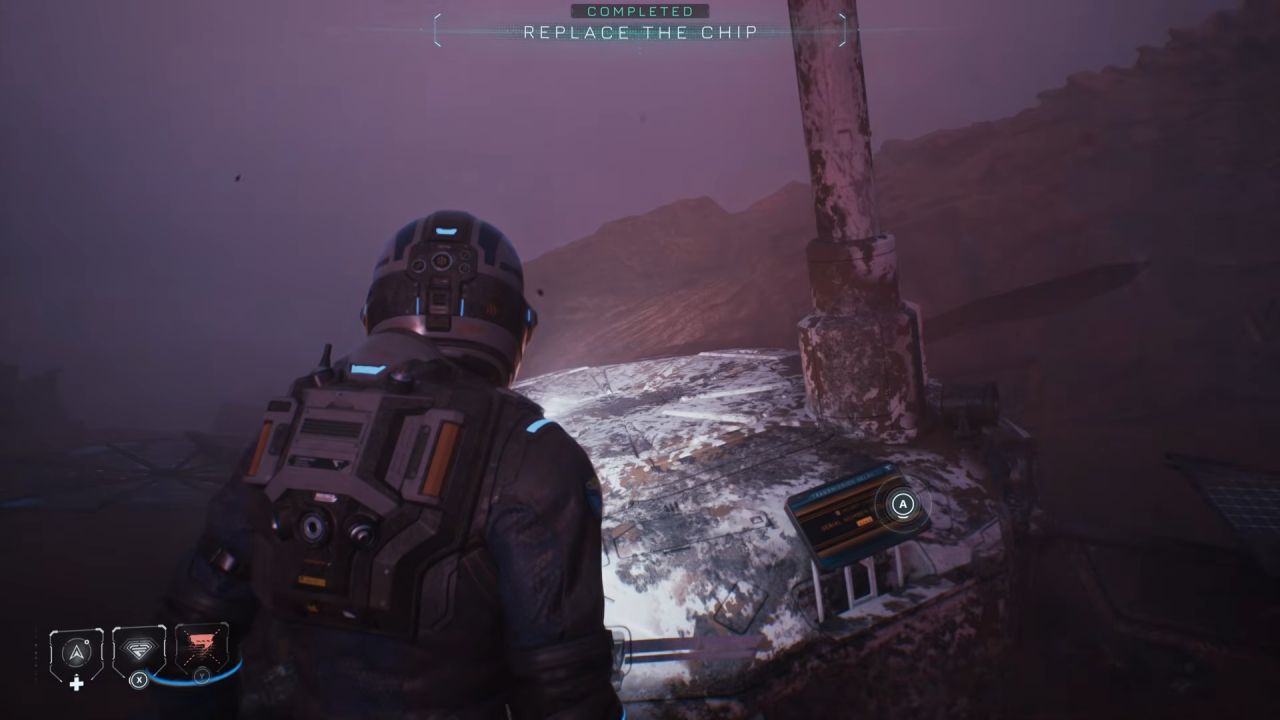
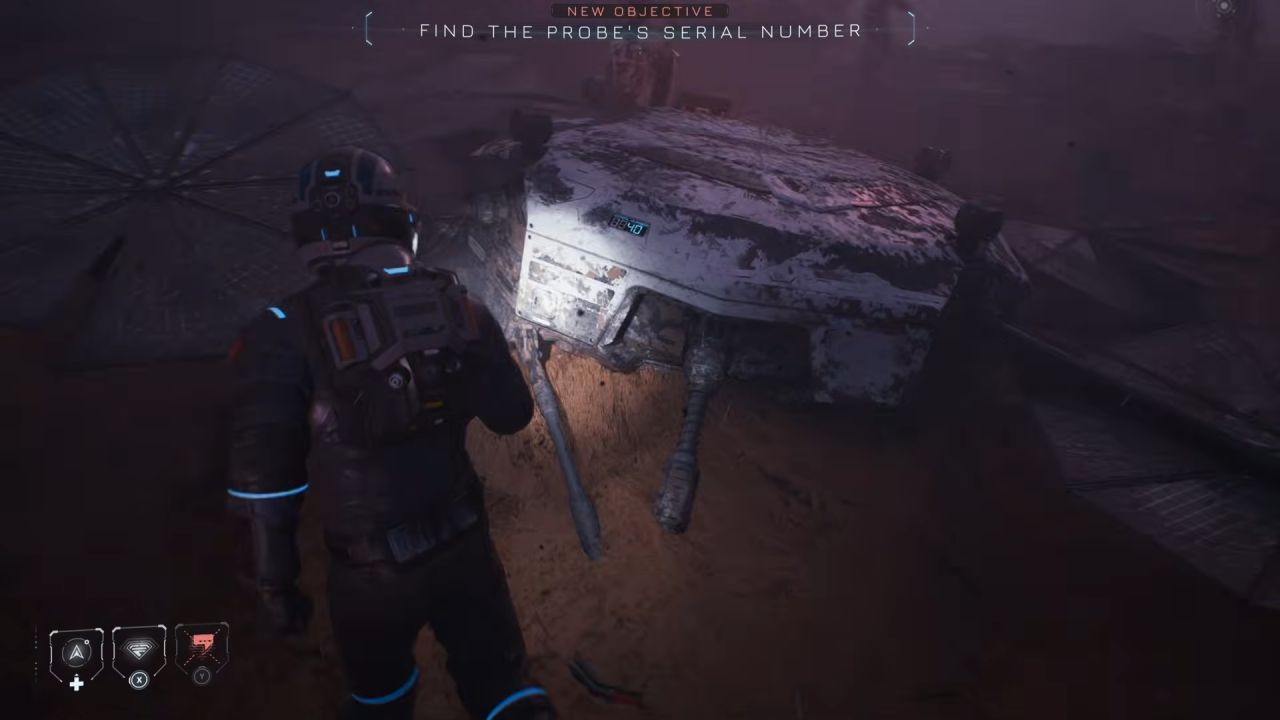
Start at the front of the Probe where you enter the code. The first screen shows 40 at the end of a four-digit set. Next, walk to the back of the Probe where you grab the Replacement Chip in Directive 8020.
You will see a second screen here that shows a 2 at the very start. Finally, walk toward the Rocks on the right side of the area. Hidden behind them is a third screen that displays the number 5.
Fixing the Probe
Before you can use the code, you have to swap out the Overloaded Chip. Take the Replacement Unit from the back and put it into the Probe.
Once the new part is in, type the serial number 2540 into the panel. So you can close the transmission and continue the story in Directive 8020.
Also, check our other guides below:
- Directive 8020 Guide | Episode One Simm’s Recording Location
- Directive 8020 Guide | How to Get Carter's PC Password
- Directive 8020 Guide | How to Unlock Hydroponics With Power Cell
- Directive 8020 Guide | How to Solve the Chemical Puzzle
- Directive 8020 Guide | How to Find Anomaly Log Code
- Directive 8020 Guide | All Episode Two Secrets Location
- Directive 8020 Guide | All Episode One Secrets Location
- Directive 8020 Guide | All Episode Eight Secrets Location
- Directive 8020 Guide | All Episode Seven Secrets Location
- Directive 8020 Guide | All Episode Six Secrets Location
- Directive 8020 Guide | All Episode Five Secrets Location
- Directive 8020 Guide | Episode Six Simm’s Recording Location
- Directive 8020 Guide | How to Save the Entire Crew & Get the Best Ending
- Directive 8020 Guide | All Episode Three Secrets Location
- Directive 8020 Guide | Episode Five Simm’s Recording Location
- Directive 8020 Guide | Episode Three Simm’s Recording Location
- Directive 8020 Guide | Episode Two Simm’s Recording Location
- Directive 8020 Guide | How to Find Cold Storage Key Code
- Directive 8020 Guide | How to Find Crew Locker Key Code
Senior Editor, NoobFeed
Latest Articles
No Data.