
AMD Adrenalin 26.11.1 Update Stops Excessive SSD Writes
AMD's latest optional driver tackles excessive SSD writes caused by Radeon background services, addressing a serious system storage endurance concern.
Hardware by Tanvir Kabbo on Nov 14, 2026
AMD has released an emergency graphics driver update to address a troubling Radeon software bug that could continuously write unnecessary data to users' SSDs, even when their computers were doing absolutely nothing. The newly released AMD Software: Adrenalin Edition 26.11.1 (Optional) addresses two separate issues causing excessive system drive writes, following growing reports from Radeon owners about unusually high storage activity.
For PC builders, this is more than another routine driver update. An SSD's endurance is directly related to how much data is written to a disk over its lifetime, often referred to as Total Bytes Written (TBW). It's especially annoying to see GPU software unnecessarily using up write endurance when NAND flash pricing and SSD replacement costs are still a concern for hardware enthusiasts.
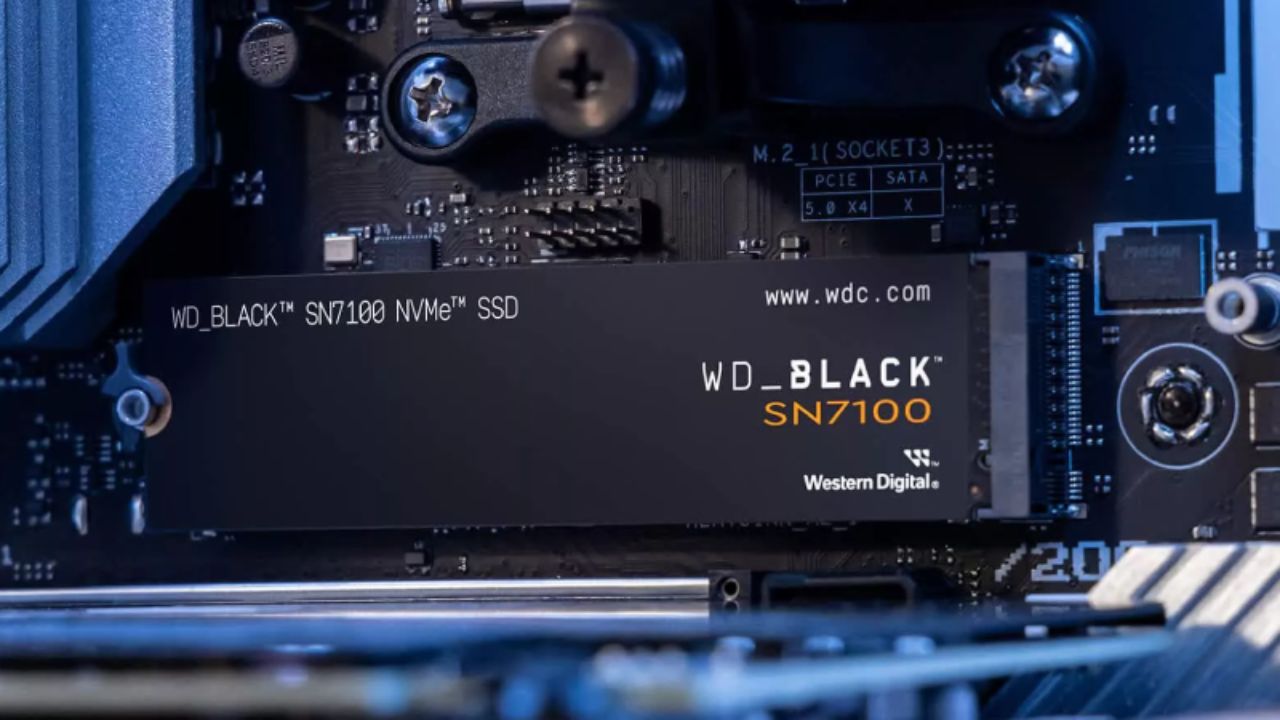
Today's SSDs are built to handle a lot of stress, but writing hundreds of gigabytes of unnecessary data every day can become a serious problem over time.
AMD Adrenalin 26.11.1 Fixes Two SSD Write Problems
AMD Adrenalin 26.11.1 includes two critical fixes for excessive writes to the system drive, according to AMD's official release notes. The first addresses needless storage activity when the computer is idle, notably affecting Radeon RX 7000 and RX 9000 series graphics products and newer compatible hardware.
The second patch is for excessive writes that occur when users move or resize program windows. Like the idle-write issue, AMD's changelog doesn't limit this issue to certain Radeon versions, implying other Radeon combinations may have been affected.
Both problems are particularly concerning because they involve ordinary desktop activities rather than demanding gaming workloads or professional applications. A computer sitting at the Windows desktop should not continuously generate enormous amounts of unnecessary storage traffic simply because its graphics driver is running.
Atieclxx.exe Was Behind the Unnecessary SSD Activity
The problem was traced to AMD's External Events Client Module, which runs through atieclxx.exe as part of the AMD External Events Utility. This background component normally handles display-related functionality and Radeon software events. However, affected PCs have reportedly shown aberrant behavior, leading to repeated writes to the primary Windows installation drive.
Hardware journals like Wccftech and TechPowerUp reported activity between 0.3MB/s and 5MB/s in the worst cases. If sustained 24/7, that amounts to about 26GB to 432GB of needless writes every day.
Some Radeon owners reported daily write totals exceeding 50GB, with more extreme cases crossing 400GB. Such activity is especially problematic because it can occur without any obvious performance symptoms. Users might notice nothing unusual during gaming or everyday desktop use while their SSD quietly accumulates additional writes.
The important distinction is that excessive writes do not automatically mean an SSD has suffered permanent damage. However, unnecessary write amplification can consume part of a drive's rated endurance, making this a legitimate hardware longevity concern rather than simply an inconvenient software bug.
How to Check Your SSD and Install the Update
Radeon owners running potentially affected drivers should check their background storage activity before updating. Windows Task Manager provides a useful starting point. Open Task Manager, navigate to the Details tab, right-click a column heading, and enable the I/O Write Bytes column. Look for atieclxx.exe and see if its total writes start to climb abnormally fast with the system just sitting there.
Another approach to check is to use Windows Resource Monitor. Open it from the Start menu, go to the Disk tab, and check which processes are creating write activity. AMD's background component generates persistent storage traffic even when there's no substantial activity, which is worth further investigation.
The recommended solution is to install Adrenalin Edition 26.11.1 directly from AMD's official release notes page. Importantly, this is an Optional Driver, so users should not assume the standard automatic update notification will offer it immediately. Manually downloading and installing the package is the safest way to ensure the fix is applied.
Users who previously disabled the AMD External Events Utility or implemented manual Registry and service workarounds should also review those changes after installation. Restore normal service functionality where appropriate, remove obsolete workarounds, and verify that the excessive write behavior has stopped.
FAQ
Q. What does AMD Adrenalin 26.11.1 fix?
A. AMD Adrenalin Edition 26.11.1 fixes two bugs causing excessive SSD writes: one during system idle periods on Radeon RX 7000 and RX 9000 series GPUs, and another when moving or resizing application windows.
Q. Which Radeon graphics cards are affected by the SSD write bug?
A. The idle-write issue specifically affects Radeon RX 7000 and RX 9000 series graphics products, while the window-resizing issue affects a broader range of Radeon configurations.
Q. How can users check whether AMD software is excessively writing to their SSDs?
A. Users can open Windows Task Manager, enable the I/O Write Bytes column under the Details tab, and monitor atieclxx.exe for unusually high write activity. Windows Resource Monitor can also help identify excessive background disk writes.
Q. Does AMD Adrenalin 26.11.1 install automatically?
A. No. Adrenalin Edition 26.11.1 is an optional, non-WHQL driver, so users may need to download and install it manually from AMD's official website.
Senior Editor, NoobFeed
Gaming Hardware Updates
No Data.