
XBOX ROG Ally X Gets AMD Auto SR Update With Internal Display Support
AMD expands Auto SR support to the XBOX ROG Ally X internal display, bringing AI-powered upscaling to more games.
Hardware by Masaru Hoshino on Nov 13, 2026
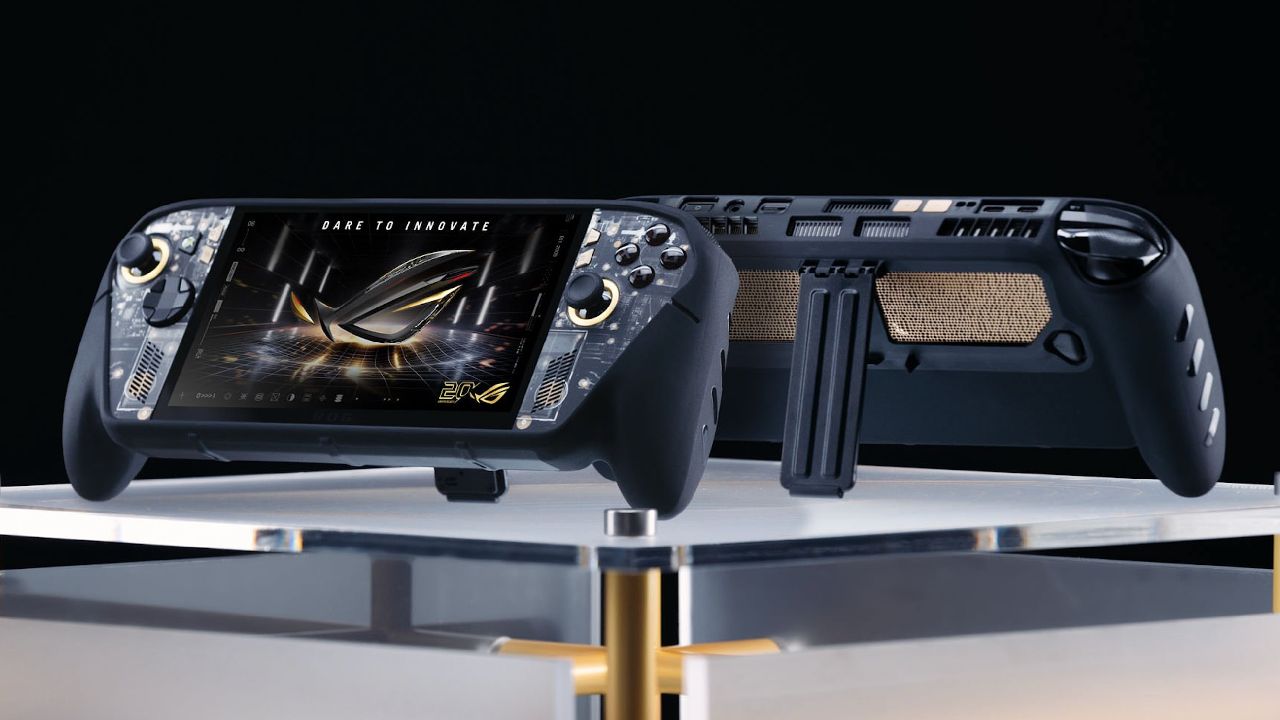
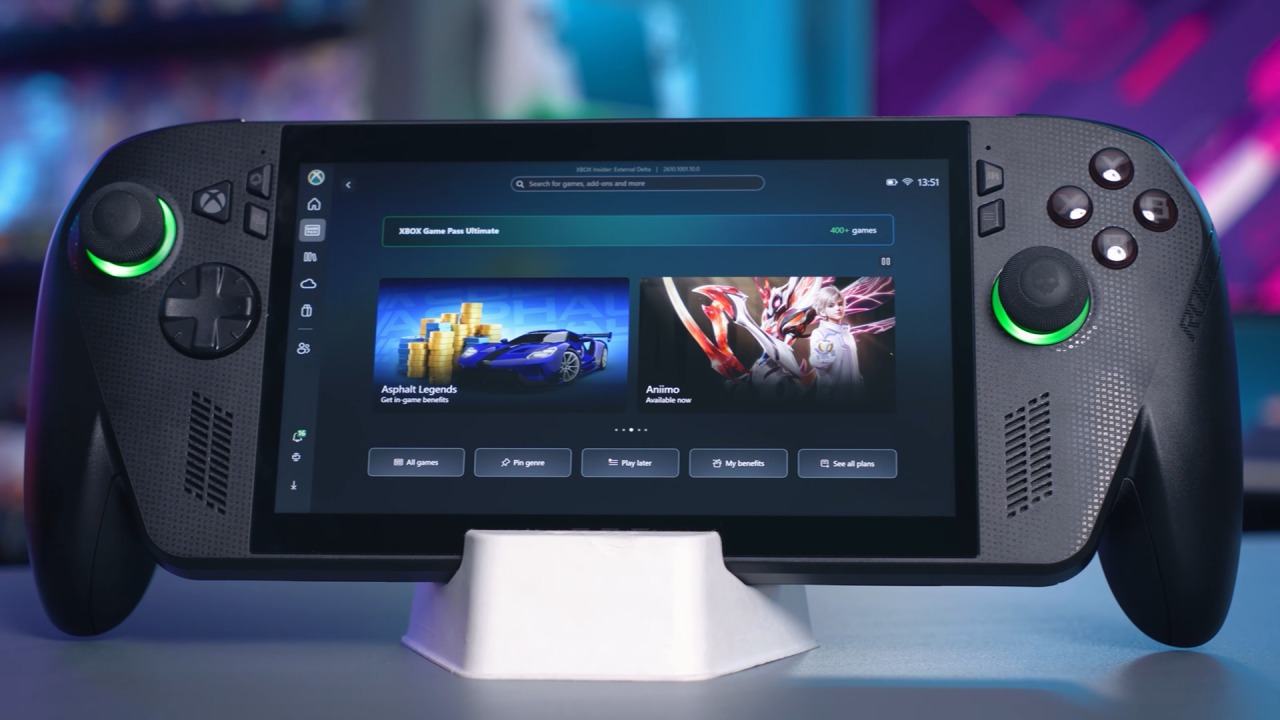
AMD's Auto Super Resolution (ASR) has been updated to include AI-powered upscaling on the Xbox ROG Ally X's internal display, letting players increase visual quality in games that lack native upscaling support. This capability was previously available only on external displays and may now run on the portable screen itself, using the NPU in the Ryzen Z2 Extreme AI CPU. The update also adds Quality and Performance options, offering users additional flexibility over image clarity and frame rates.
AMD Auto SR Finally Supports the Internal Display
The Xbox ROG Ally X debuted with much fanfare around Auto SR and its use of the NPU to drive AI-based upscaling. However, the first implementation only supported external monitors, limiting its relevance for handheld gaming.
The new update has lifted that restriction, allowing ASR to upscale games directly on the device's internal display. Unlike FSR 4, which often needs to be integrated into a game or requires additional tools to function in unsupported titles, ASR runs at the system level. That means it can improve visual quality even in older games without built-in upscaling technology.
How to Enable AMD Auto SR
After updating Windows and related system software, customers can find the function in Windows Display Settings under Graphics and Auto SR Xbox. The new interface offers Quality and Performance modes, as well as an option to let Windows pick the right setting for you. Quality leans toward image clarity, Performance toward higher frame rates, supporting up to 120fps depending on the game.
Users can also enable an in-game status indicator to see whether ASR is on. Other options include ASR notifications, split-screen ASR, and maximum display resolution.
However, there is an important resolution requirement. Although users can leave the display configured at 1080p, ASR needs a lower rendering resolution to provide meaningful upscaling. Setting the game to 720p or 900p allows the technology to reconstruct the image for the internal 1080p display.
AMD Auto SR Performance Compared to Native 720p and FSR 4
Performance testing in Gears of War: E-Day started at native 720p, with no upscaling. The Xbox ROG Ally X delivered about 40–43 fps during the tested gameplay sequence.
Enabling ASR Performance dropped performance to around 37-38 fps, or a 10% reduction. Switching to Quality mode gave similar results, still around 38 fps. We also tested the FSR 4 Quality option at 720p internal resolution for 1080p output. Performance hovered around 40fps, quite close to ASR.
The results show that both technologies add processing overhead. ASR uses the NPU, but upscaling adds cost and impacts total system resources. Users should also avoid stacking RSR, FSR, and ASR at the same time. Using multiple upscaling technologies at once can result in visual and display issues.
AMD Auto SR Image Quality Compared to FSR 4
The biggest gain comes when comparing image quality. 720p native looks OK on the handheld's modest screen, but texturing and finer details sometimes look a bit fuzzy. ASR Performance really improves clarity, and Quality mode offers further gains in sharpness and detail. The difference is especially apparent in Marcus' jacket, as native 720p loses some texture detail.
The taxi comparison gives comparable findings. Both ASR levels improve the detail on the vehicle's inscriptions, leather seat texturing, and windows. The overall picture from FSR 4 Quality is the sharpest, holding more fine detail than either ASR setting.
But FSR 4 can occasionally look oversharpened. For instance, Marcus's beard doesn't look as natural as it does in the more balanced ASR Performance and Quality.
Is AMD Auto SR Worth Using?
AMD Auto SR is a nice addition to the Xbox ROG Ally X, especially for older titles that lack native upscaling capability. FSR 4 still delivers better overall picture reconstruction, but it isn't available in every title without additional compatibility tools.
ASR provides an easier system-level solution that delivers significantly greater clarity than native 720p, with about a 10% performance penalty. For games that already run comfortably, this compromise might be worth it.
Ultimately, ASR isn't a replacement for FSR 4, but it does offer portable players another useful way to boost image quality across a wider range of games.
FAQ
Q. What is AMD Auto SR on the XBOX ROG Ally X?
A. AMD Auto SR is an AI-powered upscaling technology that uses the NPU in the Ryzen Z2 Extreme AI processor to improve image quality in games, including titles without native upscaling support.
Q. Does AMD Auto SR support the XBOX ROG Ally X internal display?
A. Yes. The latest update enables Auto SR on the XBOX ROG Ally X's internal display, allowing users to upscale lower-resolution games directly on the handheld screen.
Q. How much performance does AMD Auto SR cost?
A. Testing in Gears of War: E-Day showed an approximately 10% performance reduction when using Auto SR compared to native 720p rendering.
Q. Is AMD Auto SR better than FSR 4?
A. No. FSR 4 generally delivers better image quality and sharper details, while Auto SR offers broader compatibility with games that lack native upscaling support.
Editor, NoobFeed
Gaming Hardware Updates
No Data.