
Ryzen 7 9800X3D vs. 9700X: Performance and Price Compared
Ryzen 7 9700X challenges the 9800X3D with gaming benchmarks across multiple resolutions and graphics settings.
Hardware by Nahe Yan on Nov 14, 2026
AMD's X3D processors have become a popular choice among gamers because their 3D V-Cache technology can improve gaming performance by reducing memory latency and storing more data directly on the processor. However, these processors also come with a higher price, raising the question of whether the additional cost is justified.
The Ryzen 7 9700X and Ryzen 7 9800X3D are two AMD Zen 5 processors with eight cores and the same AM5 socket. The main difference is that the 9800X3D comes with 3D V-Cache, while the 9700X does not. After testing both processors across 10 games at different resolutions and graphics settings, the results show where the X3D technology makes a difference and whether it is worth paying extra for gaming.
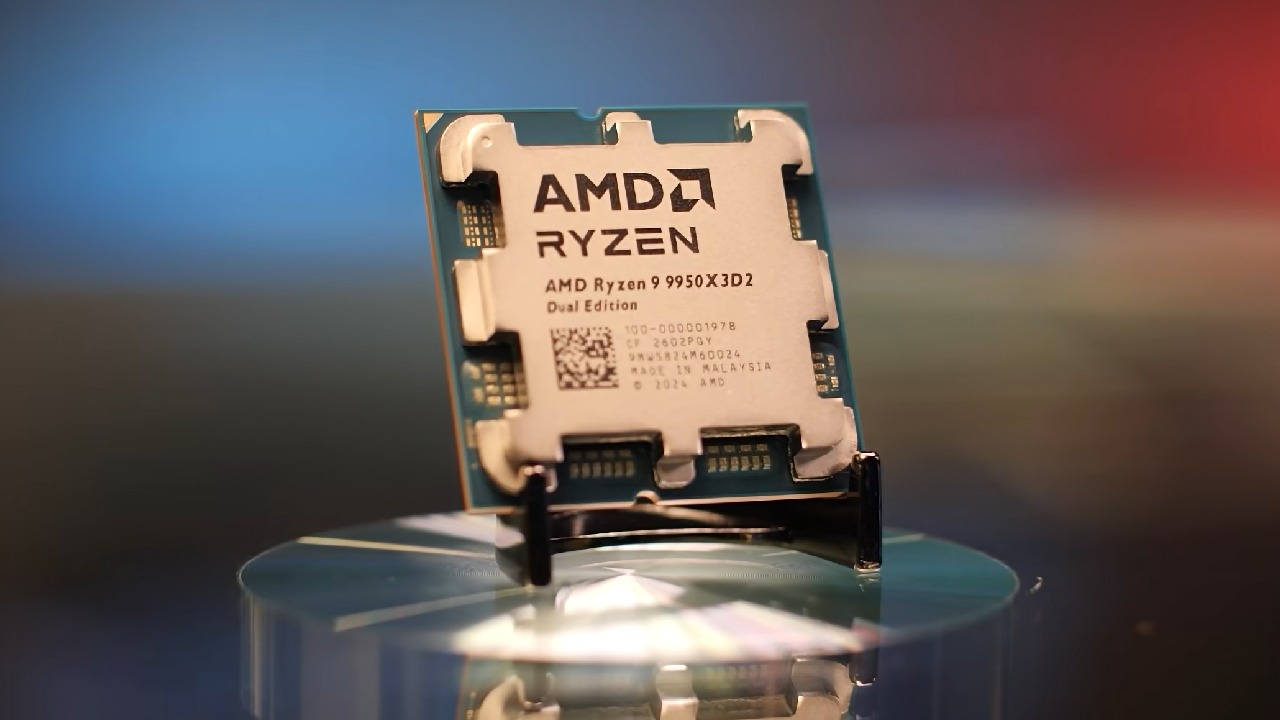
Understanding AMD's 3D V-Cache Technology
In 2022, AMD introduced a technology that changed how additional cache memory could be integrated into a processor. The company took a regular CPU and stacked extra memory on top of it, creating one of the processors that delivered significant gaming performance improvements. However, AMD does not include this technology in all its CPUs. If you've been shopping for a processor, you've probably wondered whether the X3D version is worth the additional cost.
To understand that, we need to look at what 3D V-Cache does, when it is worth paying for, and when it offers little benefit. Every CPU has a small amount of high-speed memory built directly into it called cache. Think of it as the processor's personal notepad. The CPU keeps anything it needs to access frequently here because retrieving data from system RAM takes much longer.
Traditionally, adding more cache required making the chip physically larger by placing additional memory next to the cores. AMD's approach was different. It stacked the memory vertically on top of the CPU, allowing the company to add more cache without increasing the chip's footprint. A processor has three levels of cache. L1 is the smallest but fastest, L2 is larger and slightly slower, while L3 is the largest and slowest of the three.
However, even L3 cache is significantly faster than system RAM. 3D V-Cache essentially adds a large amount of additional L3 cache directly to the processor. This matters for gaming because games constantly request the same chunks of data, including physics calculations, enemy AI, and world geometry.
Ryzen 7 9800X3D Introduces a Different 3D V-Cache Design
Every time the CPU needs to retrieve that information from system memory instead of cache, frame rates can take a hit. More cache means the processor accesses system memory less often, which can lead to significant gaming performance improvements. 3D V-Cache can improve gaming performance by making processors less sensitive to memory bandwidth and latency.
However, AMD does not use this technology across its entire CPU lineup for a reason. Stacking cache on top of the cores traps heat. To prevent the processor from overheating, AMD has to reduce clock speeds. For gaming, the additional cache can make this trade-off worthwhile.
However, workloads that don't depend heavily on cache, such as video rendering, Cinebench, and most productivity applications, can suffer from the lower clock speeds. That's why AMD only includes 3D V-Cache on specific processors. It is designed primarily for gaming rather than being a solution for every workload.
With the introduction of the Ryzen 7 9800X3D, AMD changed the design by placing the additional cache underneath the cores instead of on top. This change allows the processor cores to make direct contact with the CPU cooler, helping heat escape more effectively. As a result, AMD could increase clock speeds and even let users overclock the processor, something older X3D chips could not offer in the same way.
This design also let AMD add 3D V-Cache to the second CCD of the Ryzen 9 9950X3D, though it added high cost without delivering a similar performance boost. With that in mind, the next question is whether you actually need 3D V-Cache for gaming.
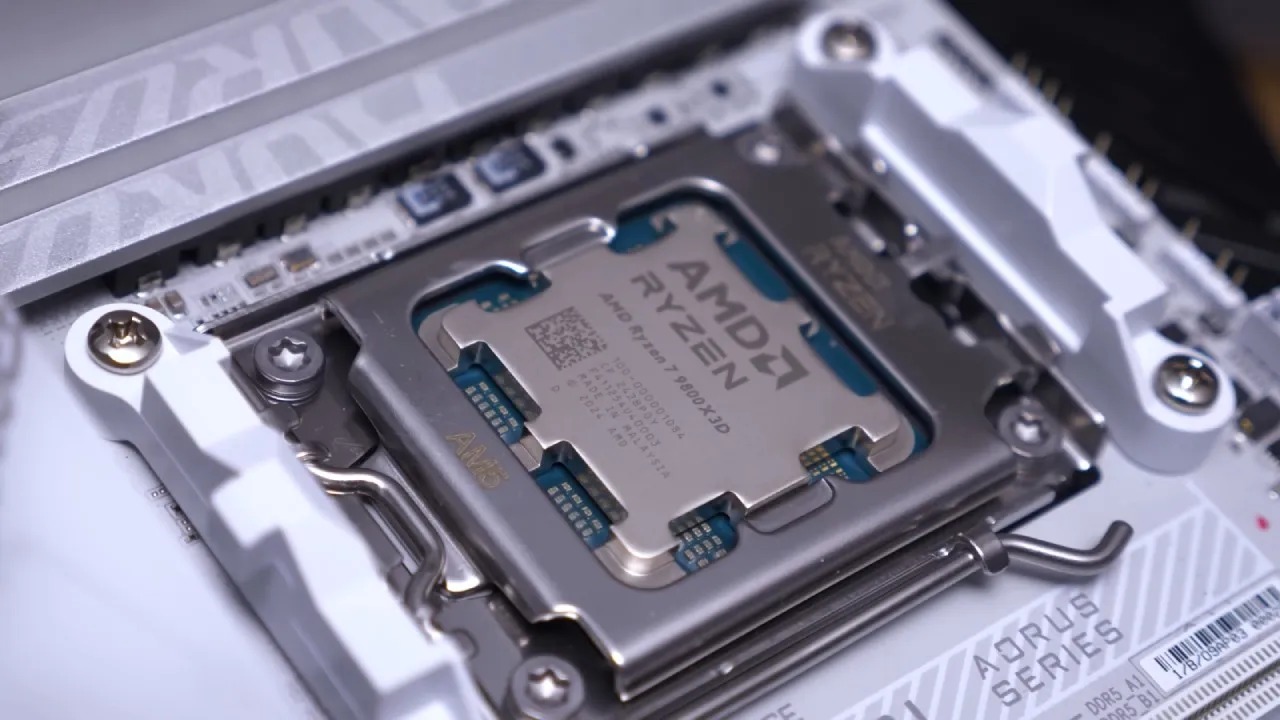
Ryzen 7 9700X vs. Ryzen 7 9800X3D Test System
The comparison focuses on two AMD 8-core Zen 5 processors: the Ryzen 7 9700X and the Ryzen 7 9800X3D. To keep the comparison fair, we tuned both processors before testing. The test systems used an ASUS ROG Crosshair X870E Hero motherboard paired with a G.Skill DDR5 6000 CL26 Hynix A-die memory kit.
For the Ryzen 7 9700X, higher memory speeds deliver better performance, so we tuned the RAM to run at 8000 MT/s with CL34 timings. The Ryzen 7 9800X3D is less sensitive to memory speed, so we ran the RAM at 6000 MT/s with CL28 timings. We standardized the remaining components across both systems. We selected an RTX 5080 to place a high load on each CPU, and we tested the graphics card at its default clocks.
We used an RTX 5080 instead of an RTX 5090 to reflect better the type of GPU users would pair with these processors. We also used Thermal Grizzly Kryo Sheets and applied several performance-enhancing tweaks to both CPUs. The testing covered different resolutions and graphics settings to understand how each processor performs under different workloads.
Upscaling was used only when automatically selected as part of the standard graphics options, and the benchmarks clearly identified those results. The Game Quality Index (GQI) metric was also included in each benchmark to provide additional insight into how each CPU affects the overall gaming experience. Two games were added to the benchmark suite: Call of Duty: Modern Warfare IV and Gears of War: E-Day.
CPU Tuning and Optimization for Maximum Performance
Before looking at the results, it is important to understand how both processors were configured to extract their maximum performance. Ryzen 7 9700X and Ryzen 7 9800X3D received several BIOS and Windows adjustments. The following settings improved performance. PBO was set to Motherboard, and PBO Scalar was set to 2x.
The maximum CPU boost clock override was increased to +200MHz, and a negative all-core curve offset of 30 was applied. The RAM clocks, voltages, timings, and Nitro settings were also tuned. The integrated GPU was disabled in BIOS, and the balanced power plan was selected in Windows. These adjustments can improve performance, but they must be configured carefully.
Each setting's stability depends on the quality of the individual CPU, so there is no guarantee that every processor will remain stable with the same configuration. CPU-intensive tests such as OCCT or AIDA64 should be used after applying each adjustment. A memory stability tool such as Karhu is also recommended to confirm system stability. We measured the impact of these adjustments using Cinebench 2026 multi-thread testing.
We enabled each tweak individually to show its effect on performance, starting with the smallest improvement and moving toward the largest. We then repeated the same process with the Ryzen 7 9800X3D. Many of these adjustments work together. Some settings might not show a noticeable performance improvement on their own, but they can contribute to better results when combined.
When all the adjustments were implemented together, the Ryzen 7 9700X delivered around 22% higher performance, while the Ryzen 7 9800X3D achieved a 10% improvement. Latency also dropped by around 30%, showing the impact of proper tuning on both processors.
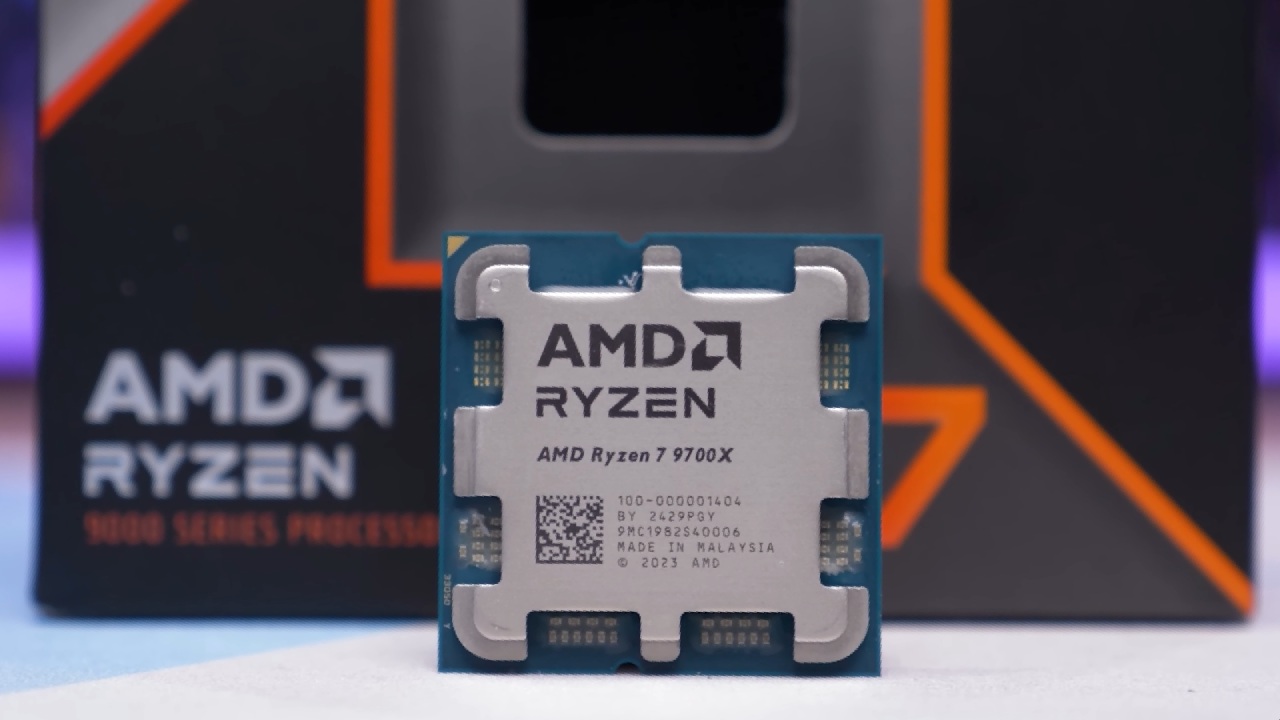
9800X3D dominated at 1080p, while the Ryzen 7 9700X matched its gameplay experience at 4K.
This highlights the 9700X's potential when properly configured and tuned. For most gamers, the answer is no, especially if you're playing at 4K ultra settings. Unless you're gaming at 1080p low settings or using upscaling in performance mode, there is little reason to spend an additional $100 on an X3D processor. Ryzen 7 9800X3D does offer some advantages, including better power efficiency and lower operating temperatures.
However, these benefits can be difficult to justify given the additional cost. If you're building a small-form-factor system where thermal performance is a priority, the extra cost might be worth considering. Otherwise, the Ryzen 7 9700X is a suitable alternative. With PBO and memory tuning, the 9700X can match the more expensive 9800X3D in almost every scenario except those that place the highest load on the CPU.
The Ryzen 7 9700X is an alternative to the 9800X3D, and the money saved can also help offset the cost of expensive DDR5 RAM. Ultimately, 3D V-Cache has a place in gaming, particularly when you're targeting higher frame rates at lower resolutions. However, not every gamer needs to pay extra for it. If you're primarily playing at 4K, the Ryzen 7 9700X delivers almost identical gaming performance while costing over $100 less.
FAQ
Q. Is the Ryzen 7 9700X better than the Ryzen 7 9800X3D for gaming?
A. No. The Ryzen 7 9800X3D delivers better gaming performance at lower resolutions, but the Ryzen 7 9700X offers similar performance at 4K and better value for money.
Q. Do you need an X3D processor for 4K gaming?
A. No. The Ryzen 7 9700X delivers 4K gaming performance nearly identical to the 9800X3D, making it a more cost-effective option for 4K gamers.
Q. How much faster is the Ryzen 7 9700X after performance tuning?
A. The Ryzen 7 9700X achieved around 22% higher performance after applying the combined PBO, Curve Optimizer, and memory tuning adjustments used in the testing.
Q. What is the main advantage of AMD 3D V-Cache?
A. 3D V-Cache adds additional L3 cache to the processor, reducing the need to access system RAM and improving gaming performance, particularly in CPU-intensive scenarios.
Editor, NoobFeed
Gaming Hardware Updates
No Data.