
FSR 4 vs. DLSS 4 at 4K: A Detailed Comparison
FSR 4 delivers notable 4K improvements, challenging DLSS 4 with sharper visuals, improved stability, and competitive performance gains.
Hardware by Tanvir Kabbo on Aug 11, 2025
A couple of weeks ago, FSR 4 was compared to DLSS 4 at a 1440p resolution, with the conclusion that FSR 4 is a strong upscaling technology, significantly better than FSR 3.1 and often outperforming Nvidia's DLSS 3. However, the newer DLSS 4, powered by its Transformer AI model, still comes out ahead. The next step is to see how FSR 4 performs at 4K.
Examining upscaling at different output resolutions is important because quality changes drastically between 1080p, 1440p, and 4K. At higher resolutions, more data is fed into the upscaling algorithm, resulting in better output quality.
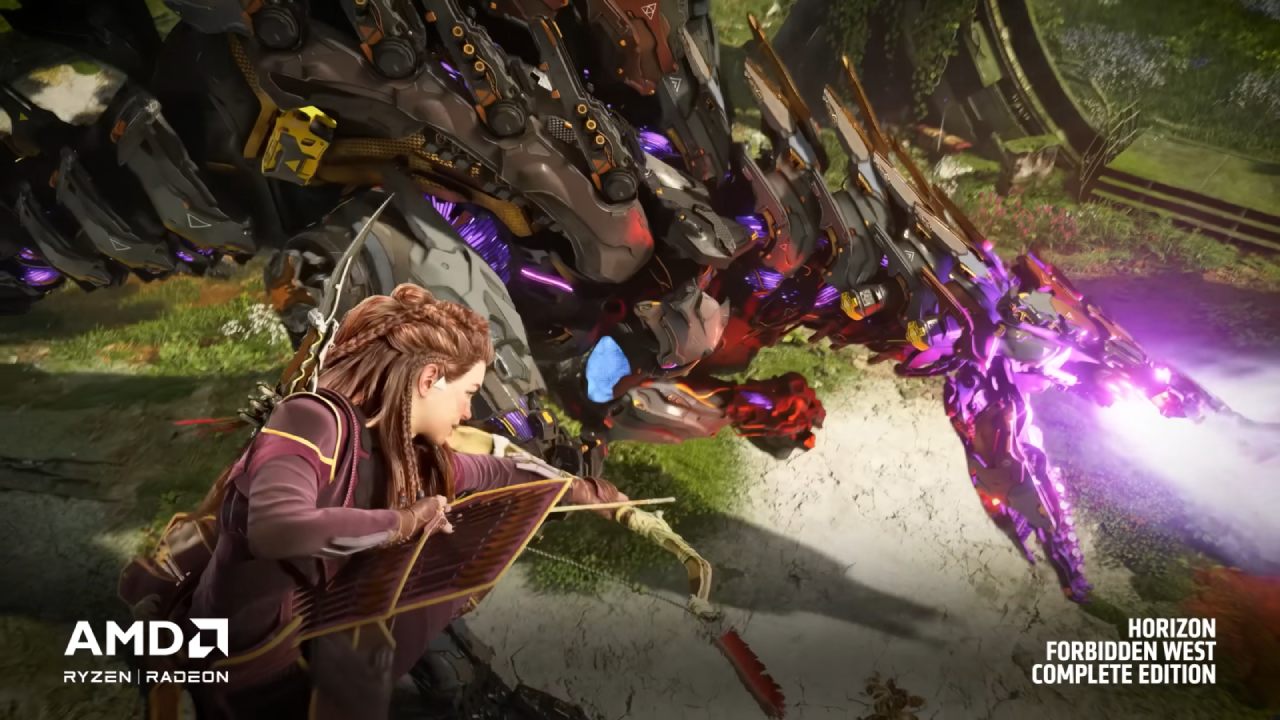
For instance, with FSR 3.1, quality mode at 4K was often usable but looked rough at 1080p. This makes 4K the most favorable condition for the technology.
FSR 4 vs FSR 3.1 at 4K
The difference between FSR 4 and FSR 3.1 at 1440p was one of the most notable features. The AI-based upscaler was a significant advancement, and even at 4K, the advantages are still evident, if somewhat altered. The difference isn't as noticeable in 4K as it was at 1440p because FSR 3.1 is more usable at that resolution.
However, FSR 4 clearly improves sharpness, clarity, and resolution. Fine details such as grass look sharper, transparencies are cleaner, hair is rendered correctly, and shimmering is reduced.
In some of the worst cases for FSR 3.1, such as Ratchet and Clank: Rift Apart, FSR 4 brings superior stability, giving the image more of a native 4K feel rather than looking like a lower-resolution upscale.
The gap widens when comparing performance modes. At 4K, FSR 3.1's performance mode struggles—grainy and unstable—while FSR 4's performance mode is far more usable.
Switching from FSR 3.1 quality mode to FSR 4 performance mode often results in better visuals, allowing for higher FPS without a severe quality loss.
FSR 4 vs DLSS: Texture Quality
When it comes to texture quality, both FSR 4 and DLSS 4 reduce or eliminate TAA-related blur in motion. At 4K, DLSS 4 holds a slight edge, while FSR 4 generally sits closer to DLSS 3 in quality, though still superior in many cases. The difference is less dramatic at 4K because TAA blur is less noticeable at this resolution, especially with DLSS 3.
DLSS 4 preserves texture quality exceptionally well, with FSR 4 trailing slightly but often matching or exceeding DLSS 3. Even in performance mode, FSR 4 provides clarity and sharpness where earlier AMD upscalers were blurry.
Texture quality in performance mode is usable and comparable to quality mode in terms of reducing TAA blur, something not possible with FSR 3.1.
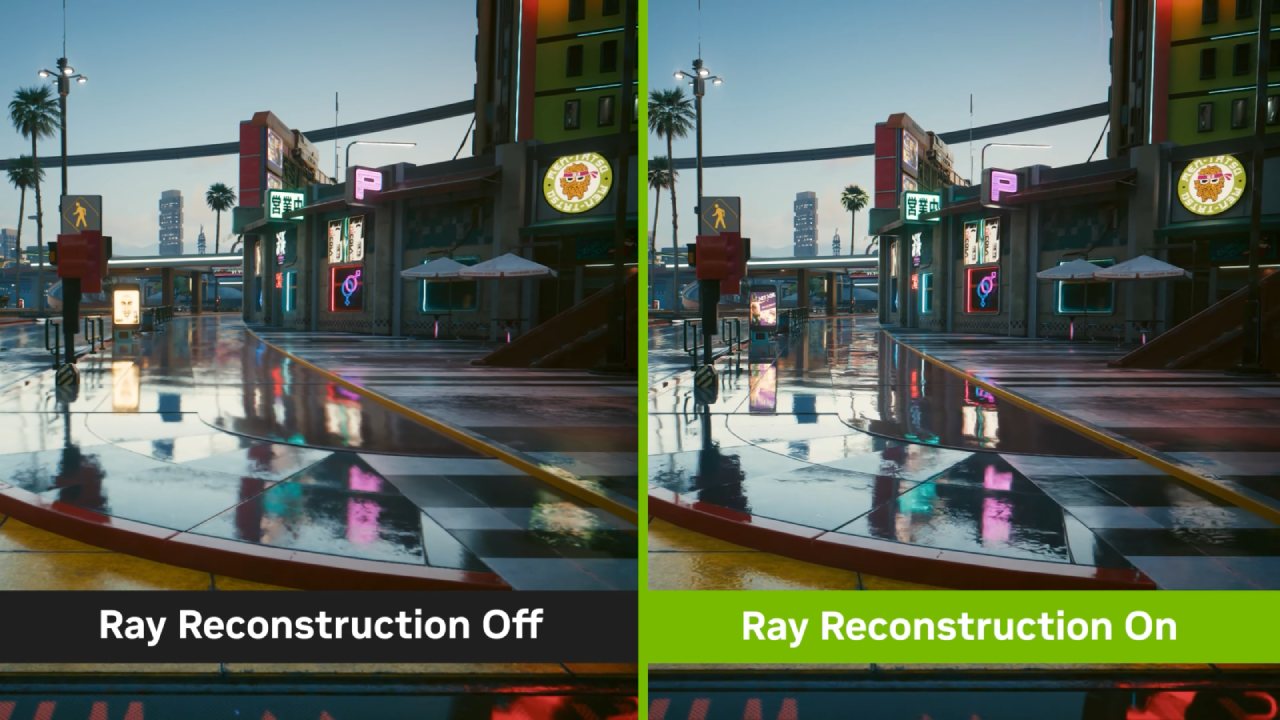
FSR 4 vs DLSS: Stability
FSR 4 is more stable at 4K than at 1440p. At 1440p, there were cases where DLSS 3 or even FSR 4 balanced mode outperformed FSR 4 quality mode in stability. At 4K, those issues are gone. In the worst cases, FSR 4 matches DLSS 3 in quality mode stability. DLSS 4 remains the most stable overall, but FSR 4's higher resolution output reduces artifacts like shimmering and sizzling.
In certain situations, such as around moving characters or mesh fences, FSR 4 even handles stability better than DLSS 4 due to fewer disocclusion artifacts.
Performance mode stability is often between DLSS 3 and DLSS 4, making it viable for more FPS without major sacrifices. The main drawback of lower modes is a slight loss in fine detail, most noticeable when compared directly to DLSS 4.
FSR 4 vs DLSS: Foliage Quality
Grass and foliage quality with FSR 4 is excellent, often falling between DLSS 3 and DLSS 4. In some games, FSR 4 is less grainy than DLSS 3 in quality mode, while in others, it matches DLSS 4's presentation.
Tree stability—an area where FSR 4 sometimes lagged at 1440p—is improved at 4K, generally matching DLSS 3. Even with thin branches or fine foliage details, FSR 4 is competitive, offering sharper results than DLSS 3 in some cases, though with slightly less detail when stationary.
Performance Impact
Performance testing at 4K shows similar trends to 1440p. On the RX 9070 XT, FSR 4 quality mode provided a 35% performance boost over native TAA, while DLSS 4 quality mode delivered a 31% gain on the RTX 5070 Ti.
Balanced modes were nearly identical in performance, and DLSS 4's performance mode was slightly faster. Both FSR 4 and DLSS 4 are a bit more demanding than their predecessors, but the quality gains are worth the trade-off.
Final Thoughts
At 4K, FSR 4 retains most of the strengths observed at 1440p and improves on them in several areas. Stability is better, edge-case issues are reduced, and FSR 4 consistently matches or beats DLSS 3 in image quality.
DLSS 4 still offers the sharpest, most stable image with the best fine detail reconstruction, but FSR 4 is now a strong contender and a substantial upgrade over FSR 3.1.
For most players, FSR 4 quality or balanced modes will deliver an excellent 4K experience, and even performance mode is usable—something that couldn't be said for earlier AMD upscalers. However, game support remains the biggest hurdle.
DLSS is supported in far more titles, while FSR 4 updates are slow to roll out. Many games that launched with FSR 3.1 still lack the driver-based upgrade toggle for FSR 4, even when it should be possible.
If AMD can improve day-one support and consistently allow games in driver updates, FSR 4 will be on strong footing in the upscaling market. At 4K, it's more usable than ever, offering stability, clarity, and performance that make it a legitimate alternative to Nvidia's solutions.
Check Our Other Articles:
- GeForce RTX 5090 Unleashed: Is NVIDIA's New Flagship the Ultimate 4K Gaming GPU?
- NVIDIA GeForce RTX 5080 Review (2025): Still A 4K Gaming Powerhouse?
- RTX 5090 Performance Testing In GTA 5 – 1080p, 1440p, and 4K Max Settings Benchmark
- NVIDIA RTX 5070 Review: Mid-Range Muscle or Marketing Hype?
- RTX 5070 Ti Review: Performance, Thermals & Power Efficiency Tested
- ASUS ROG Astral RTX 5090 OC Edition Review: 32GB GDDR7 & 4K Gaming Benchmark
- ASUS GeForce RTX 5090 LC Liquid Cooled GPU Review: Unmatched Silence & Speed
- MSI GeForce RTX 5090 32GB SUPRIM SOC Review: Power Efficiency, Cooling, and Gaming Performance
- INNO3D RTX 5060 Ti 16 GB X2 Review: Gaming Benchmarks, Temps, and Power Efficiency
- HP Omen 45L Review: RTX 5090 Performance, Thermals, and Value Analysis
- ASUS TUF Gaming GeForce RTX 5060 Ti Review: DLSS 4, Power Efficiency, and Gaming
- ASUS Prime RTX 5060 Ti OC 16GB Review: DLSS 4, Ray Tracing, & Thermals Tested
- NVIDIA GeForce RTX 5060 Review: Specs, Gaming, and Cost per Frame
- MSI GeForce RTX 5090 GAMING TRIO OC Review: A Monster Power GPU
Senior Editor, NoobFeed
Gaming Hardware Updates
No Data.