
GeForce Now Review: Cloud Gaming Finally Feels Playable in 2025
GeForce Now transforms from a niche experiment into a powerful and accessible cloud gaming platform in 2025.
Hardware by Tanvir Kabbo on Nov 13, 2025
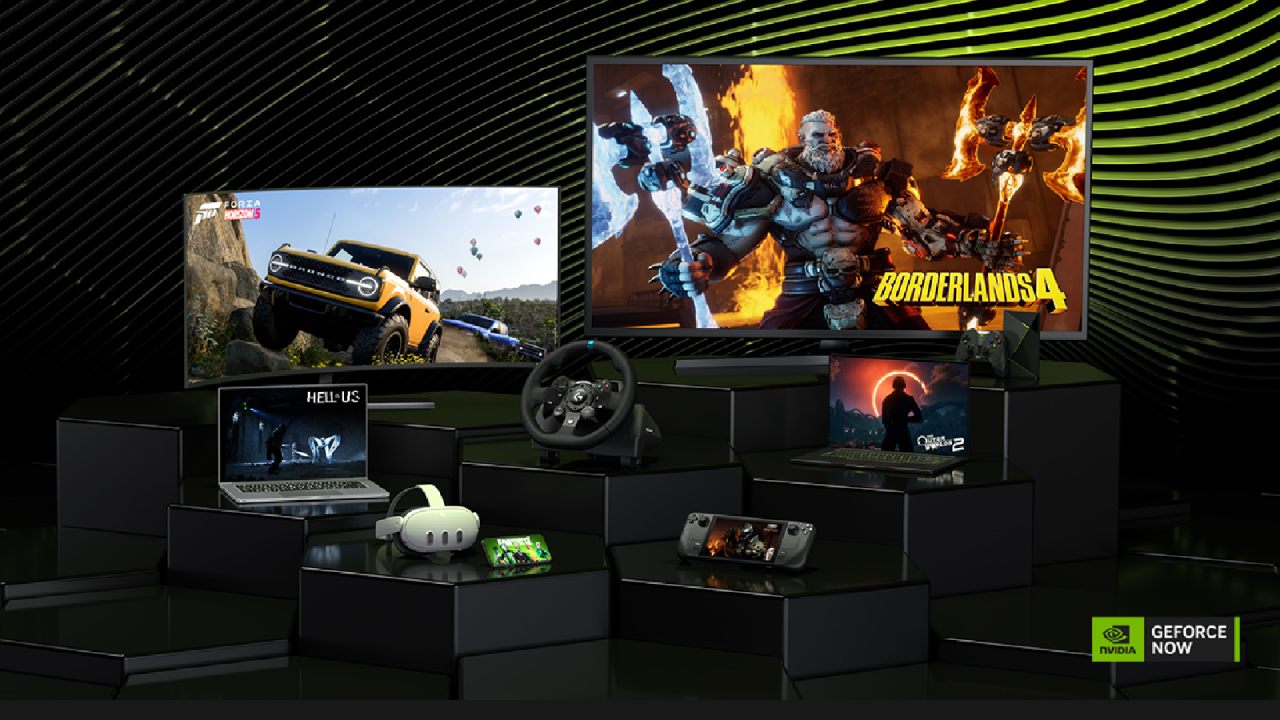
Ever since it launched back in open-access beta in 2017, GeForce Now, Nvidia's cloud gaming streaming service, has remained an intriguing anomaly in the gaming landscape. Initially designed as a competitor to Amazon's Luna and Google's Stadia—both of which failed—GeForce Now managed to evolve into something far more practical. It allows users to stream and play the games they already own from services like Steam, Epic Games Store, Ubisoft Connect, and Battle.net directly to their desktop or other devices.
For many gamers who own powerful game libraries but lack high-end PCs, GeForce Now promises a bridge between ownership and accessibility. However, its performance is still heavily dependent on your internet connection, and while it has improved drastically, it's not perfect.
Internet Requirements and Data Usage
To get anything meaningful out of GeForce Now, you absolutely need a fast internet connection and an unlimited data plan. The service consumes between 4GB and 16GB per hour,, depending on the quality of the stream, which can rapidly drain bandwidth. For users with limited data or slow internet, the experience can be frustrating.
We found that with a stable fiber connection and unlimited data, GeForce Now performs smoothly. In 2025, as internet infrastructure continues to improve across the US, more players can now experience the service as Nvidia originally intended. The improvement in internet service quality has made GeForce Now more accessible than it was just a few years ago.
Performance and Playability
When tested under ideal conditions—fiber internet, unlimited data, Ethernet connection, and strong Wi-Fi—GeForce Now performed impressively. Games like Nine Sols were actually playable with minimal input lag, a remarkable achievement given the precision the game demands. Arkham Knight felt almost indistinguishable from a local play session, with moments where it was easy to forget the game was being streamed from a remote data center.
The reduction in input lag is significant. While it's not entirely gone (physics still apply), it has reached a point where streaming games feels feasible rather than experimental. For gamers with proper setups, the performance is genuinely impressive.
Subscription Tiers and Pricing
GeForce Now offers three subscription options:
Free Tier: Unfortunately, it's nearly unusable. The queue times are long, performance is poor, and you're forced to watch ads while waiting to play.
Priority Tier ($10/month or $100/year): This option offers mid-level GPU access, but it is still limited and not worth the price.
Ultimate Tier ($20/month or $200/year): The best option available. It gives access to over 4,000 supported titles (though you must own most of them) and allows up to 8 hours of daily playtime in up to 4K resolution at 240fps.
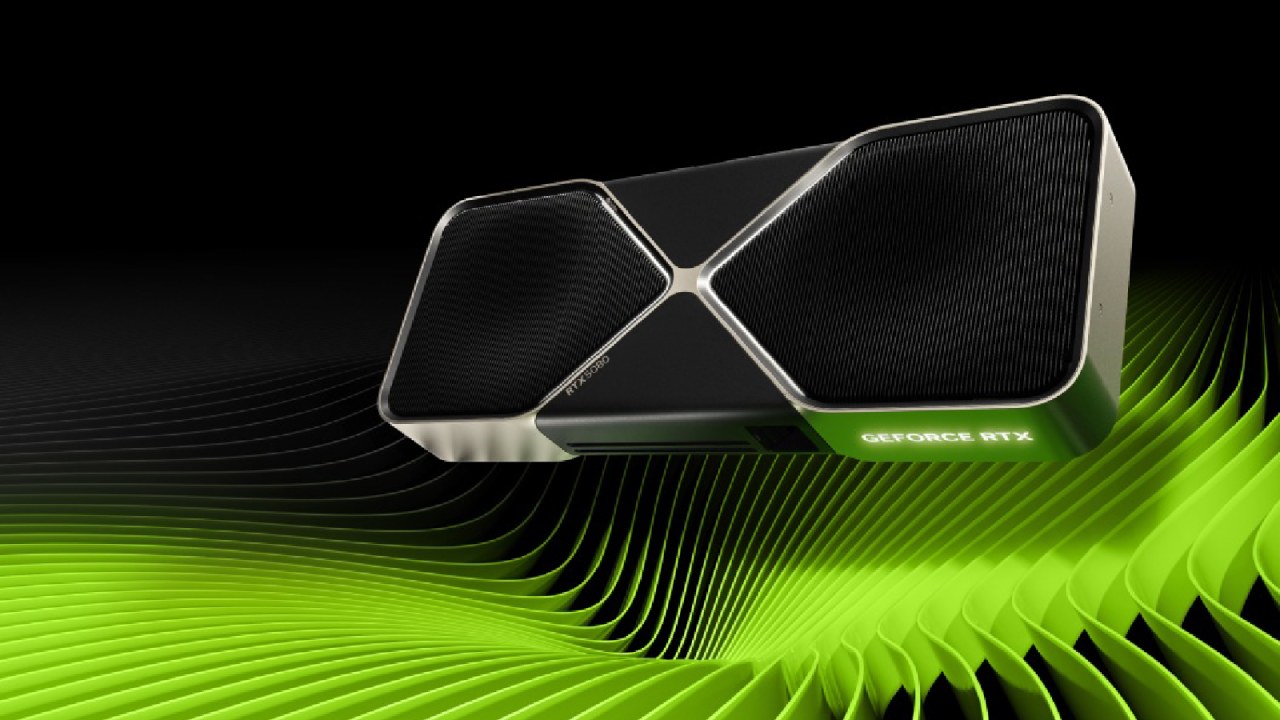
Most of the servers use RTX 4080 GPUs, but Nvidia is gradually upgrading to RTX 5080s. Access to these newer GPUs, however, depends on availability and demand.
Gameplay Experience and Compatibility
When you start a game, GeForce Now boots up a virtual desktop remotely, launches your chosen platform (like Steam), and then launches the game itself. This setup sometimes feels awkward—certain titles require multiple launches or updates before you can actually play.
Games such as Dying Light, Mafia: Definitive Edition, and The Beast Inside ran almost perfectly, with only minor hiccups caused by their respective engines. However, not every title works flawlessly. Call of Duty refused to launch properly, hanging or crashing during load screens despite correct login credentials.
Games requiring high precision aiming, such as first-person shooters, can feel slightly sluggish due to input delay. On the other hand, side-scrollers and platformers perform well, especially at consistent frame rates. Games like Space Marine 2, Borderlands 4, and Indiana Jones looked incredible. They played smoothly, while twitch-based games showed minor lag but remained playable.

Missing Titles and Catalog Limitations
The fact that GeForce Now's game library isn't always the same is one of the most annoying things about it. Publishers must choose to have their games added; therefore, some major franchises are missing. Titles like Grand Theft Auto, Red Dead Redemption, and Elden Ring are unavailable, along with all PlayStation and Konami games.
While Microsoft supports the platform with many of its titles, the gaps in availability are noticeable. Since you still have to purchase the games you stream, it's puzzling why some publishers avoid the platform entirely.
There are a few exceptions—some Game Pass Ultimate titles can be streamed via GeForce Now—but the selection is limited.
Time Limits and Restrictions
Even on the Ultimate plan, Nvidia imposes an 8-hour daily play limit and a 100-hour monthly cap. Once you exceed that, additional playtime must be purchased at $3 for every 15 extra hours. This limit seems unnecessary, especially with a $20/month premium subscription.
This might not be a problem for people who only play games occasionally. Still, for serious gamers, it can quickly become too expensive. It's a strange choice that makes the streaming experience worse than it could be.
Usability and Interface
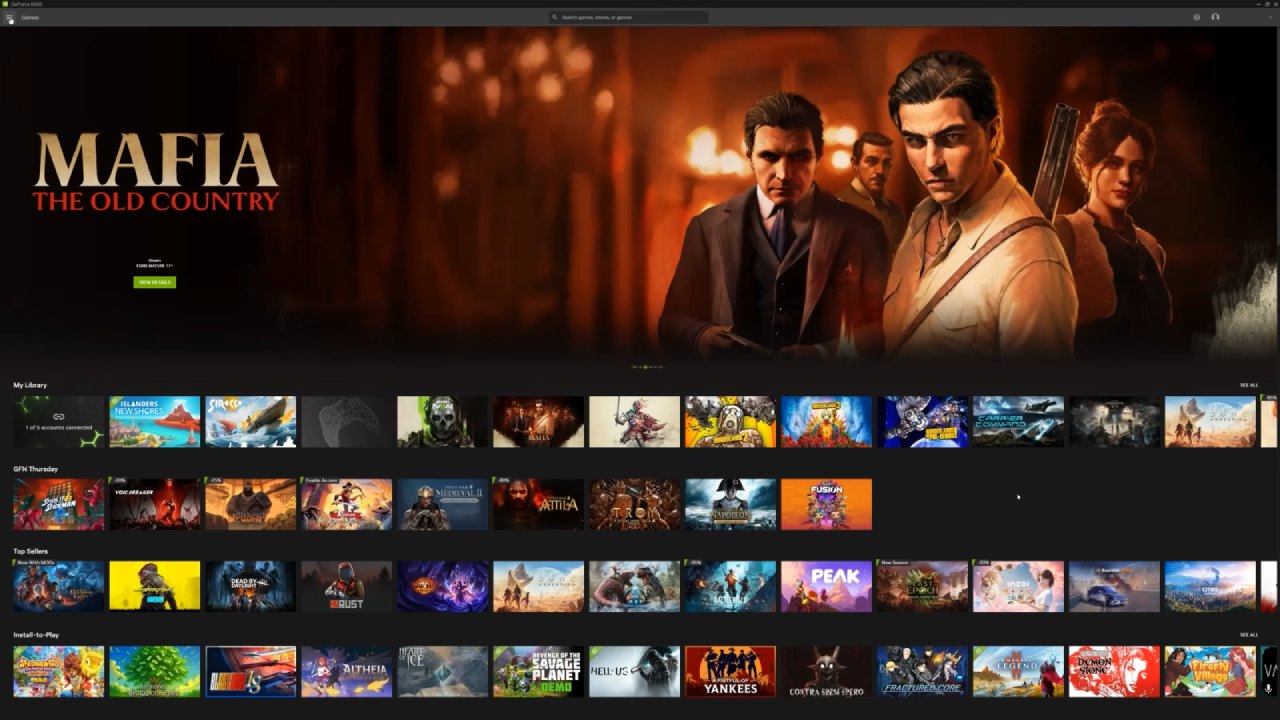
The in-game experience is mostly positive, but the GeForce Now user interface remains somewhat clumsy. Sometimes, when you open the app, it takes you to the middle of the top page instead of your game collection. Also, when you start or quit a game, it can reload strangely. These minor design issues add up, making the service seem more complicated than it needs to be compared to playing games on a PC or console.
GeForce Now is great when everything goes well. But having to troubleshoot, restart sessions, or deal with uncomfortable menus all the time might make the experience less enjoyable.
Great Technology for a Narrow Audience
GeForce Now has come a long way from its early beta days. The technology behind it is astonishing—the ability to stream a high-end game from a data center hundreds of miles away with barely noticeable lag is impressive. Games look fantastic, run smoothly, and, when the conditions are right, feel almost native.
However, it's not for everyone. GeForce Now is still a niche product because it needs a fast internet connection, has a small library of games, has complicated regulations, and costs a lot. This is a wonderful alternative if you have a solid internet connection and want to play PC games on devices that aren't gaming PCs, such Macs, tablets, or low-end PCs.
But for most people, especially those who don't have fiber connections or who play for a long time, the bad things about it are worse than the good things. The technology shows that cloud gaming is possible, but it's not practical enough for most gamers right now.
Final Thoughts
In the end, GeForce Now has both good and bad points. It shows how far cloud gaming has come, but it also shows how much more needs to be done.
If you can afford it and meet its technical requirements, the experience can be wonderful for gamers. But for them, it's still an expensive experiment and not a real solution for gaming in their area.
Also, check our other NVIDIA articles:
- GeForce RTX 5090 Unleashed: Is NVIDIA's New Flagship the Ultimate 4K Gaming GPU?
- NVIDIA GeForce RTX 5080 Review (2025): Still A 4K Gaming Powerhouse?
- RTX 5090 Performance Testing In GTA 5 – 1080p, 1440p, and 4K Max Settings Benchmark
- RTX 5090 Laptop Vs. M4 Max MacBook Pro: Ultimate Raw Performance Vs. Battery Endurance
- NVIDIA RTX 5070 Review: Mid-Range Muscle or Marketing Hype?
- RTX 5070 Ti Review: Performance, Thermals & Power Efficiency Tested
- Asus ROG RTX 5090 Astral OC Vs. Founders Edition: The 4K Gaming Benchmark
- ASUS ROG Astral RTX 5090 OC Edition Review: 32GB GDDR7 & 4K Gaming Benchmark
- ASUS GeForce RTX 5090 LC Liquid Cooled GPU Review: Unmatched Silence & Speed
- MSI GeForce RTX 5090 32GB SUPRIM SOC Review: Power Efficiency, Cooling, and Gaming Performance
- INNO3D RTX 5060 Ti 16 GB X2 Review: Gaming Benchmarks, Temps, and Power Efficiency
- HP Omen 45L Review: RTX 5090 Performance, Thermals, and Value Analysis
- ASUS TUF Gaming GeForce RTX 5060 Ti Review: DLSS 4, Power Efficiency, and Gaming
- ASUS Prime RTX 5060 Ti OC 16GB Review: DLSS 4, Ray Tracing, & Thermals Tested
- NVIDIA GeForce RTX 5060 Review: Specs, Gaming, and Cost per Frame
- MSI GeForce RTX 5090 GAMING TRIO OC Review: A Monster Power GPU
Senior Editor, NoobFeed
Gaming Hardware Updates
No Data.