
GRIME II Guide | How All Stats Work
Here’s a guide on how all stats work in GRIME II.
Game Guide by Rubaiyat Shihab on Apr 04, 2026
Stats in GRIME 2 decide how your Smithed performs in combat and how well it holds up while exploring. Some are straightforward, but others take more time to understand. Knowing what each one does before you start spending points saves you from building in the wrong direction.

The Five Core Stats
Health
Health controls your hit points. The higher it is, the more punishment you can take before going down. The world is full of environmental hazards on top of enemy attacks, so a low health bar becomes a problem fast as the game goes on. Put at least five points into Health early to give yourself enough room to make mistakes.
Strength
Strength governs red weapons — the heavy ones that hit hard and cover wide areas but swing slowly. These weapons come with useful effects like knockback and stuns, which work well for a brawler style of play. Higher Strength increases damage with these weapons and also lets you equip heavier armor sets that improve your defense.
Dexterity
Dexterity governs green weapons, which includes daggers, bows, and hybrids that scale with both Dexterity and Strength. A Dexterity build trades raw damage for speed, letting you deal damage quickly from a distance or land precise backstabs with dagger power attacks.
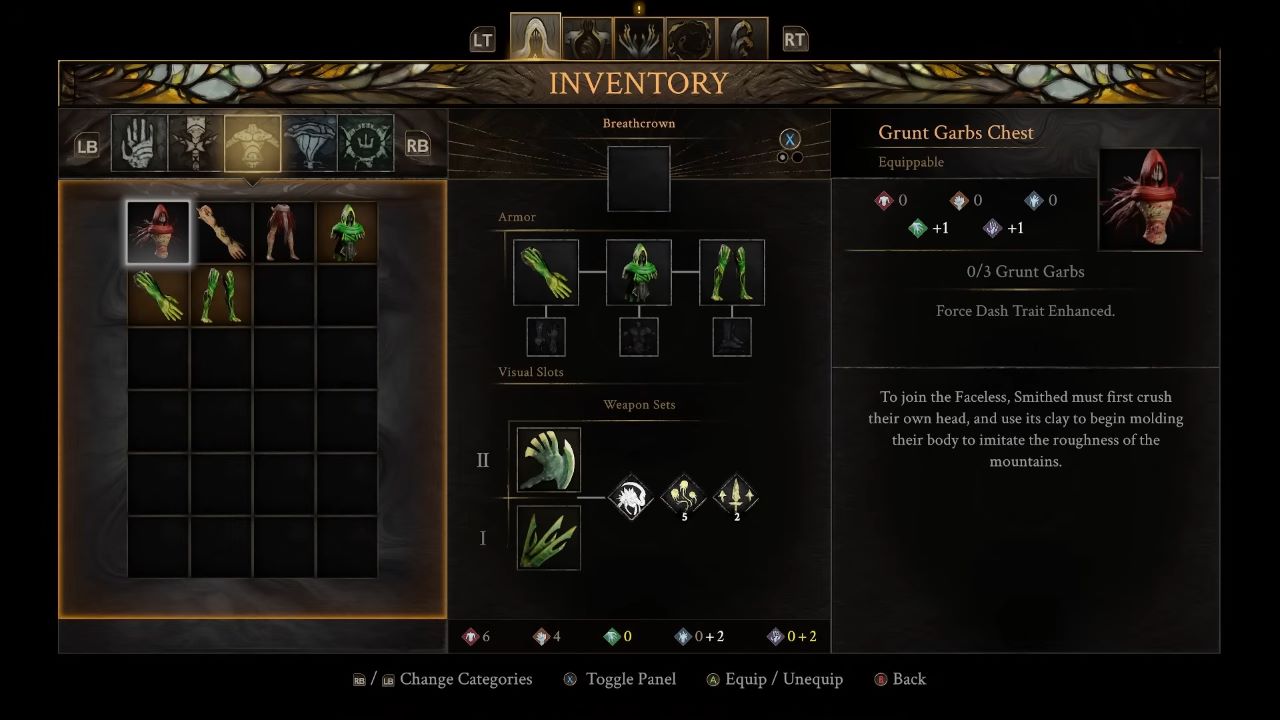
Some weapons scale with two stats, where one is the primary driver and the other is secondary. You can tell which is which by looking at the weapon description — the primary stat is marked with a white plus sign over its icon.
Diverging
Diverging is a purple stat that goes beyond just weapon damage. It directly increases the damage of Molds that fall under its category, and it adds a percentage boost to weapons that carry Diverging scaling. Some weapons are classified as Diverging weapons, though they may also scale partially with Strength or Dexterity. Check the weapon description in your inventory to see how it's categorized.
Pliability
Pliability works the same way as Diverging but covers a different set of Molds and weapons, marked in blue. Raising Pliability increases damage from the Molds it governs and boosts weapons that carry its scaling. The Bloodmetal Scythe is a good example of a weapon that pulls from all four damage stats equally, requiring three points in Strength, Dexterity, Diverging, and Pliability just to equip.
Both Diverging and Pliability also tie into Talent effectiveness, which sets them apart from the three simpler stats.
Secondary Stats
On the Growth screen in the Surrogate menu, you'll notice a cluster of secondary stats in the upper right corner — Health, Parry, Force, and Burst Dash. These don't get invested in directly. They go up automatically as your primary stats increase. For example, putting seven points into Health raises your actual hit point total to 127, and so on down the line.
Weapon Stats Explained
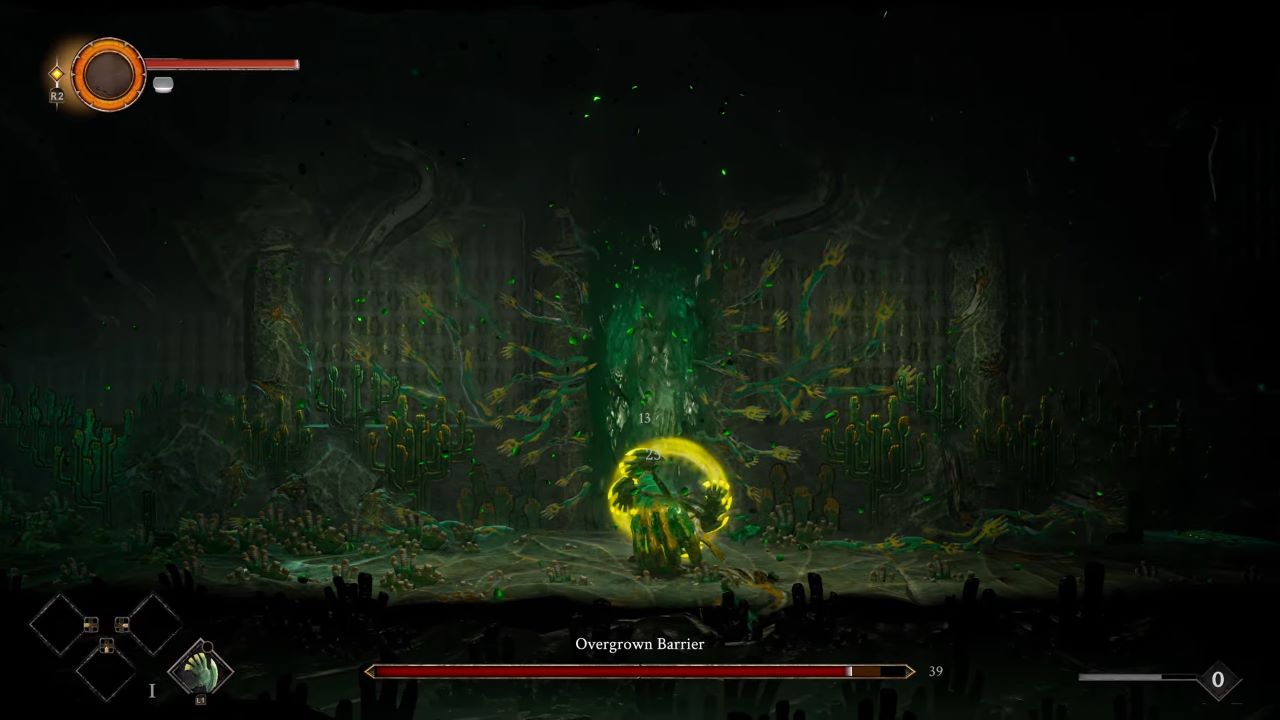
Every weapon has three stats listed in its description.
Damage is straightforward — it goes up as you invest in the stat the weapon scales with. As a reference, each point of Dexterity adds 0.6 damage to the Throwing Thumbs.
Speed is how fast you can chain attacks or fire projectiles. Faster weapons tend to deal less damage per hit, slower ones hit harder and cover more ground, and average weapons sit in between.
Paint Gain is how much Paint you earn with each hit. This matters more if you're building toward Diverging or Pliability Molds, since you'll want to cast them as often as possible. More Paint Gain per hit means less time waiting to use your abilities.
There's also a hidden stat called Paint Cost, which only appears on Molds themselves. It's shown as small grey lines in the Mold description. The more powerful the Mold, the higher its cost.
The Three Resource Bars
Force
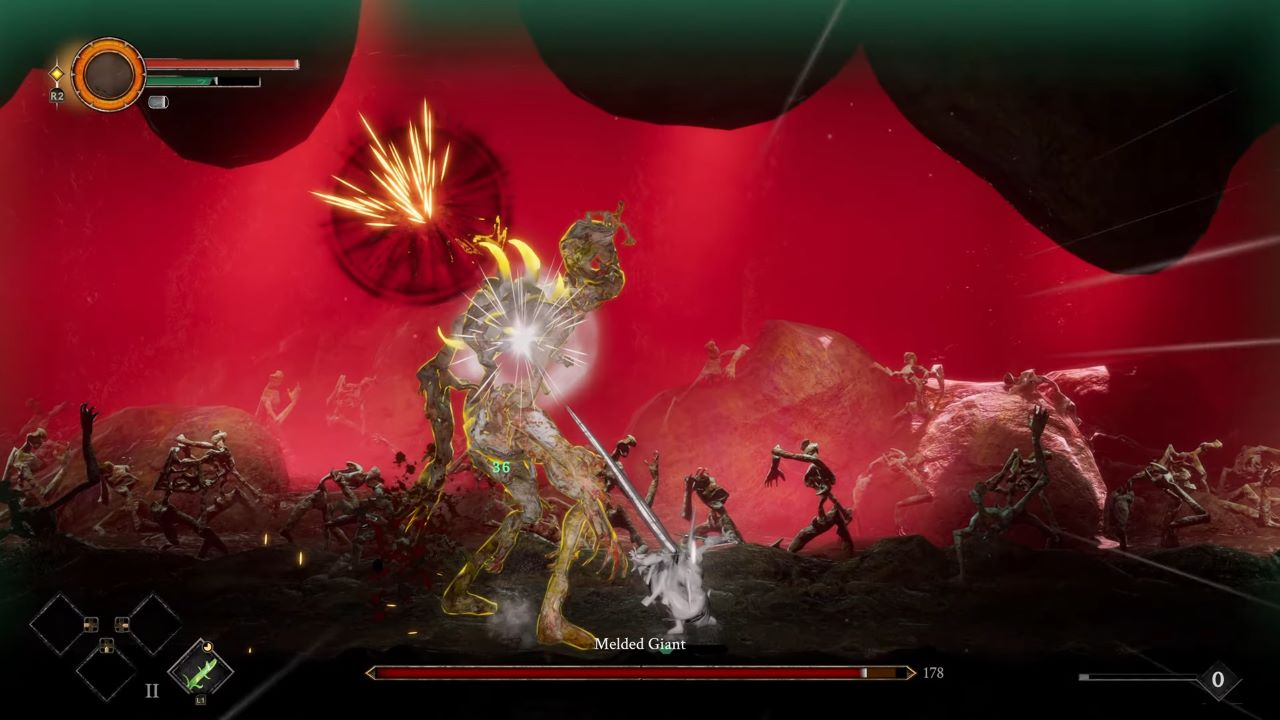
Force is the deep green bar that drains as you attack and move. Certain talents help you recover it through specific actions like well-timed dashes. Attacking while standing still produces green damage, which is stronger than grey damage — what you deal when your Force bar is empty. Special attacks cost more Force but hit harder than regular attacks. You can increase your total Force capacity by finding hidden objects in the maps and interacting with them using Grasp.
Paint
Paint is the grey bar that fuels your Molds. No Paint means no Molds, simple as that. Your Paint bar grows by defeating and absorbing the power of strong bosses, most of which you'll encounter through the main story.
Breath Capacity
Breath Capacity is your healing resource. It ties into the Breath Ward system covered elsewhere, and managing it well is what keeps you alive through longer stretches of exploration and tougher fights.
Also, check our Grime II Review and other guides below:
- GRIME II Beginner’s Guide | Gameplay Tips & Tricks
- GRIME II Guide | How to Farm Best Early Molds
- GRIME II Guide | How to Enhance Weapons
- GRIME II Guide | Where To Get More Item Molds
- GRIME II Guide | How to Unlock The Map
- GRIME II Guide | How to Unlock Best Talents
- GRIME II Guide | How to Get Best Early Weapons
Editor, NoobFeed
Latest Articles
No Data.