
Heartopia Beginner’s Guide | Gameplay Tips
Here's a simple beginner's guide to Heartopia
Game Guide by Subaiyta Jahan on Feb 09, 2026
Heartopia is an open-world social game built around creation and exploration in a shared space. Your experience is shaped by how you choose to play, whether you focus on decorating, fashion, mini games, or spending time with others. Progress is not forced, and there is no fixed path.
Choosing Your Server
Before you start anything else, you have to select a server when creating your Heartopia account. This choice will directly affect who you can interact with. You can only add, visit, and play with friends who are on the same server as you. If your friends are already playing, confirm their server first and select the same one. Being on a shared server will allow you to visit homes, explore together, and even participate in activities without restrictions.
Character Customization
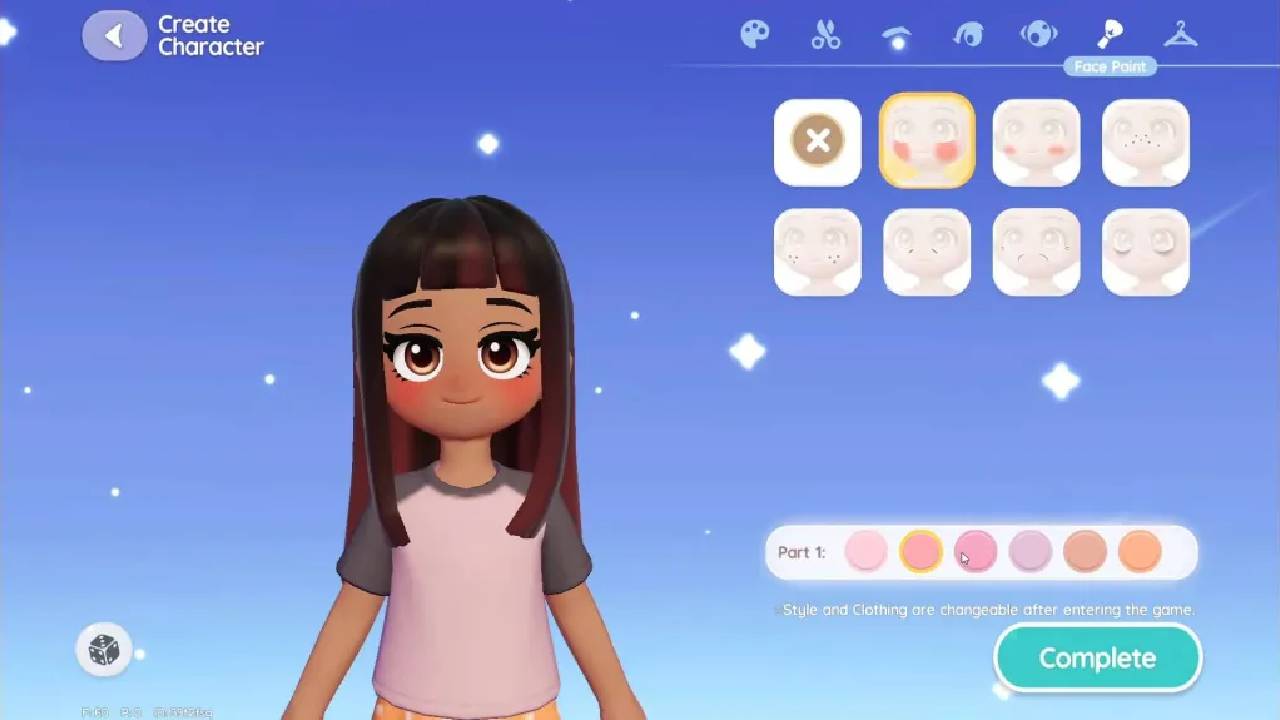
After joining a server, you create your character. You can adjust skin tone, hairstyles, hair color, eyebrows, eyes, eye shape, eye color, face paint, and outfits. However, some options are limited early in the game, but customization expands as you unlock features. Your in-game watch initially has restricted functions, and additional tools become available as you complete quests.
Unlocking the Dress App
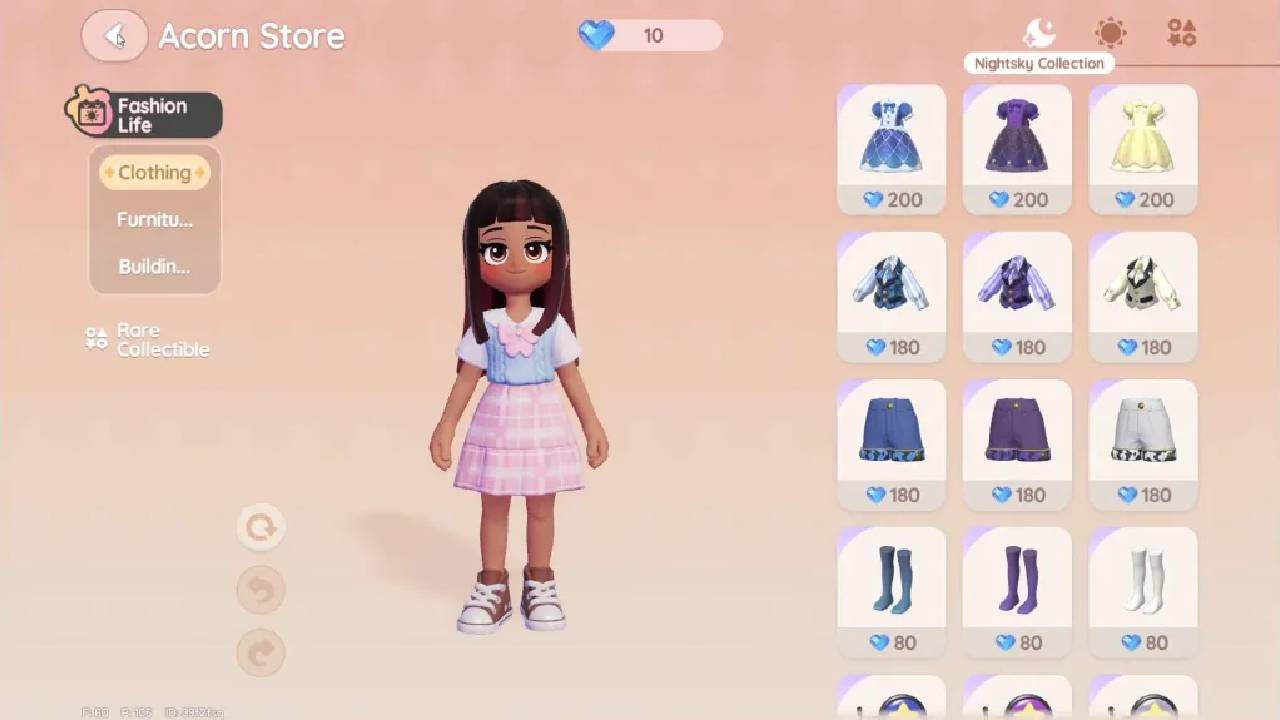
To unlock the dress app feature, you need to help Dorothy open the clothing store. Once the store is available, you will receive a quest that requires you to purchase a costume from the fitting room. You can choose any outfit to complete this task. After buying the outfit, return to Dorothy and show her your new clothing. Completing this step unlocks the dress app, allowing you to change outfits at any time and from any location.
Progressing Through Exploration and Quests
Exploration is tied directly to progression. Walking around the world, speaking with NPCs, and completing quests unlocks new systems. Early on, you need to talk to Aie to unlock the DJ Members Guild. This guild plays a significant role in accessing features and advancing your account.
Next, speak with Vena to begin the repair kit quest. You will receive ten branches to craft a repair kit. After crafting it, return to Vana and submit the item. Turning in the repair kit rewards you with contribution medals, which help you level up your Digi Membership. Reaching Digi Member Level Two unlocks the hobby feature.
Hobbies and Fishing
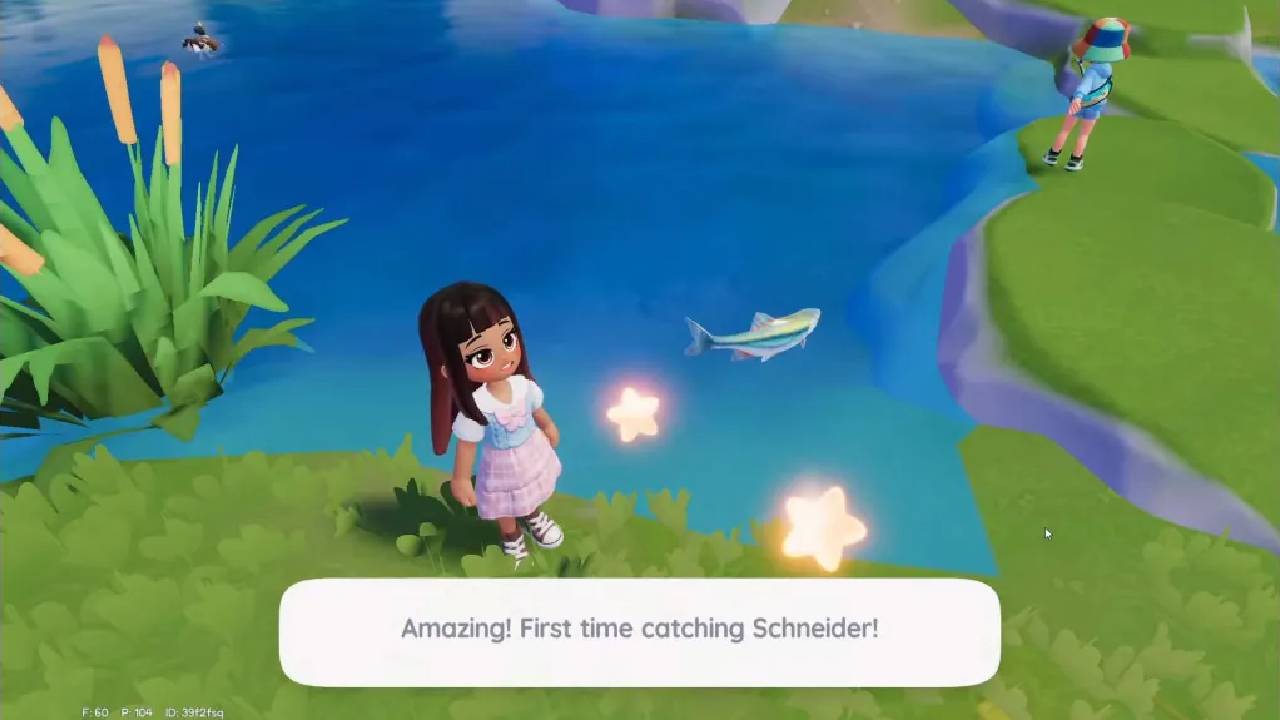
Once hobbies are available, you can begin learning them. Since you are already interacting with Vana, fishing is the first hobby you unlock. Fishing follows a specific input pattern, and an in-game guide explains how it works. After successfully catching three fish, return to Vena to unlock the collection feature.
Collections and Rewards
The collection feature tracks badges, furniture, clothing, and other items you obtain. You can earn additional rewards by completing collection sets. Check this menu often so you can keep track of your progress and earn bonuses for entries you've finished.
Looking around the Central Square
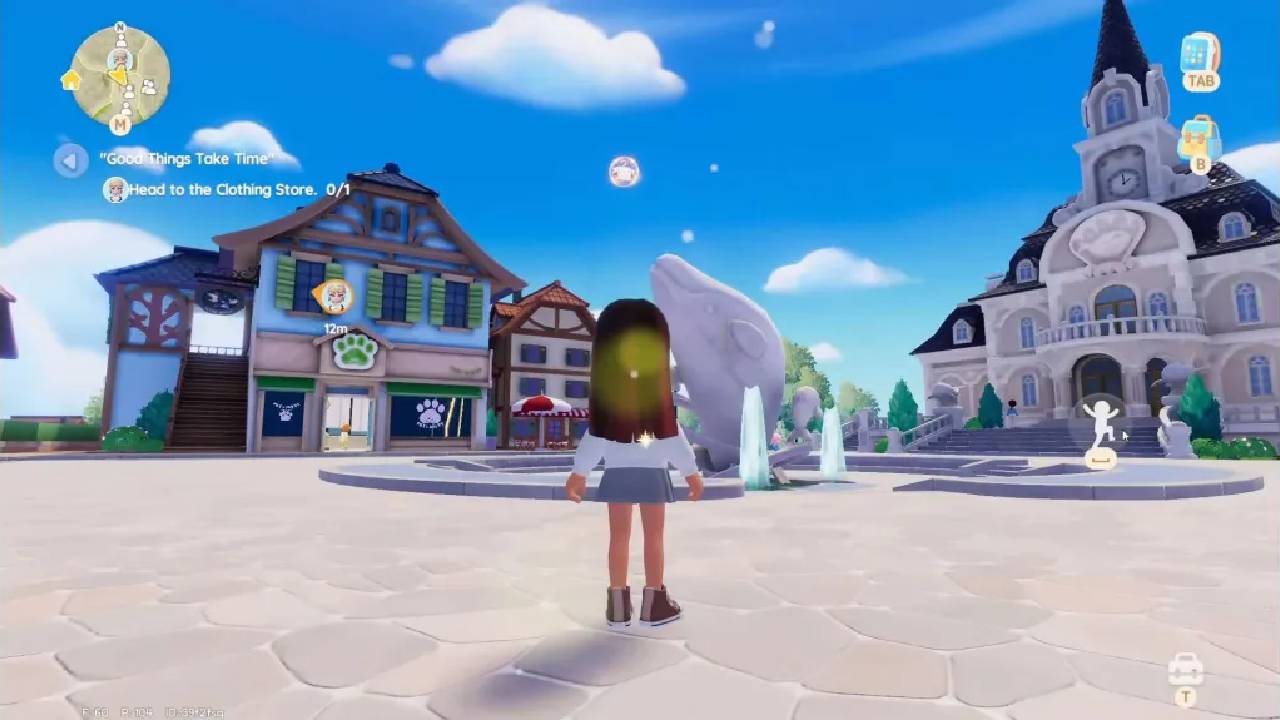
The main square is where you can meet important NPCs and get services. You will see Dorothy again here after you turn in a poster, which opens the clothing store. Bob runs the furniture store nearby. Help Bob sort through boxes and find the Joinery Tea Table to open it. Once found, return it to Bob to unlock the furniture store.
Resident Requests and Guild Progression
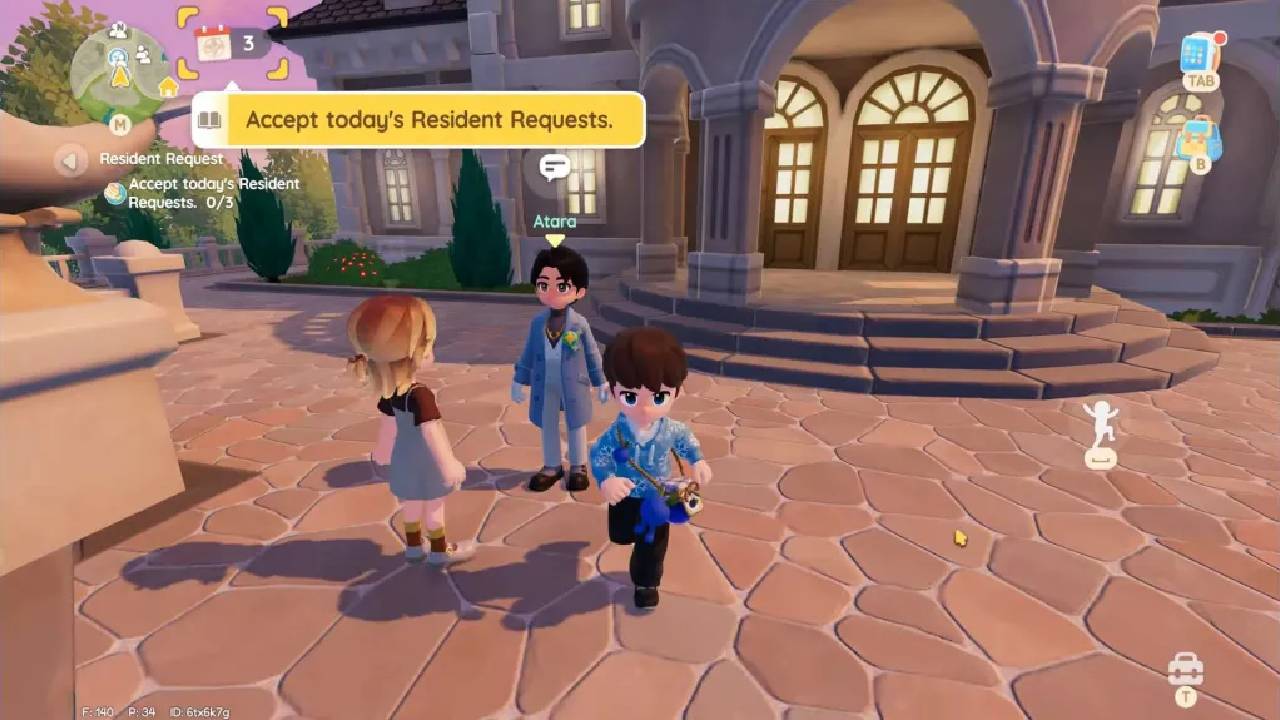
To unlock the resident request feature, speak with Atara. Atara acknowledges your help in opening stores and enabling resident requests. These requests are essential for leveling up the DJ Members Guild. Completing daily resident requests rewards you with contribution medals. Accumulating enough medals allows you to upgrade your DJ member level and unlock additional systems.
Limited-Time Events and the Collector
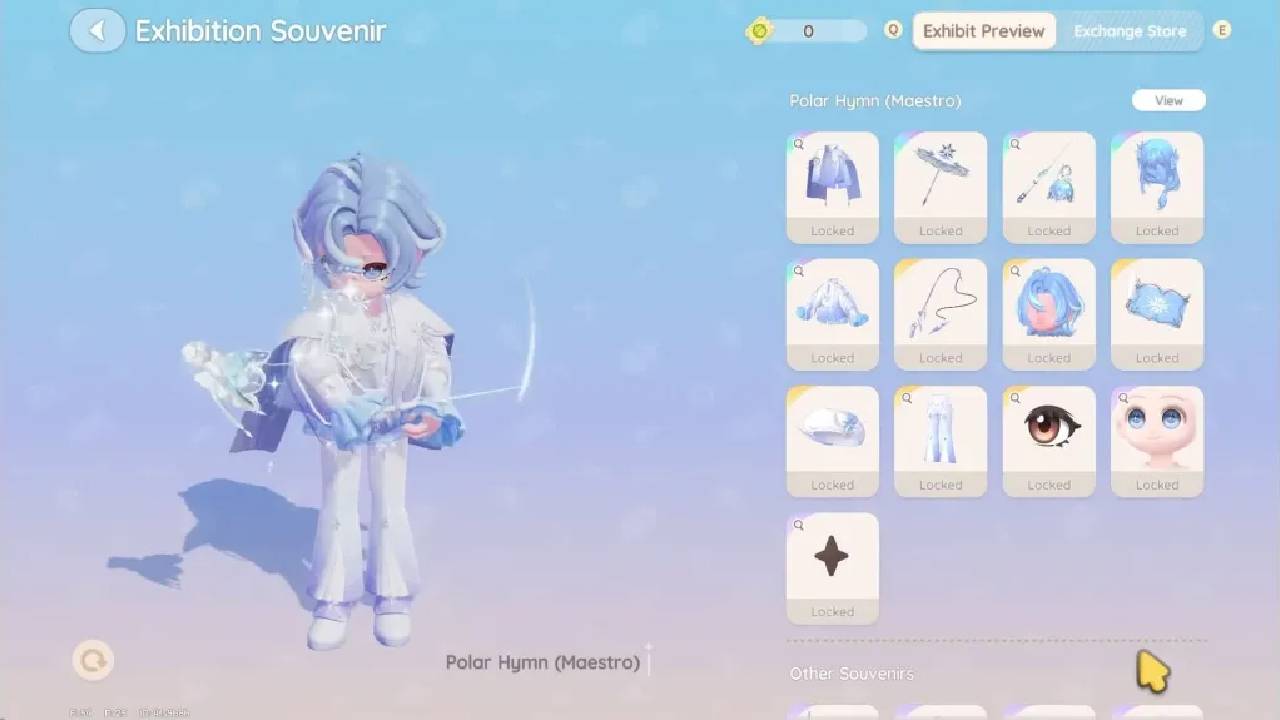
You should also speak with the Collector to unlock limited-time events. These events allow you to purchase discounted outfits and furniture sets. After speaking with the Collector again, you unlock the Acorn Store and the Gilded Acorn Exhibition. From here, you can select exhibitions and draw exhibits, including outfits and furniture.
Unlocking the Town Guide
After completing the gardening quest, Blank grants access to the Town Guide. The guide is divided into chapters that explain game systems and help you understand available features as you progress.
Currency and Earning Coins
The main currencies include acorn coins and gold coins. To sell items such as crops, fish, dishes, or crafted goods, you need to visit Albert, the gold merchant NPC. Albert buys most of the items you collect.
By completing daily tasks and finishing beginner quests, you can earn more coins. As well as completing collections and interacting with pop-up balloons while exploring.
Managing currency is essential. You have to avoid spending all your coins right away. Gold coins are required to upgrade, renovate, and decorate your house. Unlocking land plots first and saving coins before major renovations helps you progress more smoothly.
Membership Milestones
Upgrading your DJ Member level to Level Four unlocks the Friendship Journal and Home Life features. These systems expand social exchanges and home-related gameplay, making them key long-term goals as you continue playing.
As you move forward, focus on unlocking systems at your own pace and using each feature as it becomes available. Consistent communication, fulfilling requests, and careful resource management lead to progress. Your decisions and priorities will determine how you spend your time in Heartopia, so keep exploring, creating, and interacting with the environment however you see fit.
Also, check our other guides below:
Contributor, NoobFeed
Latest Articles
No Data.