
Metal Gear Solid Delta: Snake Eater | Everything that Changed from the Original
A breakdown of what was altered, modernized, and preserved in Metal Gear Solid Delta: Snake Eater.
Game Guide by Faviyan Mustafiz on Aug 27, 2025
Metal Gear Solid Delta: Snake Eater has gone through a massive overhaul, and here are the most significant changes introduced in the Delta remake compared with the original Snake Eater releases.
While the remake features a massively updated look, much of the game’s structure remains faithful to the classic: areas remain divided by loading screens, dialogue audio is preserved, and many cutscenes are near one-to-one recreations of the original — including their idiosyncrasies.
The goal here is to walk you through the meaningful quality-of-life and mechanical updates so you can decide how to approach the game and what to expect when replaying or experiencing it for the first time. PlayStation notation is used throughout this guide.
Updated Controls
Delta overhauls the control scheme to fit modern sensibilities while still offering a legacy option for those who prefer the original feel. The new style moves aiming and firing to the triggers, assigns weapons and equipment to the D-pad, moves crouch to the circle button, and maps climbing to the X button.
Rolling is no longer performed by pressing crouch while running — it is now on triangle, and holding triangle will transition immediately to prone from a roll.
Close-quarters combat (CQC) has been moved to the right trigger, but otherwise the concepts remain the same; pressure-sensitive button actions from the original have been simplified so that actions such as slit-throat moves now use single presses (for example, pressing X while in a hold).
A hybrid legacy option is available that preserves the legacy camera and some weapon behaviors; for example, the Mark 22 tranquillizer behaves like the original when using Legacy Style, with tiny bullet drop, while the new style introduces heavier, more noticeable bullet drop to balance third-person aiming.
Updated Movement
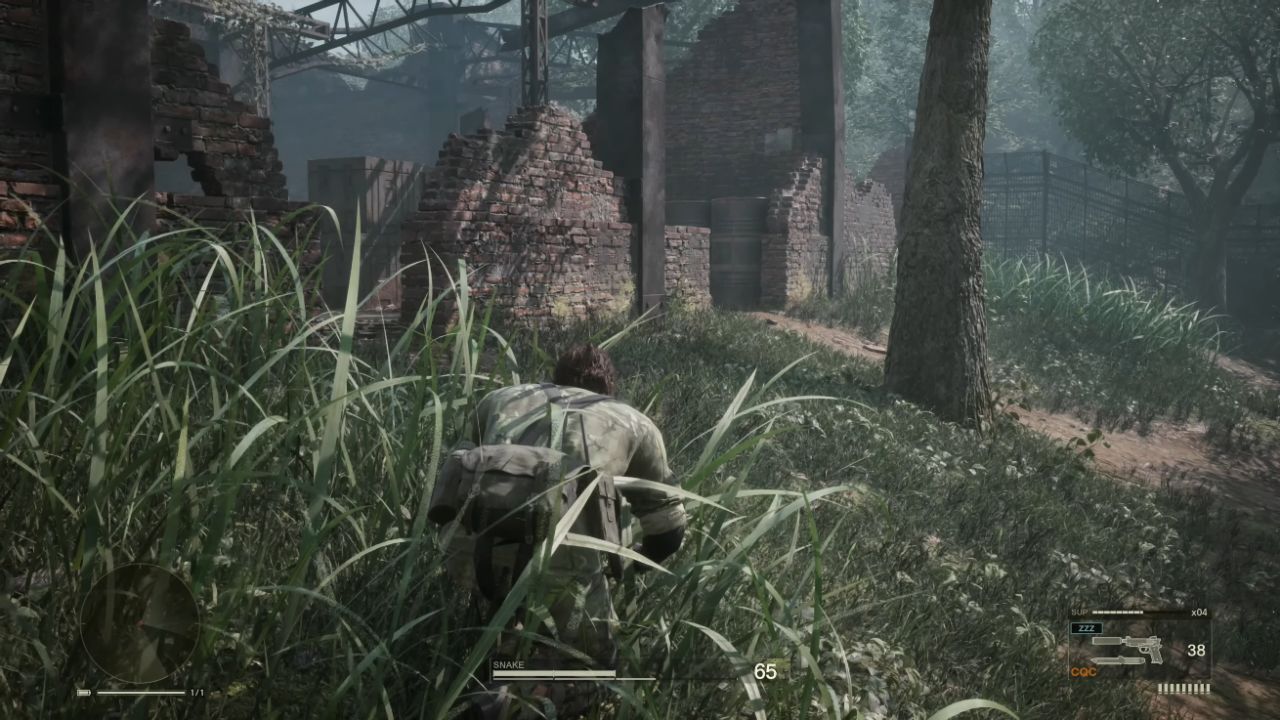
Movement has been modernized in Delta to allow more natural crouch-walking and first-person movement. Instead of crouch-walking automatically becoming prone crawling, pressing circle now allows continued movement while hunched, and holding crouch fully lays the character down.
Stalking is now performed by holding L1 while moving rather than using the D-pad, which has been repurposed for gear switching.
First-person movement is possible, albeit slowly, and aiming while prone has been refined. While crawling in first person causes the weapon to drop visually, it is still possible to aim in one direction while moving in any direction, allowing lateral and backwards crawling while aiming.
Cover interactions are simplified: the player no longer needs to hold the left stick into a piece of cover to adhere to it — simply moving up against cover will make Snake stick to it.
Updated Animations
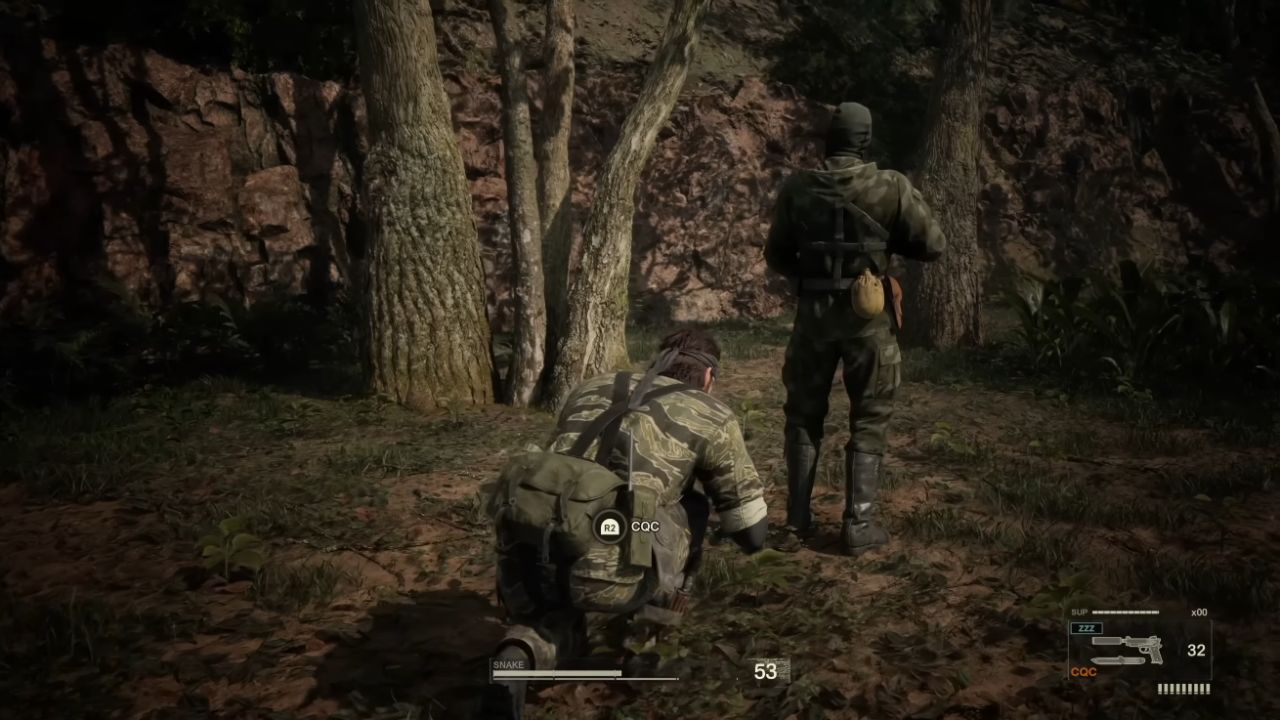
Delta adds variety to previously repetitive CQC takedowns. Where earlier releases reused the same slam and takedown animations repeatedly, the remake now offers unique animations that depend on how and from which direction an enemy is approached, improving the visual variety of stealth engagements.
Camo Menu
Swapping camouflages is more streamlined in Delta with a pop-up camo menu accessible without fully pausing the game.
The menu is opened by holding up on the D-pad, selecting with the right stick, and pressing X for a quick change — a small transition plays while Snake swaps outfits.
The pop-up keeps only the most recent combinations for quick access; more novel or specific outfit-and-face-camo combinations still require using the full survival viewer.
Codec (Radio) Calls
The codec remains the full-screen dialogue system from the original, but Delta allows codec calls to pop up while remaining in gameplay for a smoother experience.
The interface now permits skipping individual voice lines and fast-forwarding through conversations by holding triangle without cutting out all subsequent VO.
When interrogating enemies for secret frequencies, those frequencies will display on the radio dial in the codec interface for easy use.
Photo Mode
Delta introduces a photo mode that is accessed through the pause menu. Photo mode allows modification of depth of field, frames, filters, and the option to toggle characters on and off.
Options are limited while in cutscenes, but the mode offers a welcome way to capture the remake’s visuals.
More Than Just Kerotans
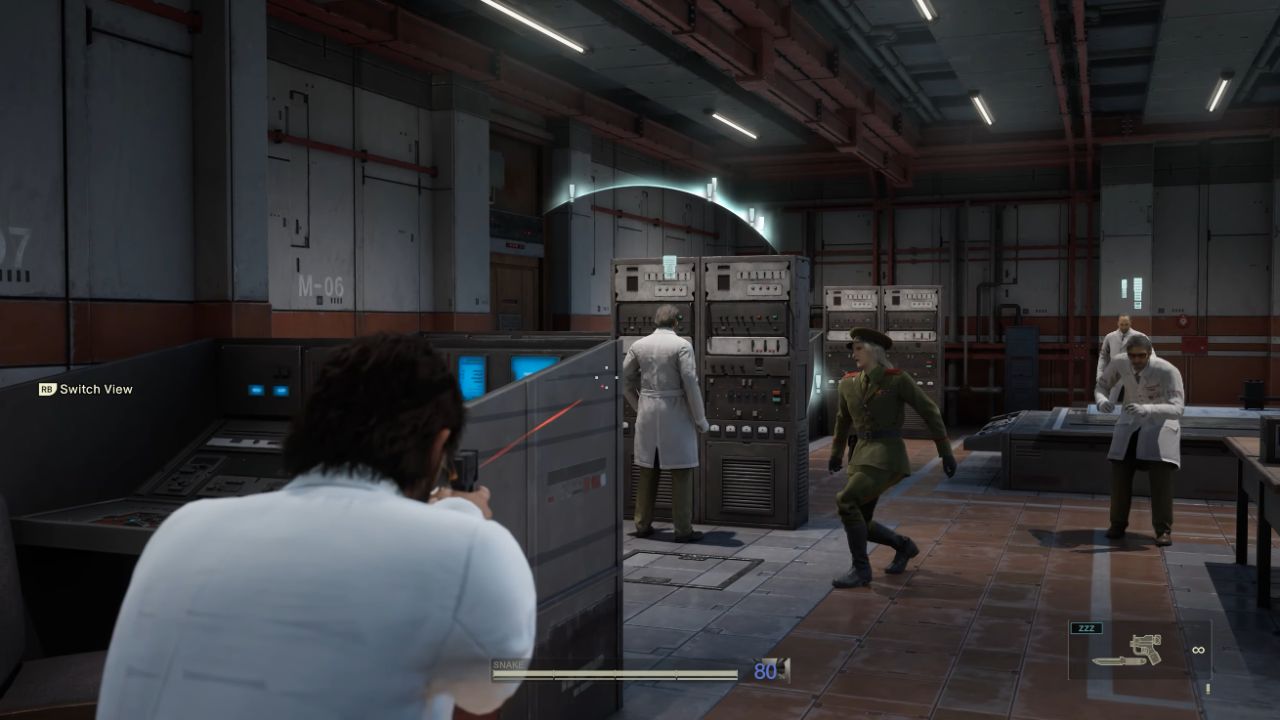
As in the original, every area still contains one Kerotan frog to shoot for special camo unlocks. Still, Delta adds a camouflage rubber duck to every area as well, each unlocking different camouflage sets.
Progress for both collectibles can be tracked in the pause menu with checkboxes indicating whether the area-specific collectible has been found.
You Have A Compass
The map in Delta remains minimalistic, but an equipment-menu compass has been added that highlights the direction of objectives, acting as a quasi-mini map. The compass does not use a battery, so keeping it equipped is recommended for more straightforward navigation.
On-Screen Pop Ups
Delta adds contextual on-screen pop-ups for actions, reminders of objectives, and button prompts such as climb, pick up enemy, and the complete list of CQC actions while holding an enemy. Directional enemy indicators show which direction an enemy saw the player from.
These additions can feel more cluttered compared to the original minimalist UI, but they are helpful, and most prompts can be toggled off individually in the options menu.
A practical tip: since a CQC hold will only function at close range, wait until the CQC on-screen prompt appears before attempting to aim the gun — this confirms correct range for a hold or takedown.
Classic Camera Comes at a Cost
Switching to the legacy controllable camera, as seen in releases like Subsistence, is no longer a quick toggle in Delta.
Changing to the classic camera requires switching to the legacy control scheme and reloading the last checkpoint, so it cannot be done on the fly.
Some later set-piece areas are still clearly intended to be experienced with the original camera, and those moments remain supported even when playing in the new style.
The Secret Theater Has Collectible Reels
The Secret Theatre from Subsistence has been adapted into Delta’s post-game content. The demo theatre, containing cutscenes, and the secret theatre both unlock after clearing the story once. Still, the secret theatre videos must be obtained by collecting film reels from specific enemies.
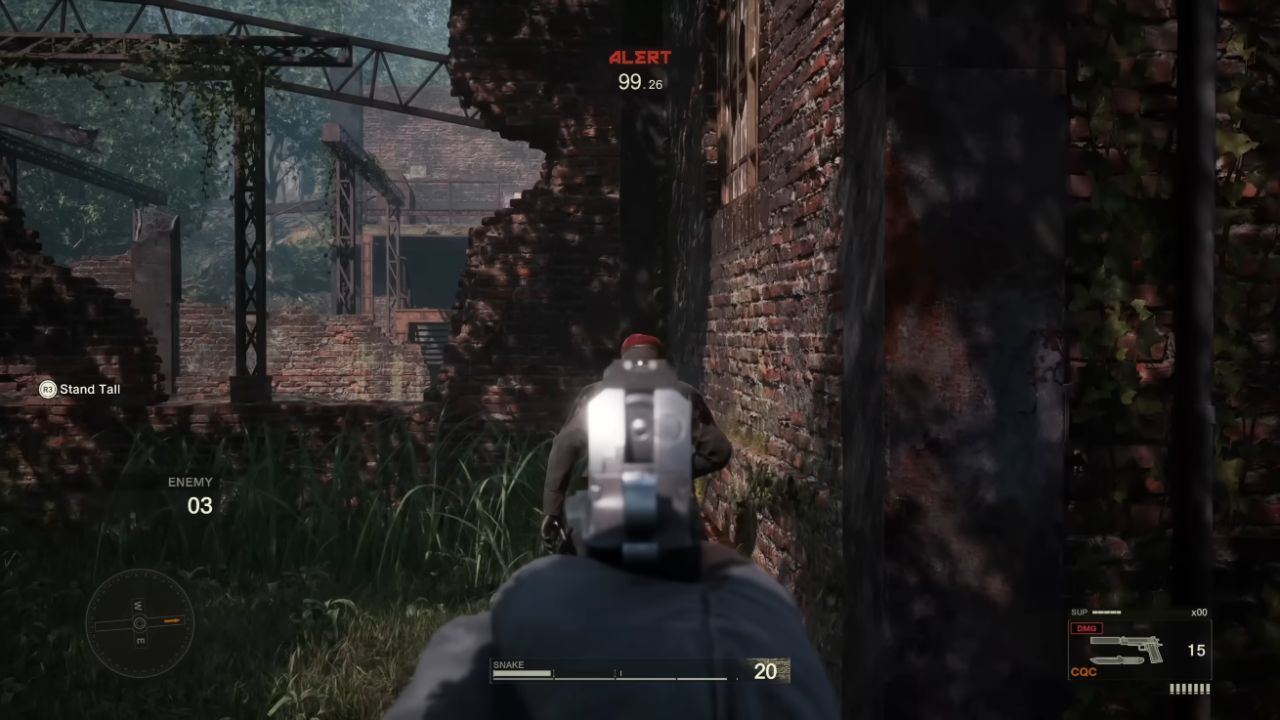
A few reels from Subsistence have been removed. Reels are obtained by holding an enemy up, circling to their front, and pointing a gun at a sensitive area so they drop the reel. If the enemy is harmed or bumped — even non-lethally — the reel will pop up and break.
After completing the story and unlocking the secret theatre, the tips or main menu will indicate which enemies carry each reel, so obtaining all reels is not required on the first playthrough.
You Can Reload Saves Much Faster
Reloading saves is significantly faster in Delta, removing the tedium of returning to the main menu to reload.
The quick-load most recent autosave feature returns the player to the start of the area last entered, which is useful when a non-lethal run is accidentally compromised or when a quick retry is desired.
Notes on Versions and Platforms
Several changes described here are observed in the Delta remake compared with original releases, including Subsistence and updated ports such as the Master Collection release on Steam.
Platform-specific nuances may vary, and some quality-of-life features described reflect current builds on modern consoles.
Contributor, NoobFeed
Latest Articles
No Data.