
OneXPlayer X1 Air: A Powerful Handheld PC with Intel Core Ultra and Arc Graphics
Compact design and powerful internals position the X1 Air as a serious contender in portable gaming technology.
Hardware by Tanisha Aria on Oct 26, 2025
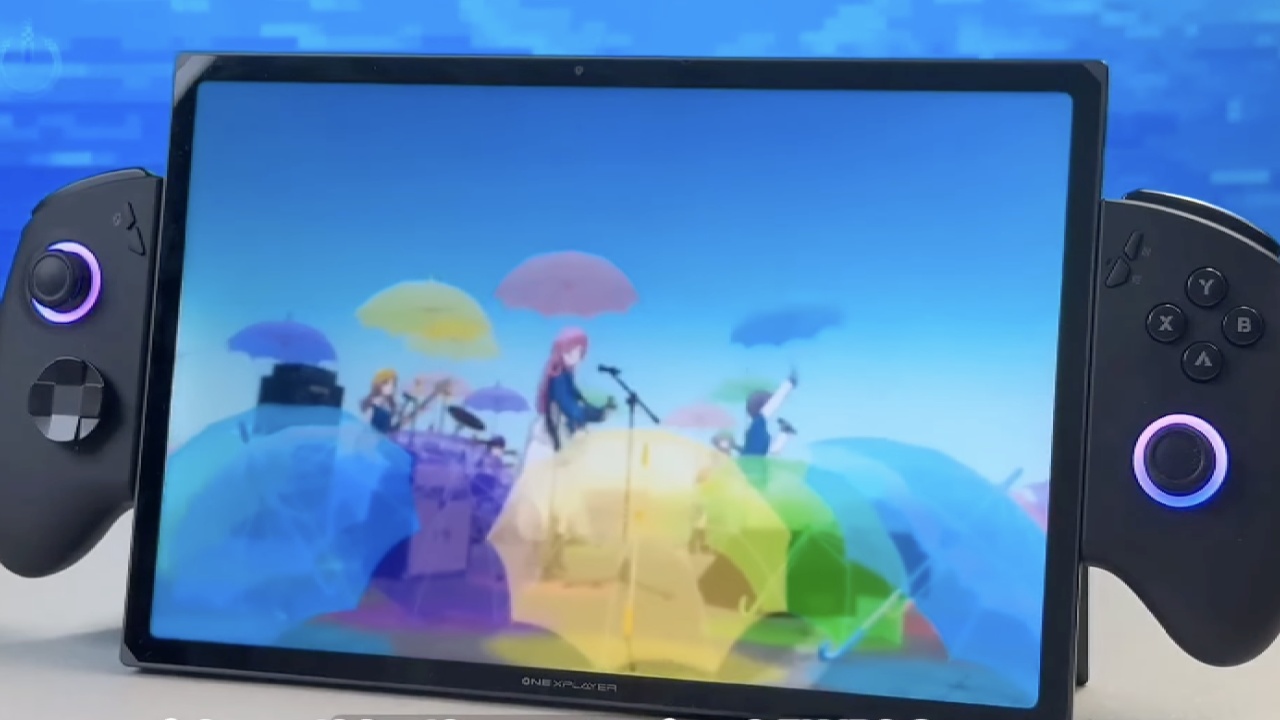
With the versatility of a laptop, tablet, and gaming handheld all combined into one small package, the OneXPlayer X1 Air is a unique multipurpose gadget. Made of aluminium, it has a stylish 10.95-inch display that strikes a balance between portability and screen size, as well as a high-end, long-lasting build.
Its rear kickstand improves usability by enabling smooth transitions between work and play modes. In addition to having a bright appearance, the 120 Hz LTPS display guarantees seamless operation in all applications.
Quality of Design and Construction
The X1 Air's overall design exudes sophistication and careful engineering. Its detachable controllers, rear kickstand, and milled aluminium chassis make it clear that one of its best features is the build quality. The device isn't as heavy as one might think, even with its large 10.95-inch display.
The controllers are robust and lightweight, featuring subtle RGB lighting around the analogue rings and hall-based analogue sticks for accuracy. They also have a built-in battery.
The new sliding lock mechanism, which feels safe and well-designed, makes it simple to attach the detachable controllers to the sides of the central tablet unit. The RGB accents turn on once they are attached, producing a visually appealing, well-balanced, and cozy handheld setup. The integrated cooling system is supported by adequate ventilation and additional RGB lighting around the back.
Options for Display and Connectivity
With a resolution of 2560x1600 at 120 Hz and 138% sRGB color accuracy, the 10.95-inch LTPS display offers vivid, oversaturated images that are perfect for media and gaming. Even in brighter settings, the screen maintains its clarity and readability thanks to its brightness of up to 540 nits.
There are many options for connectivity. Under a protective cover, the top section has a 3.5mm audio jack, a power button, and a mini SSD slot. A dedicated turbo button that launches the 1X Console software for instant performance tweaks and a volume rocker are also included.
A microSD slot and a full-size USB 3.2 port are located on the right side, while two USB4 ports with 40Gb support—perfect for external GPUs or high-speed storage devices—are located on the left. A magnetic connector at the bottom allows the folio keyboard to be attached, making the X1 Air a portable laptop.
Specifications and Internal Hardware
Intel's Core Ultra 7 258V processor, an 8-core/8-thread chip with performance cores that can reach 4.8GHz, powers the OneXPlayer X1 Air. It is paired with Intel's Arc 140V integrated GPU, which has eight XE2 cores with a 1950MHz clock speed. For increased efficiency and lower latency, 32GB of on-package LPDDR5X RAM is integrated into the CPU package and operates at 8533MT/s.
A 1TB M.2 2280 SSD is included as standard. Still, users can increase storage by adding a second mini SSD and a microSD card, for a total capacity of up to 6TB. With up to 10 hours of office use or approximately 17 hours of local video playback under typical workloads, the 72.77Wh battery offers significant power for such a portable system.

Customization and Software
Significant control over system behavior and performance is made possible by the OneX Console software that comes pre-installed. TDP levels can be manually adjusted by users between 4W and 30W, with higher settings offering temporary boost power. Performance tuning tools, RGB lighting options, and fan speed adjustment are also included in the control panel.
Usability is improved by dedicated buttons on both sides of the controller. While the right-side button activates the on-screen keyboard with a distinctive OneX-themed design, the left-side button opens the game bar for easy access. Even when working or playing games on the go, this arrangement facilitates multitasking and fast adjustments.
Performance in Gaming
For a device of its size, the X1 Air's gaming performance is surprisingly good. Performance in Forza Horizon 5 at 1200p medium settings with a 17W TDP averages more than 80 fps which is a remarkable improvement over previous hardware running the same settings at about 58 fps. This generation's performance is greatly enhanced by the updated Intel Arc drivers.
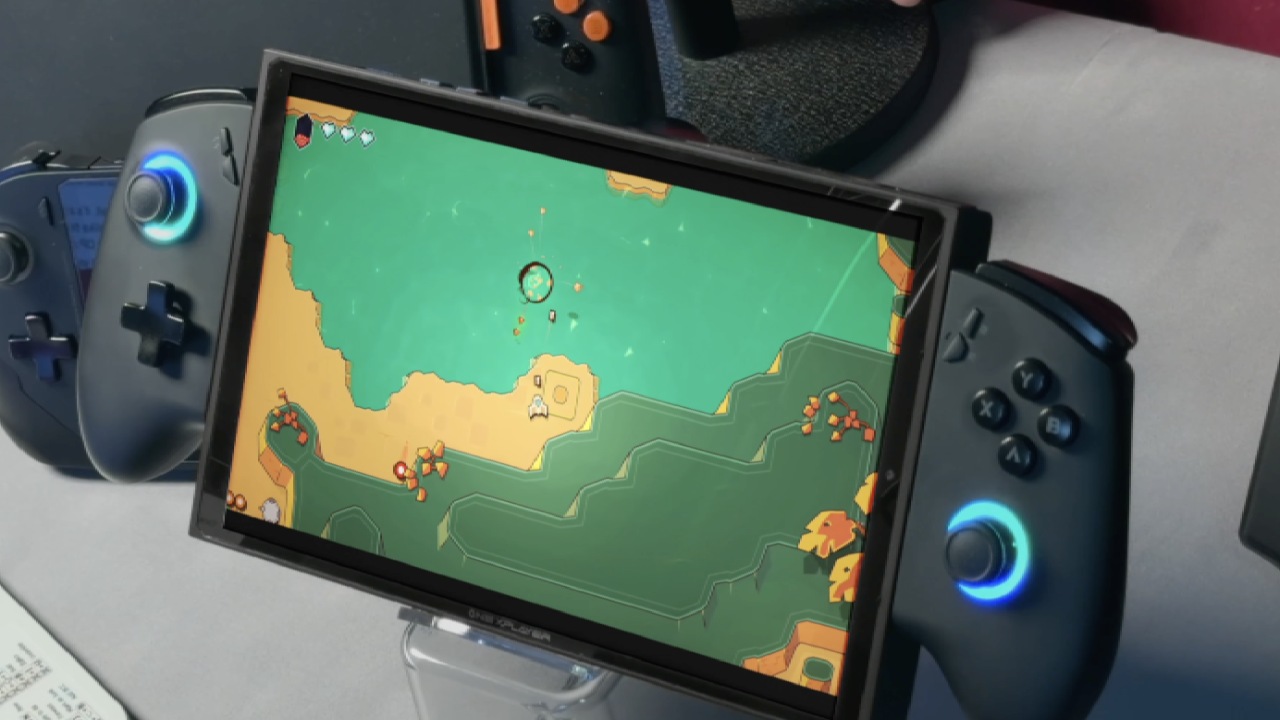
The new hall-based mechanical D-pad, which provides gratifying tactile feedback, is also advantageous for fighting games like Street Fighter 6. The mechanical design offers an arcade-like response that improves playability, and users can choose between two D-pad styles: the standard cross and the dish.
When Intel's XESS scaling is enabled, the X1 Air runs smoothly at 1200p medium settings in Cyberpunk 2077. It provides about 66 fps at a 30W TDP, and performance surpasses 100 fps when XESS Frame Generation is enabled.
Smooth frame rates are also maintained by games such as God of War and Grand Theft Auto V Enhanced Edition, the latter of which reaches the mid-90s at high settings of 1200p.
Power Efficiency and Battery Life
Workload and power settings have an impact on battery life. Low-intensity 2D or independent games use roughly 6–8W on a 72.77Wh battery, allowing for 9+ hours of playback. The battery lasts about two hours and forty-five minutes when playing AAA games at a 17W TDP, with a total power draw of about 26W.
The total draw rises to roughly 42.6W at 28W TDP, providing approximately 1 hour and 40 minutes of gaming time.
To guarantee consistent results during testing, the screen brightness was set to 50%, RGB lighting was turned off, and the refresh rate was kept to 60 Hz. For a portable device with such powerful hardware, these numbers show impressive efficiency.
Final Thoughts
One well-rounded 3-in-1 hybrid gadget that skillfully combines entertainment and productivity is the OneXPlayer X1 Air. It is designed to for those who would like to use it as gamers and professionals, and appreciate flexibility with its solid aluminium construction, vibrant 120 Hz display, and adjustable performance settings.
The device's usability is increased due to its ability to switch between laptop, tablet, and handheld modes, and its battery life is commendable.
The X1 Air excels as an adaptable partner for users who require both a work machine and a good portable gaming system, even though those looking for a purely dedicated handheld may find better specialized alternatives. It is among the most alluring choices in the expanding hybrid handheld market because of its large, bright display and seamless operation.
Also, check our other handheld articles :
- ASUS ROG Ally X Handheld Review: Double the Battery, Double the Comfort
- Nintendo Switch 2 Vs. Original Switch 1: A Full Comparison
- How To Connect A Camera And Join Voice Chat With Nintendo Switch 2
- Nintendo Switch 2 Review: Handheld Performance, Features & Value Breakdown
- ROG Xbox Ally X Vs. ROG Ally X: Display, Battery & Controls
- ASUS ROG Ally X vs. Steam Deck OLED: Display, Battery & Gaming Benchmarks
- MSI Claw 8 AI+ Review: Display, Controls & Gaming
- Nintendo Switch 2 vs. Steam Deck OLED: Gaming, Performance, Battery, Display and Value
- PlayStation Portal Review: Remote Play, Cloud Streaming & Travel Gaming
- PlayStation Portal vs. Lenovo Legion Go: Best Portable Gameplay
- Cyberpunk 2077 Patch 2.3 FPS Test on MSI Claw 8 AI+
Contributor, NoobFeed
Gaming Hardware Updates
No Data.