
PS5 Pro Prices Hit $1,400 as Its Upgrades Struggle to Justify the Cost
The PS5 Pro offers improved graphics, more storage, and Wi-Fi 7, but the lack of a built-in disc drive and relatively small performance gains make its rising price harder to justify.
Opinion by Mahi Araf on Oct 10, 2026
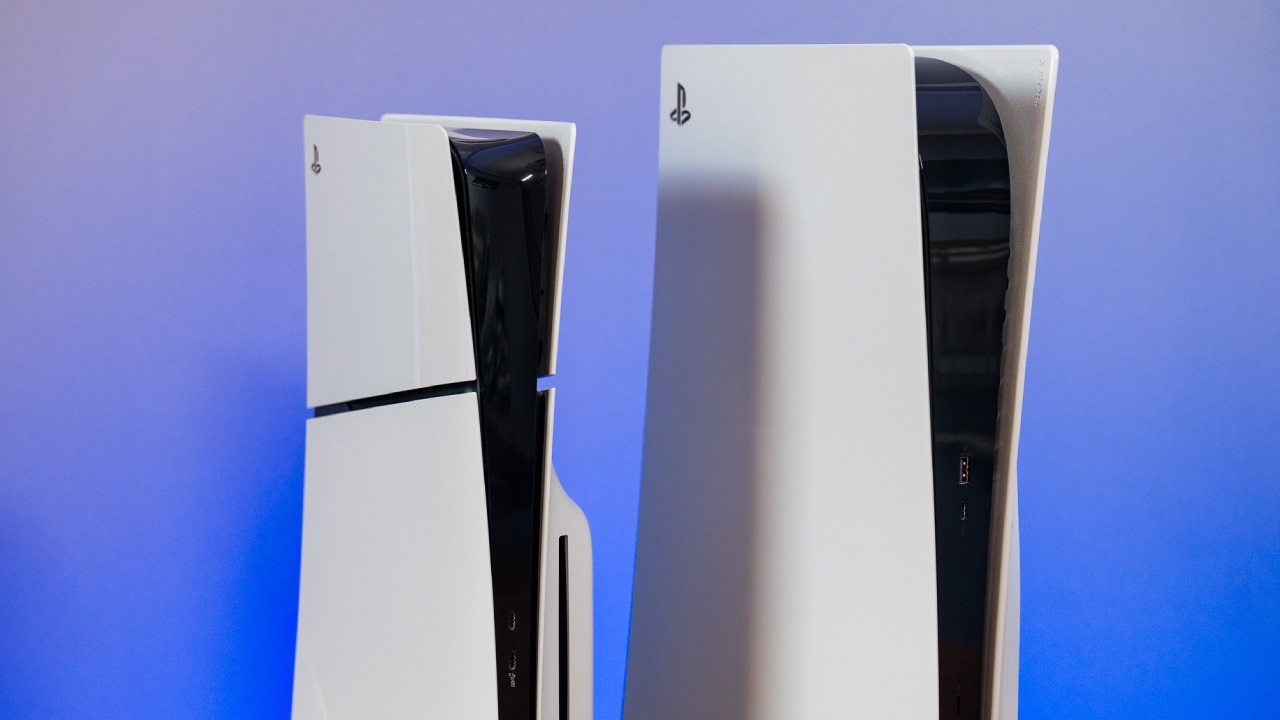
The PS5 Pro is turning into an expensive console, with some retailers allegedly selling used units for as much as $1,400. The system launched at $700, but current prices make it hard to recommend, especially when you factor in how much you can get from a standard PS5 for less. The PS5 Pro does offer several improvements over the original console and the PS5 Slim, but those upgrades might not justify the price.
One of the first things you'll notice when comparing the PS5, PS5 Slim, and PS5 Pro is their physical design. However, despite all the improvements Sony has made over the years, the consoles still have a problem with their stands. Both the PS5 Slim and PS5 Pro include small plastic stands that clip onto the bottom of the console, allowing you to orient them horizontally. Unfortunately, these stands don't feel very secure, and the console can shake when you place it on them.
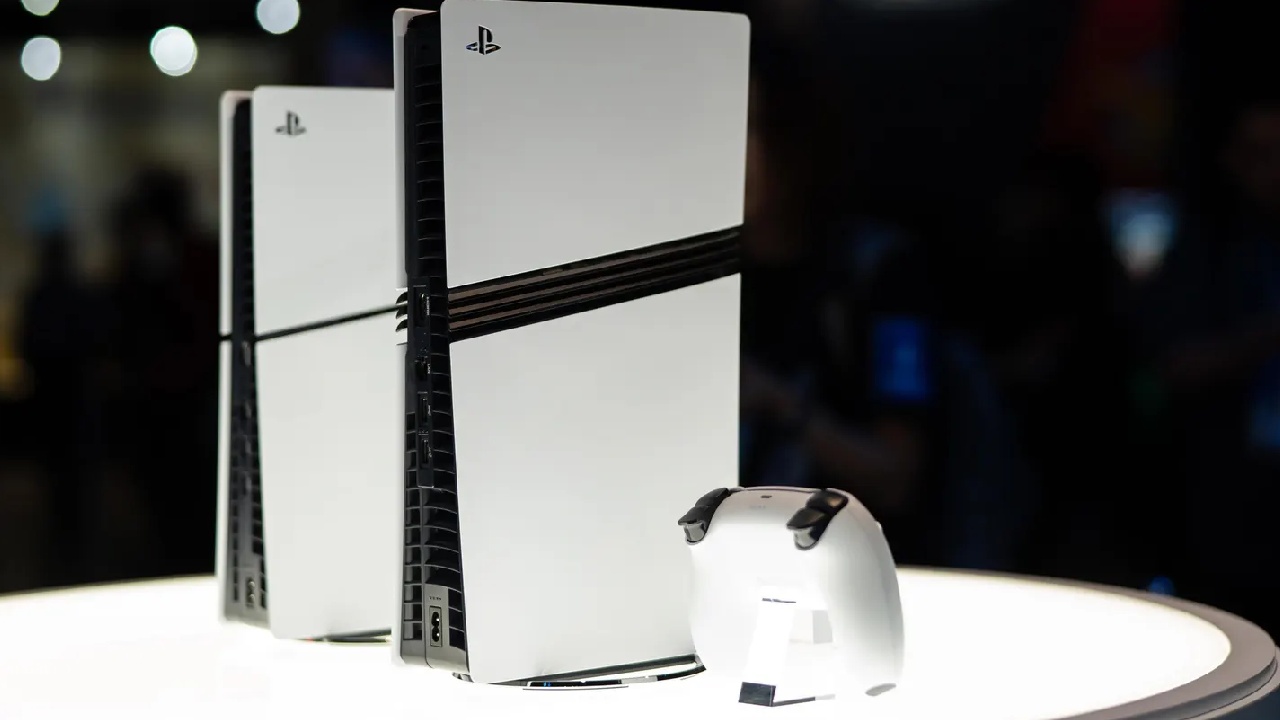
If you want to position your PS5 Pro vertically with a more substantial stand, you will have to spend another $30 to $50. Given how expensive the console already is, paying extra for a proper stand feels unnecessary.
Once you turn on the PS5 Pro, the software experience is largely identical to the standard PS5 and PS5 Slim. You can select your profile, access your games, and browse your media through the same familiar interface. While the PS5 interface improves on the PS4, the PS5 Pro could have done more to differentiate itself from the other models.
For example, Sony could have given the Pro a different interface, an exclusive theme, or even a unique startup sound to give it more identity. If you're going to pay a ton more for a console, you'd want more than just better hardware. Used PS5 consoles sell for around $500, while used PS5 Pro units sell for $1,400, so the price difference is hard to ignore.
The console's firmware also determines what you can do with the system. The PS5 Pro mentioned was running firmware 13.40, released in June 2026. Although this was a relatively recent update, the console sat in a box for about a year and a half before being updated about six months earlier.
The console also has an unusual backstory. The buyer bought it from an eBay seller before it came out, but it was gift-wrapped on the outside with no additional packaging to protect the original box. The buyer had problems with the seller after asking for a partial refund or return due to the poor packaging. eBay ultimately issued a refund but allowed the buyer to keep the console.
The buyer bought the PS5 Pro but prefers the original PS5 over the Slim or Pro and hasn't replaced it with either. That makes the console an interesting case: does the newer hardware offer enough benefits to warrant upgrading?
One area where the PS5 Pro clearly has an advantage is storage. The console comes with a two-terabyte SSD, so you'll have roughly 1.89 TB of usable storage. The system we tested had around 1.71 TB available. This gives you much more room for games than the original PS5's 1 TB of built-in storage.
If you regularly download huge games, the extra space can make a difference. You can keep more of your library installed instead of deleting games to make space. However, the storage interface itself remains unchanged, so you are primarily paying for additional capacity rather than a different software experience.
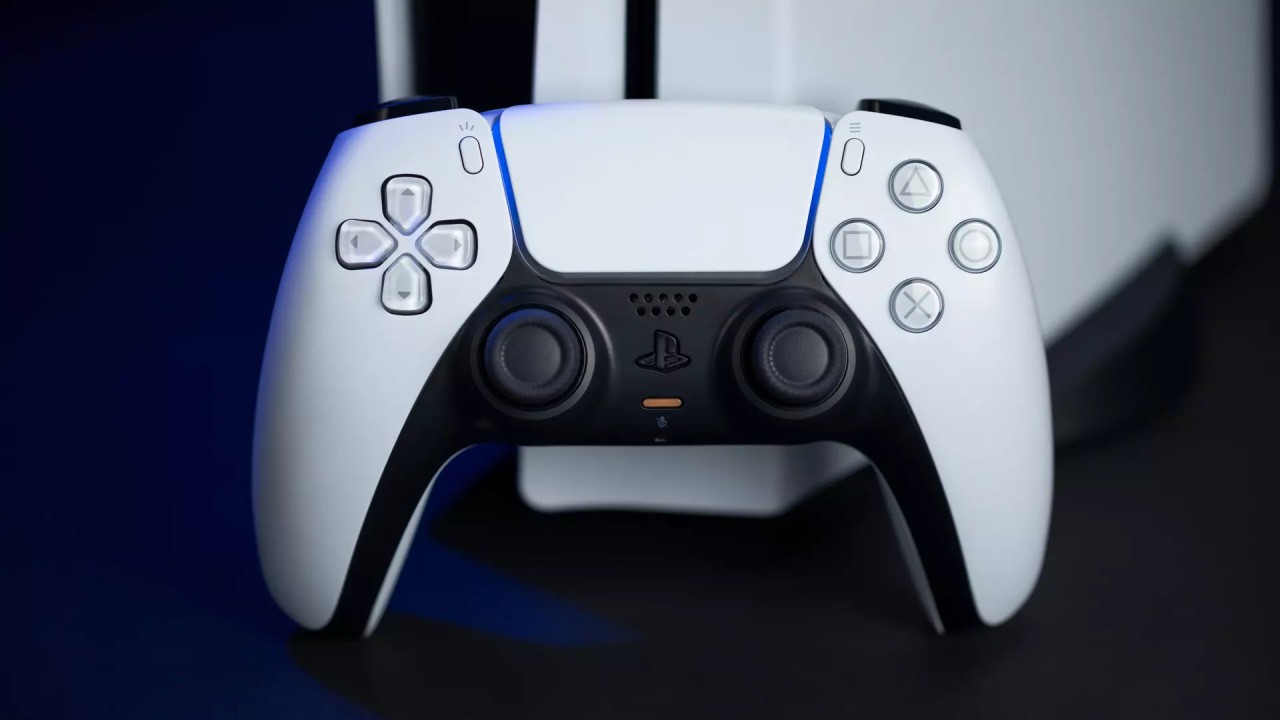
Another hardware improvement is Wi-Fi 7 support. While the original PS5 and PS5 Slim use Wi-Fi 6, the PS5 Pro supports the newer standard, which adds access to the 6 GHz band and offers the potential for faster wireless speeds.
However, the benefits depend on whether you have a compatible router and a network that can take advantage of the technology. For gamers who connect their consoles through Ethernet, the upgrade is less significant because a wired connection eliminates the need to rely on Wi-Fi in the first place.
One of Sony's most controversial decisions with the PS5 Pro is leaving out a built-in disc drive. Despite its high price, the console lacks a slot for physical games. This means you will need to buy a compatible disc drive separately if you want to play physical copies of your games.
The good news is that installing a disc drive is relatively straightforward. You can remove the appropriate cover plate and slide the drive into place, connecting it through the console's internal contacts. The removable design is convenient, but it doesn't change the fact that such an expensive console should arguably have included the drive.
There is another inconvenience, too. After installing the disc drive, you must register it through Sony's online service on the tested console, which required updating to the latest firmware, which was something the owner wanted to avoid while experimenting with a possible jailbreak. Even after installing the disc drive, the console's stand still felt unstable, though the added hardware made it feel slightly better. For a premium product, the overall design could have been more secure straight out of the box.
However, the PS5 Pro does have some added customization via its welcome screen. The console already has a built-in background, but Sony also offers four more animated backgrounds exclusive to the Pro. You can select any background settings you want on the welcome screen. These backgrounds are a nice addition, but they're only useful up to a point. You typically see them on the welcome hub rather than in-game, so they're not a huge reason to buy the console.
Another interesting thing about the tested PS5 Pro was that it is jailbreakable. The console was running firmware version 13.40, and the owner tried a jailbreak said to work up to firmware version 13.6. The process was to turn off automatic updates, change the console DNS, and go to the User Guide to trigger the exploit. The first try failed; the console became unresponsive and eventually required a hard reset.
I tried again, and the system started showing messages related to the jailbreak process. For example, Shadow Mount Plus appeared in the Media section, where you could see information about installed games and other system information.
The initial DNS config didn't work as expected, so they tested another server. This time, the console booted to a jailbreak menu, where you could select various payloads. After testing with these options, the owner found more applications like Payload Manager and Orbit Store.
But the results weren't very clear. Orbit Store didn't always work correctly, and some download pages looked suspicious enough to deter further testing. The owner didn't download anything from those pages for fear of unsafe content.
The main reason for trying the jailbreak was to see whether it could bypass the need to register the removable disc drive online. Sadly, the experiment didn't achieve that goal. The jailbreak didn't immediately resolve that particular limitation; however, the disc drive itself still needed to be registered via Sony's service. The experiment was complete, and we rebooted the console and loaded the latest firmware to test the official features. That meant moving to the PS5 Pro's headline feature: better graphics and performance.
One of the best ways to check game compatibility is through the PlayStation Plus Premium library. To find games built with extra features that take advantage of the upgraded console, go to the sorting and filtering options and select the PS5 Pro Enhanced category.
These improvements can include higher frame rates, better visuals, and other graphical options. The selection isn't huge, though, and the benefits depend on which games you play. You'll also need a TV that can display the improvements, especially if you want to get the most out of higher refresh rates and better image quality.
We used Marvel's Spider-Man 2 to show the differences between the standard PS5 and Pro model. The game already looks good on the original console, so it's hard to appreciate the improvements unless you compare the two versions side by side.
In the game's visual settings, you can enable Fidelity Pro and adjust options like shadow quality to take advantage of the enhanced hardware. A 120 Hz display option is also available, although it was left disabled during the test because the footage was being recorded through a screen recorder.
If your display supports it, higher refresh rates can make gameplay feel smoother. You can also see improved reflections and lighting on buildings and other reflective surfaces.
But those improvements may not be enough to convince everyone to upgrade. The visual differences are a little subtle compared to the generational leaps between older consoles. The jump from PS2 to PS3 and from PS3 to PS4 was a huge graphical leap, but the difference between the PS5 and PS5 Pro isn't so huge.
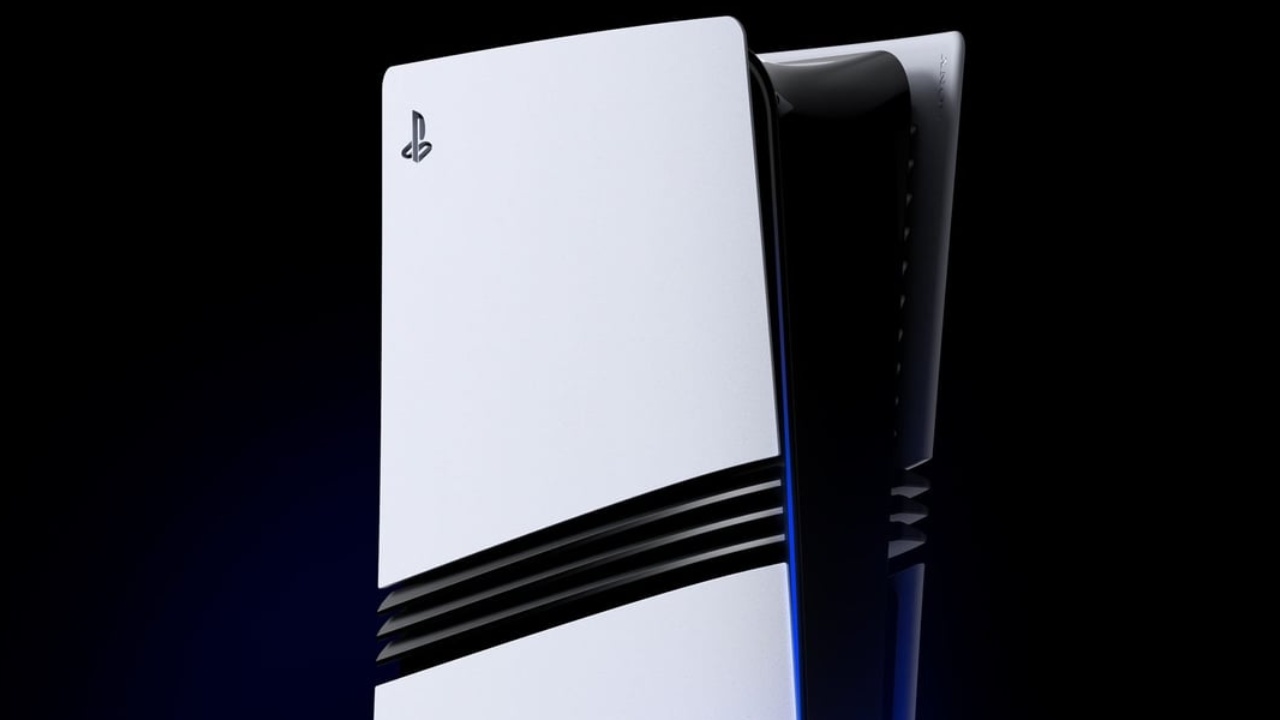
Those looking for a more fluid experience and sharper images might still find the Pro's upgrades worthwhile. But if you're happy with the way games perform on a standard PS5, the upgrade is hard to justify, especially at current prices.
All in all, the PS5 Pro offers several nice upgrades, including 2TB of storage, Wi-Fi 7 support, better graphics, and more customization options. However, with no built-in disc drive, the added cost of a stand, and modest visual upgrades, this console is a harder sell.
The PS5 Pro was a premium purchase at its original launch price of $700. The value prop is even less compelling when retail prices are said to be $900, and secondhand units are listed for as much as $1,400. The standard PS5 makes more sense for most players unless you're specifically looking for the best graphical performance on Sony's current console lineup.
Senior Editor, NoobFeed
Latest Articles
No Data.