
R.E.P.O. Beginner’s Guide | Gameplay Tips & Tricks
Master looting, avoid enemies, and hit your Quota faster with simple, practical tips.
Game Guide by Faviyan Mustafiz on Jan 03, 2026
R.E.P.O. is a co-op horror game where you step into a risky job and survive by doing the work cleanly. Your goal is straightforward, but the execution gets messy fast. You enter dangerous locations, grab valuable Loot, and extract it safely without destroying its value.
This guide covers the core systems you need for a strong start, including the R.E.P.O. Van, Extraction Site flow, loot handling basics, enemy survival, the Service Station, and how progression changes as levels climb.
Understanding The Basics In R.E.P.O.
When you join a lobby, the run begins immediately in Level One. You start inside the R.E.P.O. Van, where a small monitor shows your current level.
A larger monitor displays messages from The Taxman, who communicates in emojis. Your Health and Energy appear in the top-left corner. Energy drains only during sprinting and regenerates automatically.
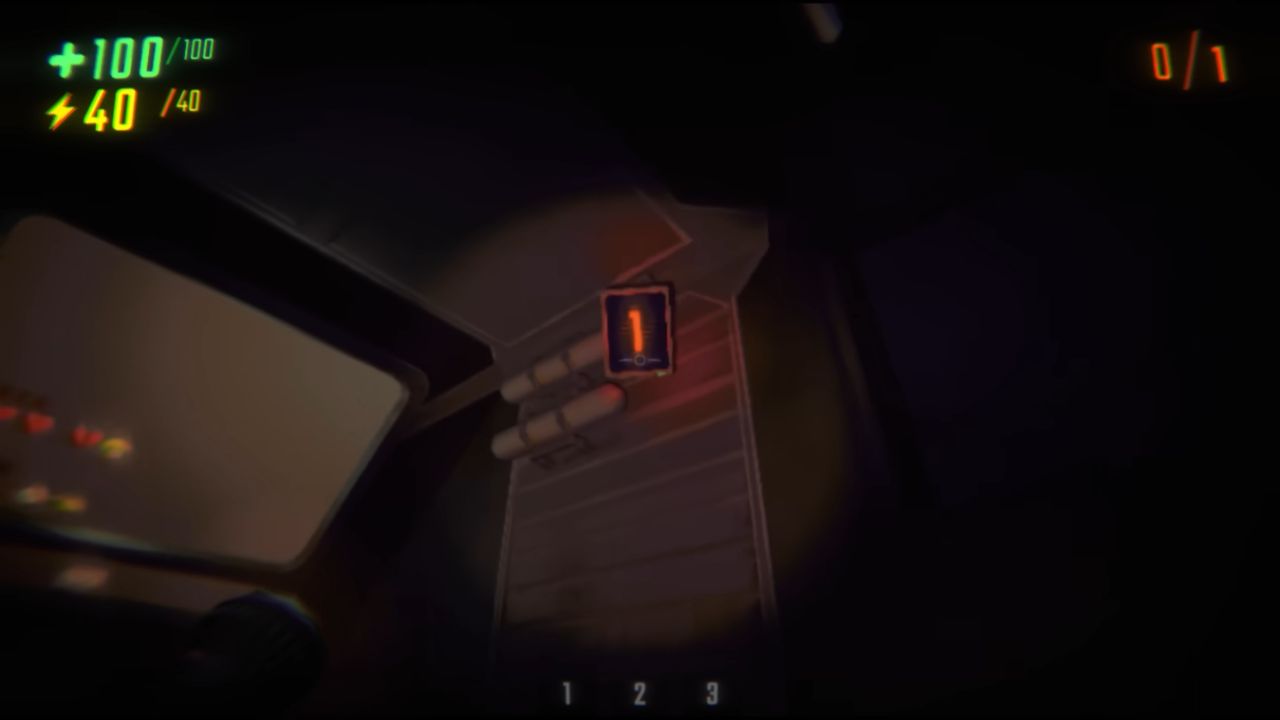
Just outside the R.E.P.O. Van, you find the C.A.R.T. and the first Extraction Site. The main objective stays consistent. Find Loot, bring it to an Extraction Site, and leave after all required Extraction Points are completed.
The top-right corner shows your Quota goal and how many Extraction Points are on the map. Load enough value to hit Quota, return to the Extraction Site, and the items withdraw automatically once the point is completed.
How Loot And Extraction Really Work
Loot can be anywhere. It can be high up, down low, or tucked under beds, chairs, and other objects. Cabinets, lockers, safes, and furniture can also hide valuables. Handling matters because dropping Loot or banging it into almost anything can reduce its value, and some items can break completely.
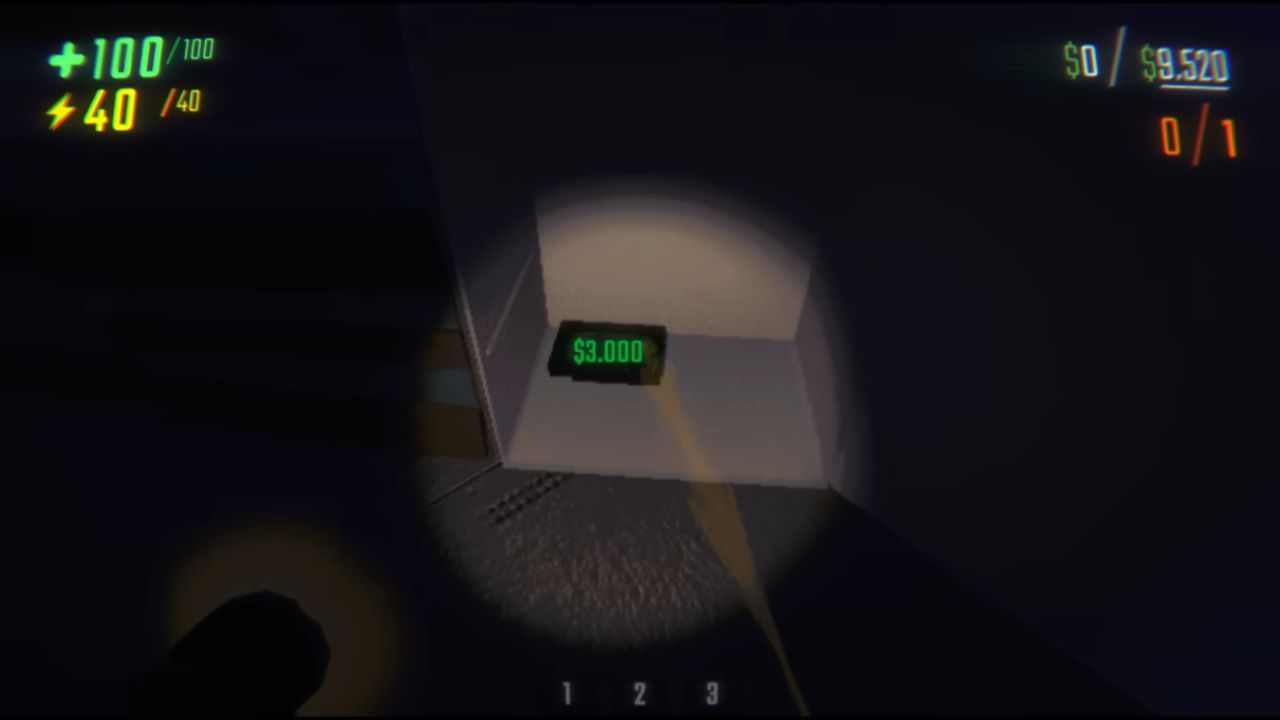
Weight changes how you move items. Some Loot is light and easy to carry. Some is heavy, slowing you down. Some is too heavy to carry alone, so teammates need extra strength.
Pushing items with your body also helps, especially when moving and angling heavy objects through awkward spaces. Small items usually belong in the C.A.R.T. Big items often work better when taken straight to an Extraction Site, as long as they fit cleanly.
Packing matters at the Extraction Site. If too much of an item protrudes, it can break and cause the extraction to fail. Overfilling past Quota is often worth it because going over Quota increases the bonus. That extra value can make the next level easier.
Loot Handling Tips That Keep Value High
Small-item control makes looting safer and faster. Use the scroll wheel to pull a small item closer or push it farther away. This makes it easier to place items gently on the floor when the C.A.R.T. is not nearby. When sprinting while holding an item, pushing it away helps prevent it from hitting you and taking damage.
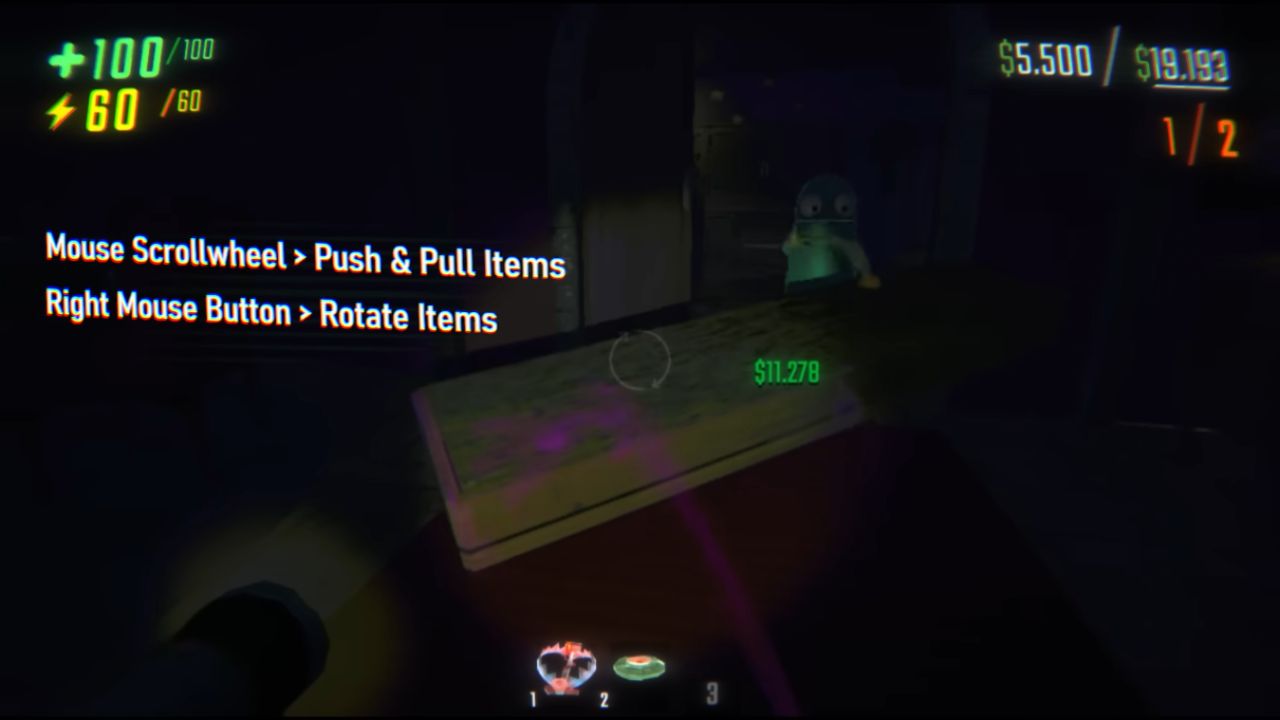
Large-item control keeps runs from falling apart in tight hallways. Holding the right mouse button lets you rotate big items. This helps you angle them through narrow doors and cramped corners without scraping them against walls.
Surviving Enemies While Protecting Your Loot
Enemies show up as you work toward Quota, and they behave differently depending on the type. Some chase you. Some pull you. Some even target your Loot.
Staying low is a strong default response. Crouching makes it harder for enemies to see you, and hiding under objects like chairs and tables makes you even harder to spot.
When a fight is unavoidable, Grenade and Explosive Mine damage are often the most effective options. It is also possible to swing Loot or nearby objects to hit enemies by pressing Q. Another powerful trick is shrinking yourself into an object.
This lets teammates pick you up, move you, and even use you like a weapon. A fast escape option exists, too. Sprint, jump, then shrink into an object to launch yourself forward. This can push you into enemies to hurt them, or fling you toward safer ground when things get out of control.
Revives are part of the extraction loop. When a teammate dies, their head drops. Bringing that head to an Extraction Site allows a revive after a successful extraction. There is no time limit during these levels, so careful play is rewarded. Taking a slower route is often better than losing value or losing the run.
Using The Service Station Between Levels
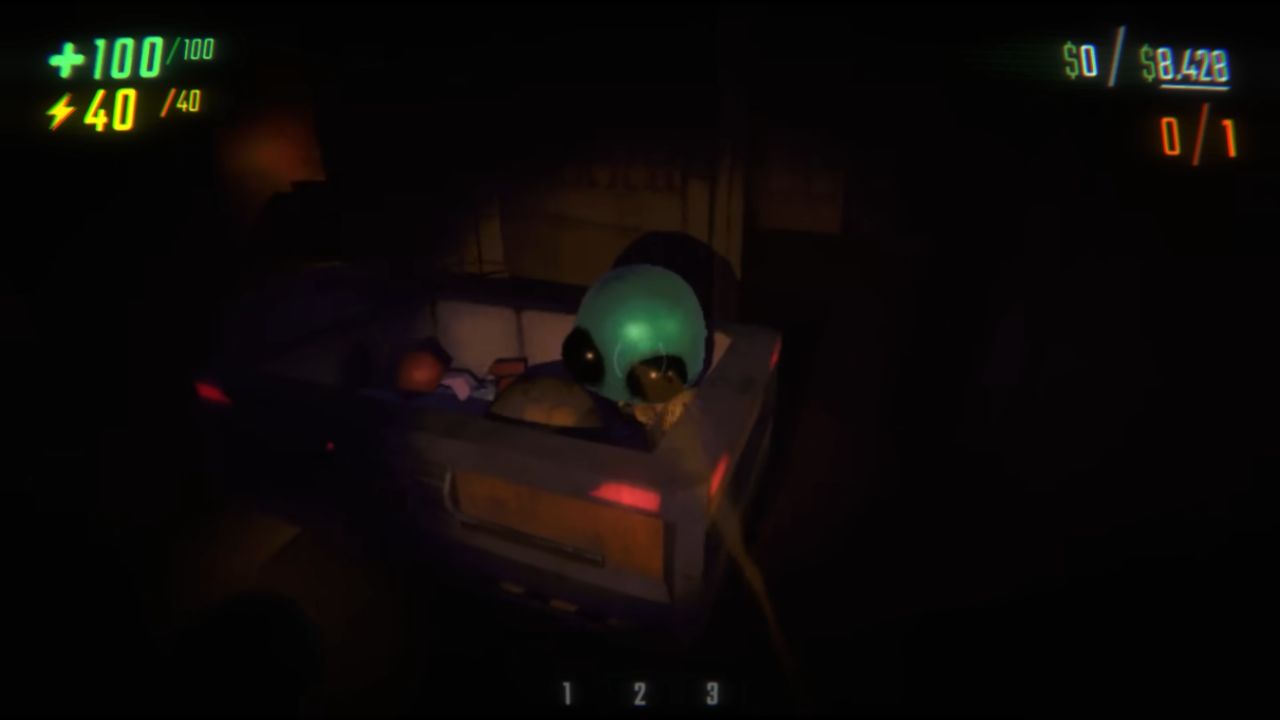
After each level, you arrive at the Service Station. This is where you buy Health Pack supplies, Skill Upgrade options, and Weapon choices.
Upgrades can include increased speed, better stamina, and even Double Jump. Early on, the Stamina Upgrade value is strong because it is cheaper and it makes a noticeable difference.
The shop selection changes each visit because items are randomly generated. If something important comes up, buying it immediately is safer because it may not be available next time. Spending smart matters because prices increase at every level.
To purchase, place desired items on the Extraction Site and press the red button. After leaving the shop, the purchased items are loaded into the R.E.P.O. Van. Health Pack and Skill Upgrade items can be consumed by pressing E. Weapon and utility items can be placed into inventory by holding them and pressing 1, 2, or 3.
Game Progression, Extraction Points, And The Mini Map
As levels increase, maps grow, quotas rise, and more Extraction Sites appear. Each Extraction Site is located in a different part of the map, and each can be used only once. After a successful extraction, the site is destroyed.
That forces you to find another Extraction Point, activate it, fill it to hit Quota, and repeat until all required Extraction Points are completed. Once every extraction point is finished, you return to the R.E.P.O. Van and leave.
Navigation becomes easier with the Mini Map. Holding Tab opens it. The Mini Map shows which rooms have been explored, highlights items, and guides you to the active Extraction Point. Using it matters most after completing the final extraction point, because it helps you find the fastest path back to the R.E.P.O. Van.
Also, check our other guides below:
- R.E.P.O. Guide | All Monsters and How to Beat Them
- R.E.P.O. Guide | Best Tips & Tricks for Faster Extracts
- R.E.P.O. Guide | Cart Speed Boost Trick
- R.E.P.O. Guide | How to Beat Huntsman
- R.E.P.O. Guide | How To Beat The Animal
- R.E.P.O. Guide | How To Beat Apex Predator
- R.E.P.O. Guide | Best Shop Reroll Strategy
Contributor, NoobFeed
Latest Articles
No Data.