
R.E.P.O. Guide | Best Tips & Tricks for Faster Extracts
Quick, practical movement, stealth, and cart tech to loot more and survive longer in R.E.P.O.
Game Guide by Faviyan Mustafiz on Jan 03, 2026
R.E.P.O. points out minor improvements. To preserve item worth and stay alive, you need to pick up items faster, choose a safer angle, or make a wiser cart move. When attackers pack the course and time is of the essence, this tutorial concentrates on the hidden dynamics that really matter in real runs.
Invincibility Frames and Clean Pickups
For around thirty seconds after the first pickup, things that are fragile are immune from damage, so they can survive the first grab.
Retain the object from falling back into the shelves or walls by grabbing it swiftly and pulling it toward you. After the first grab, be careful with delicate loot because this brief window does not apply.
Auto Grab for Small Loot and Threats
As soon as your aim lands on an item, you can grab it with Auto Grab. To speed up the collecting process, hold down the grab button and move your crosshair over obstacles.
Small items hiding under furniture, in cupboards, or on shelves can be more easily located with this method. Since the pickup timing is now more accommodating, dealing with Gnomes and Bangers becomes easier as well.
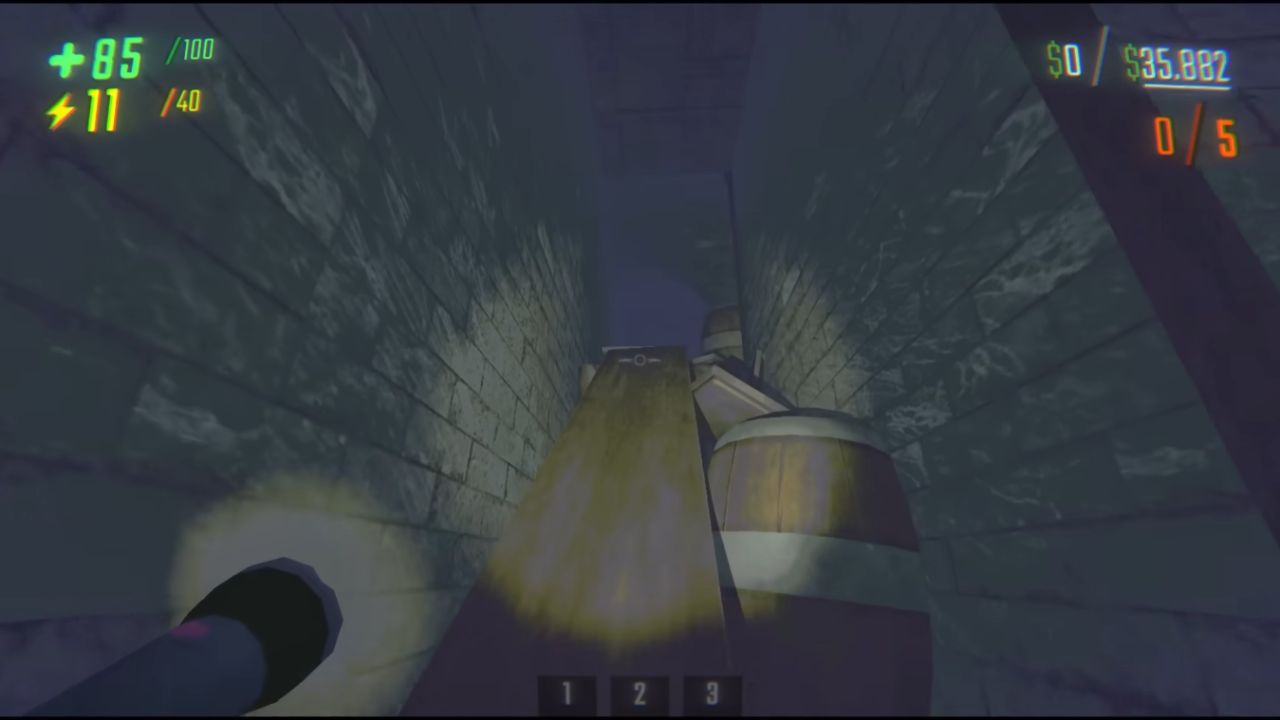
Tumble Tech for Speed and Height
Tumble Tech is a reliable speed tool. To get forward, you need to slide, jump out of it, and then switch to Object Mode. Due to the low energy cost, repetition is feasible. Look straight ahead to gauge distance, up to gauge height, and side to side to gauge gaps.
If landing becomes dangerous, especially on higher levels with exposed drops, swiftly switch to Lower Object Mode. Having access to the Tumble Launch and Tumble Wing Upgrades makes this much more potent.
Rotate Tech to Load Awkward Items
Rotate Tech still works, but it needs better positioning. Items like the Vase and Wizard Cube can be rotated into the cart even with low strength. Create a "hook" angle by lifting part of the item above the cart edge, then rotate it down so it catches the edge.
If you want to get the Wizard Cube's spin to settle, elevate the back corner around 45 degrees. If the hook angle is established initially, this method can also be used to create forms.
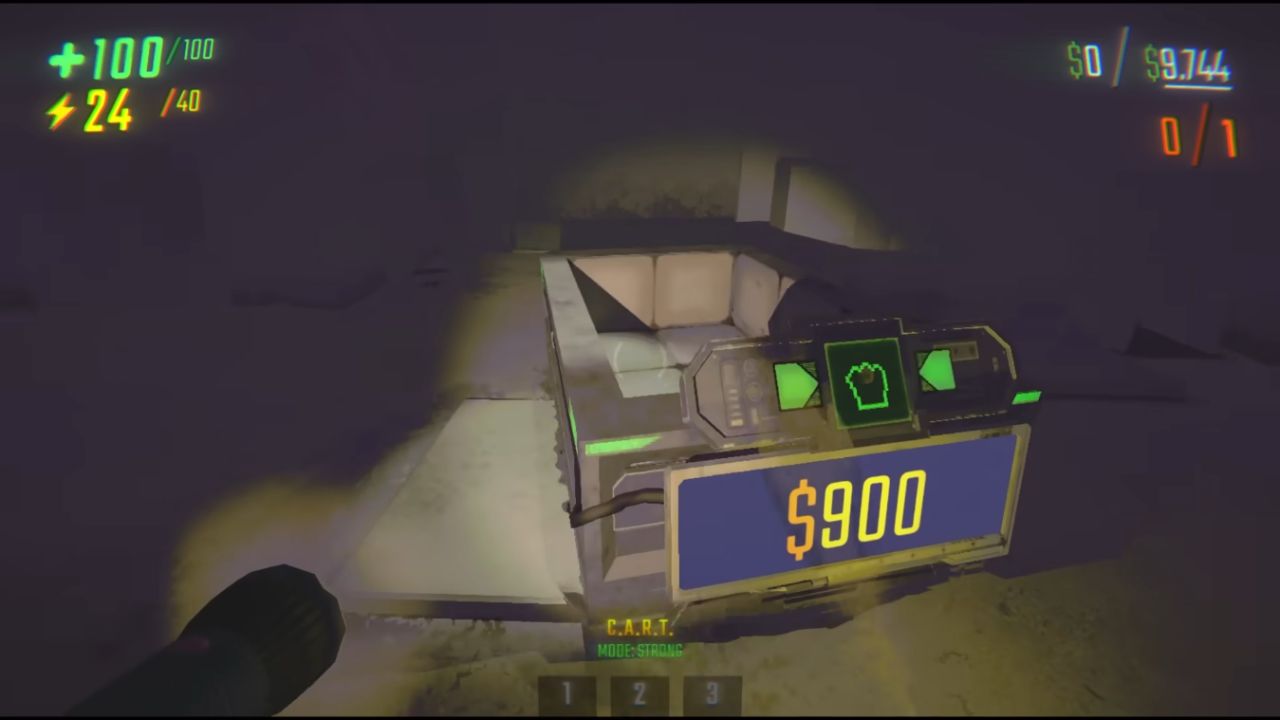
Cart Boosting and Cart Bashing
Cart Boosting might let you travel quickly without getting tired. If the cart slides in front of you, use short sprint touches to fix it. If it stays behind you, it will push forward. The host usually feels more stable this way.
When staying alive is more important than getting anywhere fast, Cart Bashing is a great way to kill cheaply. Shock an adversary with a Tranquilizer or Stun Grenade, then smash the cart into both the victim and a wall to swiftly pile on damage. It normally takes more dedication, but this can delete several adversaries in a single stun window.
Enemy Vision, Noise, and Safer Movement
Standing up straight makes it easier for enemies to see you. Crouching and Object Mode make it less likely that someone will see you, while crawling frequently gives you the greatest time before being fully seen. The sound also matters.
Every time you move, jump, hit, or speak, a "noise bubble" is formed, and it has the potential to attract enemies. If a channel is closed later than expected, controlled noise could be employed to divert attackers away from the path of the Repo Van. Without resorting to open warfare, a route is rendered safer.
Shop Prices and Upgrade Scaling
Some costs stay the same, but others change when runs reset or improve. Things like Stun Grenades, Grenades, and Mines tend to stay the same; things like Energy Crystals and Health Packs frequently stay within ranges that can increase as levels go up.
Upgrade costs do not rise just because levels rise. Costs rise because upgrades get purchased, so skipping a tempting upgrade can keep it affordable later.
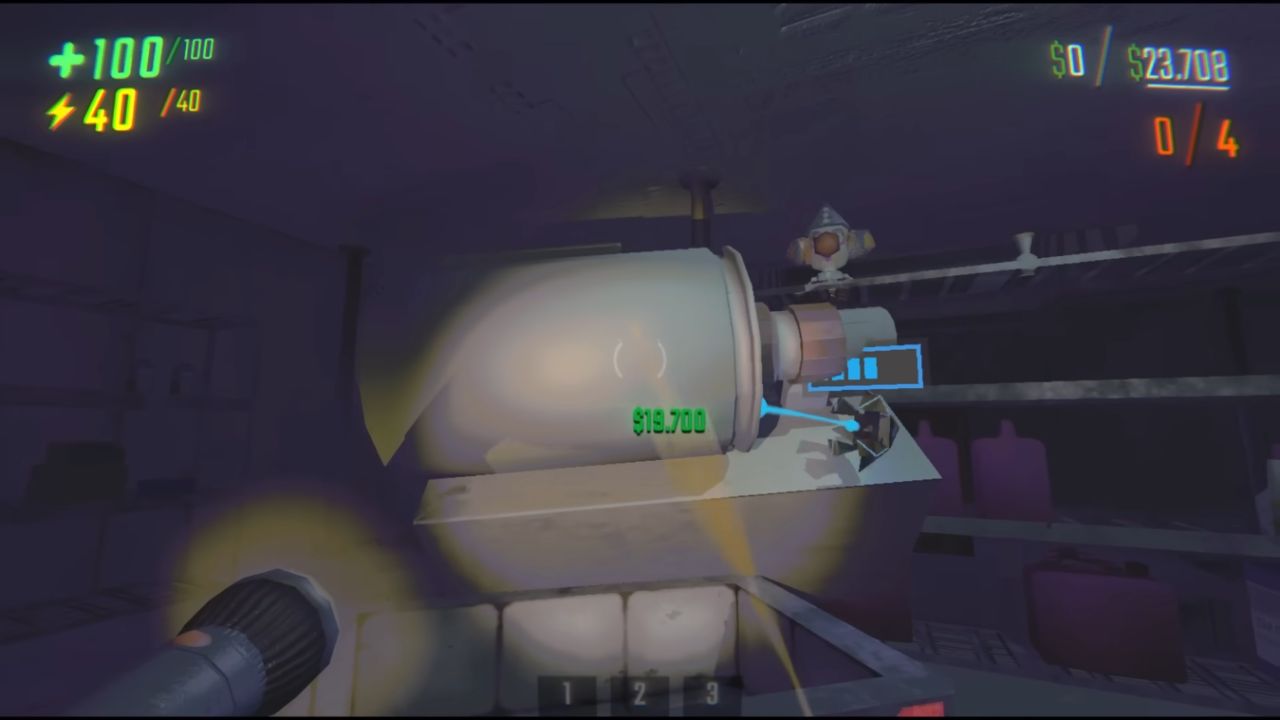
Cart Magnet and Magnet Tech
The cart has a pulling force just above its rim, making it ideal for quick looting. Slide the cart under a table and drag items toward the cart so the pull helps them fall in. That same force can also hold big loot in place.
Connect a No-Gravity Drone to a big object, put it toward the top of the cart, and let it pull "stick" it to the cart. A Zero-Gravity Orb can likewise hold comparable arrangements. Always check that the item value is registered in the cart so it is counted as safe.
Action Timer and Stuck-Attack Danger
Pressure builds when enemies stay in the same room, and that pressure can trigger enemies to leave after enough time. This hidden Action Timer rises faster with stronger tiers and stacks when multiple enemies are present.
When it maxes out, enemies tend to path away and reset, creating a short recovery window. Be careful with enemies that get stuck on clutter. Larger threats like Robe or Clown can spam attacks while trying to clear a blockage, and that can wreck your cart or destroy high-value loot if it is left in tight hallways.
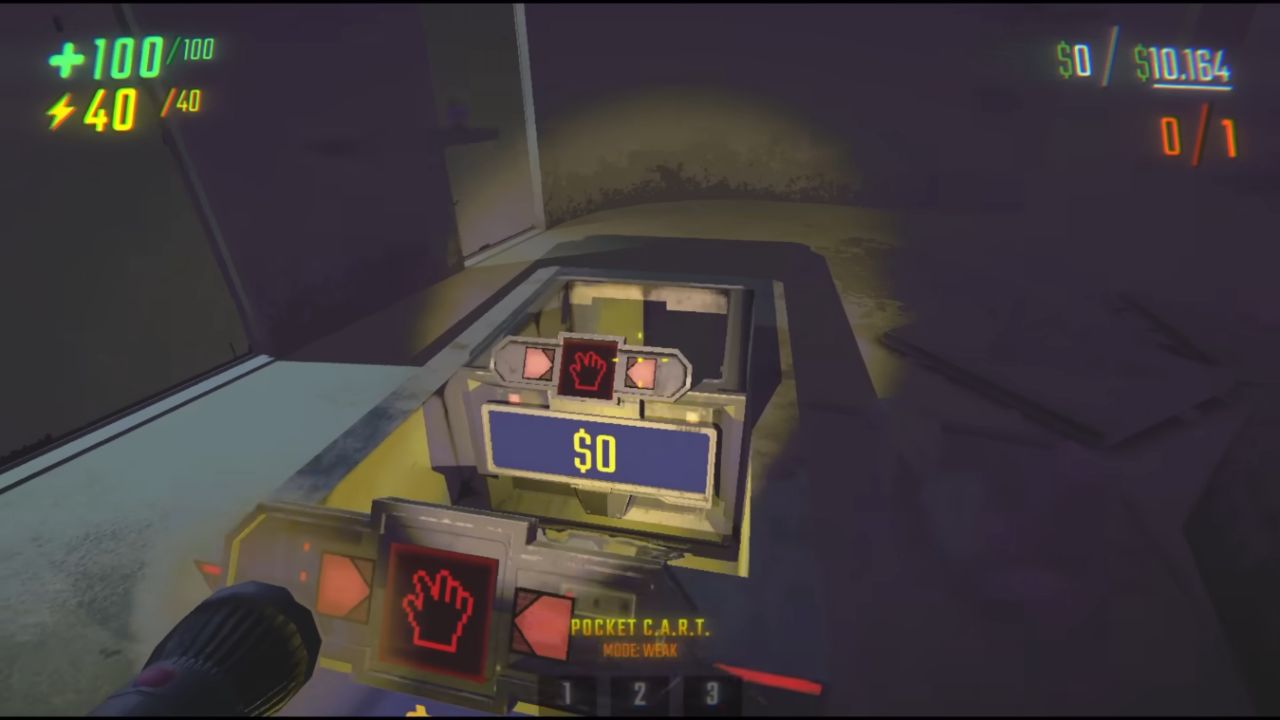
Cart Car Setup
A Pocket Cart inside a full cart can turn the cart into a drivable setup that moves loot as a single unit. This can feel smoother when hauling crowded loads. For a heavier build, a Cart Cannon can be combined with the Pocket Cart setup to create a more aggressive "tank" style cart, especially when enemies start flooding the extraction path.
Also, check our other guides below:
- R.E.P.O. Beginner’s Guide | Gameplay Tips & Tricks
- R.E.P.O. Guide | All Monsters and How to Beat Them
- R.E.P.O. Guide | Cart Speed Boost Trick
- R.E.P.O. Guide | How to Beat Huntsman
- R.E.P.O. Guide | How To Beat The Animal
- R.E.P.O. Guide | How To Beat Apex Predator
- R.E.P.O. Guide | Best Shop Reroll Strategy
Contributor, NoobFeed
Latest Articles
No Data.