
R.E.P.O. Guide | Cart Speed Boost Trick
Walk faster by using a quick turn to push the Cart forward.
Game Guide by Faviyan Mustafiz on Jan 03, 2026
Speed helps a lot in R.E.P.O. when paths are long or rooms get risky. This guide explains a simple trick that lets you walk faster with a Cart. It is easy to set up, and it works best when the turn is quick and the movement stays steady.
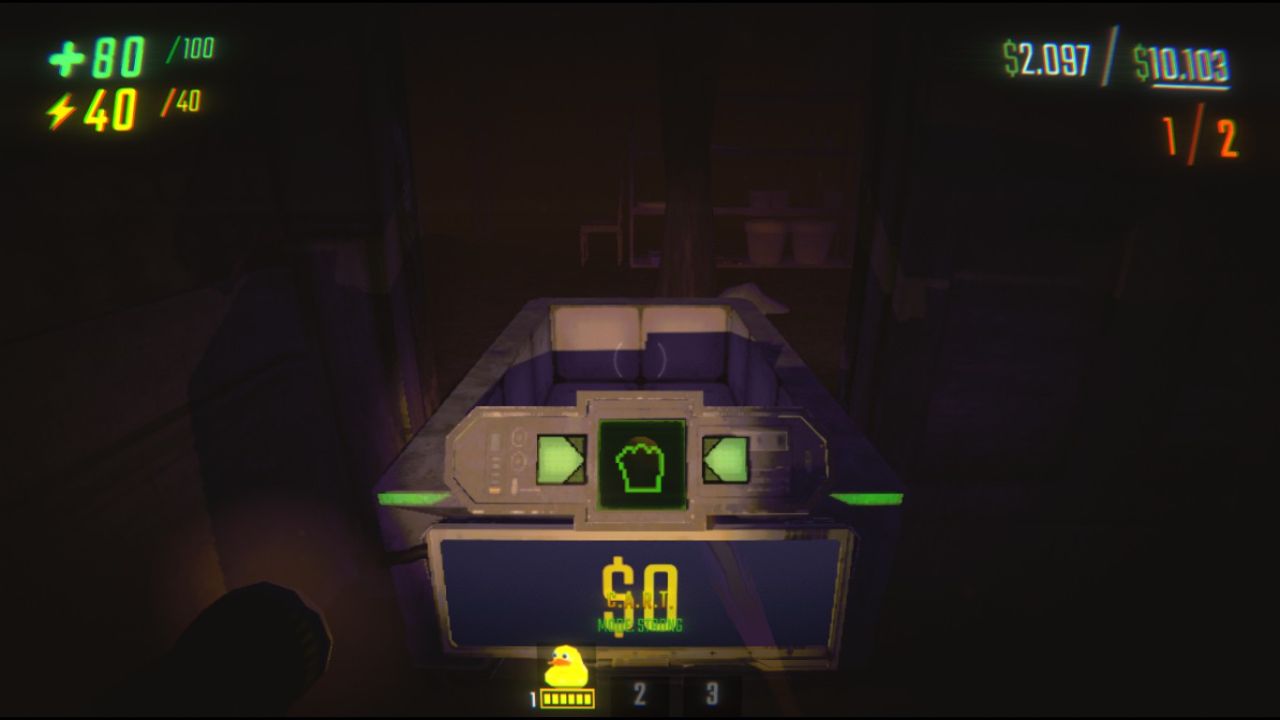
Step 1: Locate the Cart and Set Position
Look for a Cart first at a place where you can move around. Stand on the other side so that your back faces the direction you want to go. Stay close to the Cart so that the push can function right after the turn.
Step 2: Grab the Cart in Strong Mode
Quickly turn 180 degrees. The Cart pushes you because it spins so fast. The push is what makes you move quicker, the turn has to be sharp. Usually, a slow turn weakens the effect.
Step 3: Turn Quickly 180 Degrees
Turn quickly 180 degrees. The fast spin makes the Cart push you. The push is what helps you move faster, so the turn needs to be sharp. A slow turn usually weakens the effect.
Step 4: Move Forward and Keep the Camera Calm
As soon as you turn, start walking. Don't shift the camera too much. It helps the trick stay smooth and fast. It's okay to make small changes, but big camera swings can move feel chaotic and reduce the boost.
Also, check our other guides below:
- R.E.P.O. Beginner’s Guide | Gameplay Tips & Tricks
- R.E.P.O. Guide | All Monsters and How to Beat Them
- R.E.P.O. Guide | Best Tips & Tricks for Faster Extracts
- R.E.P.O. Guide | How to Beat Huntsman
- R.E.P.O. Guide | How To Beat The Animal
- R.E.P.O. Guide | How To Beat Apex Predator
- R.E.P.O. Guide | Best Shop Reroll Strategy
Contributor, NoobFeed
Latest Articles
No Data.